What are you trying to do?
Recommended reading
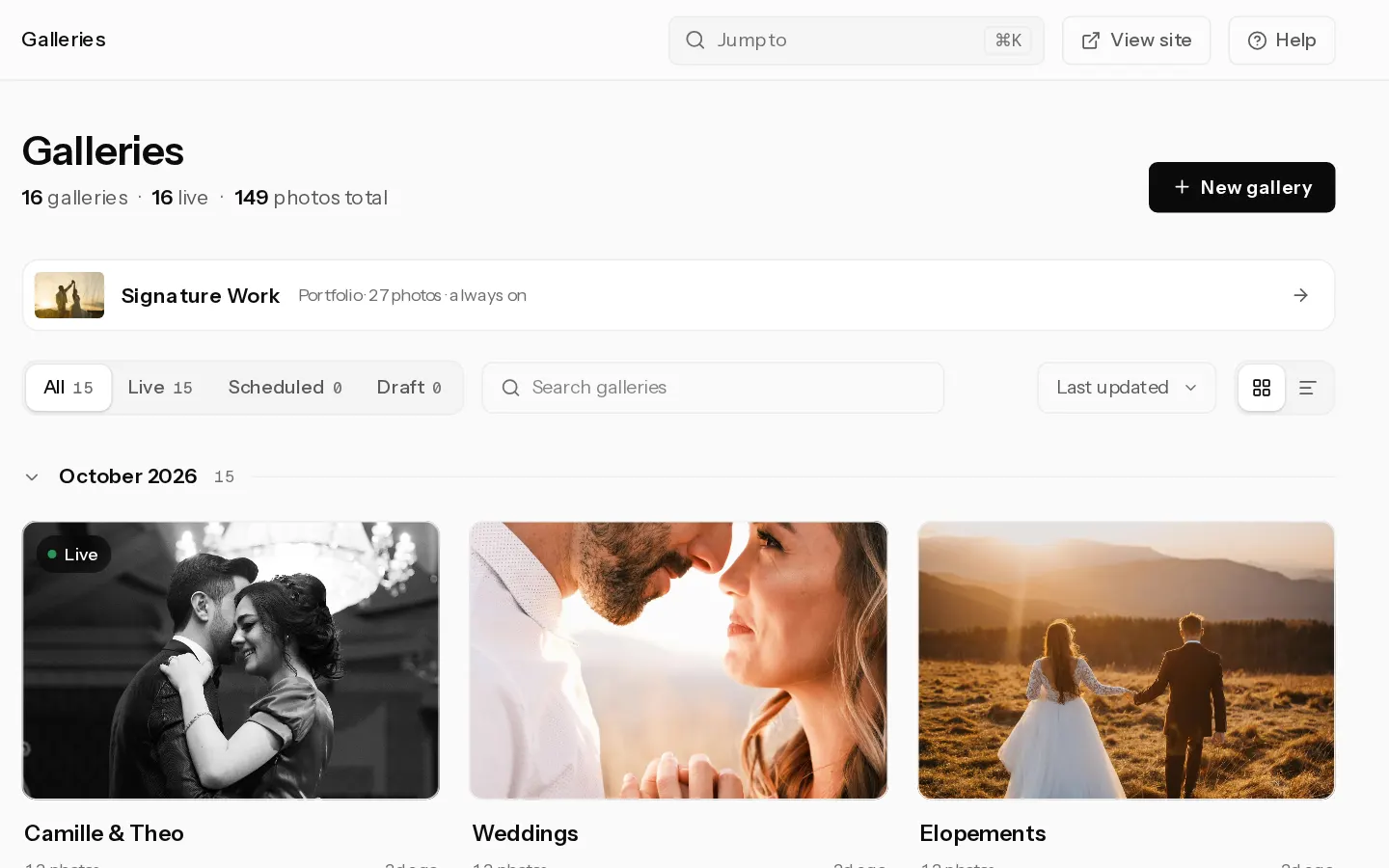
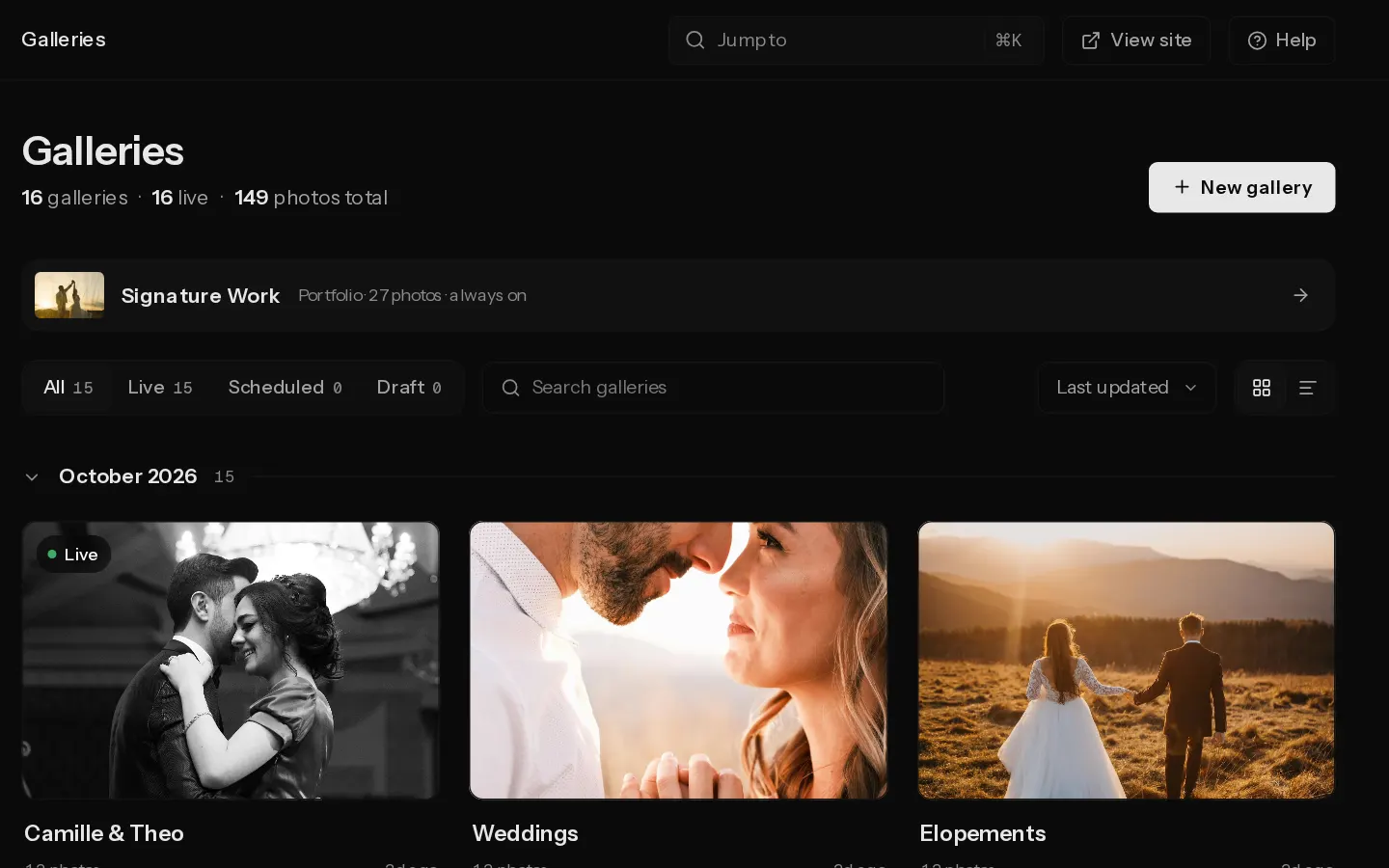 Deliver your first galleryCreate a client gallery, upload the photos, send it with its PIN and know what your client sees.Start the walkthrough
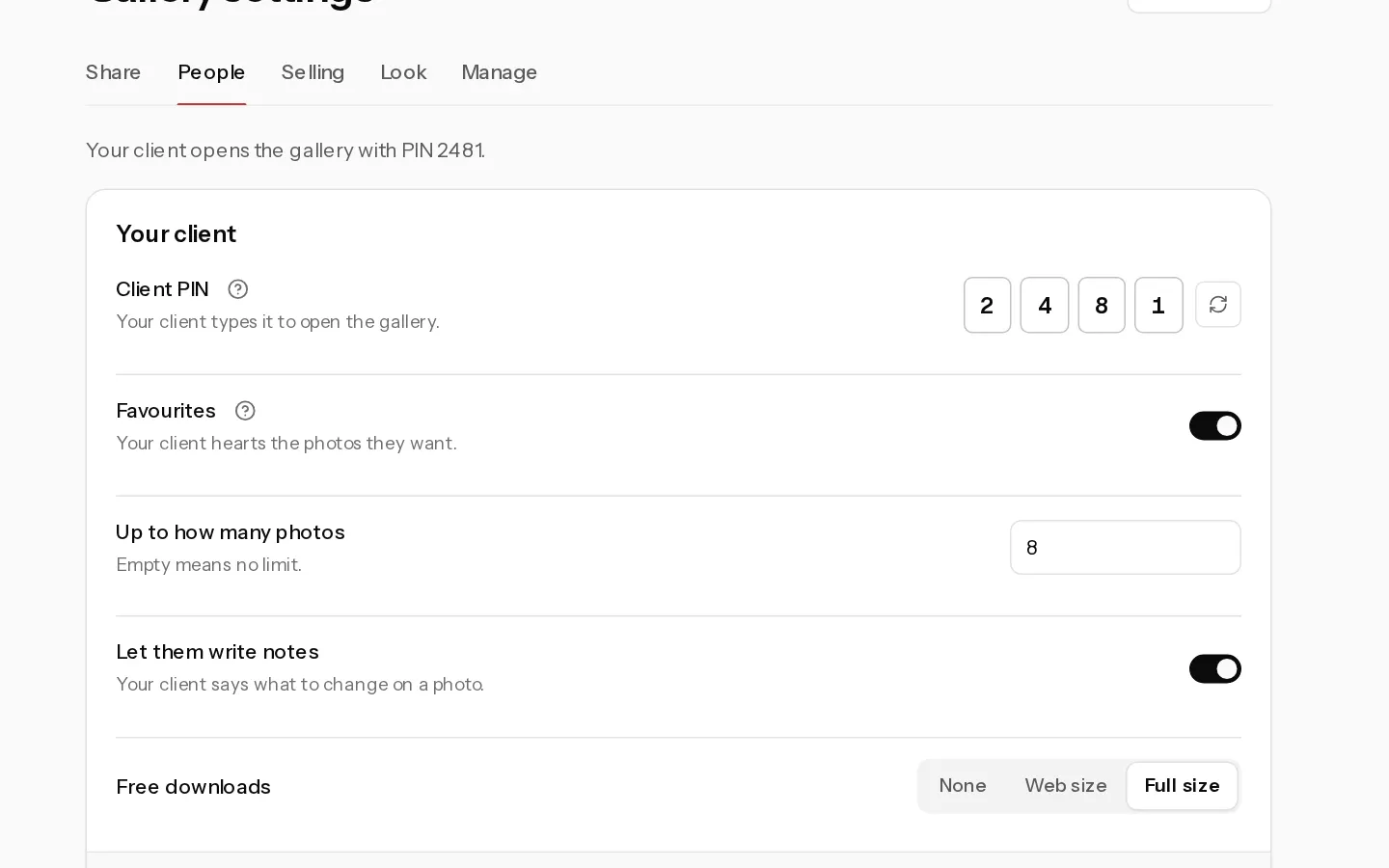
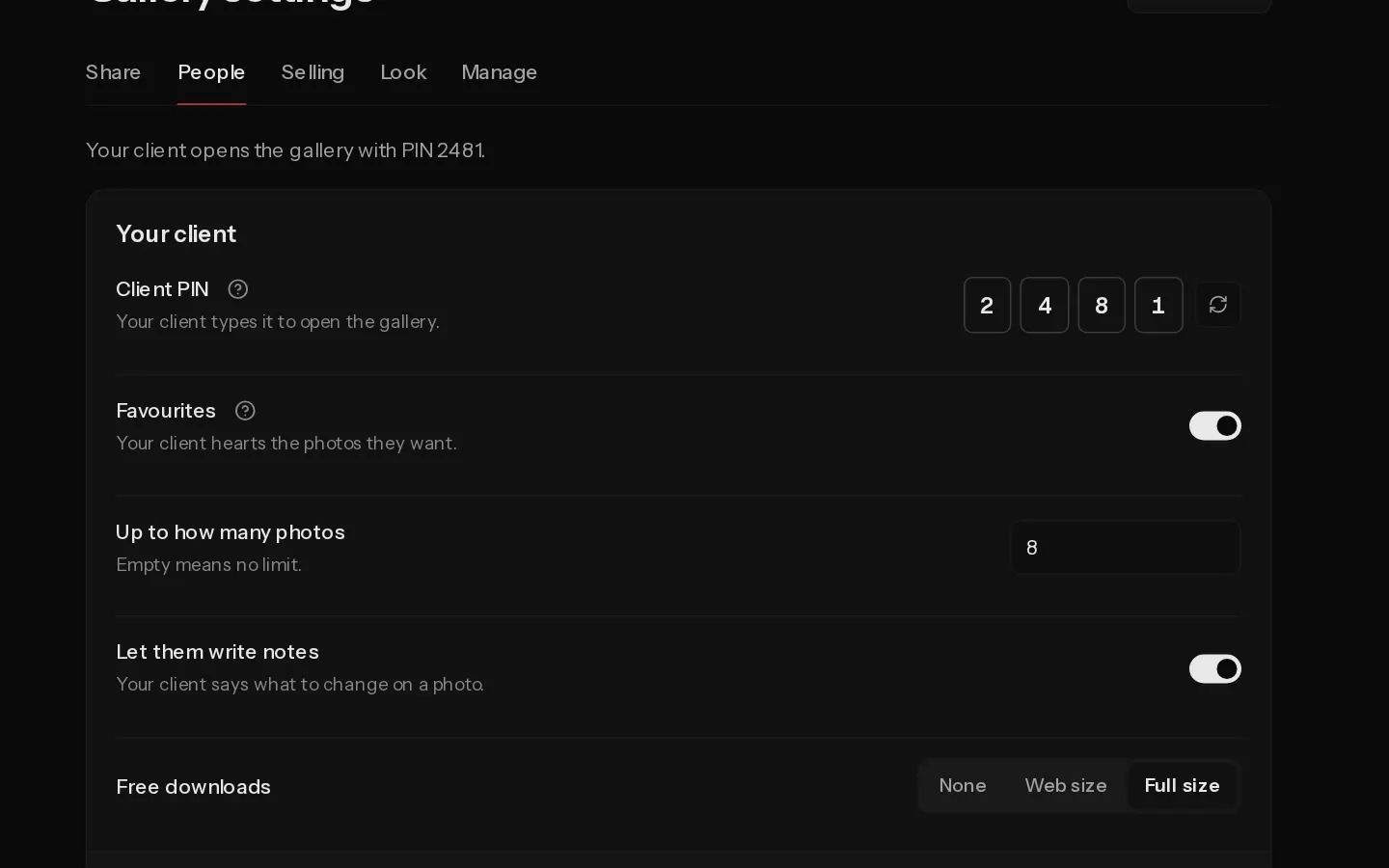 Set a gallery PINGive your client a PIN to open the gallery, and optionally a second PIN for guests who only look.Read the guide
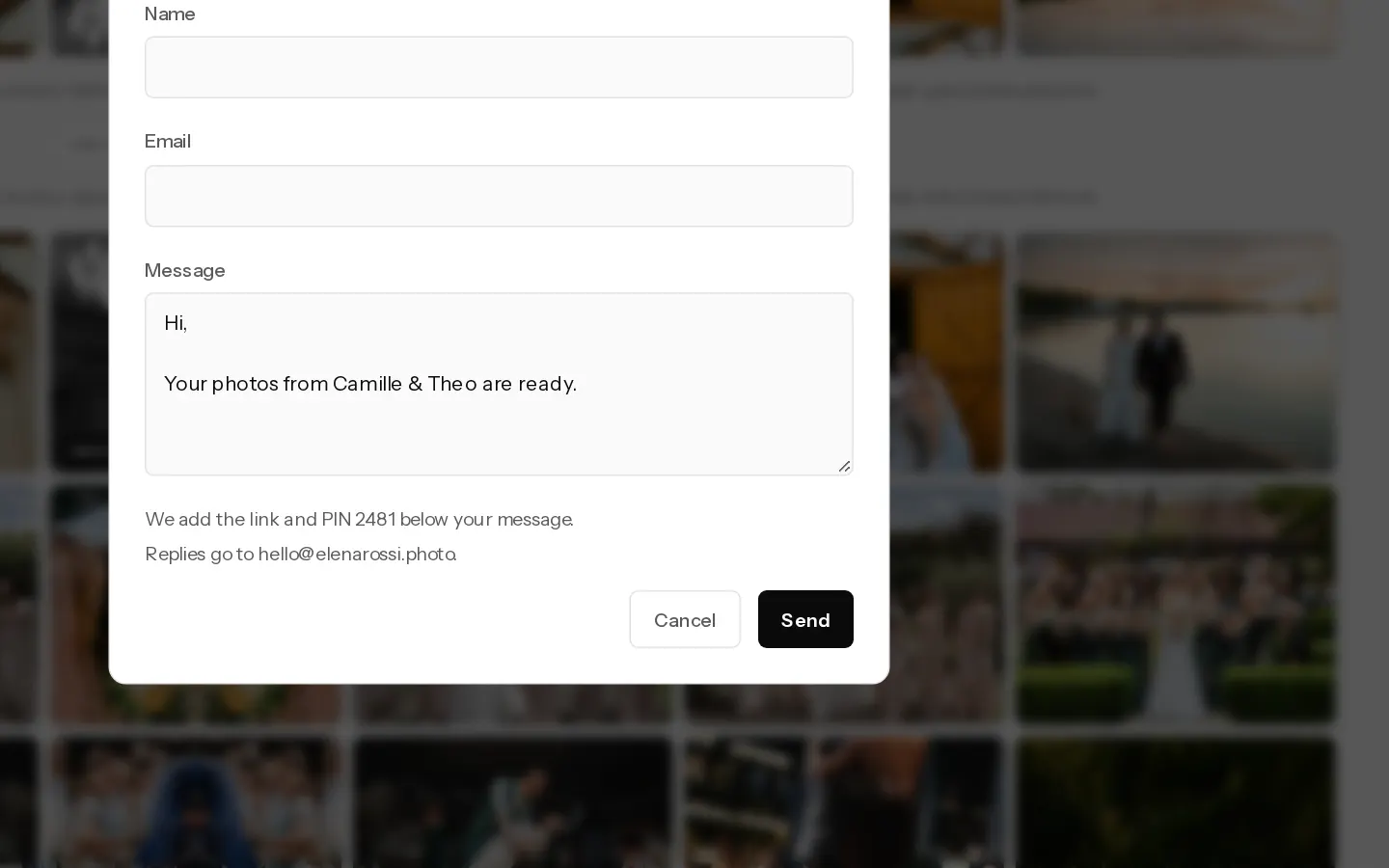
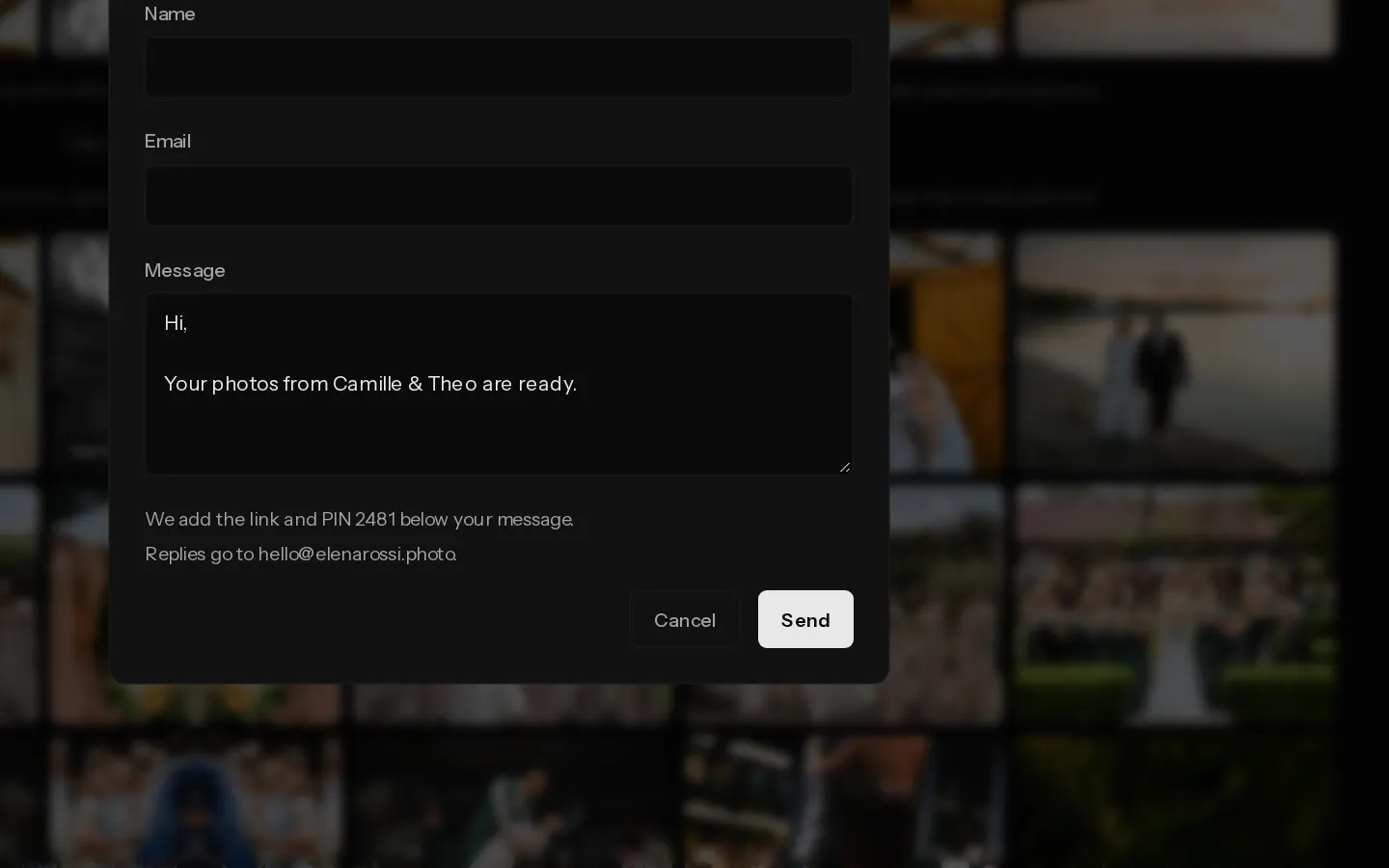 Send the gallery to your clientEmail your client the gallery link and PIN from Xposure, or copy the link to share it yourself.Read the guide
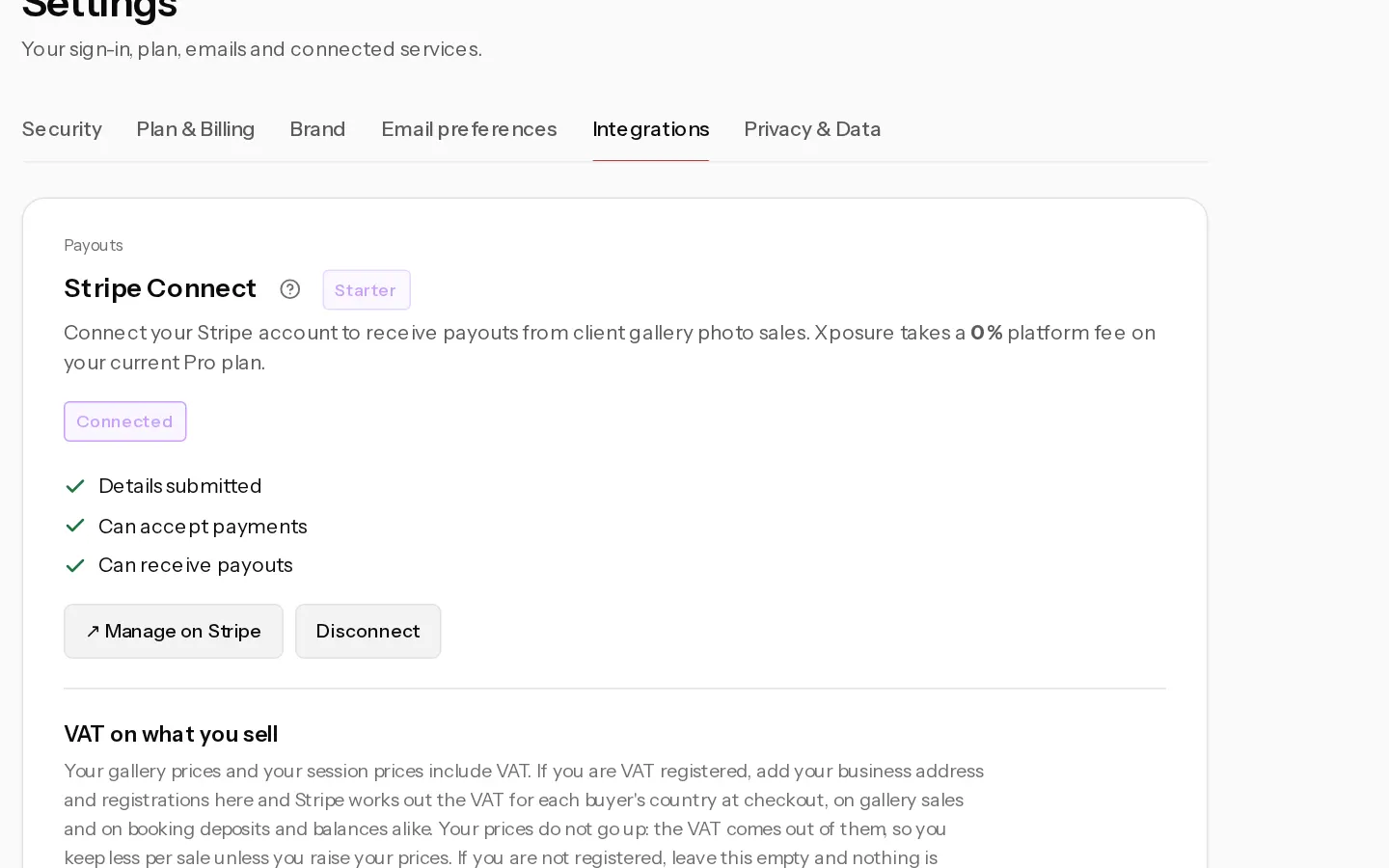
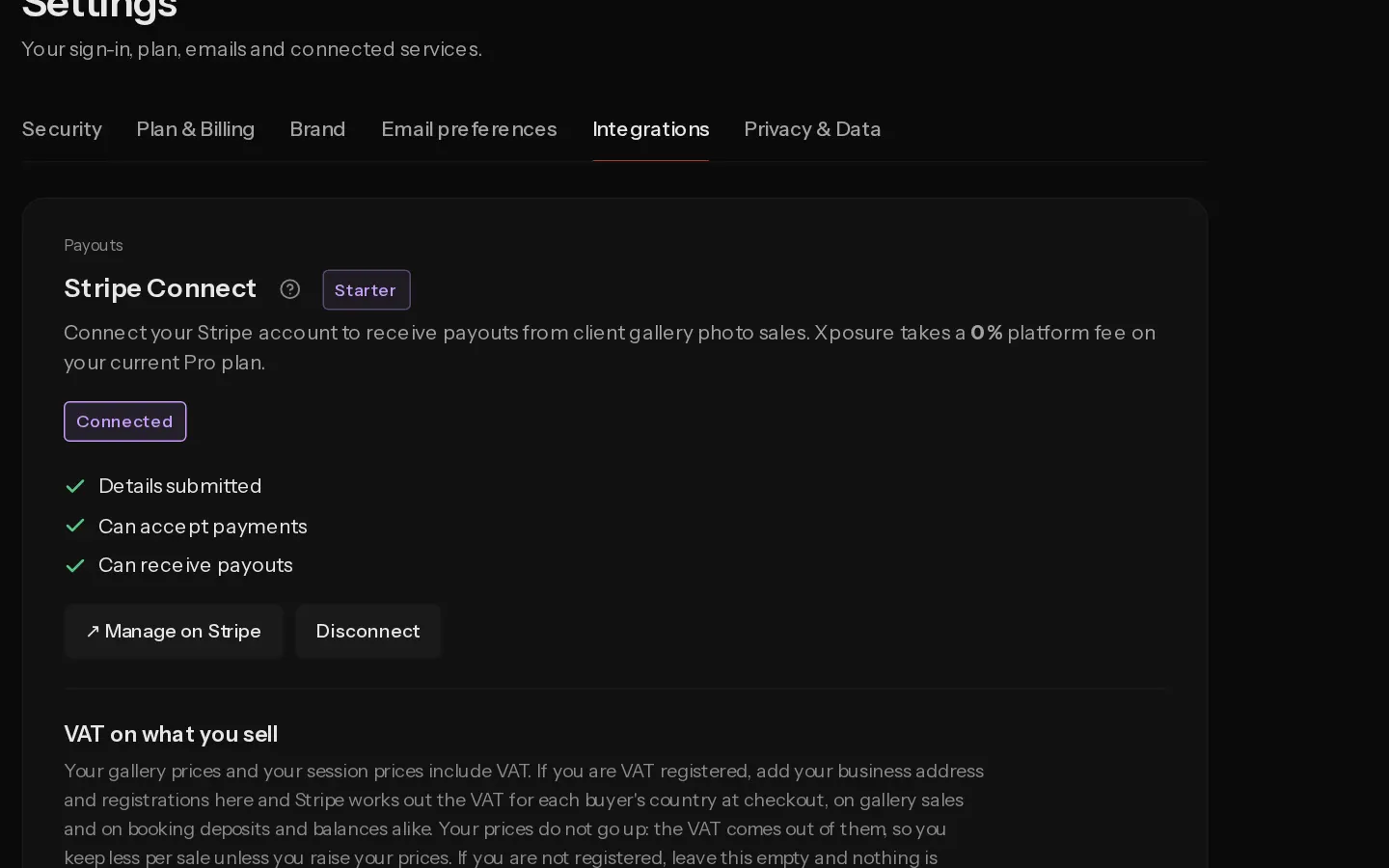 Connect StripeConnect a Stripe account so your clients can pay you for downloads, session deposits and prints.Read the guide
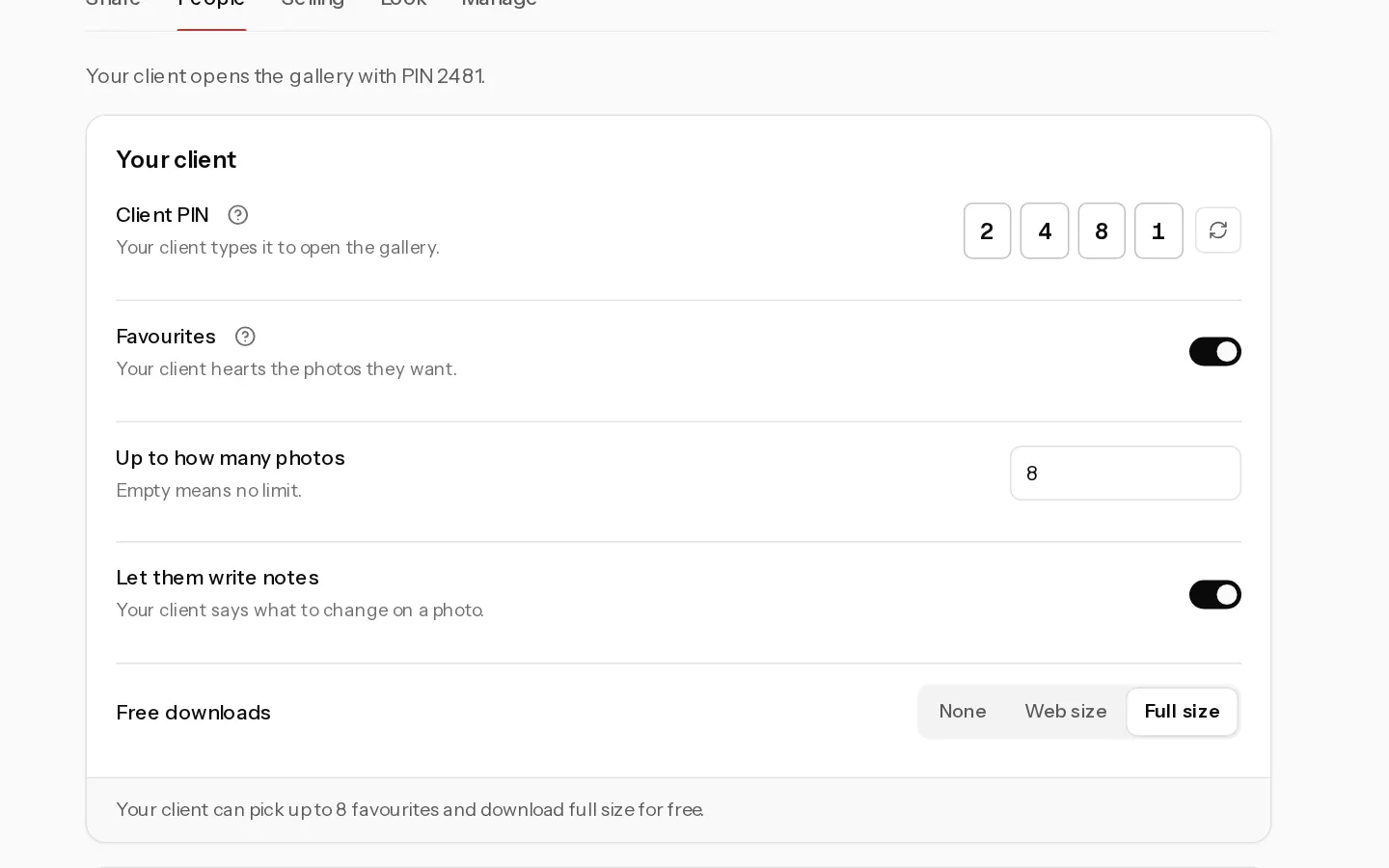
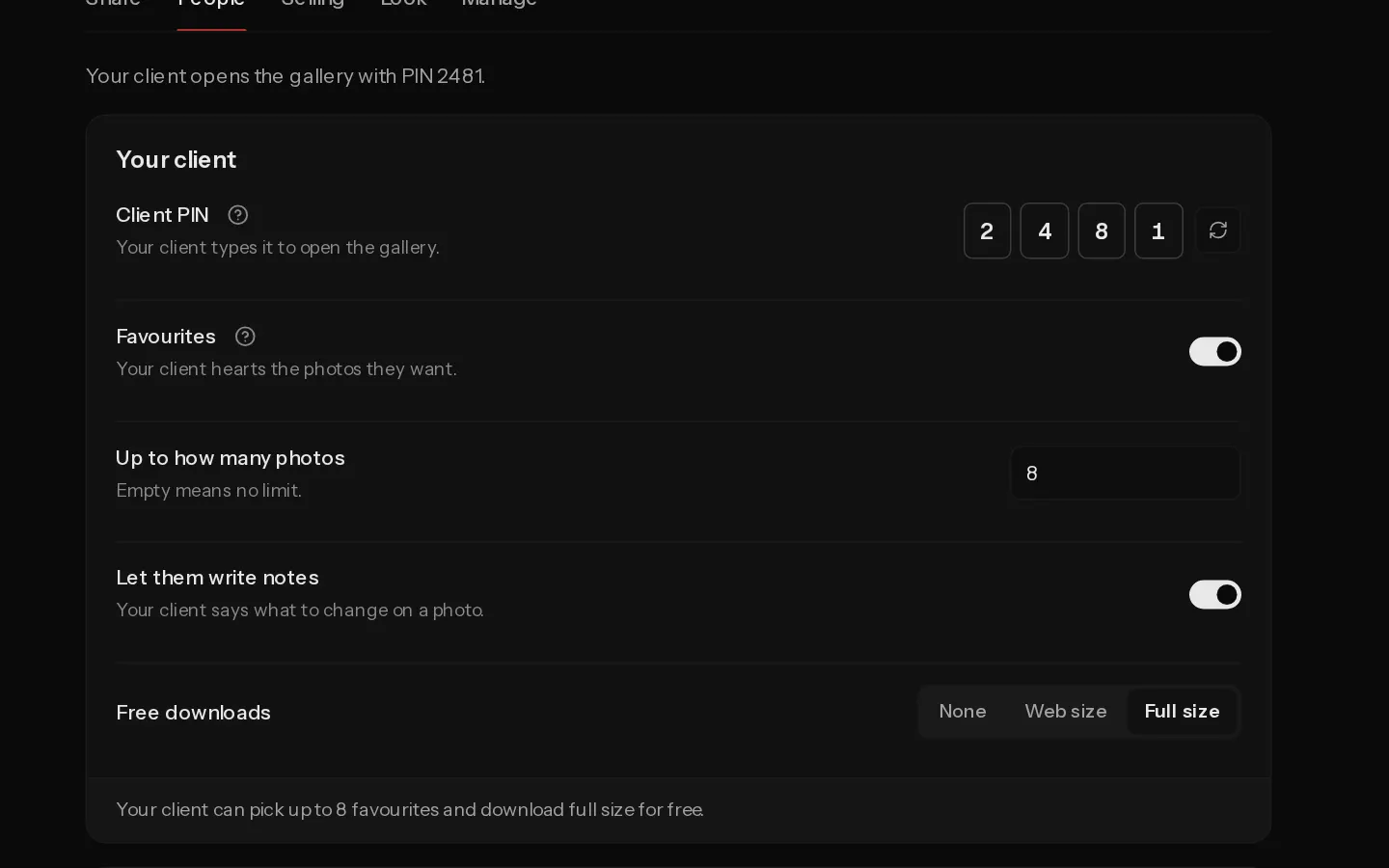 Turn on proofingLet your client heart their favourite photos, leave notes and send you their picks.Read the guide
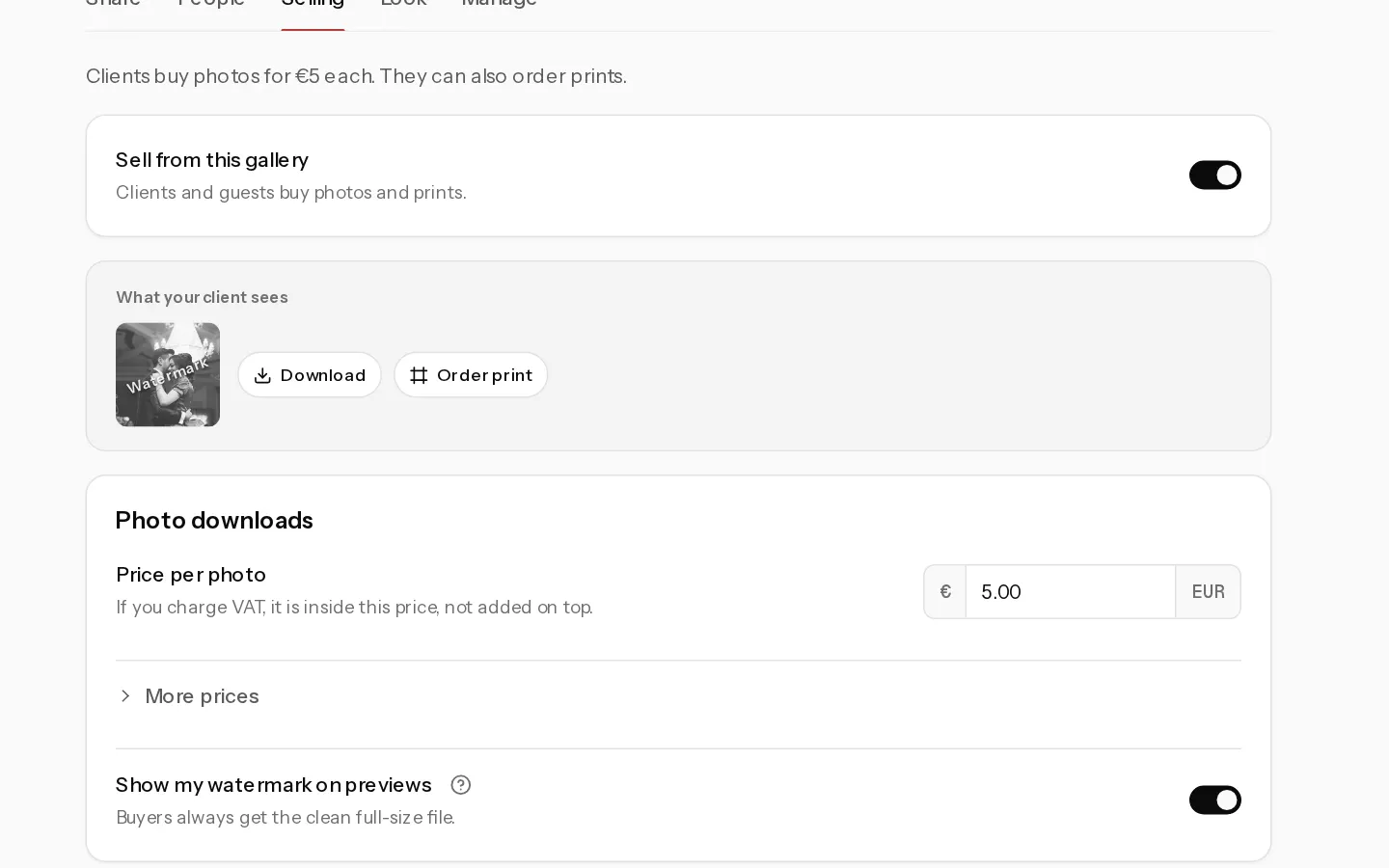
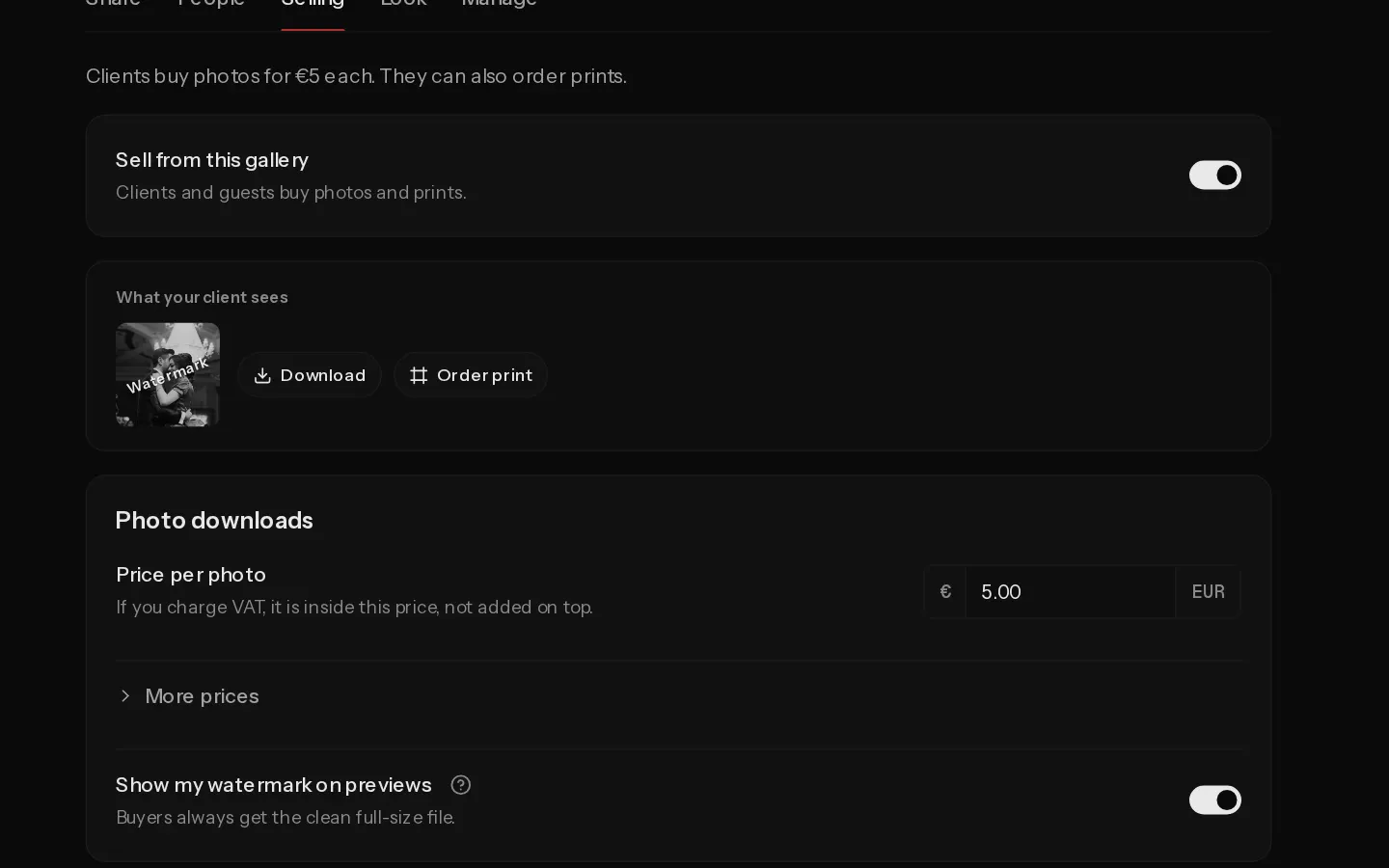 Add a watermarkShow a watermark on the previews of a gallery you sell from, and on Studio use your own logo as the mark.Read the guide
All guides
Getting started
Galleries and delivery
- Choose a client gallery or a portfolio album
- Set a gallery PIN
- Let guests into a gallery
- Send the gallery to your client
- Add a watermark
- Set when a gallery closes
- Arrange your gallery
- Build a gallery layout with blocks
- Choose what your client can download
- Upload from Lightroom Classic
- Add a video to a gallery
- Upload a film to a gallery
- Check upload limits and duplicates
- Collect guest emails
- Read a gallery's insights
- Send sales emails after delivery
- Duplicate, export or delete a gallery
- Set the slideshow speed and music
- Choose the language of a client gallery
Proofing
Selling photos
Print sales
Bookings and clients
- Set up online bookings
- Create a bookable package
- Set your availability
- Write the contract clients sign
- Take deposits and collect the balance
- Send questionnaires to your clients
- Handle enquiries
- Manage your clients
- Connect Google Calendar
- Import another calendar
- Reschedule or cancel a booking
- Record an offline payment
- Share documents with a client
- Add a booking yourself
- Read your booking insights
- Find out why clients cannot book you
- Reply to an enquiry with a booking link
- Know what your client gets and when
- Add your existing clients
- Run a mini session day
- Sell gift cards
Website and posts
Team
Plans and billing
Account and privacy
For clients
Did not find your answer?
Tell us what you are trying to do. Support replies by email.