Set up your portfolio
Fill your public portfolio at /@username with your best photos, your profile and your contact links.
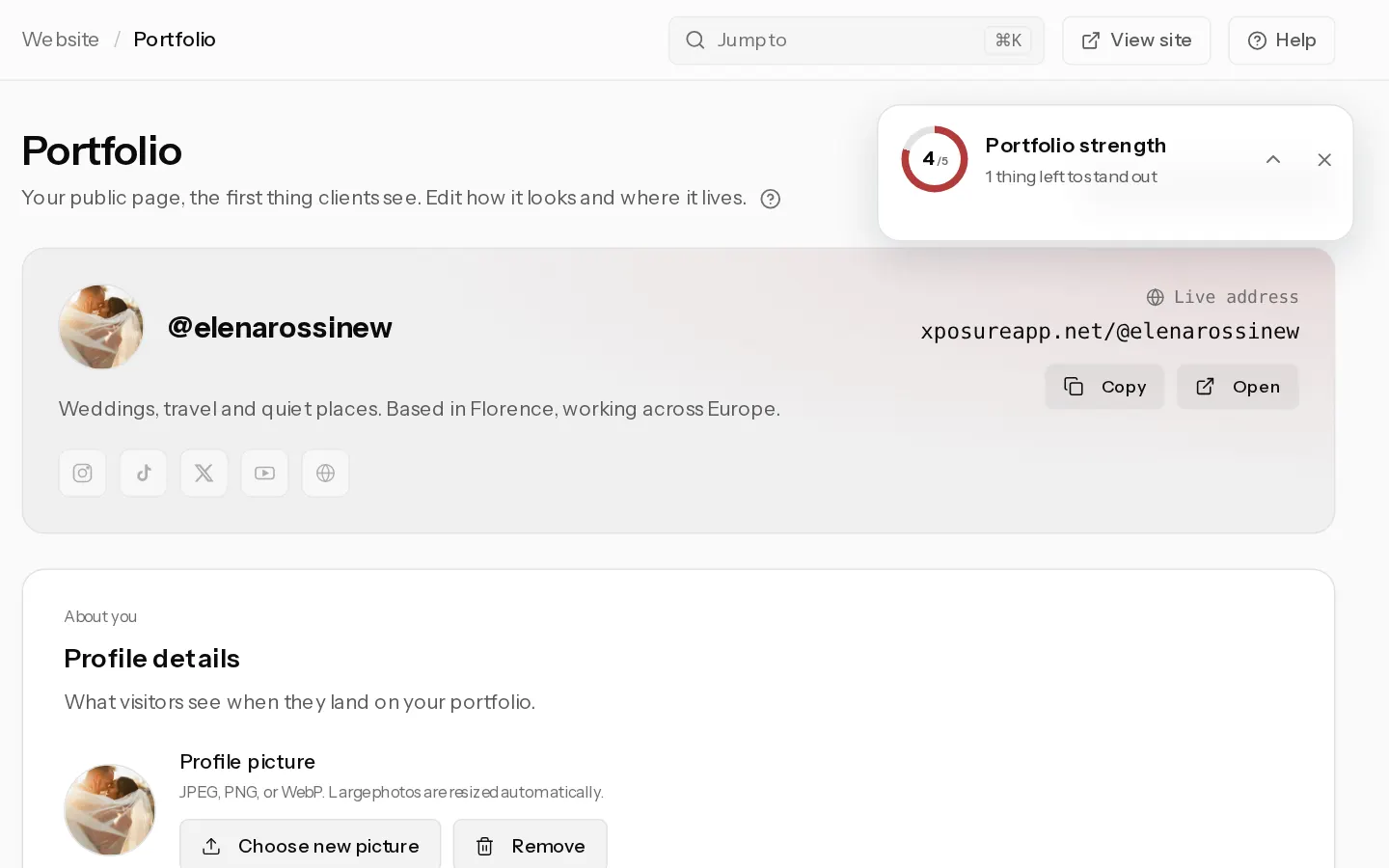
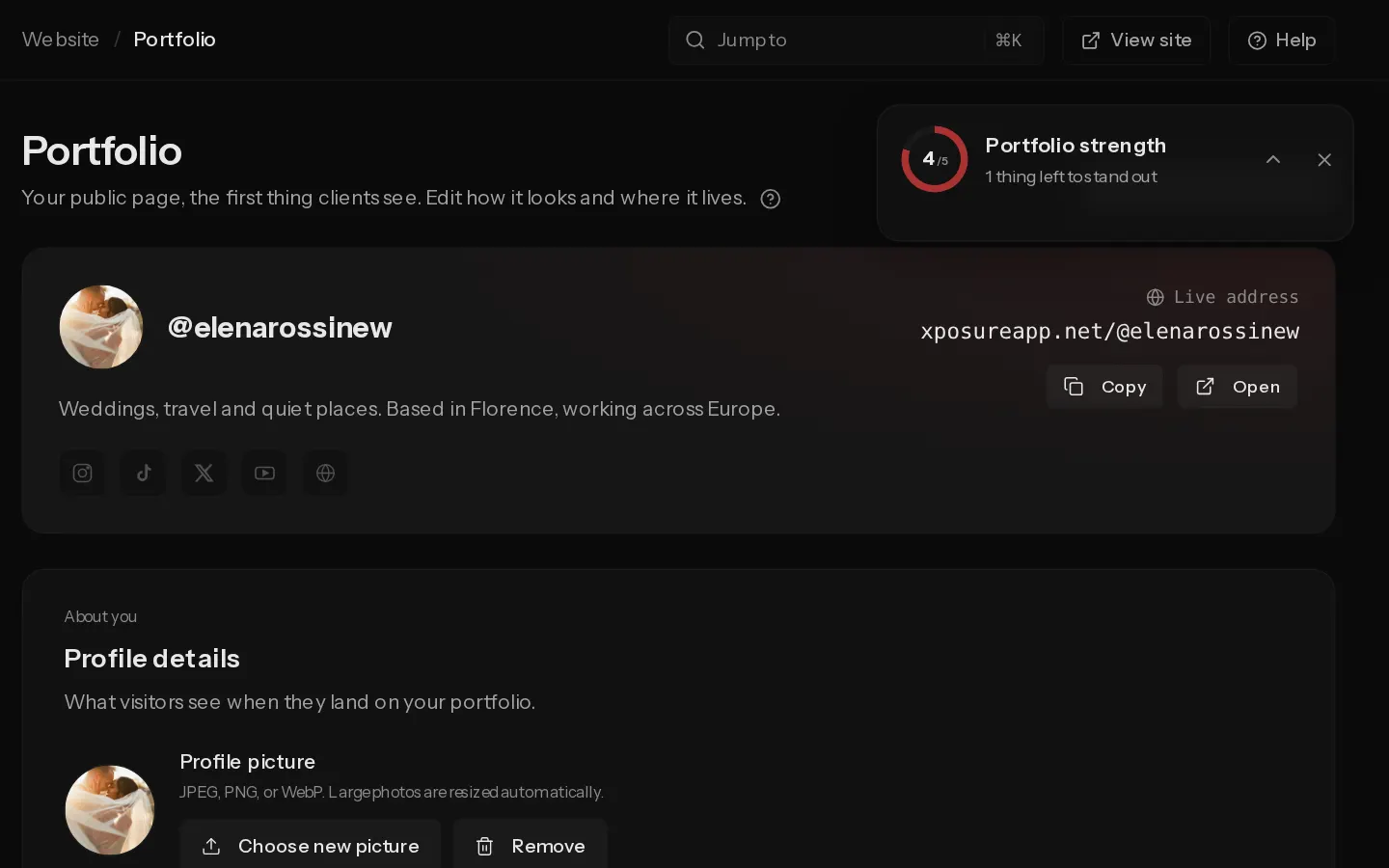
Your portfolio is your public page at xposureapp.net/@username. It shows your profile, the photos you add to it, your portfolio albums, a box where your clients enter a gallery code, and a Contact me button. It goes online once your email is confirmed.
Add photos
- Open any gallery from Galleries.
- On each photo you want on show, select the bookmark icon (Add to portfolio). The photo appears on your portfolio straight away.
- To arrange them, open Signature Work, pinned at the top of Galleries, and select Edit layout.
Photos you hide in a gallery never show on the portfolio.
Add a portfolio album
A portfolio album is public work, such as a series or a collection. It shows under Galleries on your portfolio once it has a photo.
- In Galleries, select New gallery.
- Type a name, choose Portfolio album and select Create.
- Upload your photos.
Edit your profile
- Open Portfolio.
- Under Profile details, add a profile photo, your name, a Bio and a Location.
- Pick a Portfolio theme: Auto, Light or Dark.
- Turn on Display email on portfolio or Display full name on portfolio if you want them shown.
- Under Social accounts, add your handles and your Personal website.
- Select Save changes, then View live portfolio to check the result.
Note: Update username changes your address. Links to the old address stop working.
Your own domain can serve the portfolio from Starter up. Set it under Custom domain on the same page.
Build a website instead
The Site builder turns the portfolio into a website with its own pages. Select Publish and your homepage replaces the classic portfolio at the same address. Take offline brings the classic portfolio back, and your draft stays.
Every plan gets the homepage. Starter adds 3 more pages. Pro and Studio get unlimited pages and up to 500 posts.
Did not find your answer?
Tell us what you are trying to do. Support replies by email.