Fix a failed plan payment
Update your card after a failed payment, know what keeps working meanwhile and what happens if the payment never goes through.
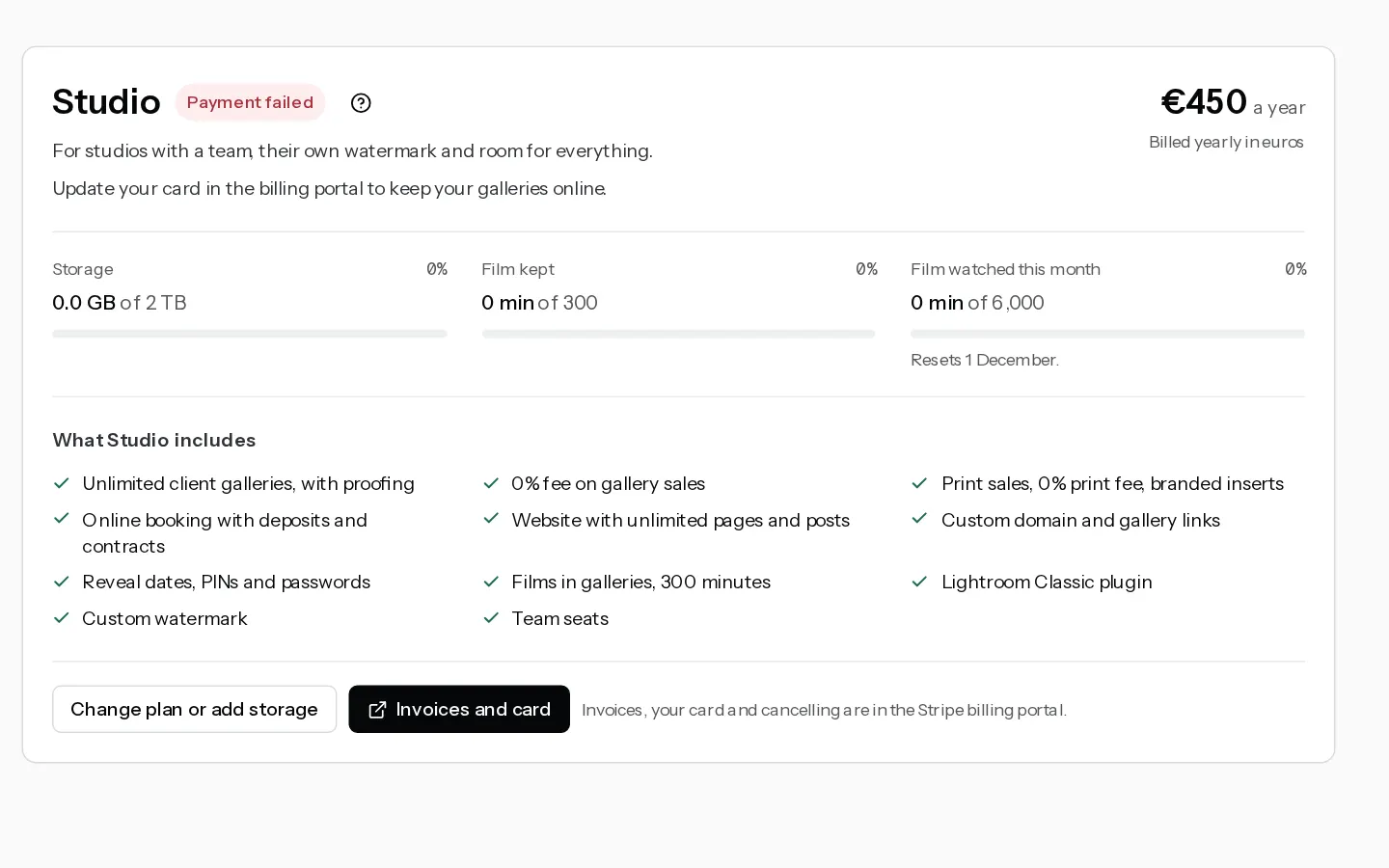
When Stripe cannot charge your card for your Xposure plan, you keep your plan while Stripe retries the payment. Update your card to stop the payment failing again.
What you see
- An email titled "Action required: update your billing info", with an Update billing button.
- A notification in the dashboard: "Your last payment for Xposure failed".
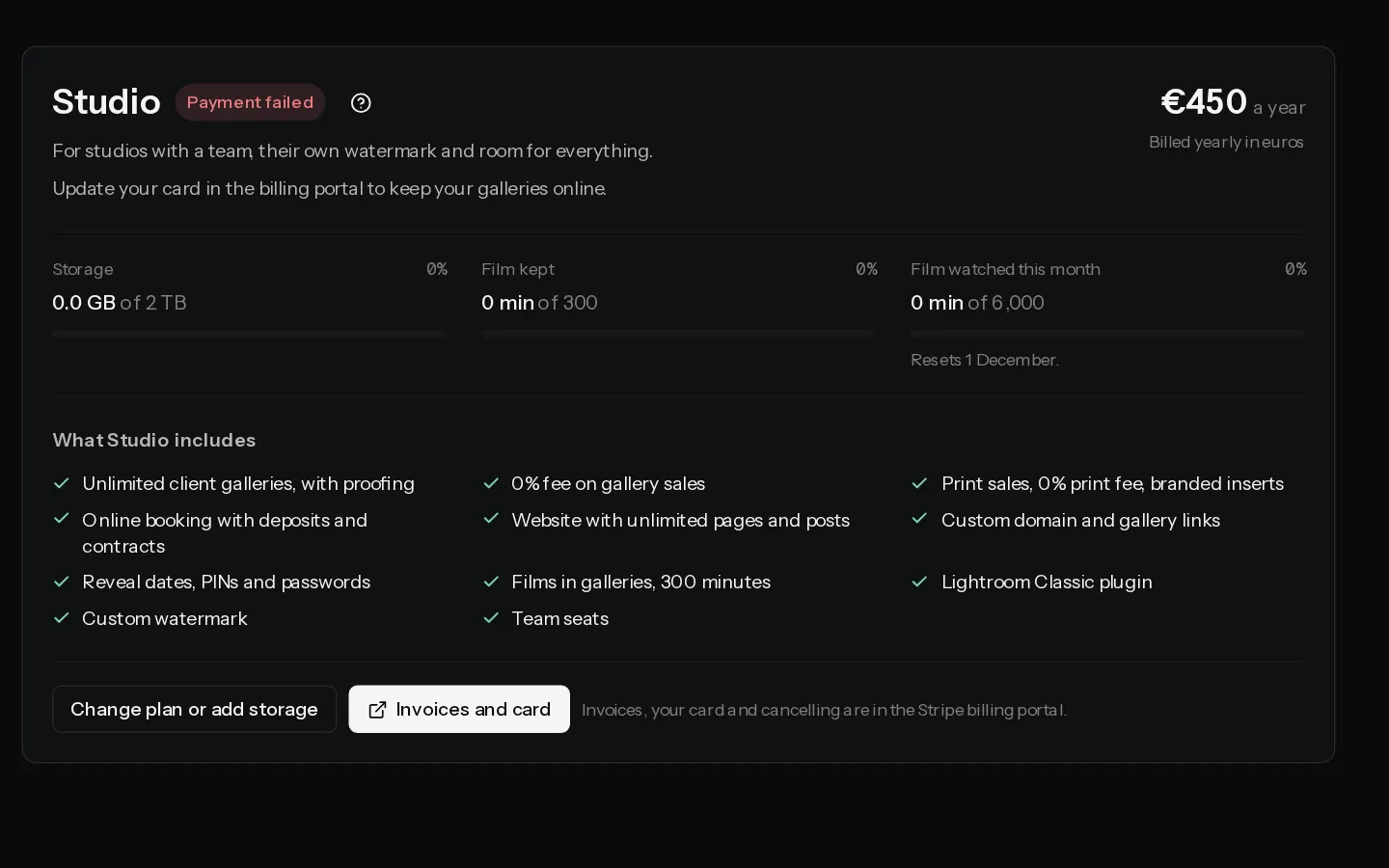
- In Settings, Plan and billing, the plan card shows Payment failed and "Update your card in the billing portal to keep your galleries online."
Only the account owner can open Plan and billing.
Update your card
- Open Settings, Plan and billing.
- Select Invoices and card. Stripe's billing portal opens in a new tab.
- Update the card your plan is paid with.
Stripe charges the new card on its next retry. Once a payment goes through, the plan card shows Active again and a receipt follows by email.
What keeps working
While Stripe retries, your plan stays as it is. Your galleries, website, bookings and sales keep working, and you can still change your plan.
If the payment never goes through
If the last retry fails and the subscription is cancelled, your account moves to Free, as when you cancel, and we email you "Your subscription has been canceled". Extra storage, team seats and film minutes end with it. Nothing is deleted.
Important: On Free you keep 5 GB. If your files take more than 10% over that, your portfolio and client galleries go offline until you pick a plan or delete photos. See Change or cancel your plan.
To come back, open Settings, Plan and billing and select Choose a plan.
See also: Find your invoices and receipts.
Did not find your answer?
Tell us what you are trying to do. Support replies by email.