Fill in your questionnaire
Open the questionnaire your photographer sent, answer it and change your answers later from the same link.
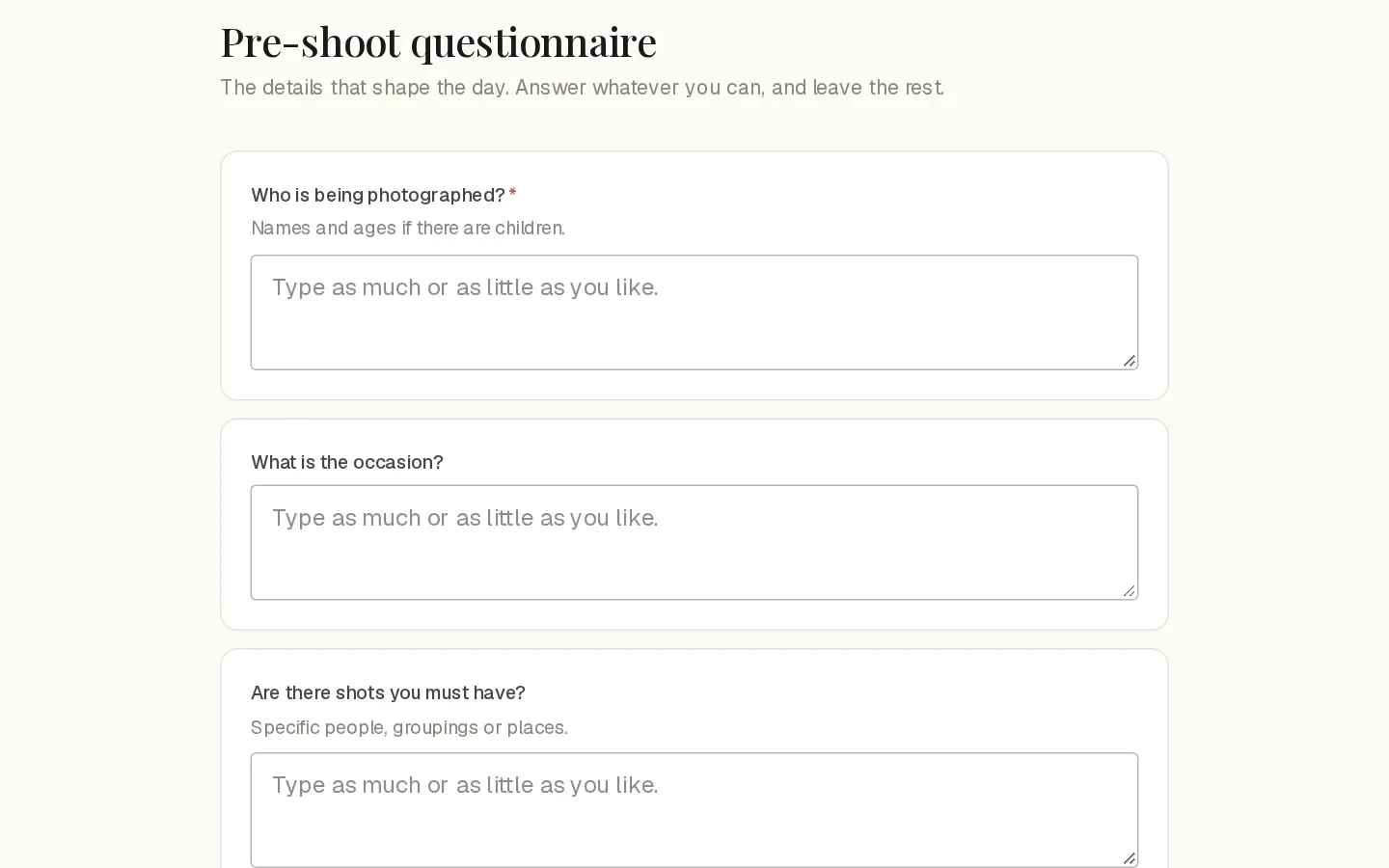
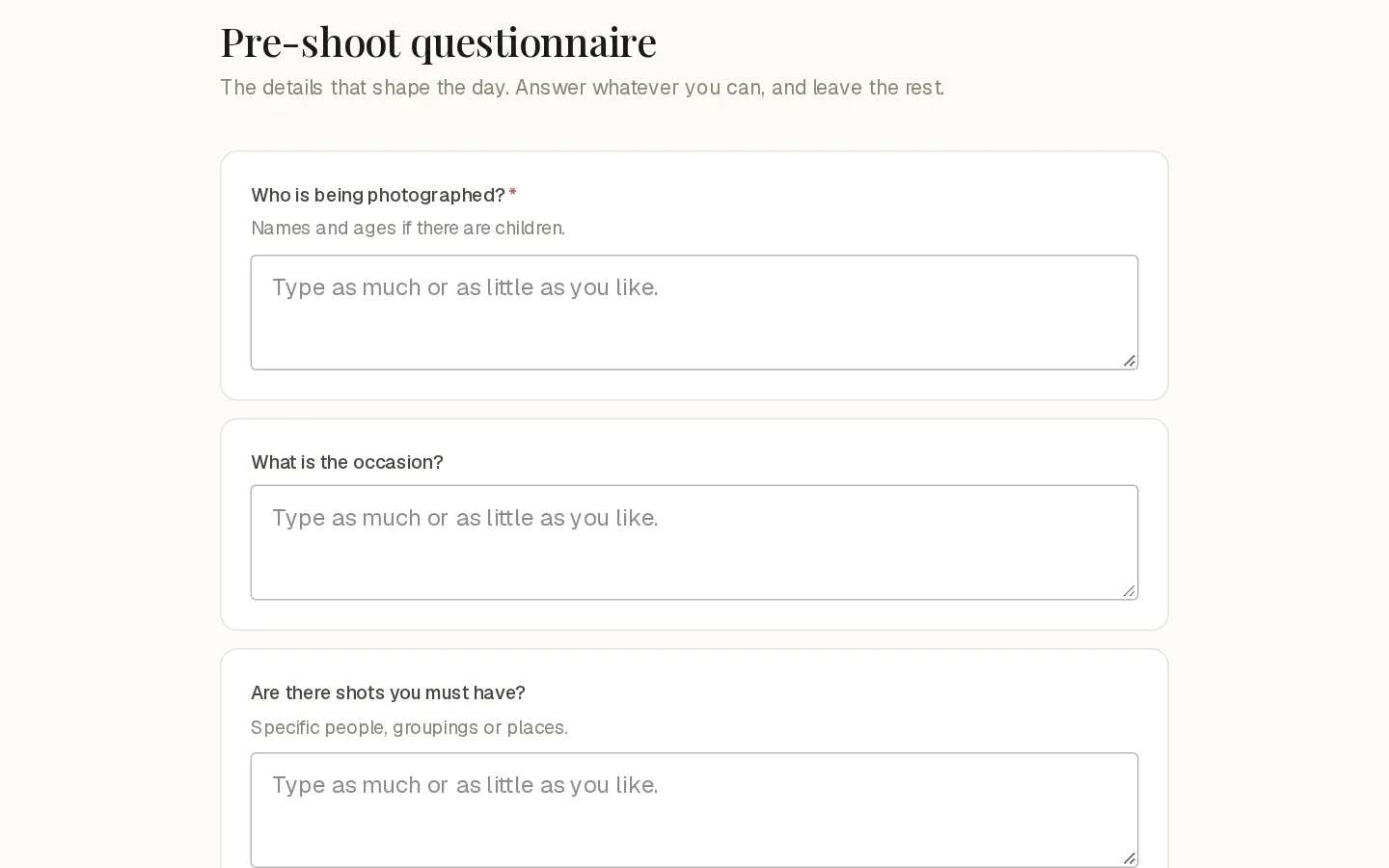
Your photographer may send you a few questions before or after your session, or about your enquiry. You answer from a link, with no account and no sign-in.
Open it
The questionnaire arrives by email, titled with your photographer's name and "sent you a questionnaire". Select Open the questionnaire in that email.
If you booked online and your photographer asks questions at booking, You are booked shows Answer the questions. Select it to answer now. The link is also in your email.
Answer the questionnaire
- Answer each question. A question is a rating, a choice of one, a choice of several, or your own words.
- A question marked with an asterisk needs an answer. You can skip the rest.
- When the questionnaire has more than one part, select Continue to go on and Back to return.
- On the last part, select Send my answers.
Your answers are in confirms they reached your photographer. You can close the page.
Important: Nothing is saved until you select Send my answers. If you close the page halfway, your answers so far are lost. Answer at least one question before you send.
If a required question is left empty, the page goes back to it and says how many questions still need an answer.
Change your answers
Open the same link again. Your earlier answers are filled in. Change what you like and select Update my answers. Your new answers replace the earlier ones.
The link has no closing date, and there are no reminder emails.
When the link does not open
- This link is not available: the link is incomplete, or the session it belongs to is gone. Ask your photographer.
- Could not load this questionnaire: check your connection and select Try again. Your link stays valid.
Questions about your photos?
Your photographer answers questions about your gallery, order or session. Reply to their email. Contact support only when the site itself does not work.