Find out why clients cannot book you
Check the five things a client needs before they can book and pay from your booking page.
A client can book you only when all five of these are in place. Online booking needs Starter or above, and the 14-day trial includes it. On Free, the Online switches stay off.
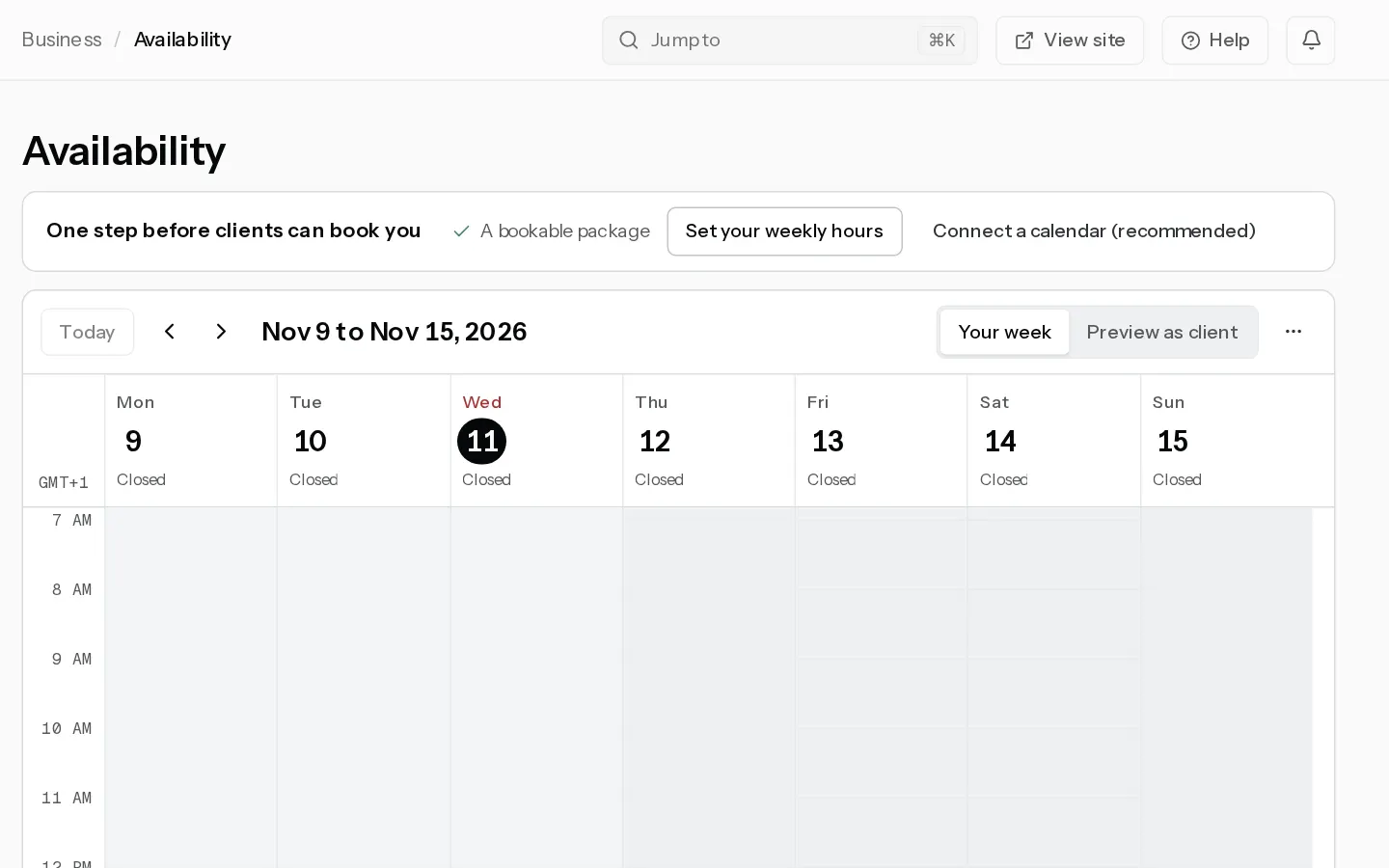
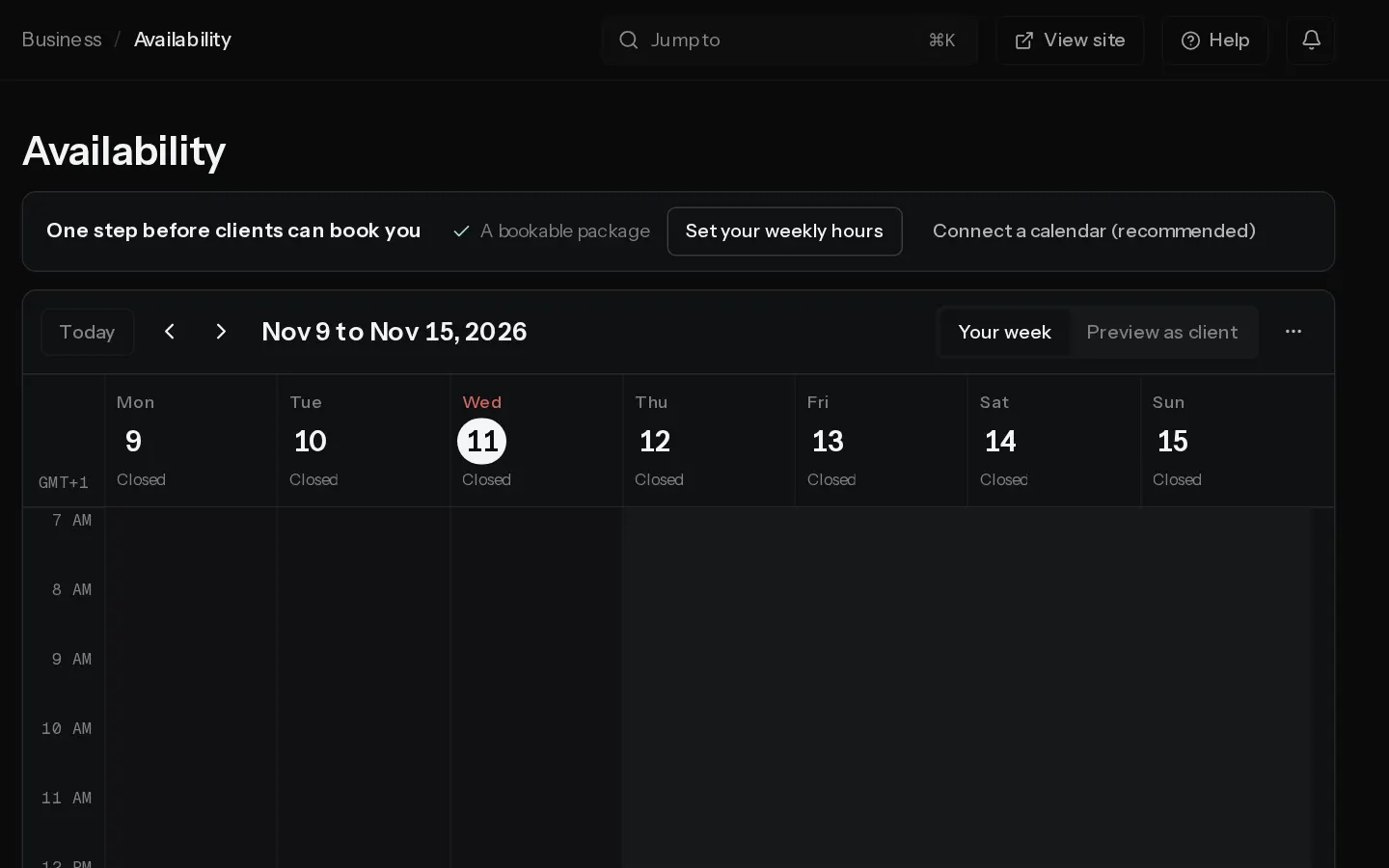
Availability lists what is still missing above the calendar, under "Two steps before clients can book you" or "One step before clients can book you". Each missing step is a button to where you fix it.
1. Your email is confirmed
Your booking page stays offline until you confirm your email address. Your client sees "Booking unavailable". Use the link in the email Xposure sent when you signed up.
2. A package has a price and a length
In Packages, a package without them says "Add a price to take bookings.", "Add a session length to take bookings." or both, and its Online switch cannot be turned on. Open the package and fill them in. See Create a bookable package.
3. Its Online switch is on and it is public
Switch on Online for the package in the list. A Private package books from its own link only, so it never shows on your booking page. With no public bookable package, your client sees "No online booking yet".
4. Clients can pay the deposit
A package that takes a deposit by card needs Stripe connected and able to take payments. Until then Availability says Clients cannot book sessions that take a deposit., with Connect Stripe or Finish Stripe setup. Your pricing page still shows the package and its price, but your booking page leaves it out. See Connect Stripe.
A package paid by bank transfer, or with a 0% deposit, books without Stripe. See packages paid by bank transfer.
5. You have open hours
Without weekly hours there are no times to pick, and your client sees "No open days this month. Try the next one." Set them in Availability with Set your weekly hours. If you have hours and still see no times, check Minimum notice, Book up to and any time off. See Set your availability.
Did not find your answer?
Tell us what you are trying to do. Support replies by email.