Export your data
Download one ZIP with everything on your account, your original photos and RAW files included.
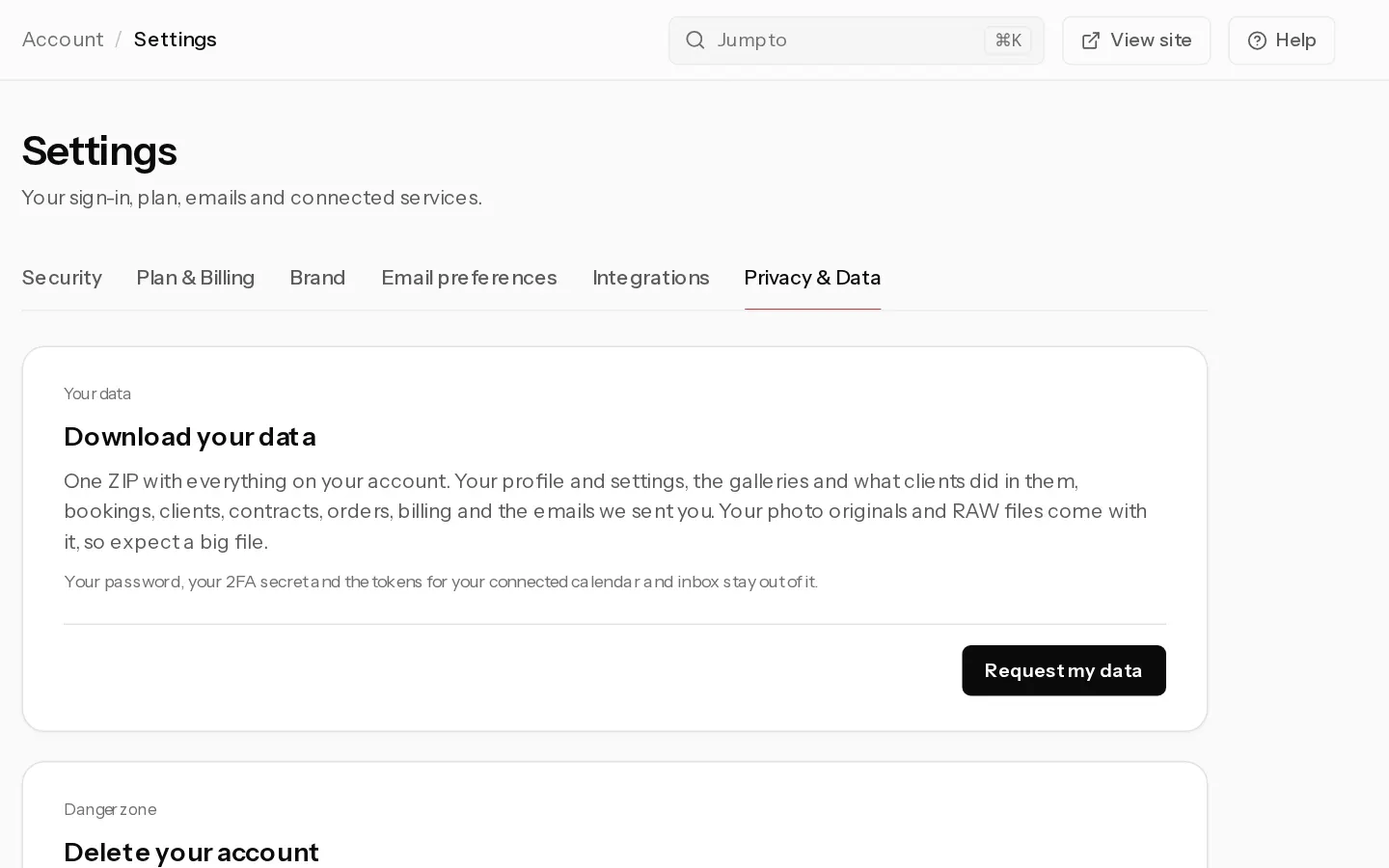
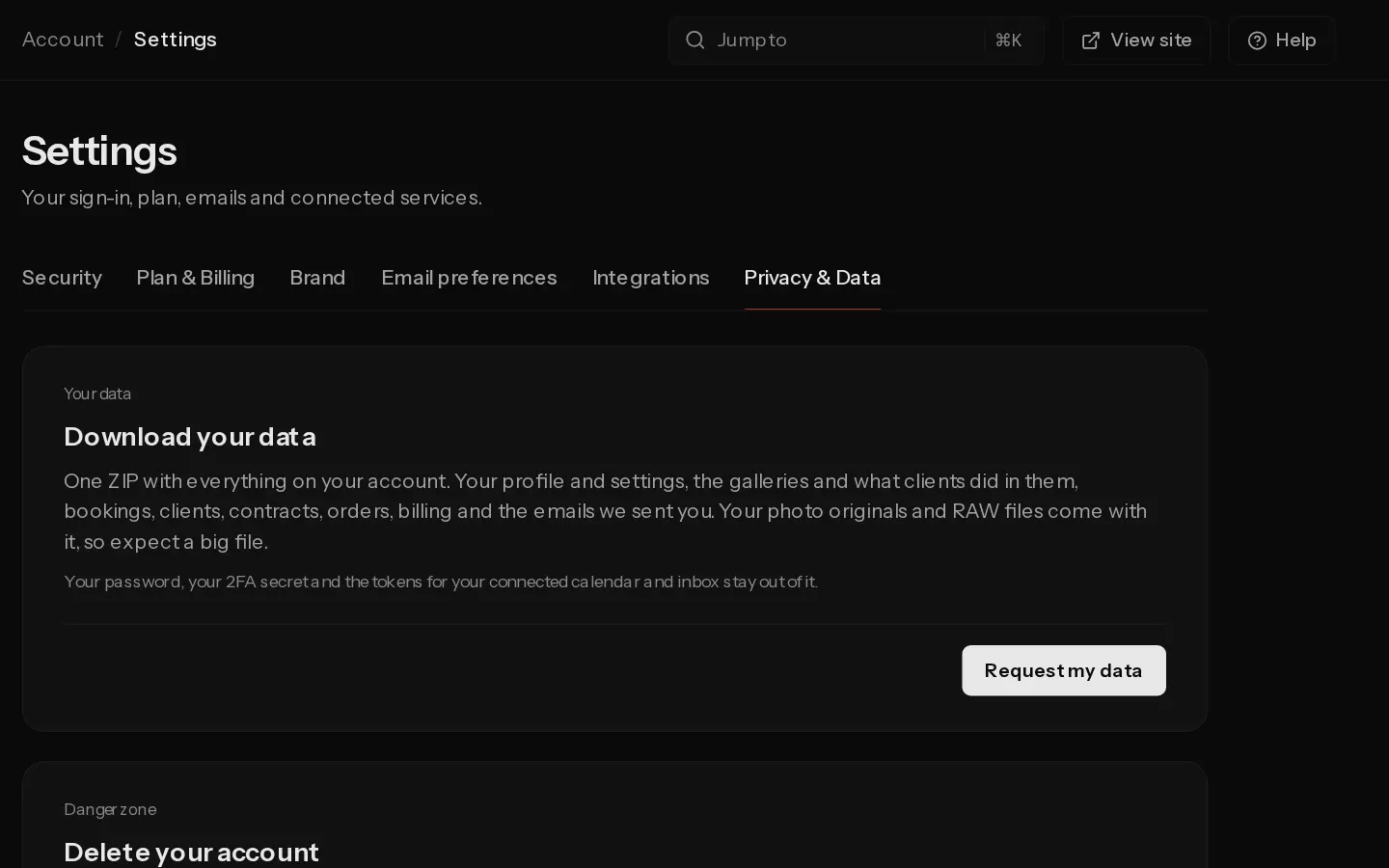
The export is one ZIP file with your profile and settings, your galleries and what clients did in them, bookings, clients, contracts, orders, billing and the emails we sent you. Your photo originals and RAW files come with it, so expect a big file.
Your password, your 2FA secret and the tokens for your connected calendar and inbox stay out of it.
Request the export
- Open Settings, Privacy & Data and find Download your data.
- Select Request my data. The status changes to Building your export.
- Wait, or close the page. A big library takes a few minutes, and we email you a link when it is done.
- When it says Your export is ready, select Download the ZIP.
The link works for 24 hours. After that the file is deleted from our servers and the page says Your last export has expired. Select Request my data again for a new one.
You can request one export an hour. If the build fails, you can try again straight away.
Note: The export does not use your storage. It is kept outside your account's files and never counts toward your plan.
Make an export before you delete your account. Once the deletion runs, nothing can be recovered.
Did not find your answer?
Tell us what you are trying to do. Support replies by email.