Open your gallery
Get into the gallery your photographer sent, with your PIN, the invite link or as a guest.
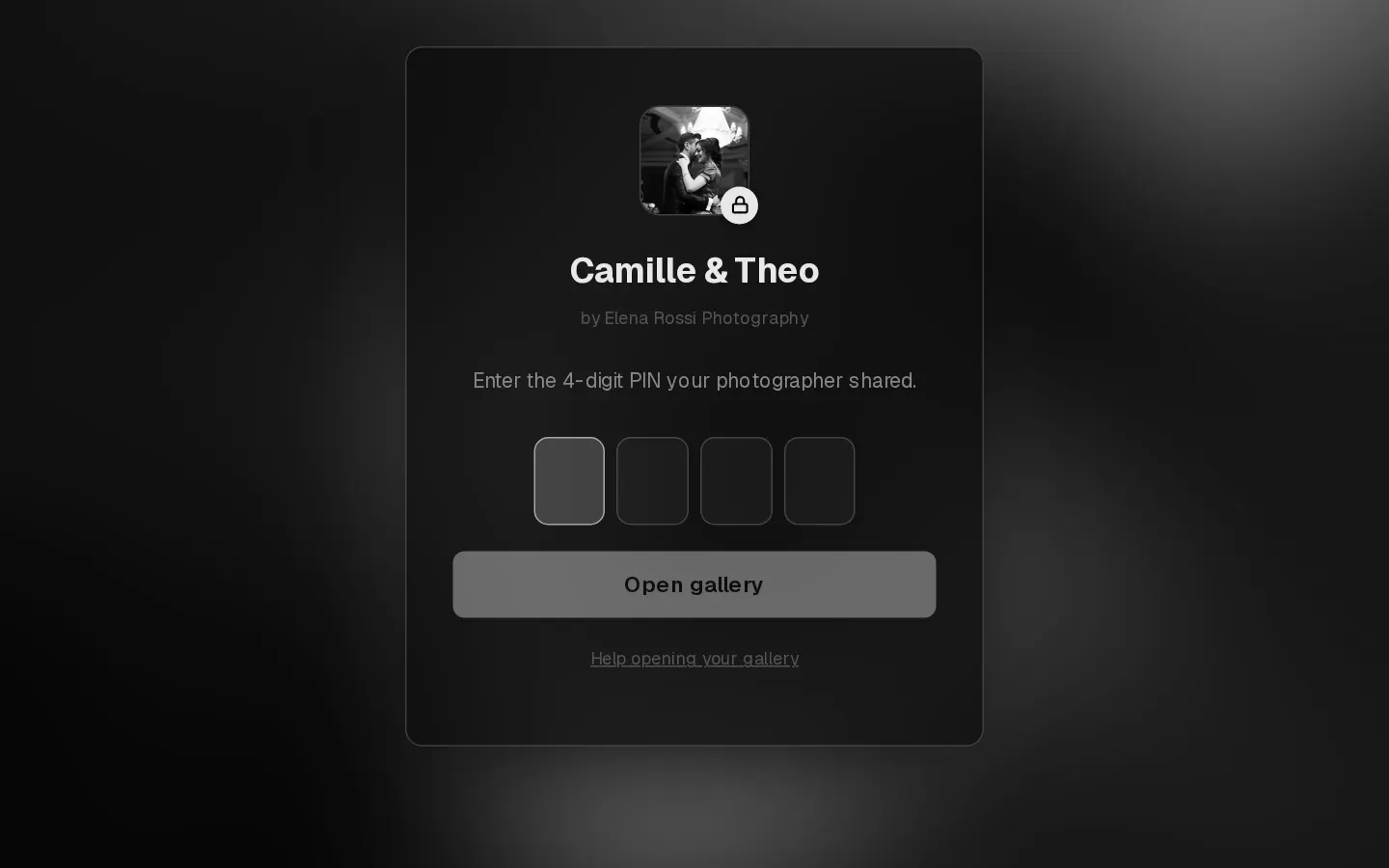
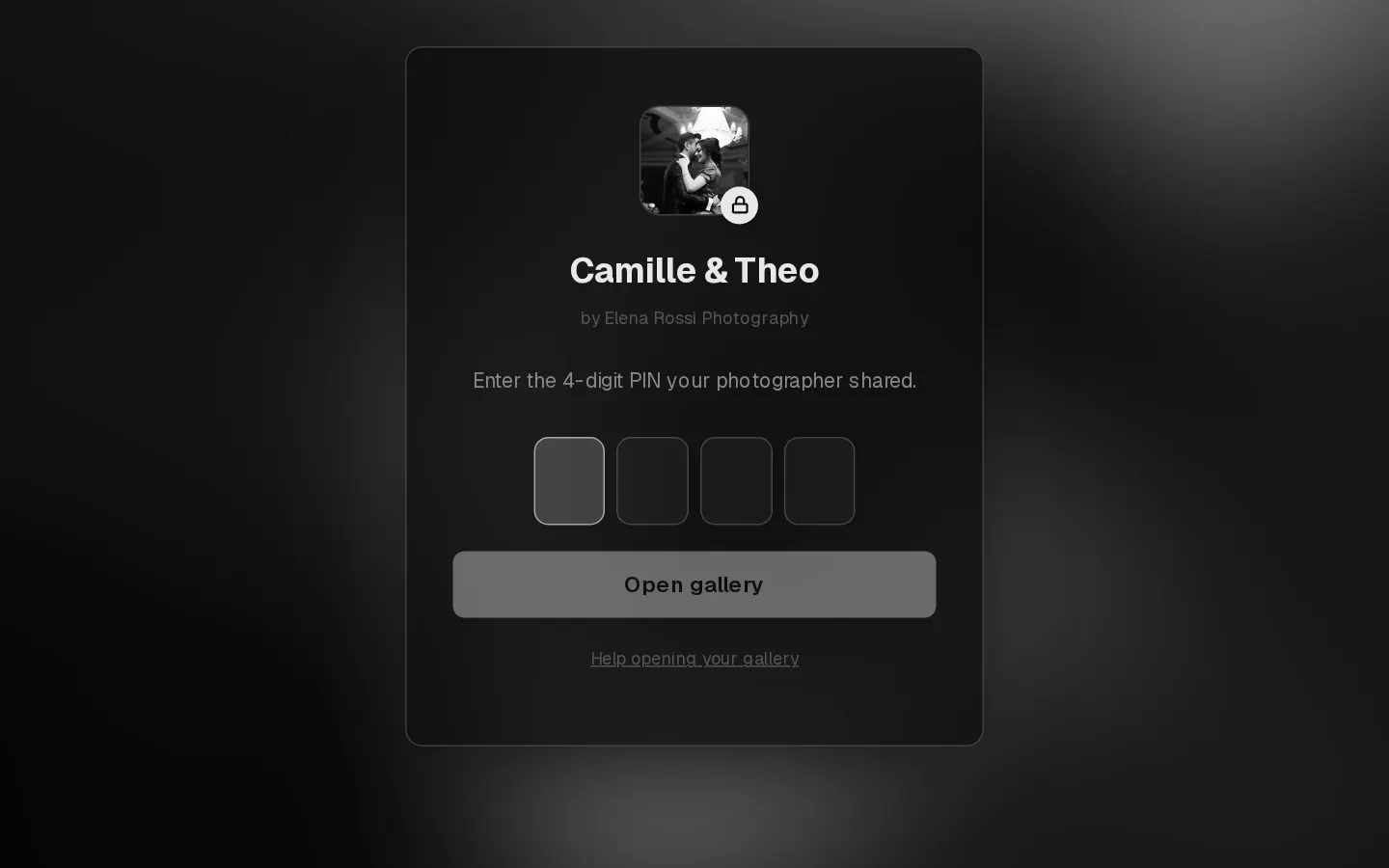
Your photographer shares your gallery as a link and a 4-digit PIN. The PIN is what makes the gallery yours: with it you can pick favourites, leave notes and download.
Open it with your PIN
- Open the gallery link from your photographer.
- Type the 4-digit PIN. The gallery opens as soon as the fourth digit is in, or select Open gallery.
The gallery stays open on that device for 30 days, so you do not need the PIN every time.
Note: After 10 wrong PINs the gallery waits an hour before it lets you try again. Check the PIN in your photographer's message.
Open it from the invite email
When your photographer sends the gallery by email, select Open the gallery in that email. The link opens it as you, with no PIN to type and your name already known, and adds any favourites you saved under that email. The email also shows your PIN, for other devices.
If the link says "This invite link no longer works. Enter your PIN.", your photographer has changed the PIN or withdrawn the invite. Ask them for the new PIN.
Open it as a guest
Family and friends can look through a gallery too. They cannot pick favourites, write notes or send anything.
- With a guest PIN, a guest types it like a client PIN.
- Some galleries let guests in with their name and email, or with the link alone. Fill in the form if there is one, then select View gallery.
- To share, select Share in the gallery. Send the link and the guest PIN, not your own PIN: anyone with your PIN can change your favourites.
A guest who has a PIN after all selects Enter a PIN at the top of the gallery.
When the gallery does not open
- This gallery opens on a date: it is scheduled. A countdown shows how long is left.
- This gallery has closed, or is not open yet: ask your photographer with the button on that screen.
- Gallery not found: check the link. It may be incomplete.
- The PIN screen comes back: your photographer changed the PIN. Ask them for the new one.
In the last week before a gallery closes, a line at the top says when. Download your photos or order prints before then.
Questions about your photos?
Your photographer answers questions about your gallery, order or session. Reply to their email. Contact support only when the site itself does not work.