Galleries and delivery
PINs, invites, watermarks, expiry and downloads.
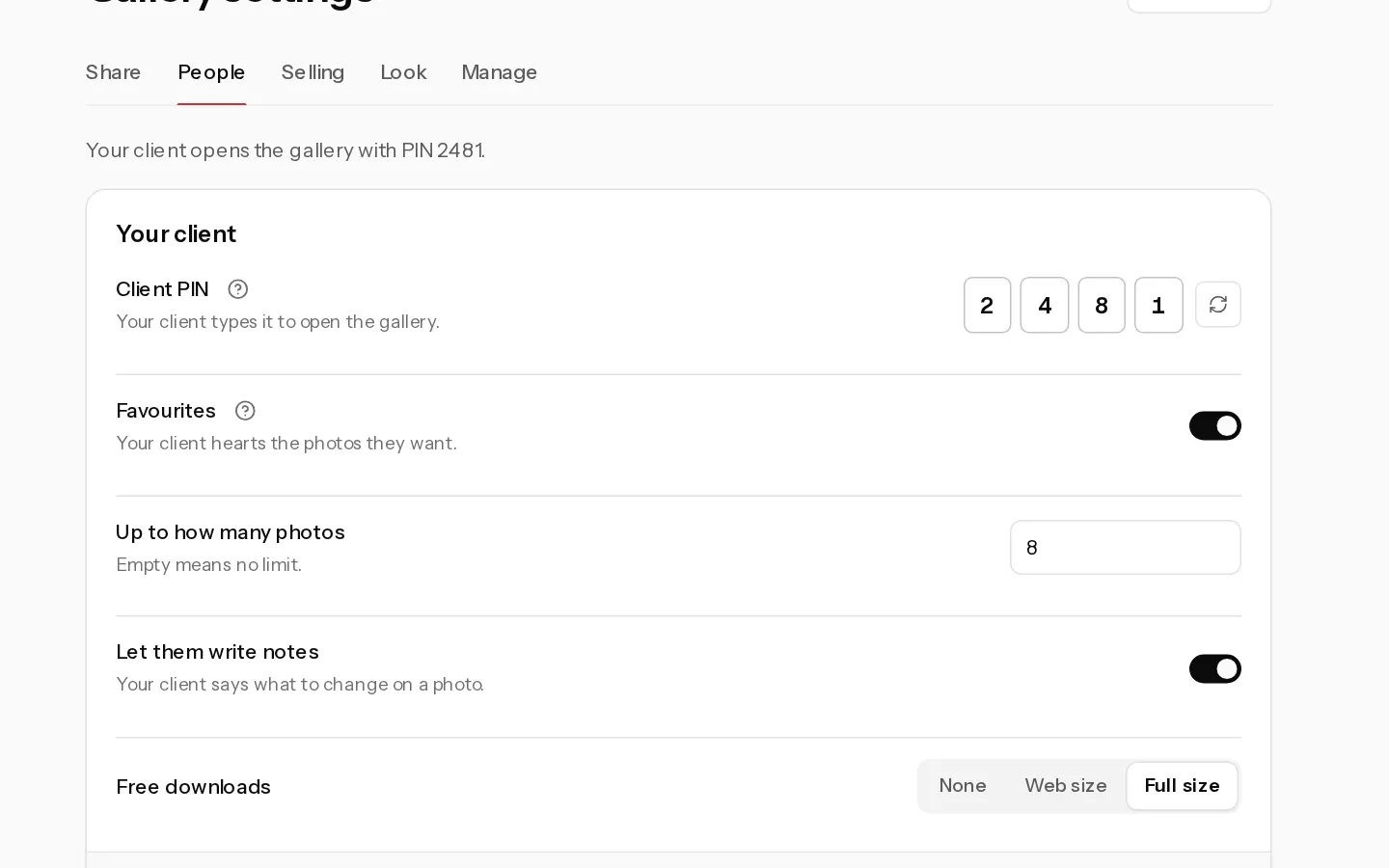
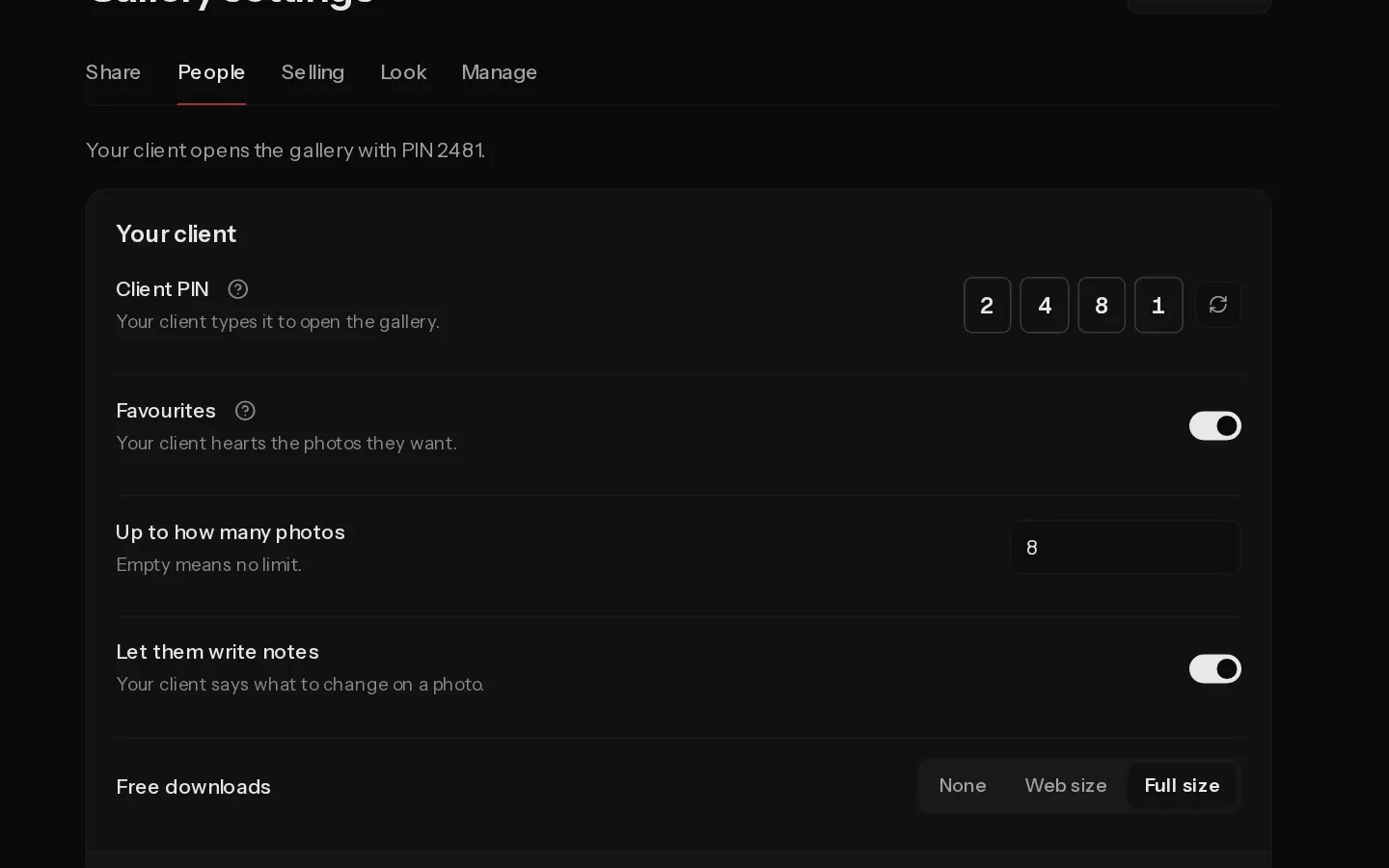 Set a gallery PINPaidGive your client a PIN to open the gallery, and optionally a second PIN for guests who only look.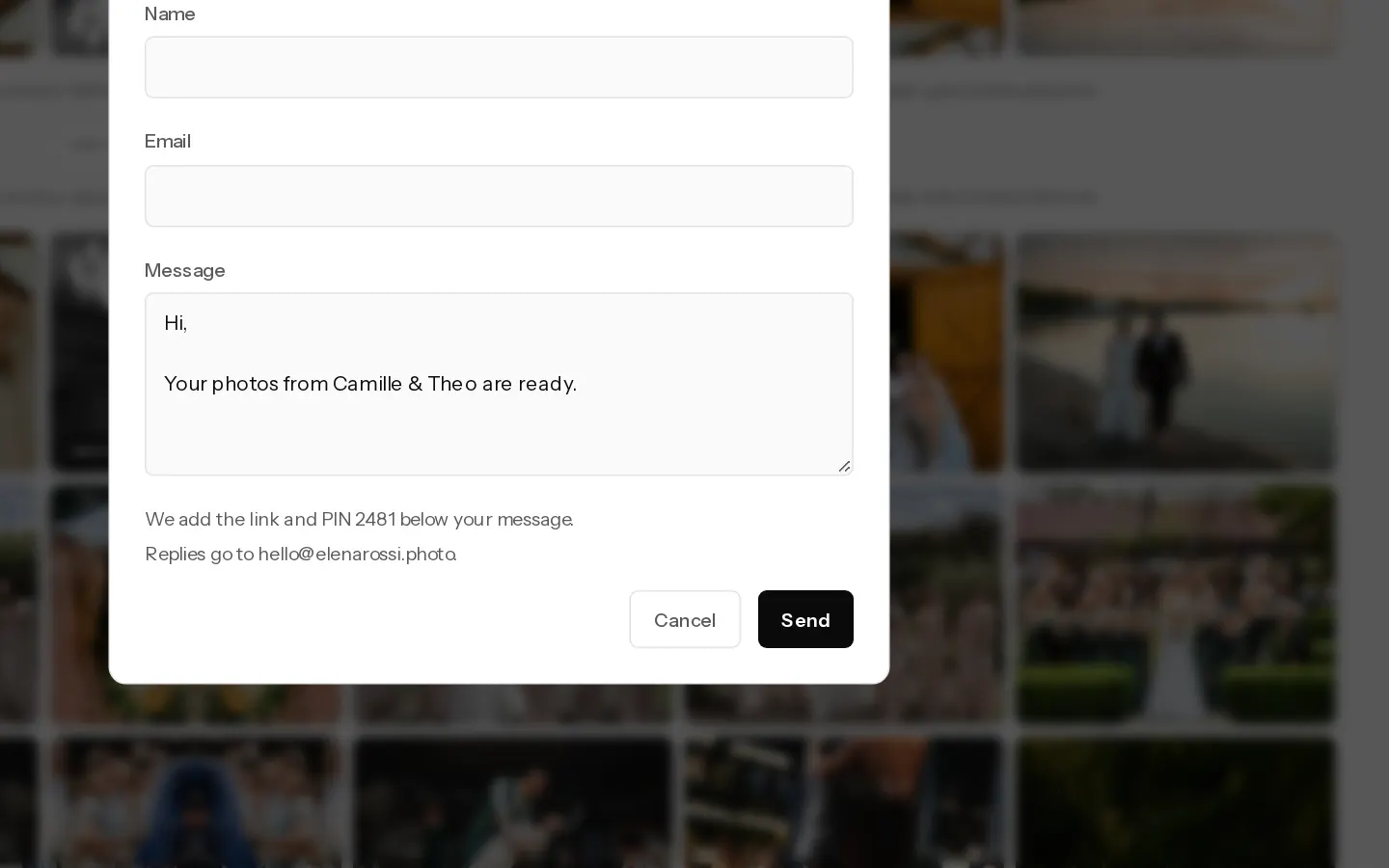
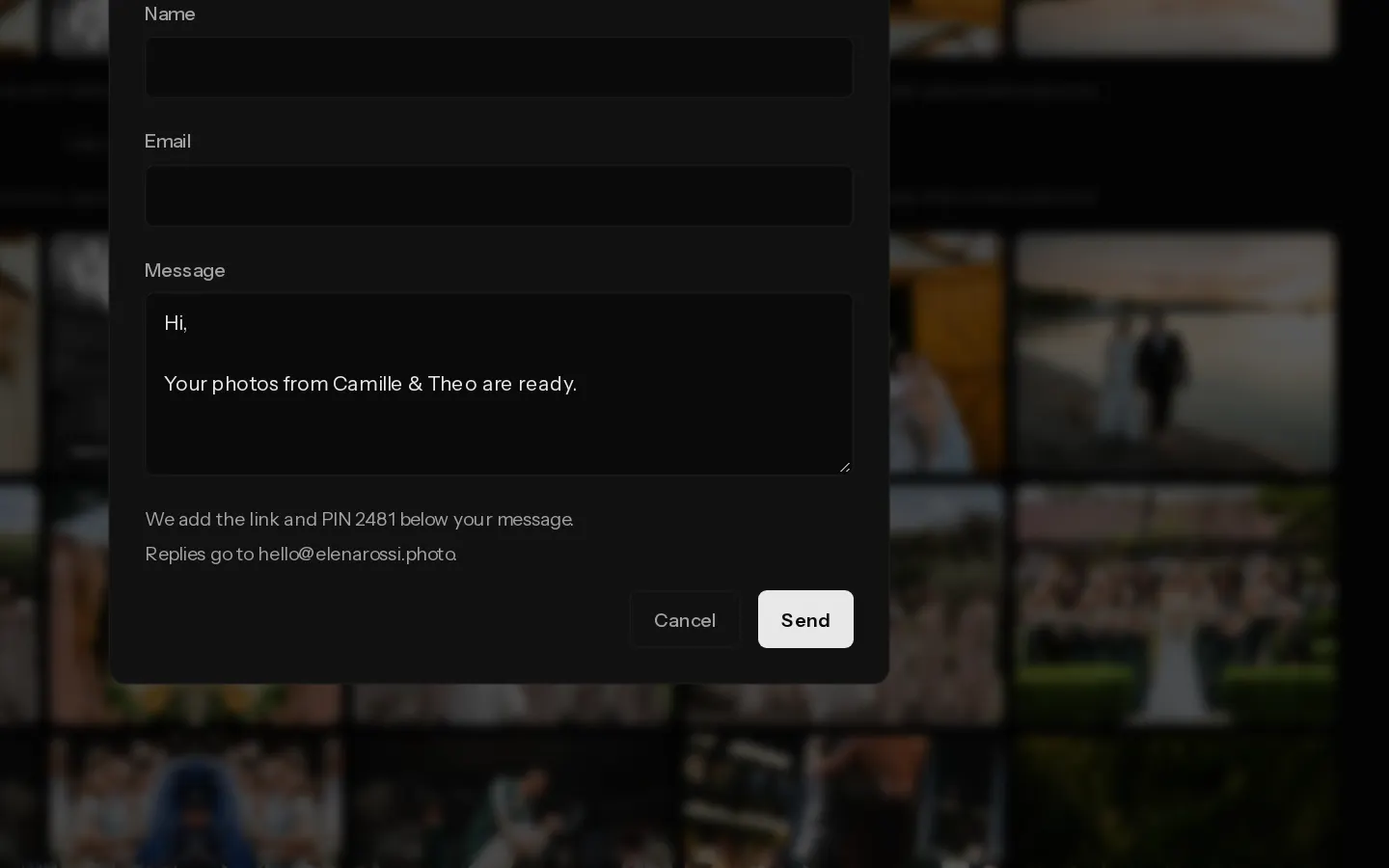 Send the gallery to your clientPaidEmail your client the gallery link and PIN from Xposure, or copy the link to share it yourself.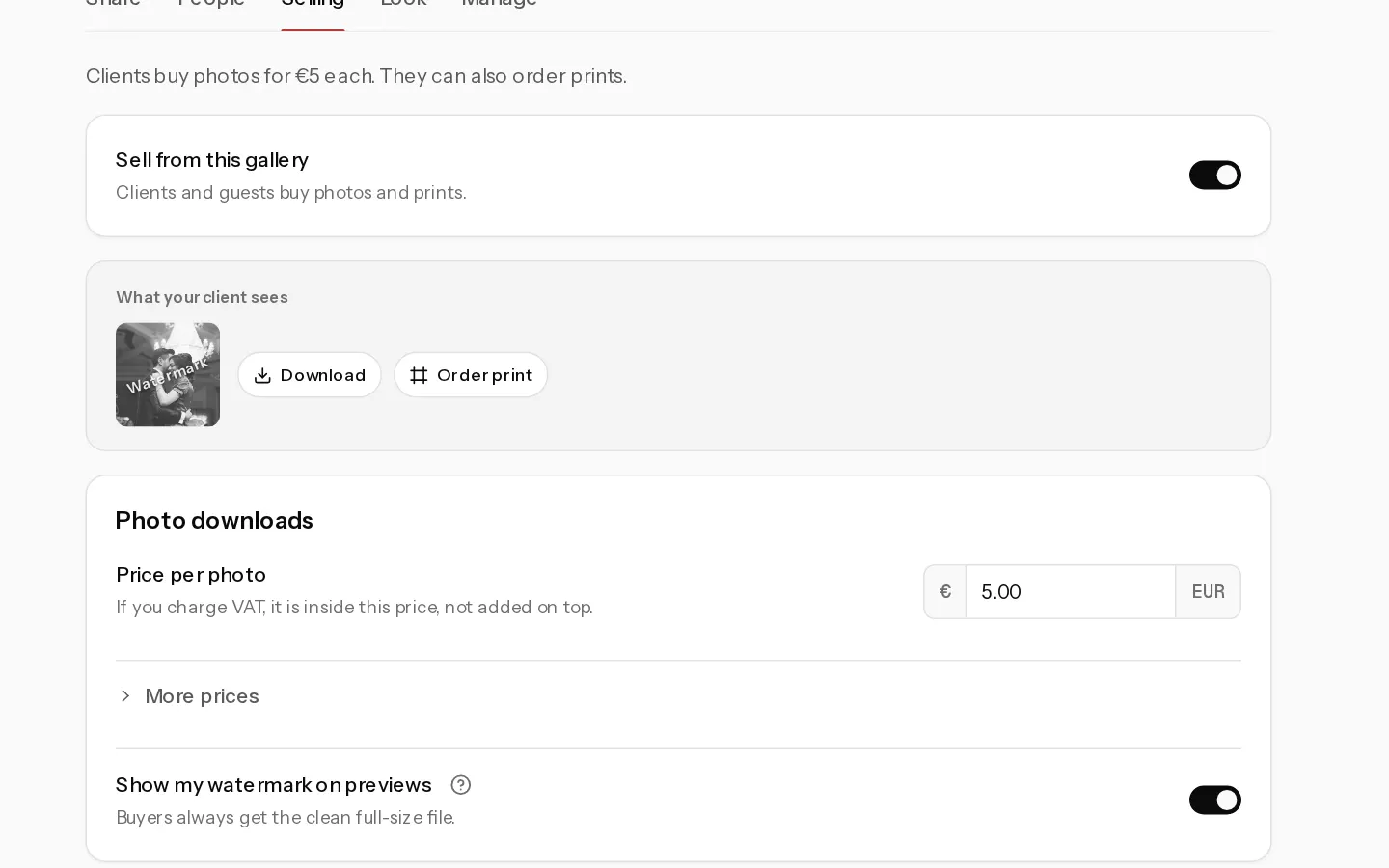
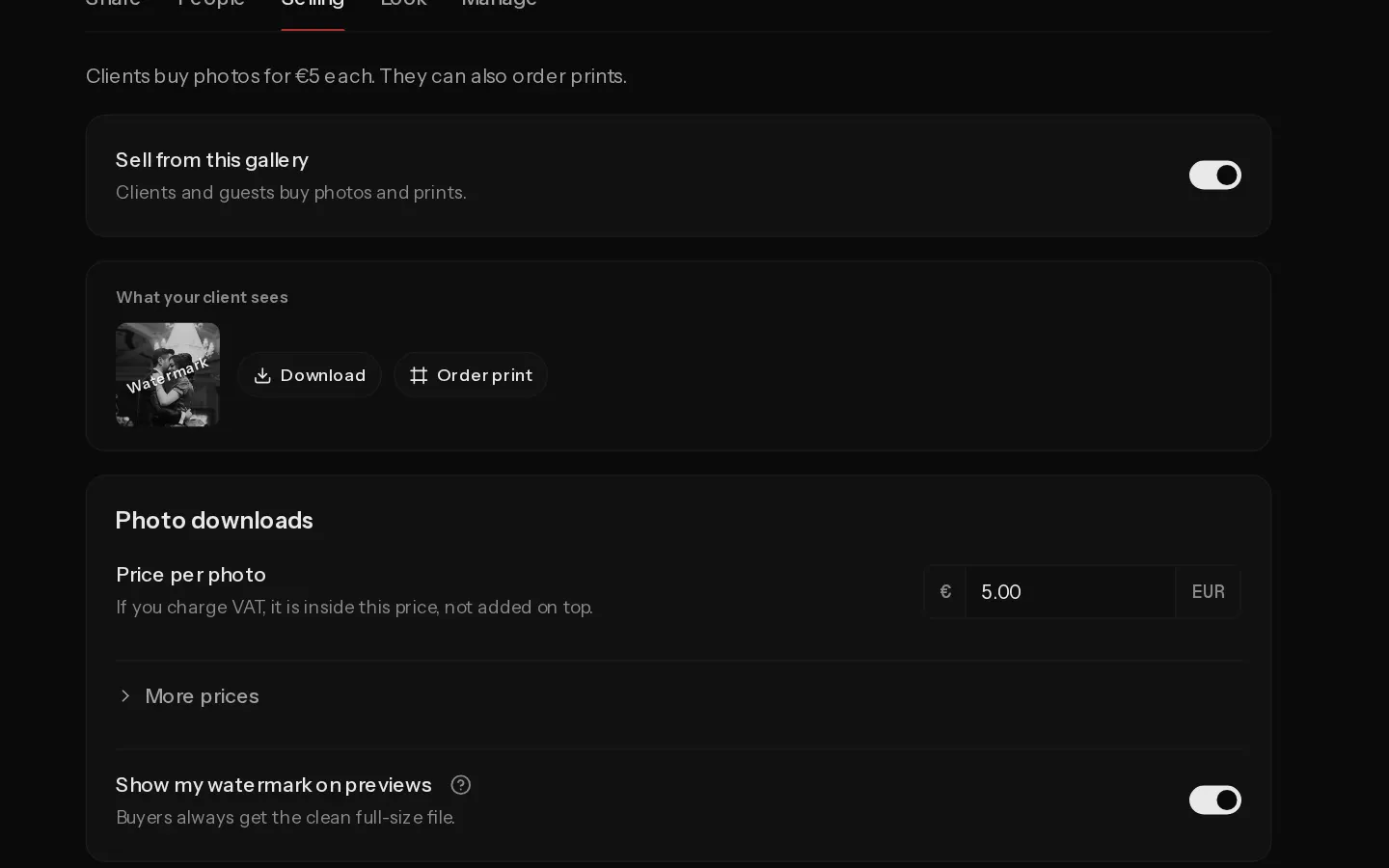 Add a watermarkPaidShow a watermark on the previews of a gallery you sell from, and on Studio use your own logo as the mark.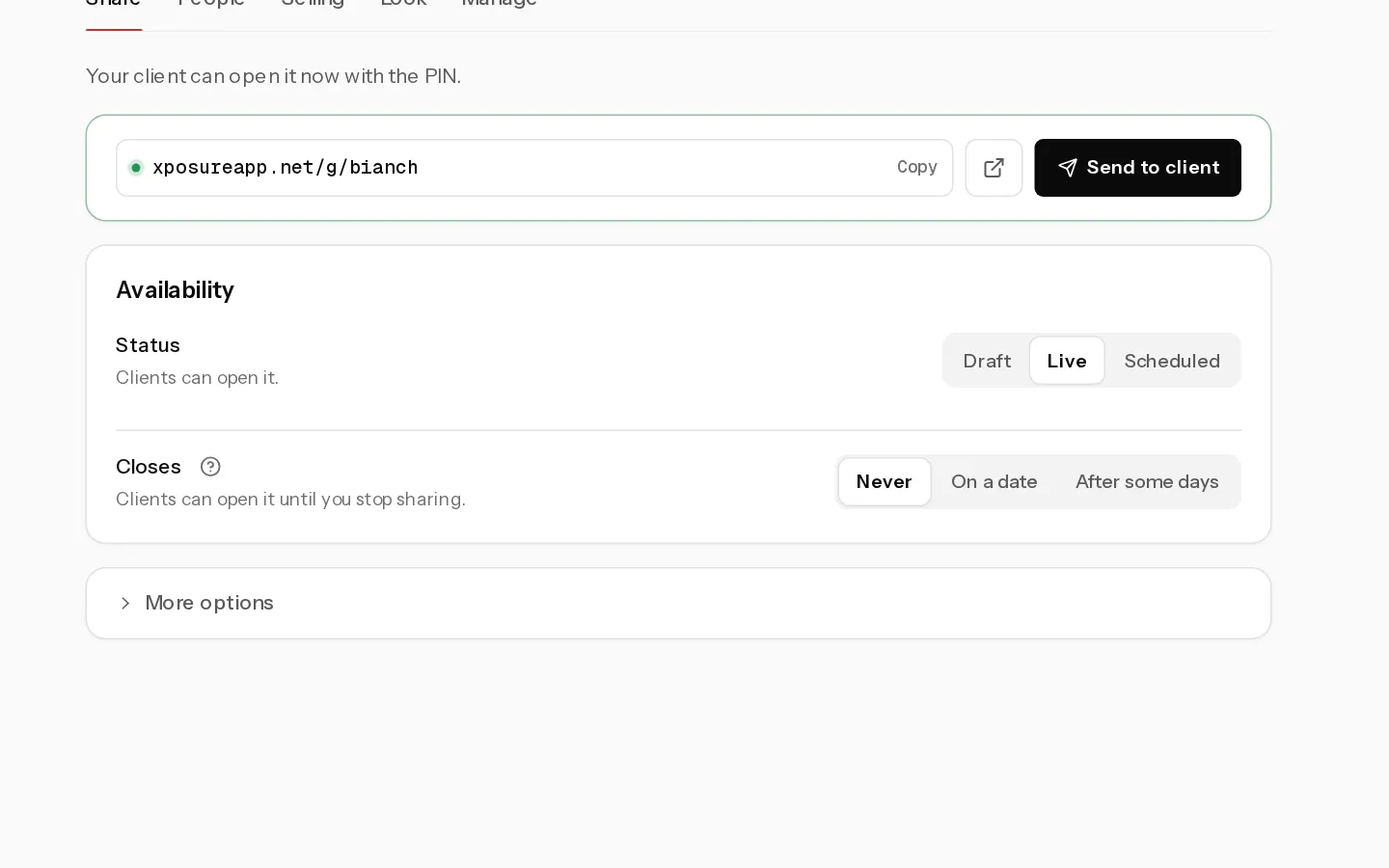
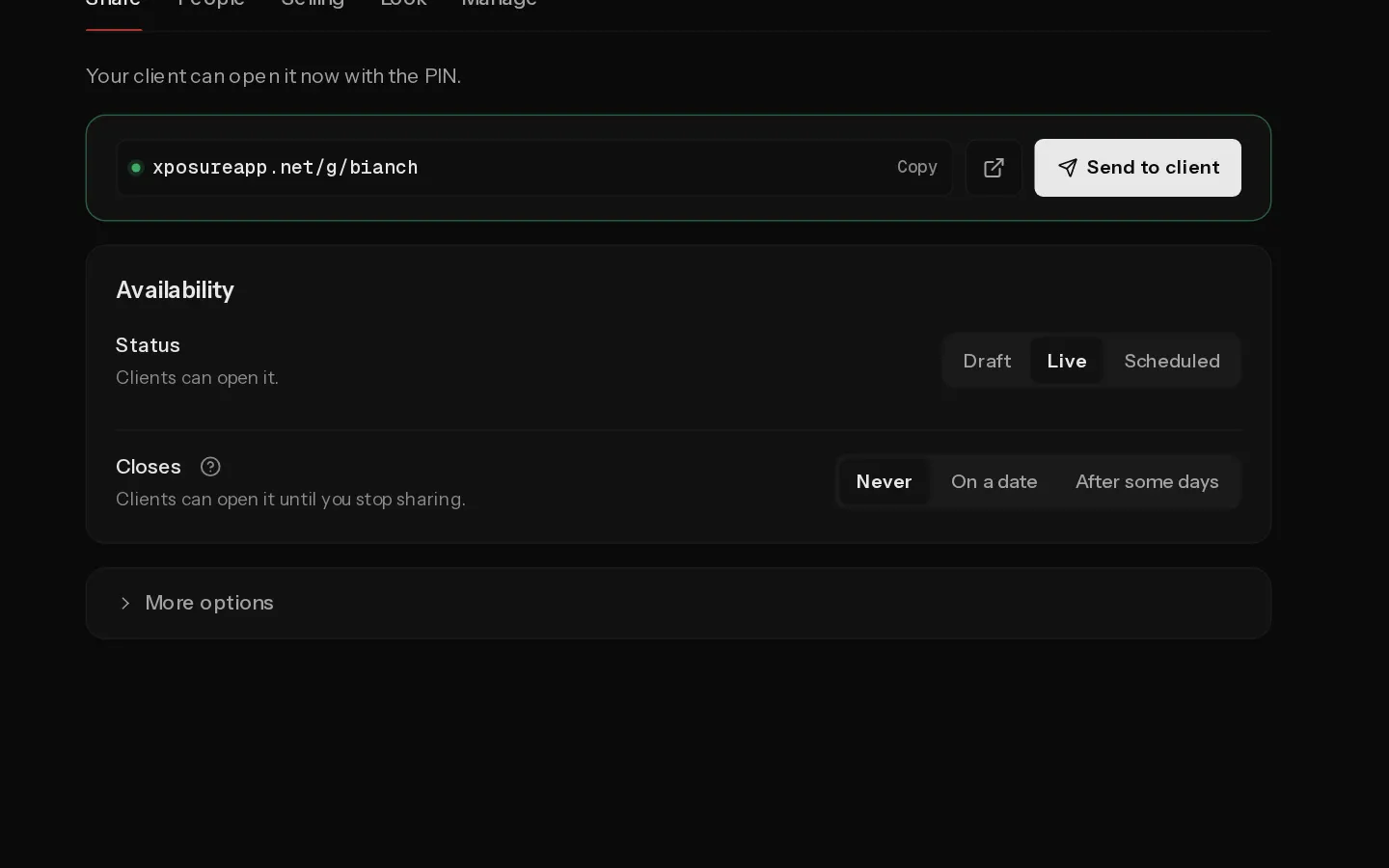 Set when a gallery closesPaidChoose when a client gallery stops opening, what your client sees after that, and how to extend it.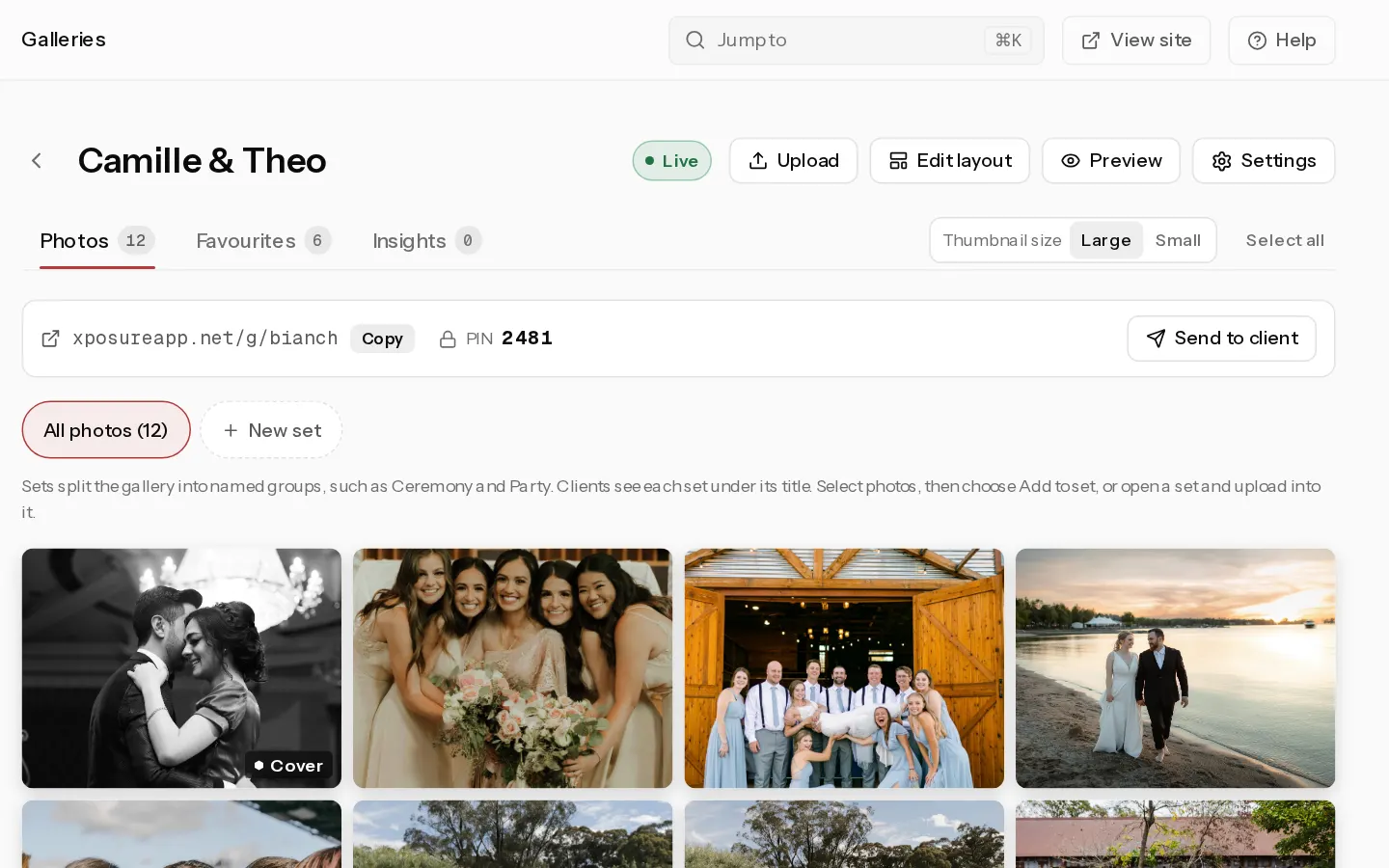
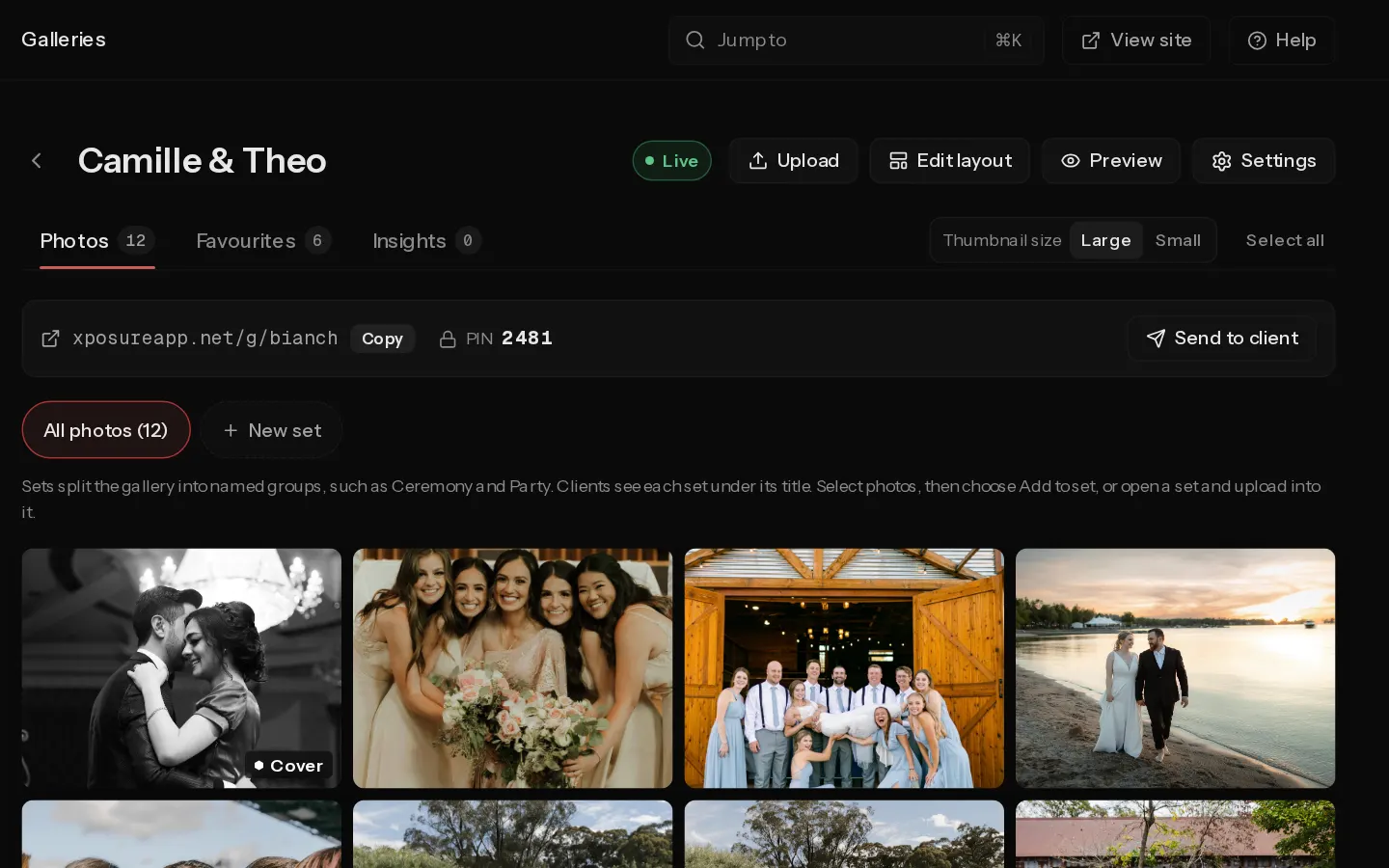 Arrange your galleryChoose the cover, split a client gallery into named sets, or build your own layout in the gallery builder.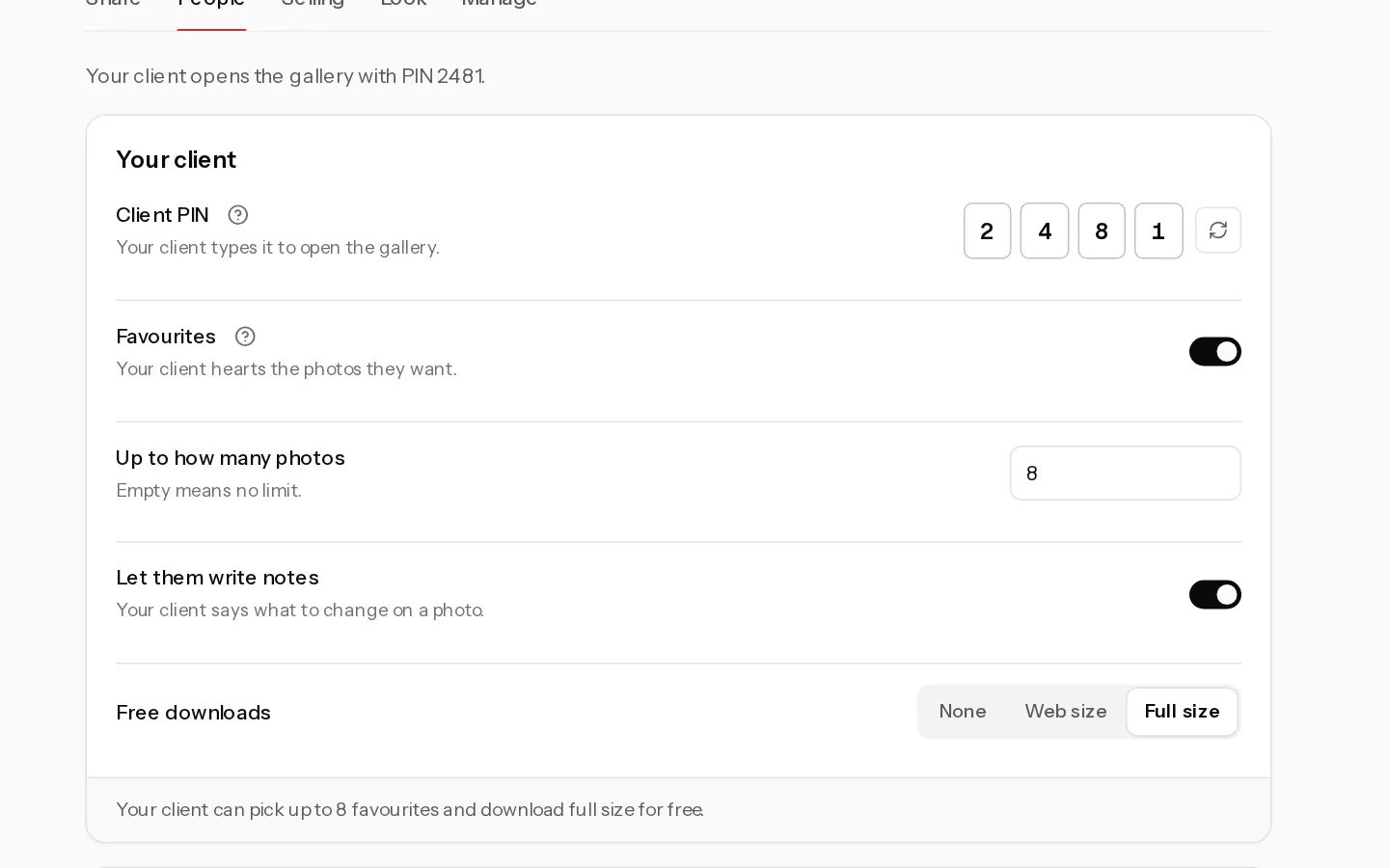
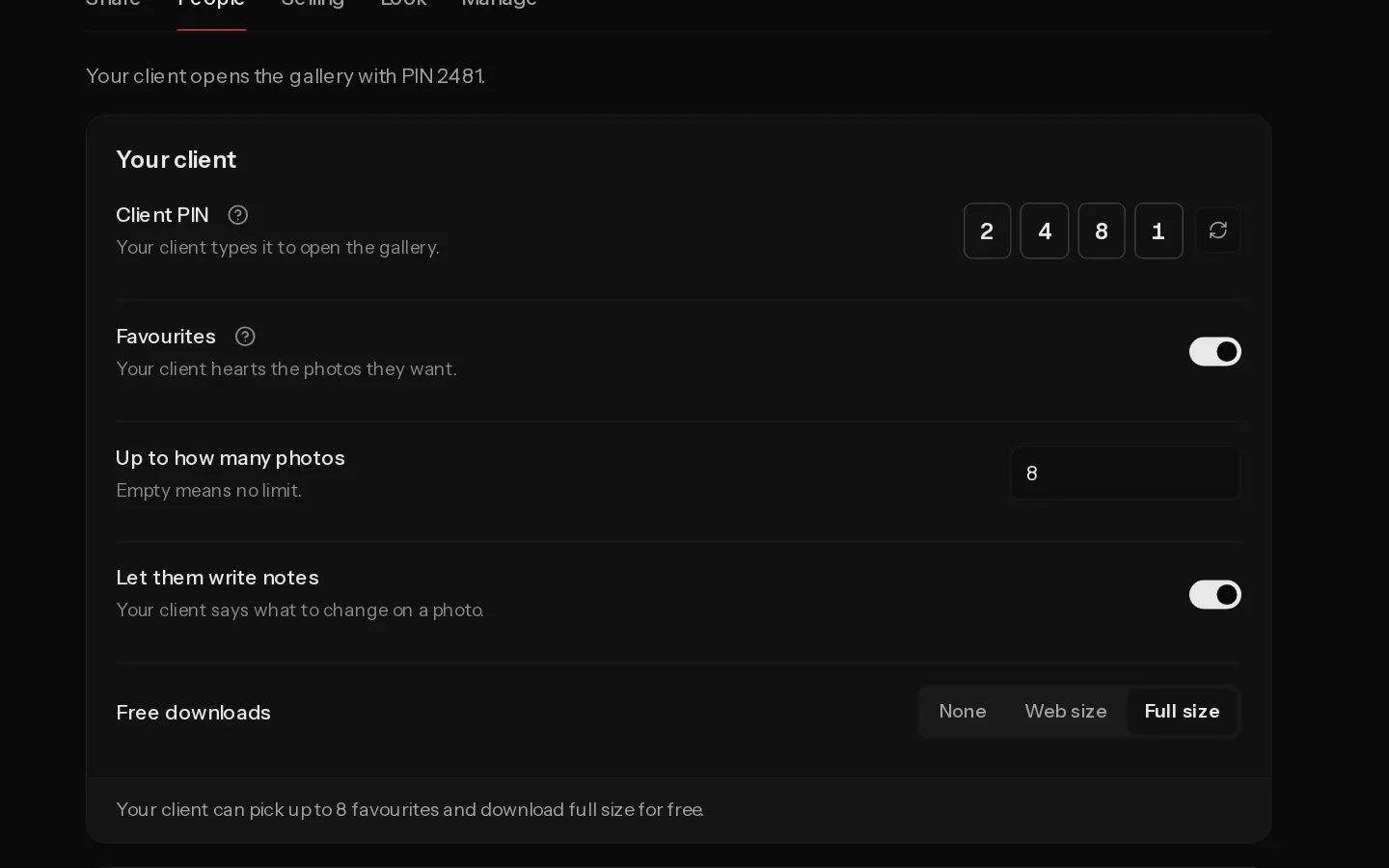 Choose what your client can downloadPaidSet the free download size for your client and for guests, and know what the Download button gives them.
- Upload from Lightroom ClassicPro and StudioInstall the Xposure plugin in Lightroom Classic and export your edits straight into a gallery.
- Add a video to a galleryPaidPlace a YouTube or Vimeo film in a gallery's layout, with a poster photo and a title.
- Check upload limits and duplicatesKnow which files Xposure takes, how big they can be, when a photo is skipped as a duplicate and how uploads count toward your storage.
Did not find your answer?
Tell us what you are trying to do. Support replies by email.