Let guests into a gallery
See what your client can do that guests cannot, and choose how guests get in.
Your client is the person the gallery is for, and opens it with the client PIN. Guests are the people your client wants to show it to, such as family, friends or wedding guests.
Guest access is available on Starter, Pro and Studio.
What each of them can do
| Your client | Guests | |
|---|---|---|
| Gets in with | The client PIN, or their email address when Your client gets in with is Their email | Whatever you choose under Guests get in with |
| Picks favourites and writes notes | Yes, when Favourites is on | No |
| Free downloads | Set under Your client | Set under Guests, separately |
| Buys photos and prints | Yes, when the gallery sells them | Yes, when the gallery sells them |
| Orders a printed album | Yes | No |
Guests never touch your client's favourites, so the picks you read back are your client's alone.
Choose how guests get in
- Open the gallery and select Settings, then the People tab.
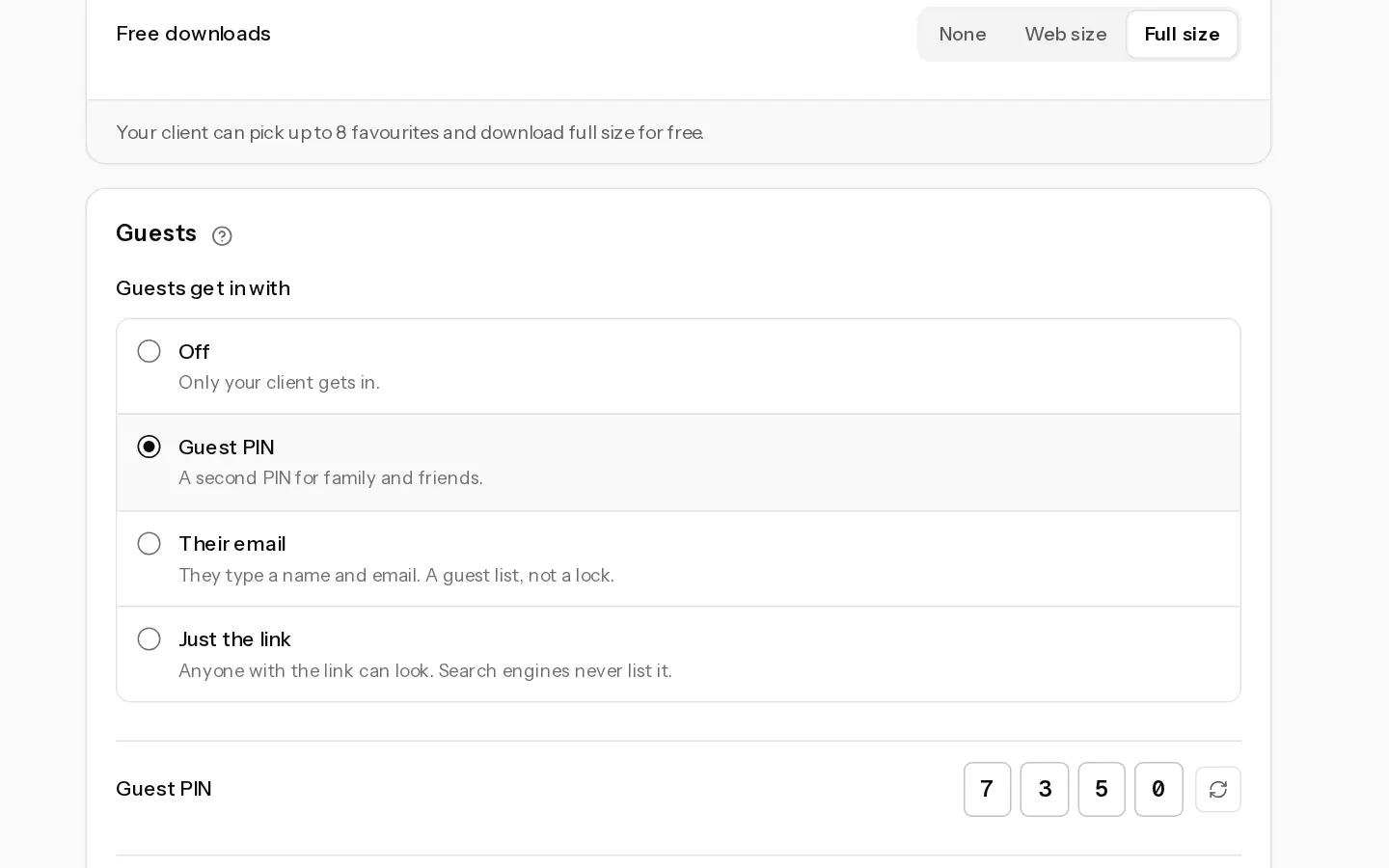
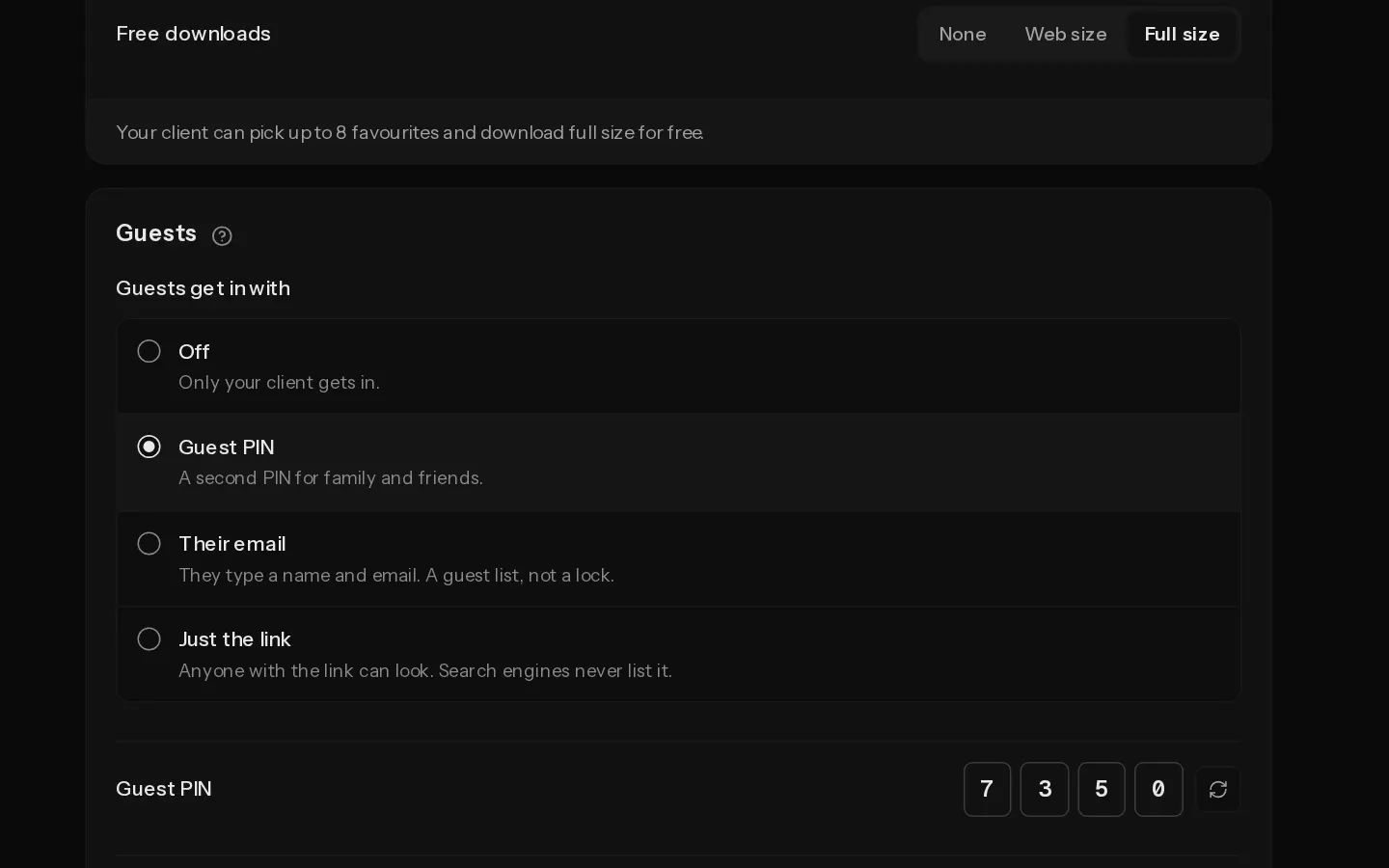
- Under Guests, pick one option in Guests get in with:
- Off: only your client gets in.
- Guest PIN: a second PIN for family and friends. See set a gallery PIN.
- Their email: guests type a name and email to get in. It is a guest list, not a lock.
- Just the link: anyone with the link can look. Search engines never list it.
- Under Free downloads, choose None, Web size or Full size for guests. Guests start on None.
The sentence under each card says what that person can and cannot do with the current settings.
Note: The guest options stay off until the gallery has a client PIN. With Just the link, guest downloads stop at Web size.
Read the guest list
With Their email, a Guest list card appears under Guests. It shows who signed in and who ticked the box to hear from you. Download the list saves a CSV of the subscribers only, with the date and the words they agreed to. Remove from list takes a subscriber off when they ask you directly.
Did not find your answer?
Tell us what you are trying to do. Support replies by email.