Build price sheets
Make several price sheets, set what you keep on each print and choose which gallery uses which.
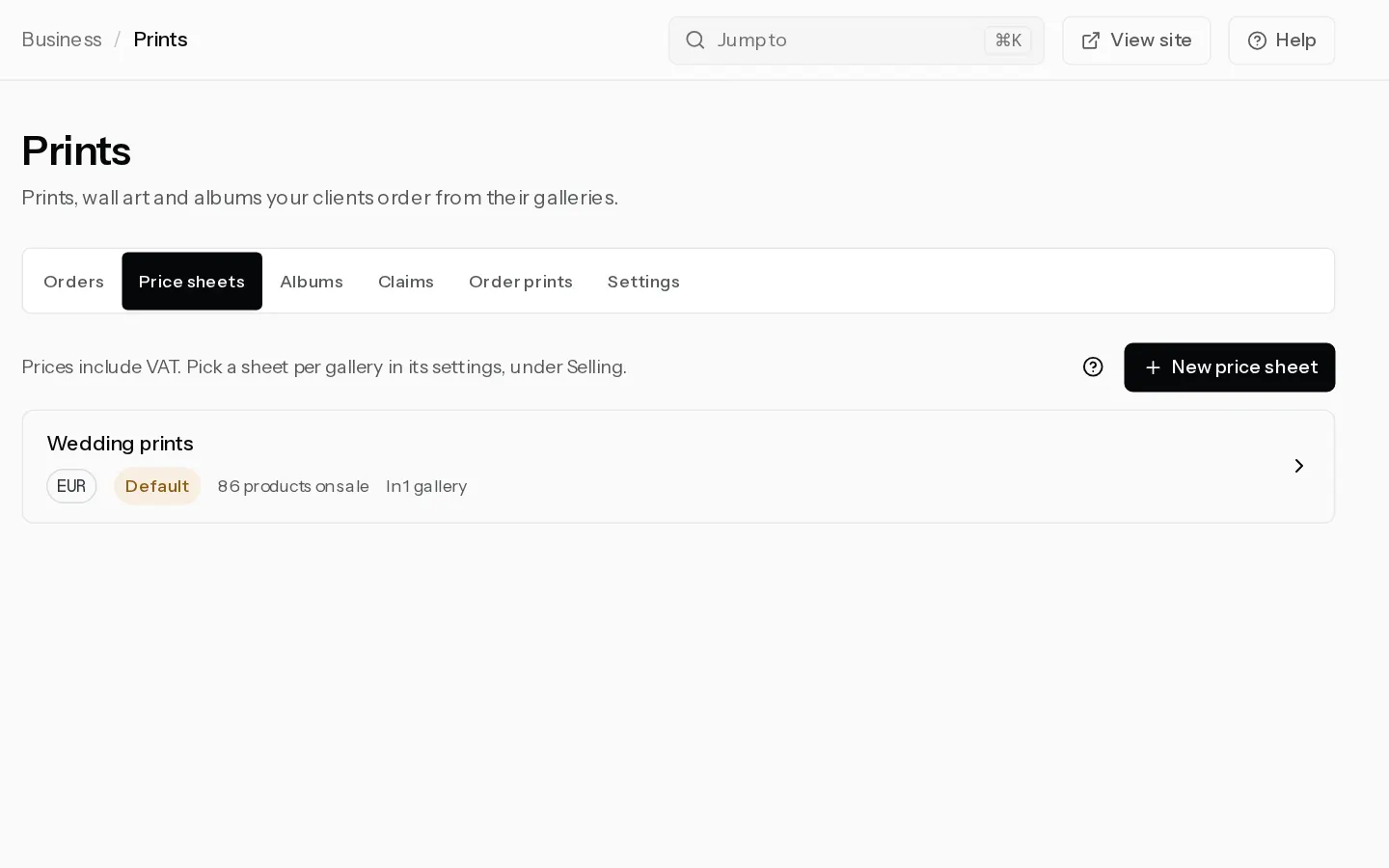
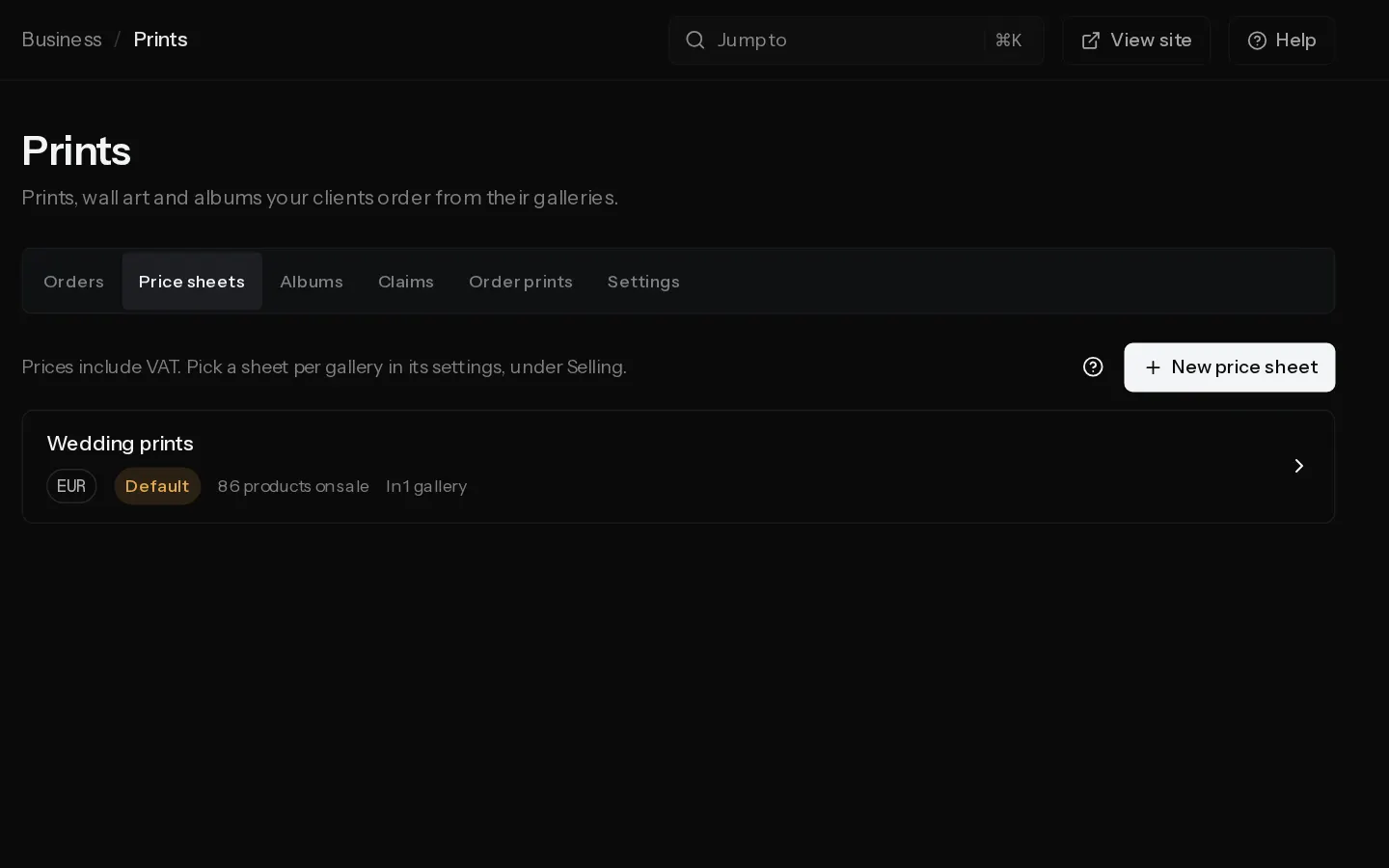
A price sheet sets what your client pays for each print product and size. Make one for each kind of work, such as weddings and portraits, and pick one per gallery. A trial cannot make price sheets, unless Xposure gave you a complimentary account. See Turn on print sales for your first sheet.
Make a sheet
- Open Prints, select the Price sheets tab, then New price sheet.
- Type a Name and select Create. The sheet is priced in the currency you sell in.
- Open a product group. Switch on each size you sell and type its price, VAT included. Select Use next to Suggested to take three times the lab cost, never under a minimum for that size. It also switches the size on.
- Read Lab cost and Profit on one print on each card. The profit is in the region where it earns least.
- Select Save price sheet.
Set shipping and the default
- Free shipping from: leave it empty for Never. Budget and standard shipping become free from this print total. You pay it. Albums do not count, and express is still charged.
- Offer express shipping: on by default. Your client pays for it.
- Default sheet: it is listed first and picked when you switch on Sell prints in a gallery. One sheet is the default at a time.
Use a sheet in a gallery
In the gallery, open Settings, then Selling. With Sell from this gallery and Sell prints on, choose the sheet under Price sheet. Only sheets in your selling currency are listed. The sheet lists Galleries using this sheet.
Copy or delete a sheet
Duplicate copies the saved sheet as "Name (copy)". The copy is never the default. Delete asks first and says how many galleries stop selling prints.
Note: Changing your selling currency converts the prices on every sheet. An older sheet left in another currency does not sell.
Important: Below cost in some regions means clients there cannot order that size. Raise the price. Markup under 15% only warns.
Did not find your answer?
Tell us what you are trying to do. Support replies by email.