Pick your favourites and send them
Heart the photos you love, sort them into lists, add notes and send your picks to your photographer.
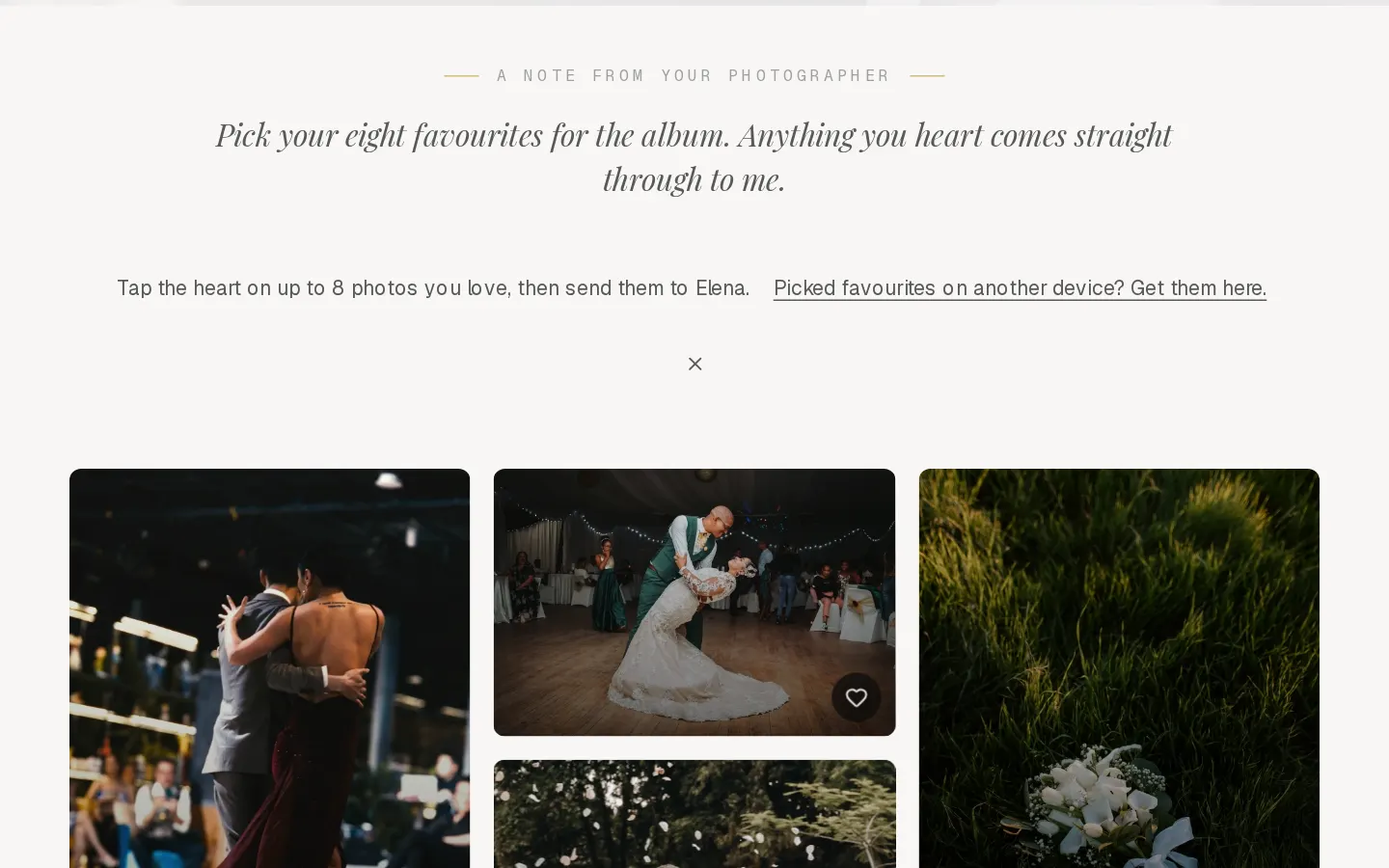
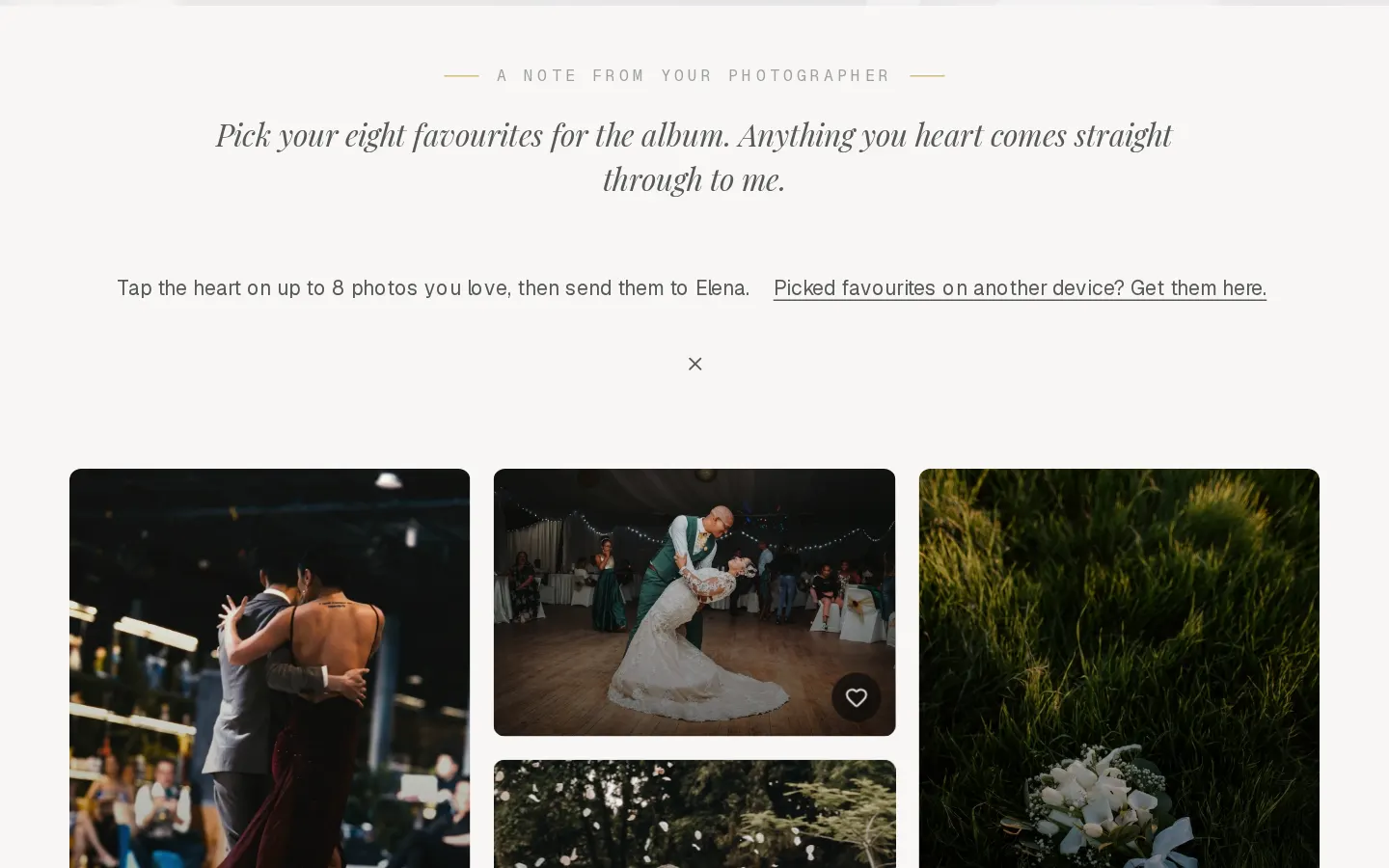
When your photographer asks you to choose, you heart photos in the gallery and send them your picks. You need the client PIN for this. Guests see the gallery without hearts.
Pick your favourites
- Select the heart on a photo. On a phone, tap the heart on the photo, or open the photo and select Favourite.
- On your first heart, the gallery asks Whose favourites are these? Enter your name and email and select Save, so your photographer knows whose picks they are.
- Keep going. Favourites at the top shows only the photos you picked.
Important: Not now, remove my favourite removes the heart again. Your picks are only kept once your name and email are in.
When your photographer set a limit, the line at the top says how many you can pick, and the bar at the bottom counts them. At the limit, remove one heart to add another.
Add a note
Open a photo, select Notes, write what you would like changed and select Add note. Only your photographer sees it, and their reply shows under the note.
Use more than one list
Lists keep picks apart, for example the album and the wall prints.
- Once your name and email are in, select the name of the list in the bar at the bottom. Your lists opens.
- Type a name in New list and select Create. The heart now adds to that list.
- Select a list to switch back. The pencil renames or deletes a list. Deleting a list keeps the photos in the gallery.
You can keep up to 10 lists. Favourites always stays.
Send your picks
- In the bar at the bottom, select Send. It names the number of photos and your photographer.
- Add a message in Anything to add? if you like, then select Send favourites.
Your photographer gets your picks and your message by email, and you get a copy. You can keep changing your hearts. To send the new set, select Send an update in the same place.
Picked on another device?
Open the gallery with your PIN and select Picked favourites on another device? Get them here. Enter the email you used before and select Get my favourites.
Questions about your photos?
Your photographer answers questions about your gallery, order or session. Reply to their email. Contact support only when the site itself does not work.