Duplicate, export or delete a gallery
Copy a gallery as a starting point, download every original as a ZIP, or delete a gallery for good.
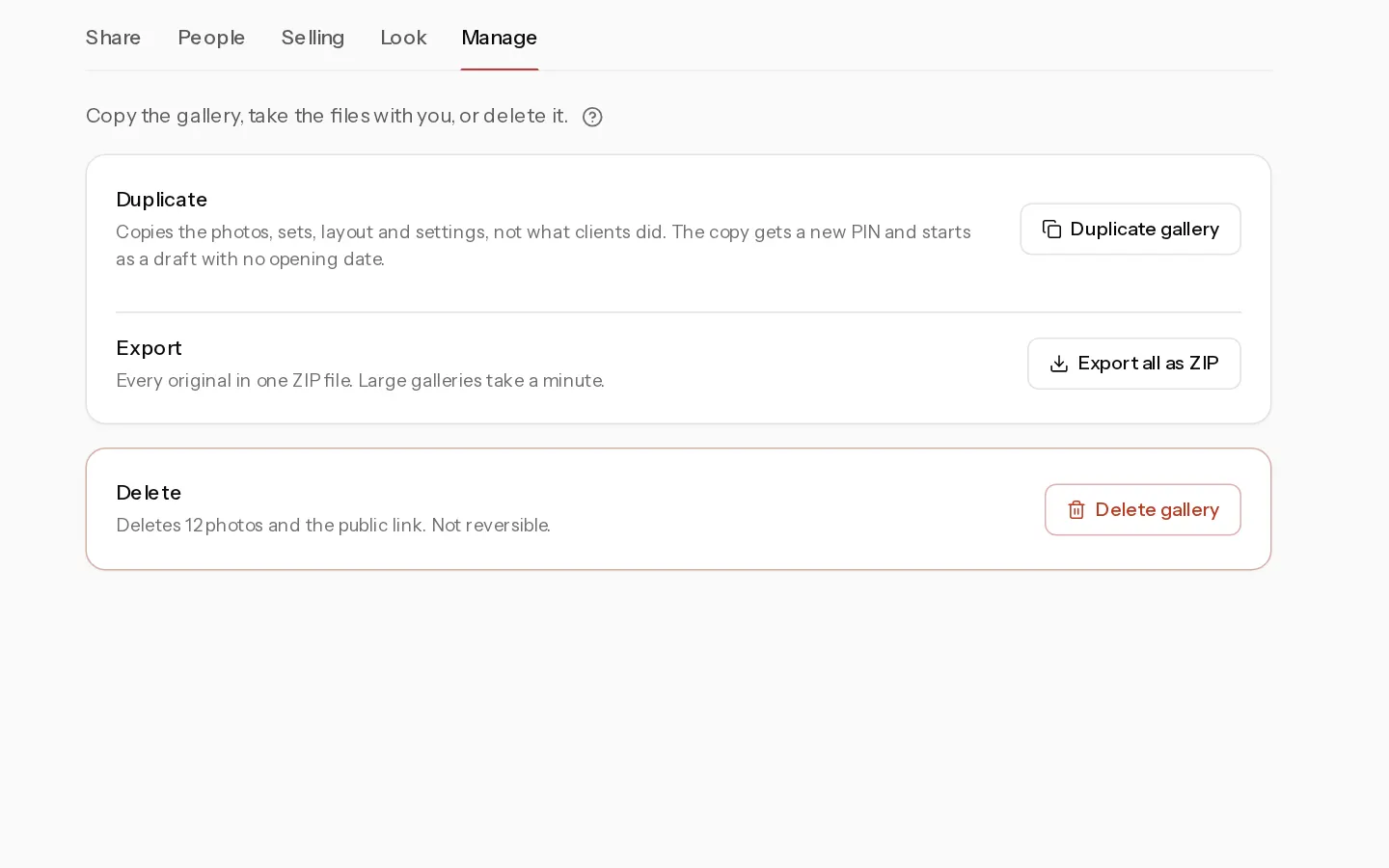
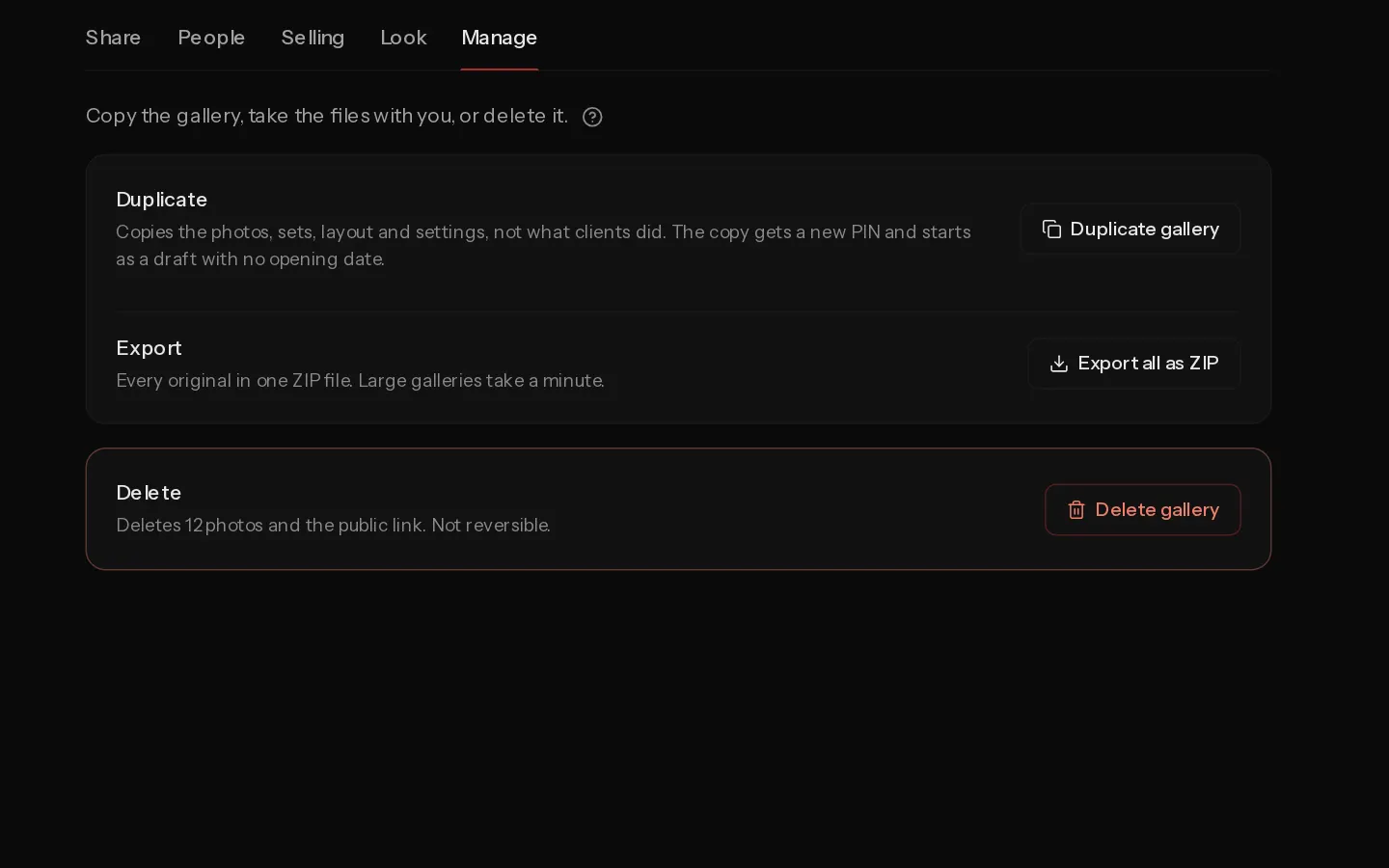
Open the gallery, select Settings, then Manage. On Studio, the tab is for Editors, Admins and the owner. Photographers and Viewers do not see it. See Choose roles and manage seats.
Duplicate a gallery
Next to Duplicate, select Duplicate gallery. A gallery of more than 25 photos asks you to confirm with Duplicate. You land in the copy, named with "(copy)" after the original.
The copy keeps the photos in their order, the sets, the layout, the cover, the event date, the note and the settings, including prices, downloads and the watermark. The print price sheet comes over on a client gallery when you can sell prints, and only when an Admin or the owner duplicates it.
The copy does not keep what your client did: favourites, comments, orders, invites and visits. It also loses the opening and closing dates, the custom link, the booking, the assigned photographer, its photos' place in your portfolio and any film you uploaded. A client gallery copy gets a new client PIN, and a new guest PIN if the original had one. It starts as a draft, so nothing is live until you make it so. A portfolio album copy shows on your portfolio straight away.
The copy counts toward your storage in full, RAW files included. Without enough room, you see Not enough storage to duplicate this gallery. A client gallery copy also needs a plan with client galleries. See Check what counts as storage.
Export a gallery
Select Export all as ZIP. The ZIP holds the full-size file of every photo, named as you uploaded it. A RAW photo exports as its JPEG, not the RAW file.
The ZIP streams to your browser and is not stored. It uses no storage and has no expiry. Large galleries take a minute.
Delete a gallery
Next to Delete, select Delete gallery, then Delete. Deleting cannot be undone.
When clients bought downloads from the gallery, the dialog says how many and asks again. Select Delete anyway to go ahead.
It removes the photos and their files, the films, the public link and the PINs. Your storage frees within the hour. Orders for downloads are removed with it, so your client's download links stop working. The payment stays in your Stripe dashboard. Print orders are kept.
Important: Export the gallery first if your client may still need the files. Deletion is refused while a print order from the gallery has not reached the lab.
The default portfolio album can only be exported.
Did not find your answer?
Tell us what you are trying to do. Support replies by email.