See what your team changed
Read who changed what in your studio, and filter by the kind of change or by the person.
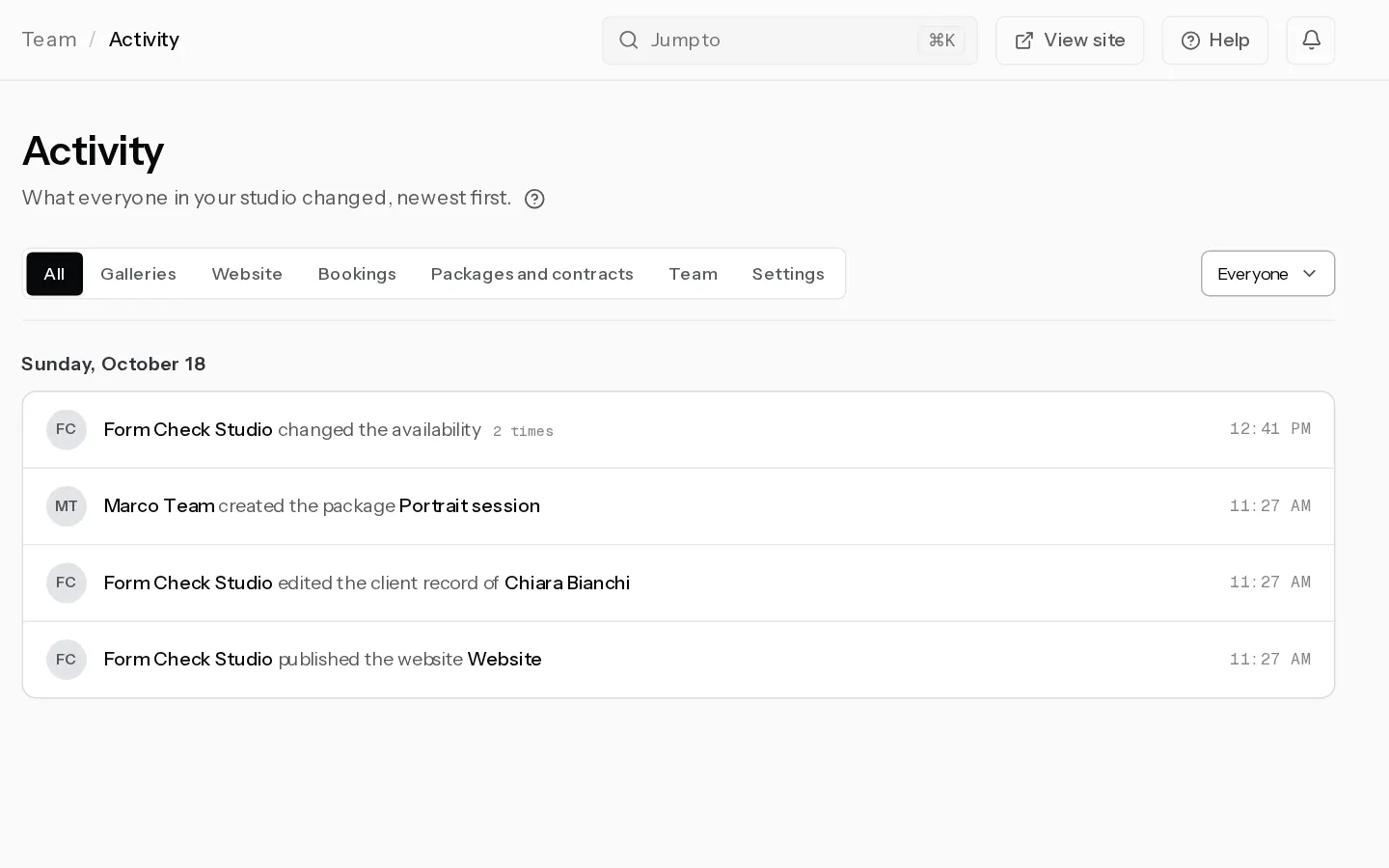
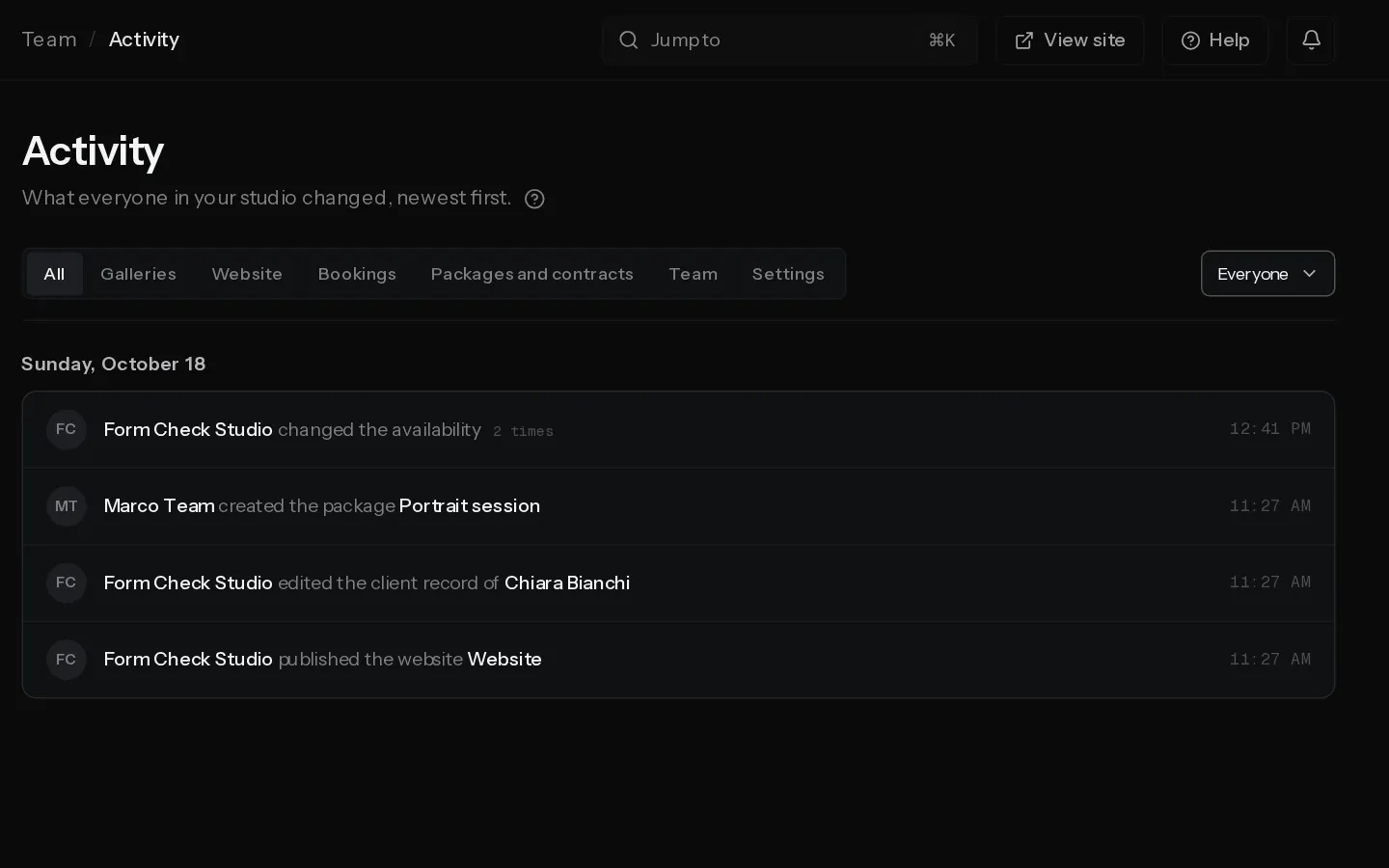
Activity lists what everyone in your studio changed, newest first, with who did it. Your own changes are on it too. The owner and admins see it. Editors, photographers and viewers do not.
Read it
Each line names the person, what they did and what they did it to, such as a gallery, a booking or a package. Lines are grouped by day, with the time on the right.
When someone does the same thing to the same item within half an hour, it stays one line with a count, such as 3 times. An upload of 300 photos is one line that says how many.
Each line keeps the name of the person who made the change, even after they leave the studio. Deleting an enquiry, deleting a client record and erasing a client's details are logged without the client's name.
Filter it
- Under What changed, pick Galleries, Website, Bookings, Packages and contracts, Team or Settings. All shows everything.
- To see one person, pick them in the menu on the right. Everyone shows the whole team. The menu shows once a member has joined.
- Select Load older activity at the bottom to go further back.
A filter searches the whole log, not only the lines on screen.
What is logged
- Galleries: creating, editing, duplicating and deleting galleries, their settings and layout, photo uploads and deletions, answers to client comments, and print orders, claims and album designs.
- Website: publishing the site or taking it offline, and posts.
- Bookings: enquiries, clients, payments recorded by hand, cancelling and rescheduling, availability, blocked time, calendars and the booking page.
- Packages and contracts: packages, categories, contracts, coupons, price sheets and your business details.
- Team: invites, role changes, removals, and people joining or leaving.
- Settings: the studio profile, handle, picture, portfolio cover, watermark, API keys, print inserts and disconnecting Stripe.
Logging starts once you invite your first member. Entries are kept for 90 days.
See also: Choose roles and manage seats.
Did not find your answer?
Tell us what you are trying to do. Support replies by email.