Choose the language of a client gallery
Show a client gallery, its checkout and its emails in German, French, Italian, Dutch or Spanish.
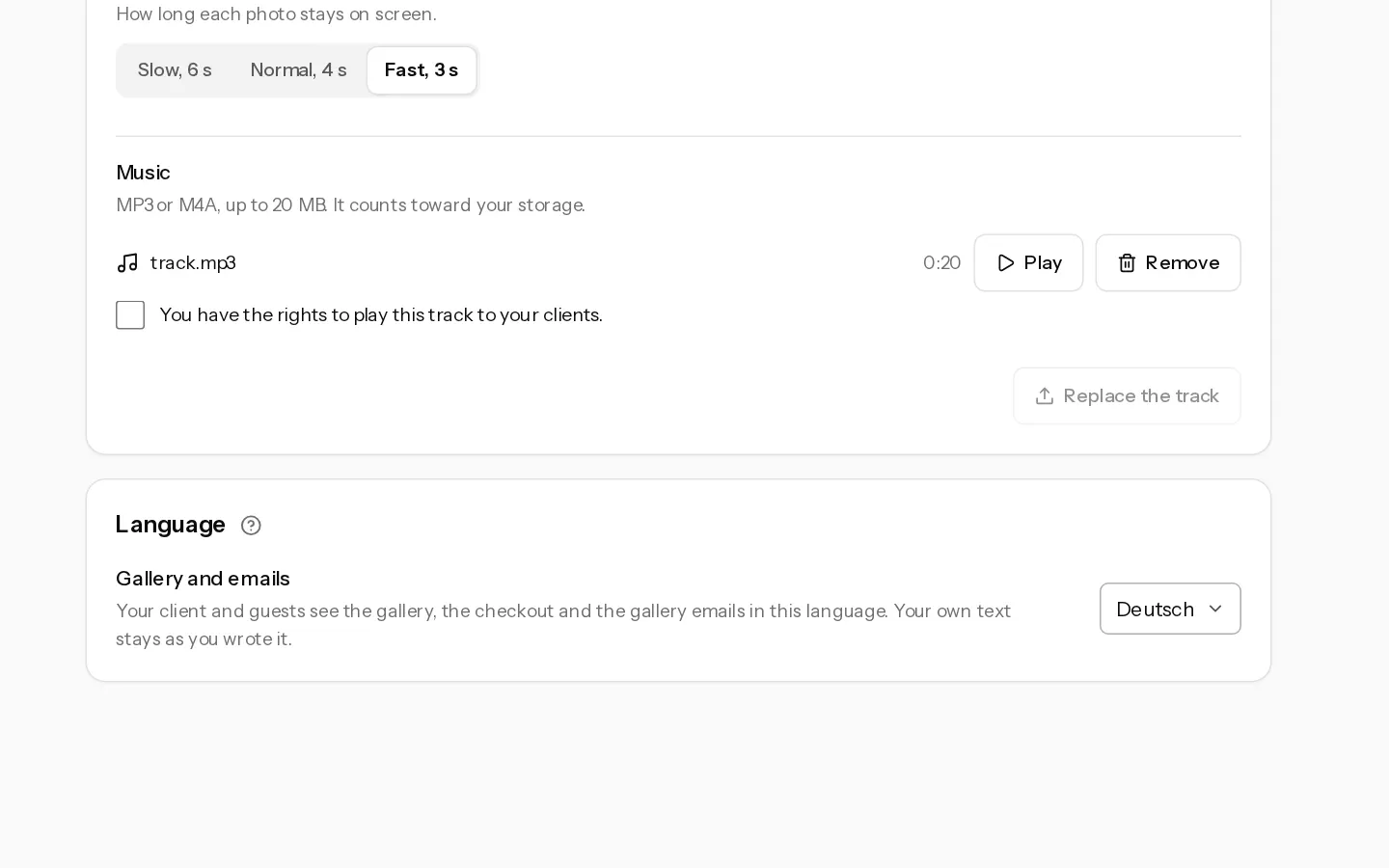
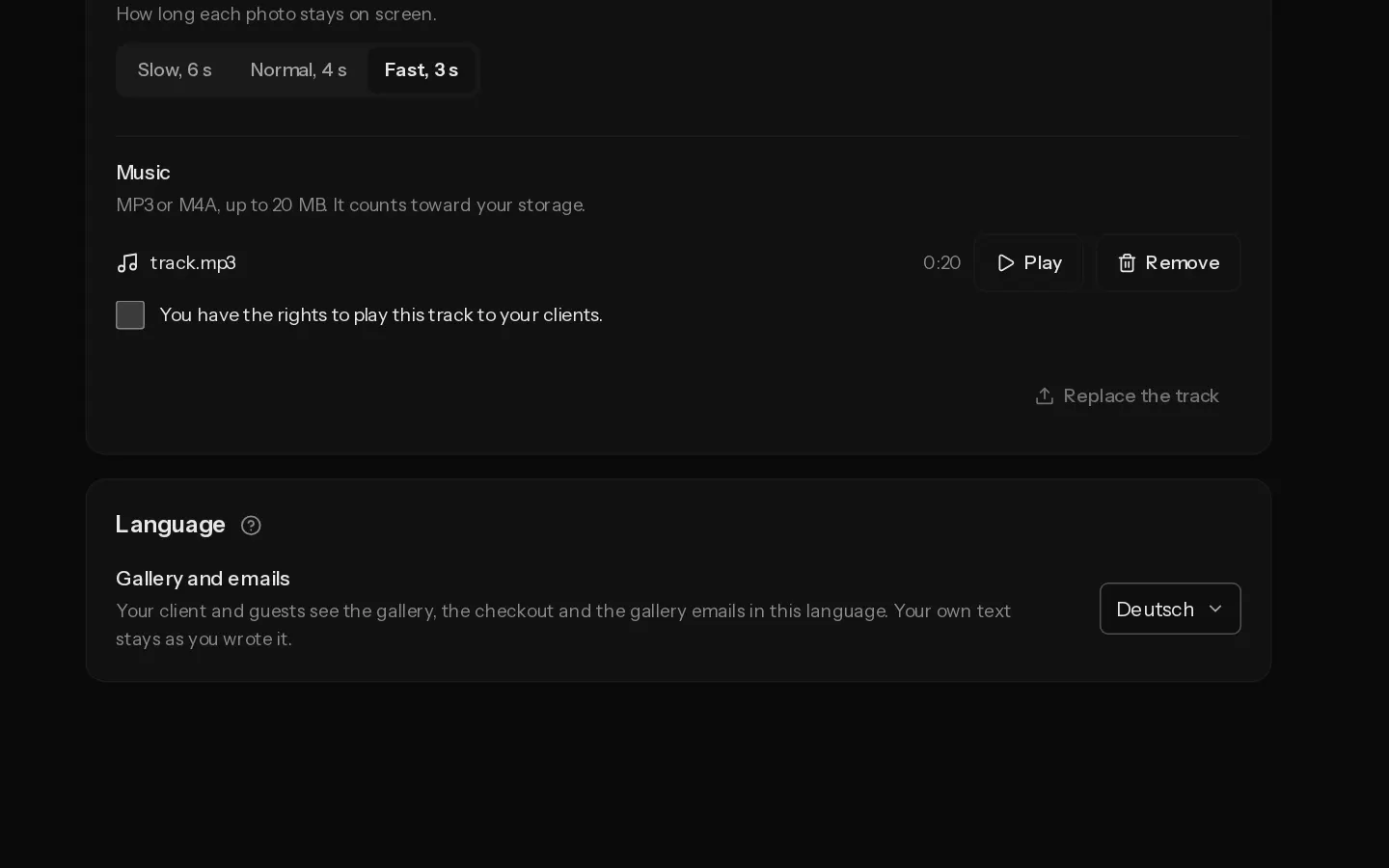
A client gallery can speak English, German, French, Italian, Dutch or Spanish. The language covers the entry screen, the gallery, the cart and checkout, the download and order pages, and the emails your client and guests get from the gallery. Your own text, such as the gallery name, set titles and notes, stays as you wrote it.
Set the language for new galleries
- Open the Brand tab of Profile and brand.
- Under Client galleries, pick a Language.
New galleries start in that language. Galleries you already made keep theirs. Until you pick one, new galleries start in the language your browser uses, or English if it is not one of the six.
Change it for one gallery
- Open the gallery, select Settings, then the Look tab.
- Under Language, pick the language. It saves at once.
Emails sent after the change use the new language.
Note: Booking pages, booking emails and the client portal are in English for now.
Did not find your answer?
Tell us what you are trying to do. Support replies by email.