Read your stats
Understand the visitor, enquiry and gallery numbers on the Exposure page, and what is counted.
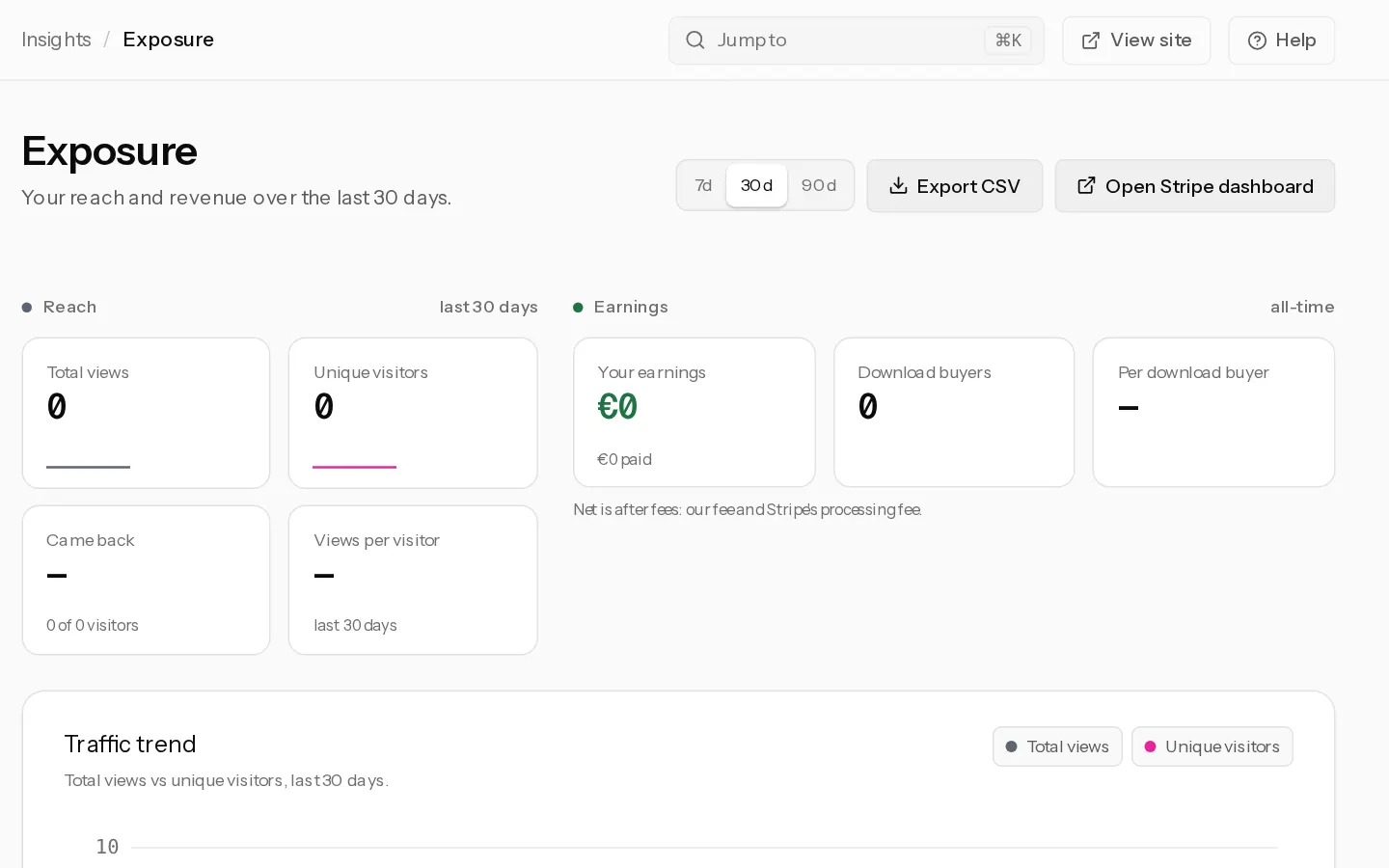
The Reach tab of Exposure shows who visits your portfolio and galleries, and what they do there. In a studio team, the owner and members with the Admin role see it.
Pick 7d, 30d or 90d on the tab row to set the period. The download button next to it, Export CSV, downloads the same report.
Reach
- Visitors: the different people who visited your portfolio or website, or opened a client gallery. The percentage beside it compares with the period before, of the same length.
- Views: all those visits. Moving between pages in one visit counts once.
- Came back: the share of visitors who returned on another day.
- Enquiries: messages sent through your contact form.
Select Visitors, Views or Enquiries to draw that number day by day in the chart below.
Where visitors come from
- Where they came from: the sites and apps that sent visitors, such as Instagram or Google. Direct means no site was named, such as a typed address. A link tagged with
utm_sourceshows under that name. - Audience: whether visitors used a phone, tablet or computer, and the countries most of them are in.
- From visit to enquiry: how many people viewed your portfolio and opened the contact form, then how many messages and booking requests came in. Each percentage is of the step before. A step can count more than the one before it, since messages and booking requests also come in other ways, and then no percentage shows.
Your photos and galleries
Most viewed photos shows the 12 portfolio photos visitors opened most often in the period you picked. A photo counts once per visit, however often it is opened again.
Client galleries lists your client galleries, busiest first, up to 50. Opened says whether your client has ever opened the gallery. Visitors, Photo views, Favourites and Downloaded cover the period you picked. Views by day draws each gallery's views over that period, scaled to its own busiest day.
The Sales tab shows what you kept from downloads and prints, all time, and what clients paid in each gallery. It shows them even while Stripe still needs details from you. See Connect Stripe.
What is counted
- Your own visits while you are signed in are left out, and so are known bots.
- Visitors are told apart by a scrambled form of their internet address, unique to your account. Xposure never records their names. Two people on the same Wi-Fi can count as one visitor.
- A portfolio view is counted when someone opens your homepage, a website page or your pricing page. Opening only a post or a portfolio album is not counted.
Note: Countries, devices and sources were added later than views. If the page says Recorded since a date, those panels cover less than the period you picked.
See also: Choose roles and manage seats.
Did not find your answer?
Tell us what you are trying to do. Support replies by email.