Collect guest emails
Let guests into a gallery with their name and email, and download everyone who agreed to hear from you.
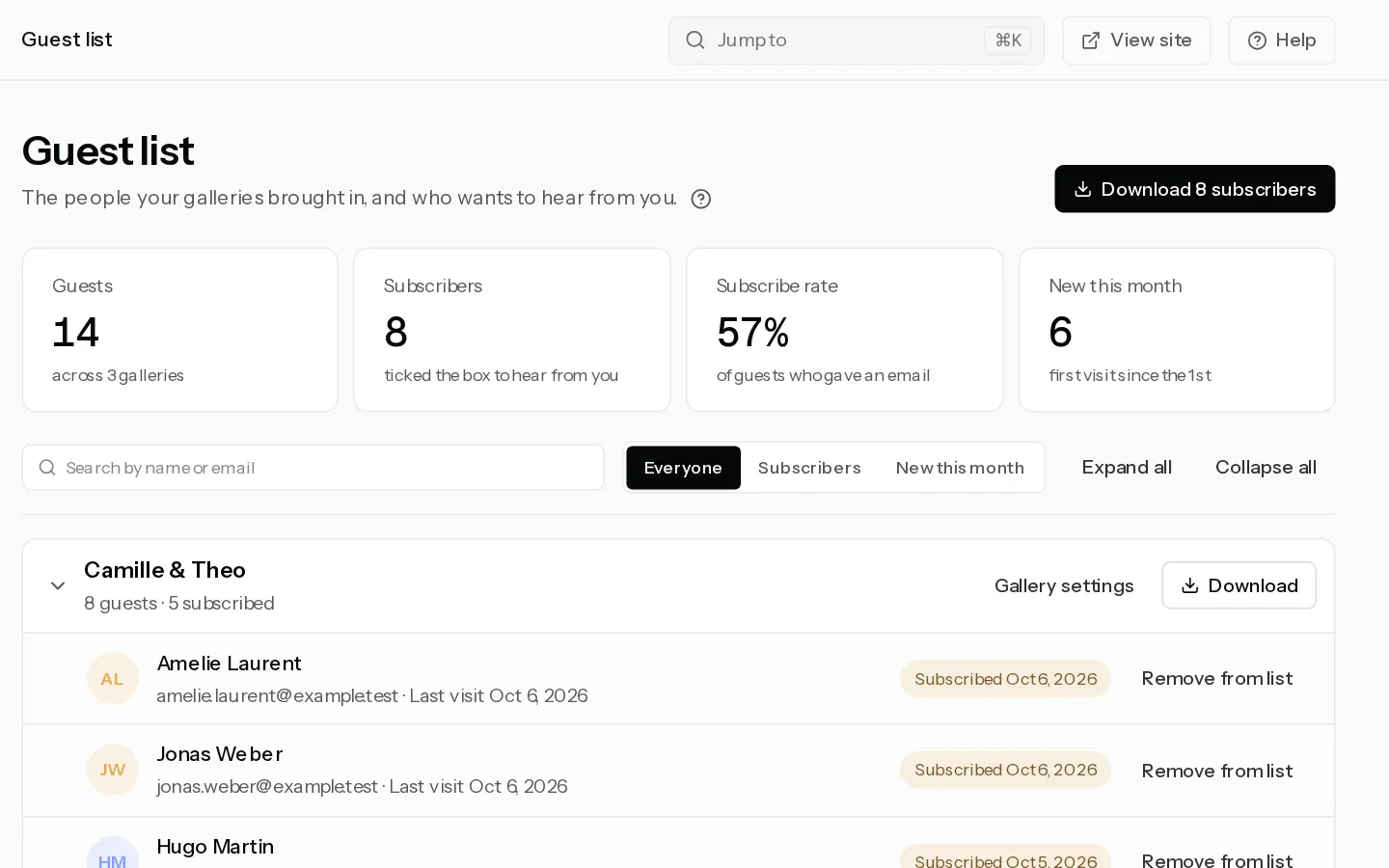
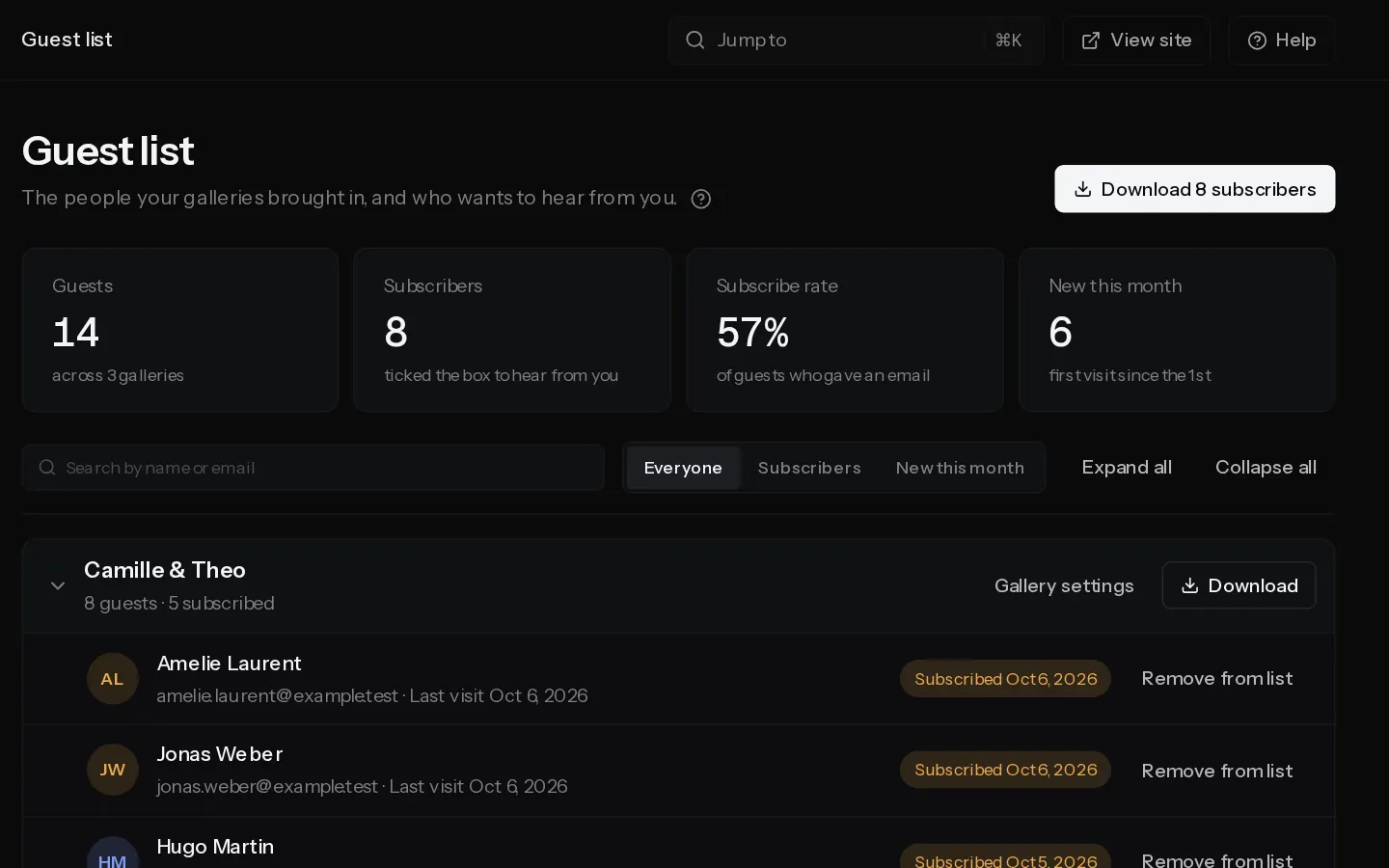
Guests type their name and email to open the gallery, and can tick a box to hear from you. You get one guest list across all your galleries, and a file of everyone who ticked the box.
Guest access is available on Starter, Pro and Studio.
Let guests in with their email
- Open the gallery and select Settings, then the People tab.
- Under Guests, choose Their email under Guests get in with. The gallery needs a client PIN first.
The box guests tick reads "Keep me posted about news and offers from" followed by your name or studio name. It starts unticked.
See every guest
Select Guest list in the sidebar, or Guests from every gallery on a gallery's Guest list card. The tiles at the top count your guests, your subscribers, the share who subscribed and the guests new this month.
Below them, guests are grouped by gallery. A guest who opened two galleries shows under both. Select a gallery's name to fold its list away or open it again, or use Expand all and Collapse all.
- Type in the search box to find a guest by name or email.
- Select Subscribers to see only the guests who ticked the box, or New this month for guests whose first visit was this month.
- Gallery settings opens that gallery's People tab.
Download the list
Select the download button at the top, for example Download 12 subscribers. The file holds subscribers only, with the date they agreed and the words they saw, and each person once. Download on a gallery saves that gallery's subscribers only.
Take someone off the list
If a guest asks you to stop, select Remove from list next to them. That clears their consent in every gallery, so the next download leaves them out. They stay on the guest list as not subscribed.
Note: Editors, admins and the owner see the guest list. A studio member with the Photographer role does not.
Did not find your answer?
Tell us what you are trying to do. Support replies by email.