Handle enquiries
Track every enquiry from first message to booked, reply, send your booking link and make the person a client.
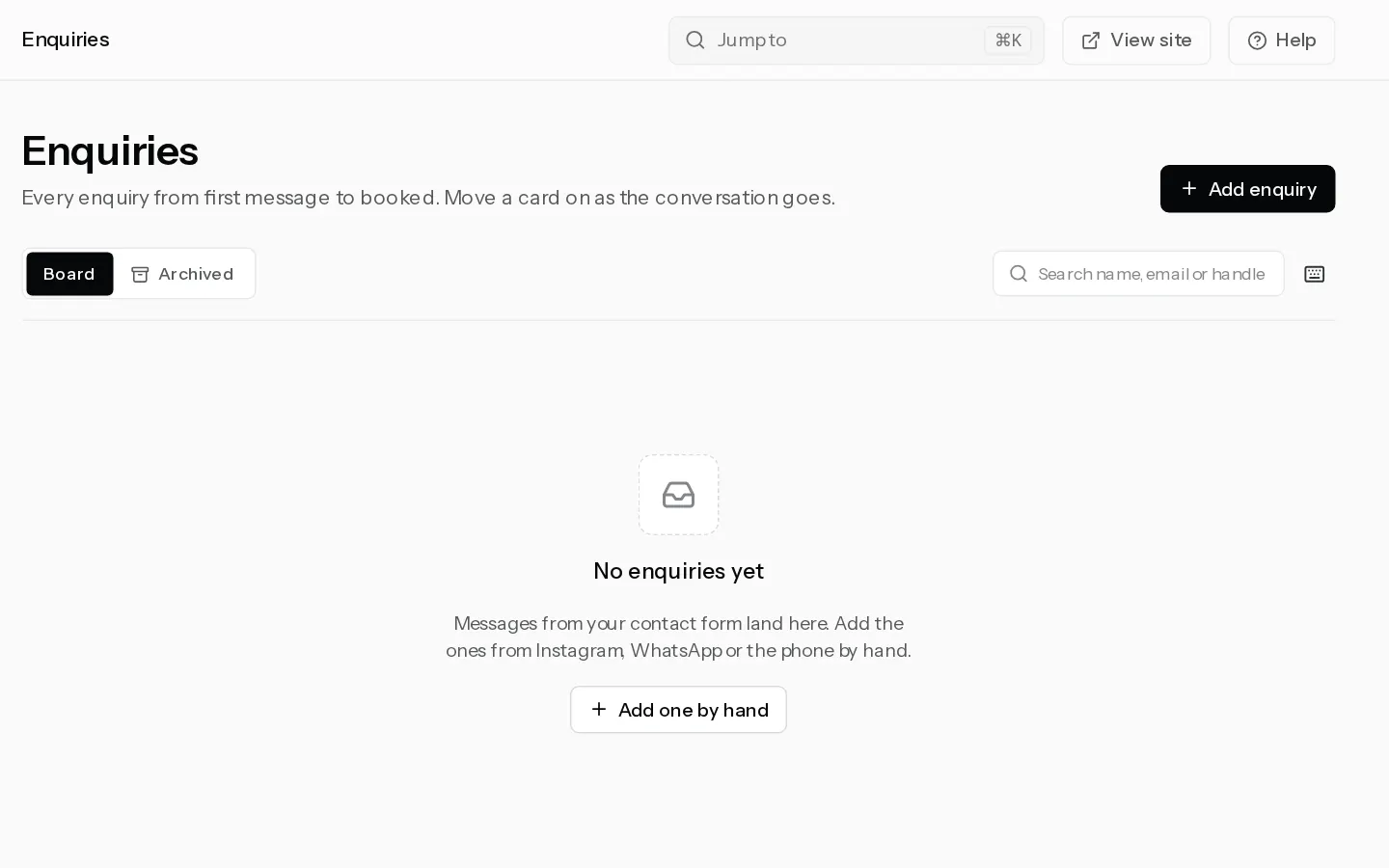
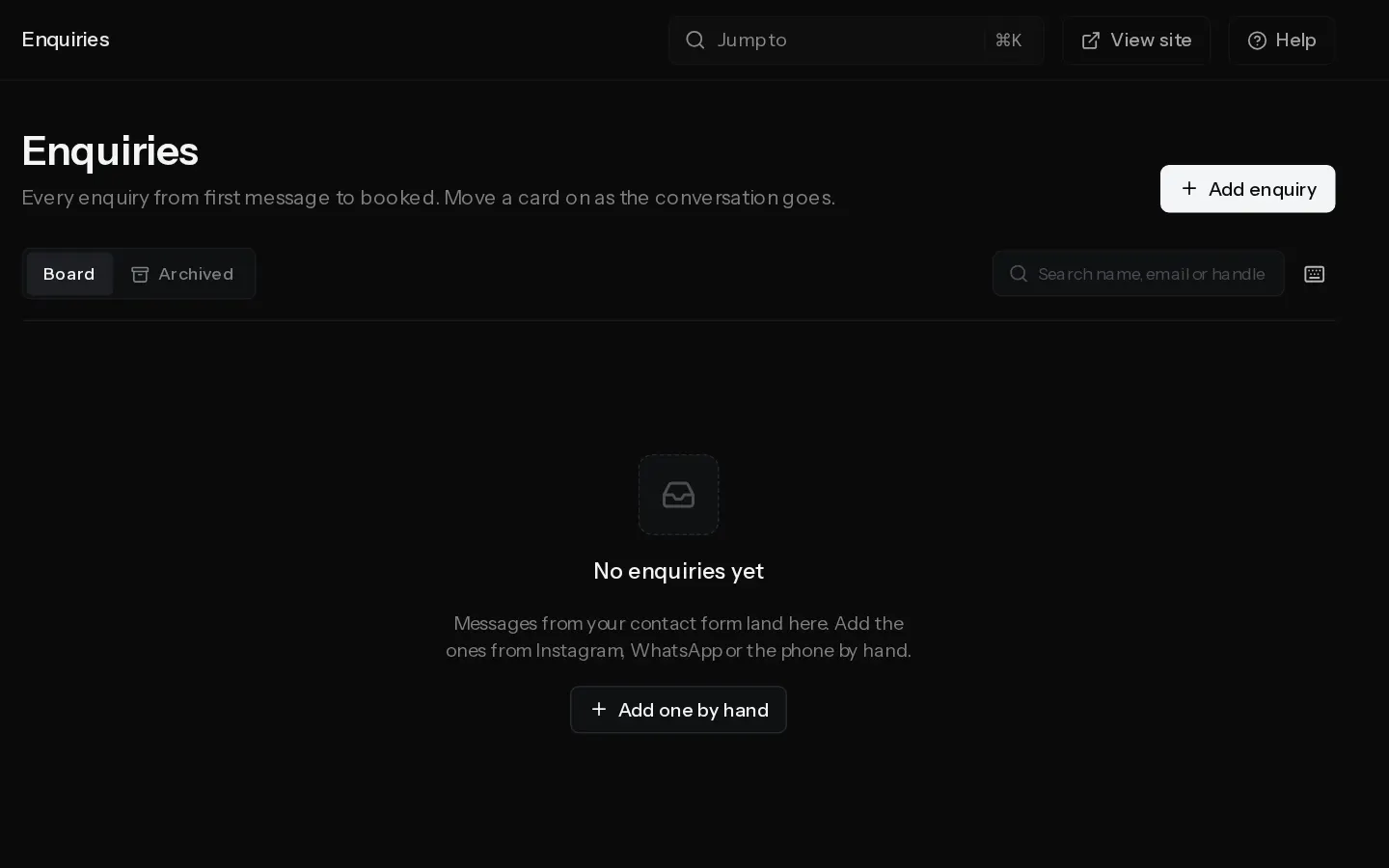
Messages from the contact form on your portfolio land in New on your enquiries board. Add the ones from Instagram, WhatsApp or the phone by hand, and move each card on as the conversation goes. The board is on every plan.
Add an enquiry by hand
- Open Enquiries and select Add enquiry.
- Type the Name and pick How they got in touch.
- Add one way to reach them: an email, a phone number or their handle.
- Pick a Package and paste What they asked if you like, then select Add enquiry.
The card lands in New. Nothing is sent to them.
Move it along
The stages are New, Replied, Quoted, Booked and Lost. Drag a card to another column, or open its menu and select Move to…. On a phone the menu is the only way.
On the enquiry page, Reply by email opens your mail app and moves a new card to Replied. Your note is for you alone: what they want, what you quoted.
Send your booking link
On the enquiry page, select Copy booking link and paste it into your reply.
When they book and pay from the same email address, their open enquiry moves to Booked and links to the booking by itself. If they booked with another address, open the menu, select Link a booking and pick it. Only confirmed bookings are listed.
Make them a client
On the Client card, select Make them a client. The enquiry then sits on their client record with their bookings, payments and galleries. A client needs an email, so you are asked for one if the enquiry has none. If the address already belongs to a client, the button reads Add to and their name.
Making a client and sending a questionnaire to an enquiry need Starter or above.
Clear the board
- Archive takes a card off the board without deleting anything. Find it again under Archived.
- Delete removes the enquiry for good, with your note and any questionnaire answers.
To act on several cards at once, select Select in each card's menu, then Archive or Delete in the bar that appears.
Note: Lost is folded on a wide screen. Select Show beside it to see those cards.
Did not find your answer?
Tell us what you are trying to do. Support replies by email.