Account and privacy
Sign-in security, your data and your clients' privacy.
 Turn on two-factor authenticationAdd a code from an authenticator app to every sign-in and keep recovery codes for when you lose your phone.
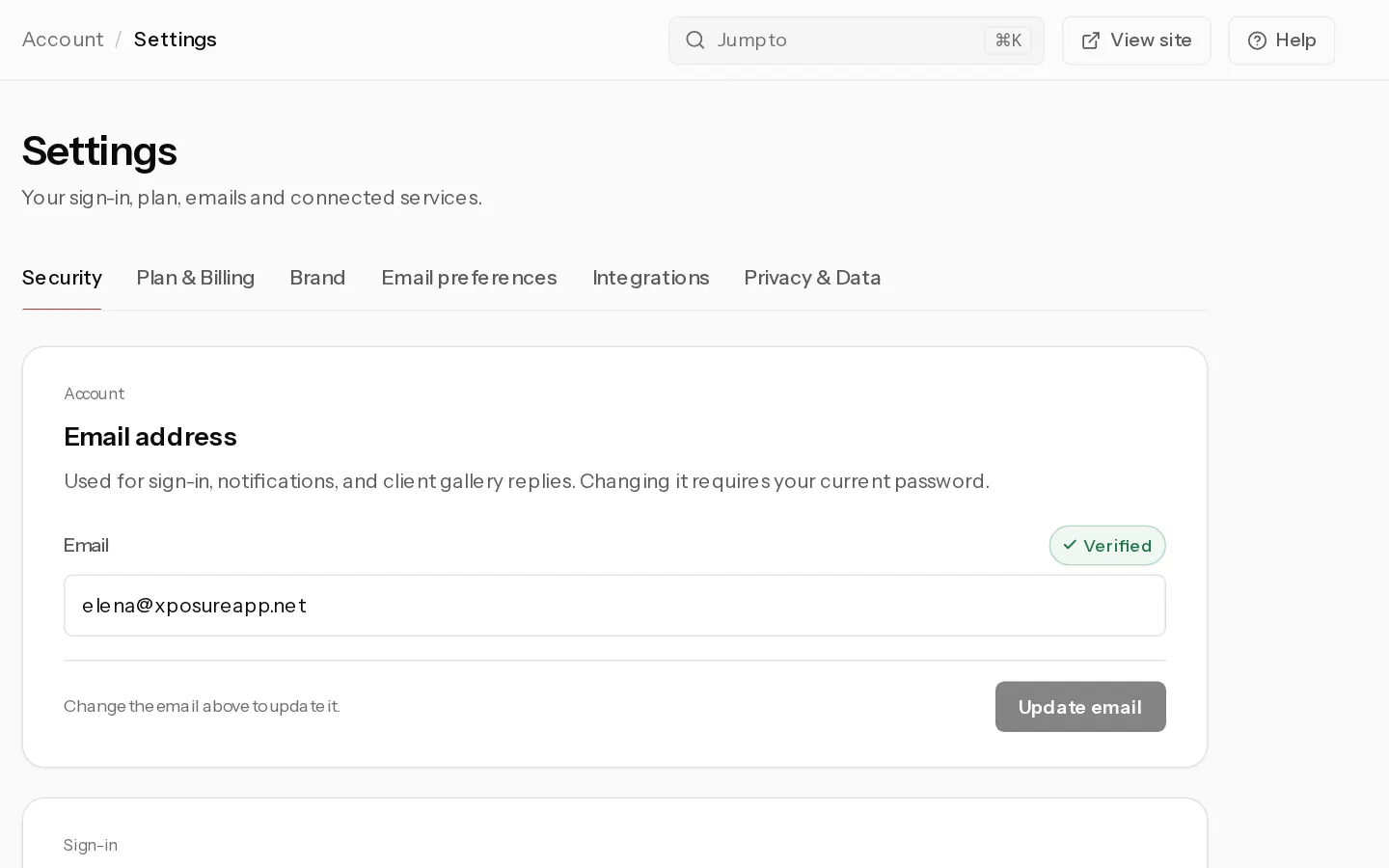
- Change your email addressMove your account to a new email address and confirm it from the new inbox.
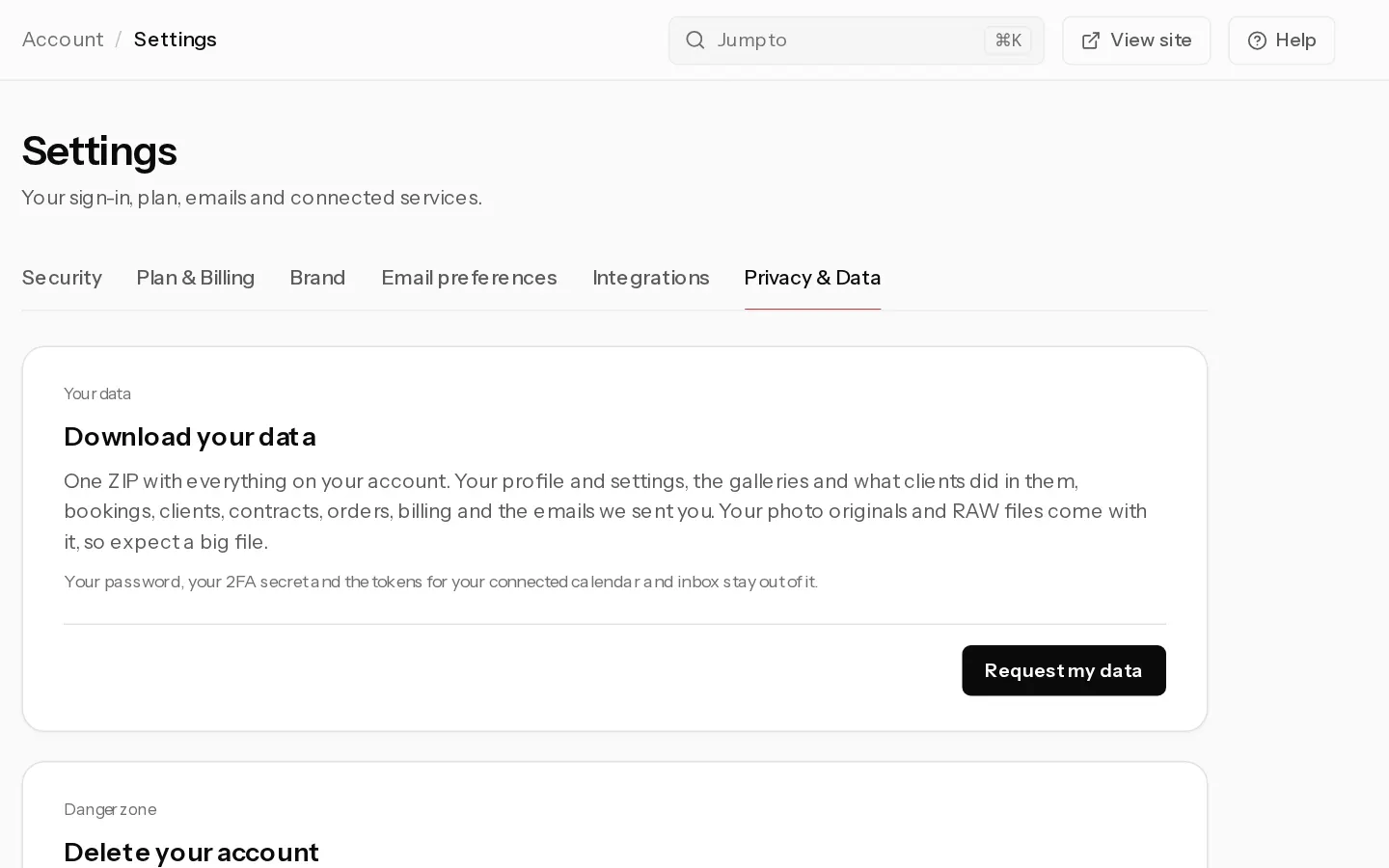
 Export your dataDownload one ZIP with everything on your account, your original photos and RAW files included.
- Delete your accountSchedule your account for deletion, and bring it back within 30 days if you change your mind.
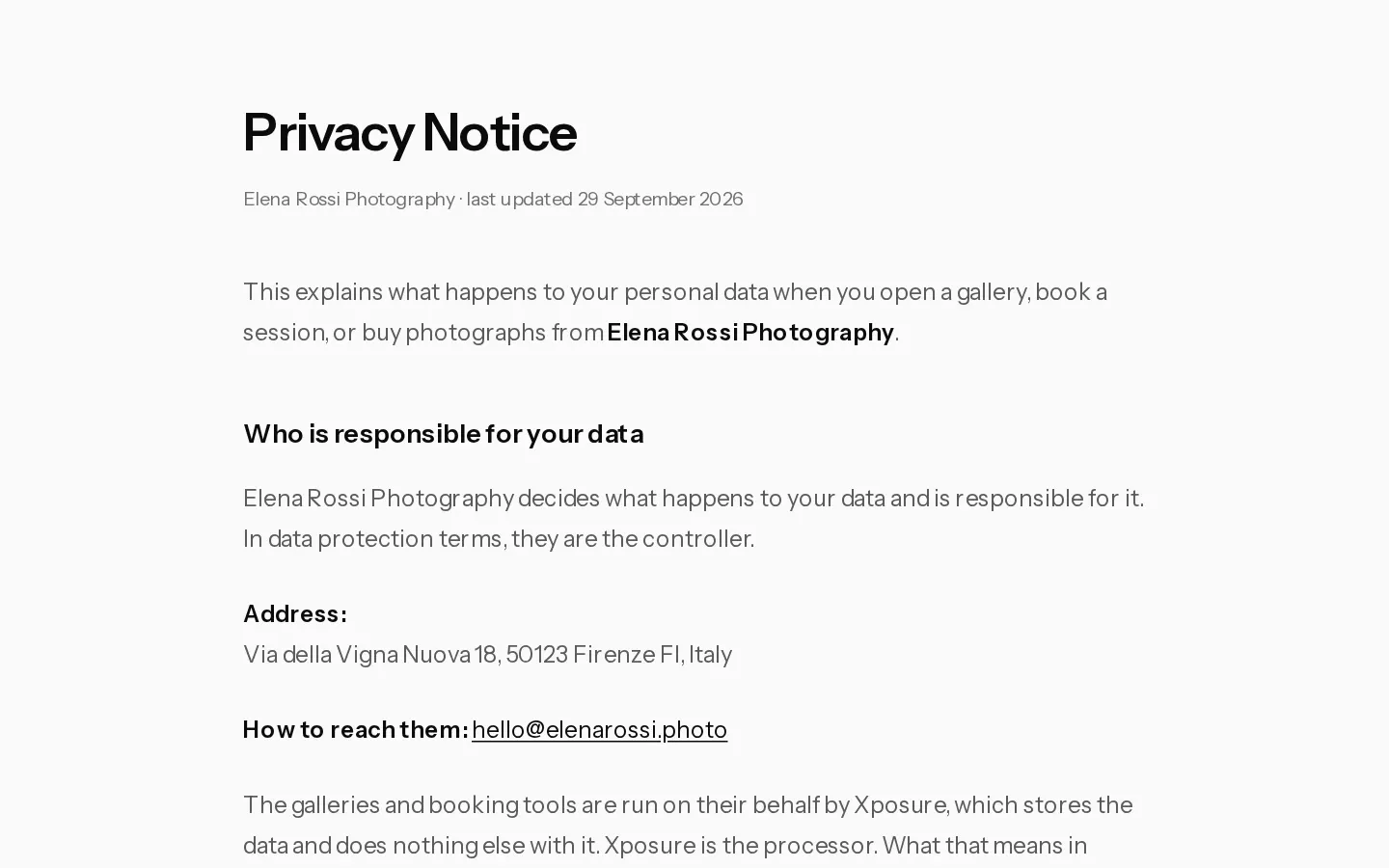
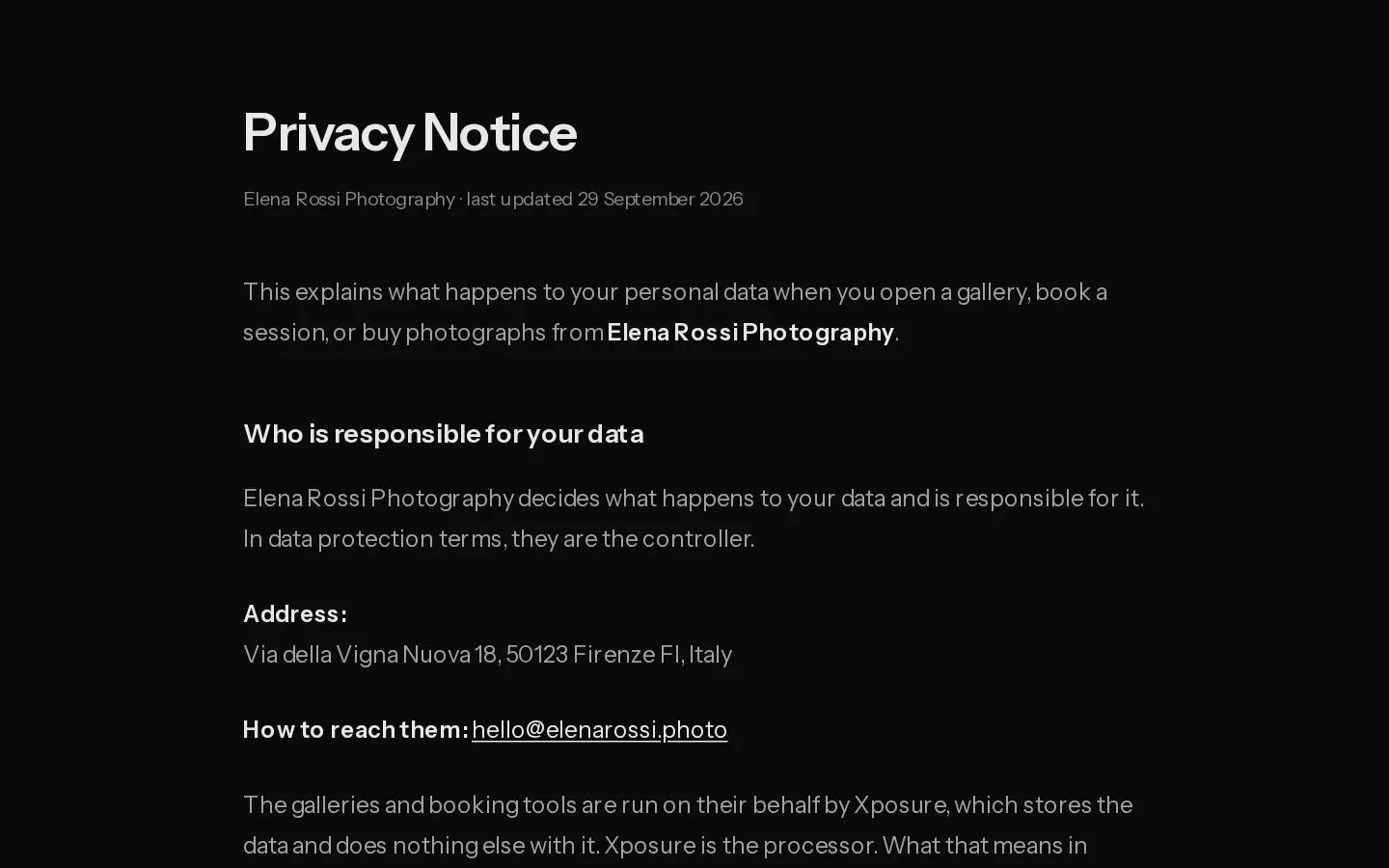 Give your clients a privacy noticeCheck the privacy notice your galleries link to, fill in the details it names you with, or point it at your own policy.
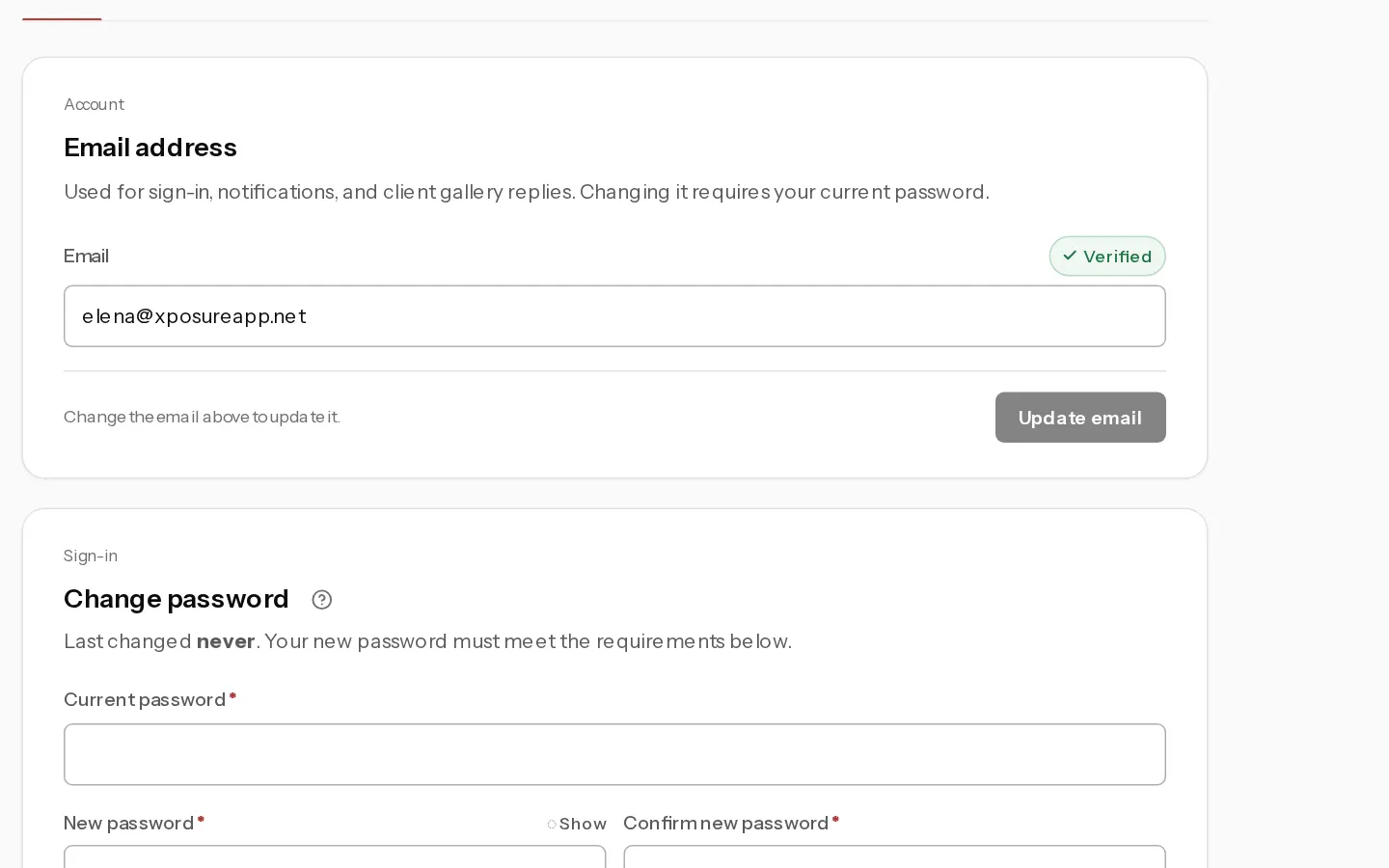
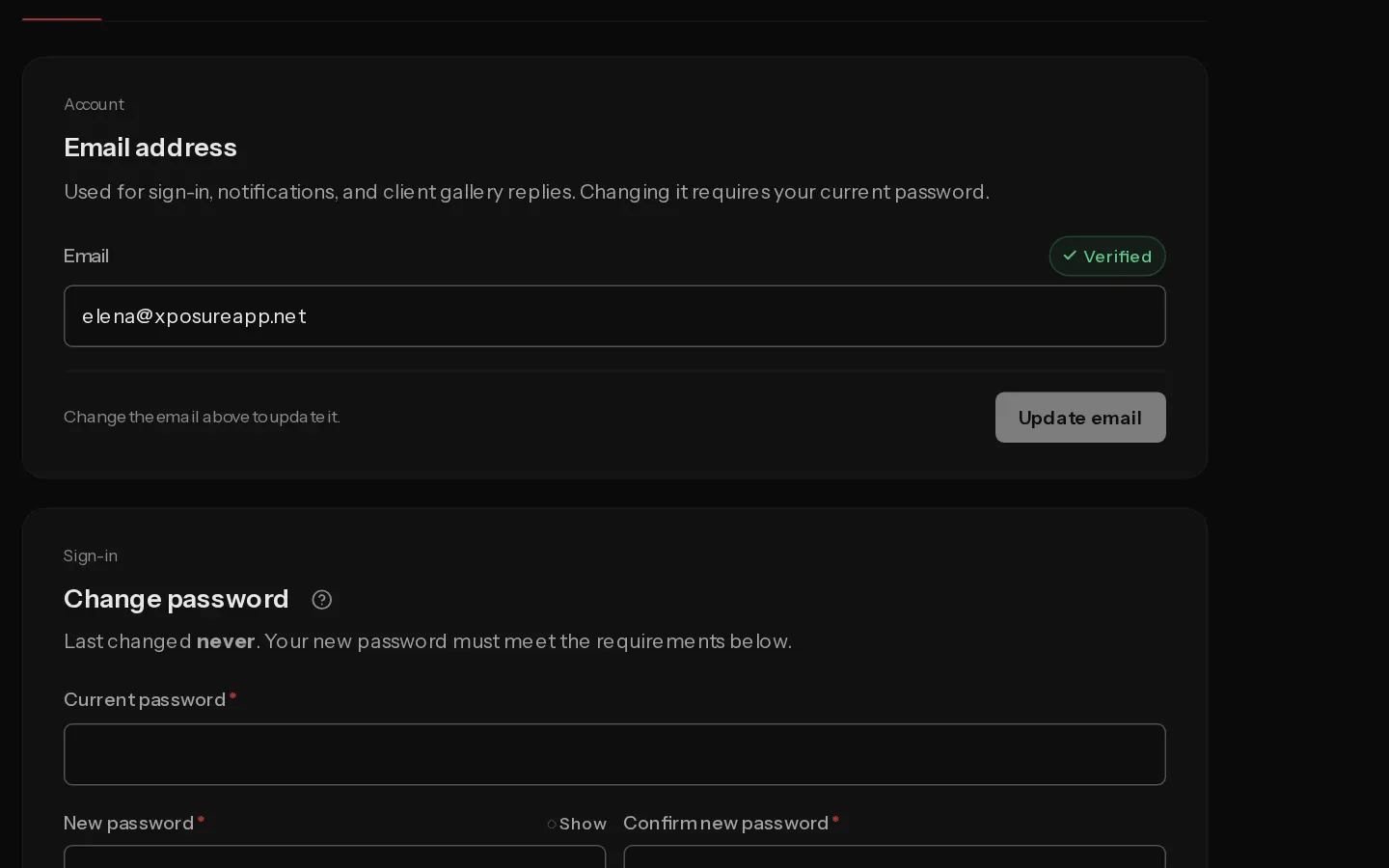 Manage how you sign inConnect Google, set or change your password and sign out every device from Settings, Sign-in and security.
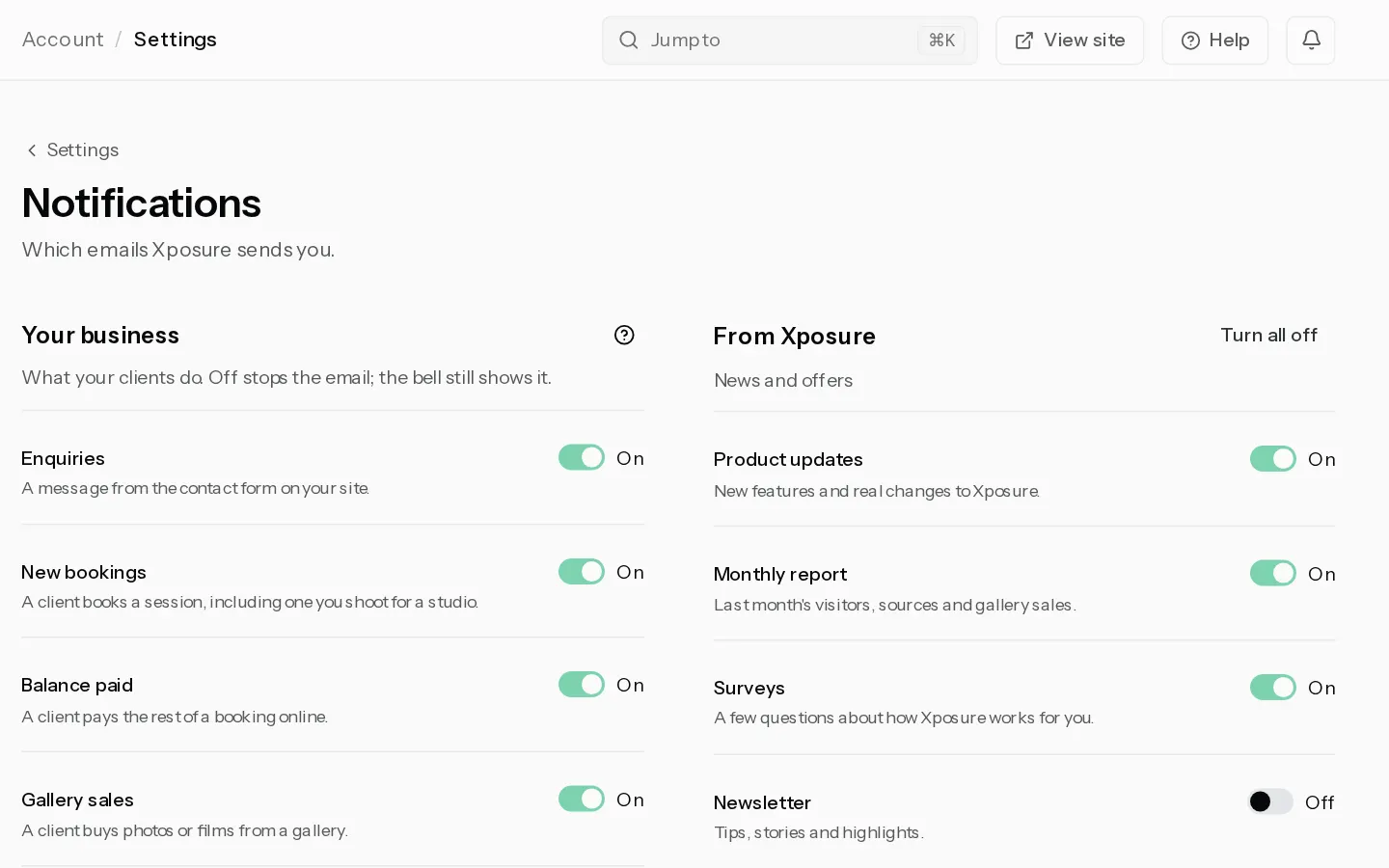
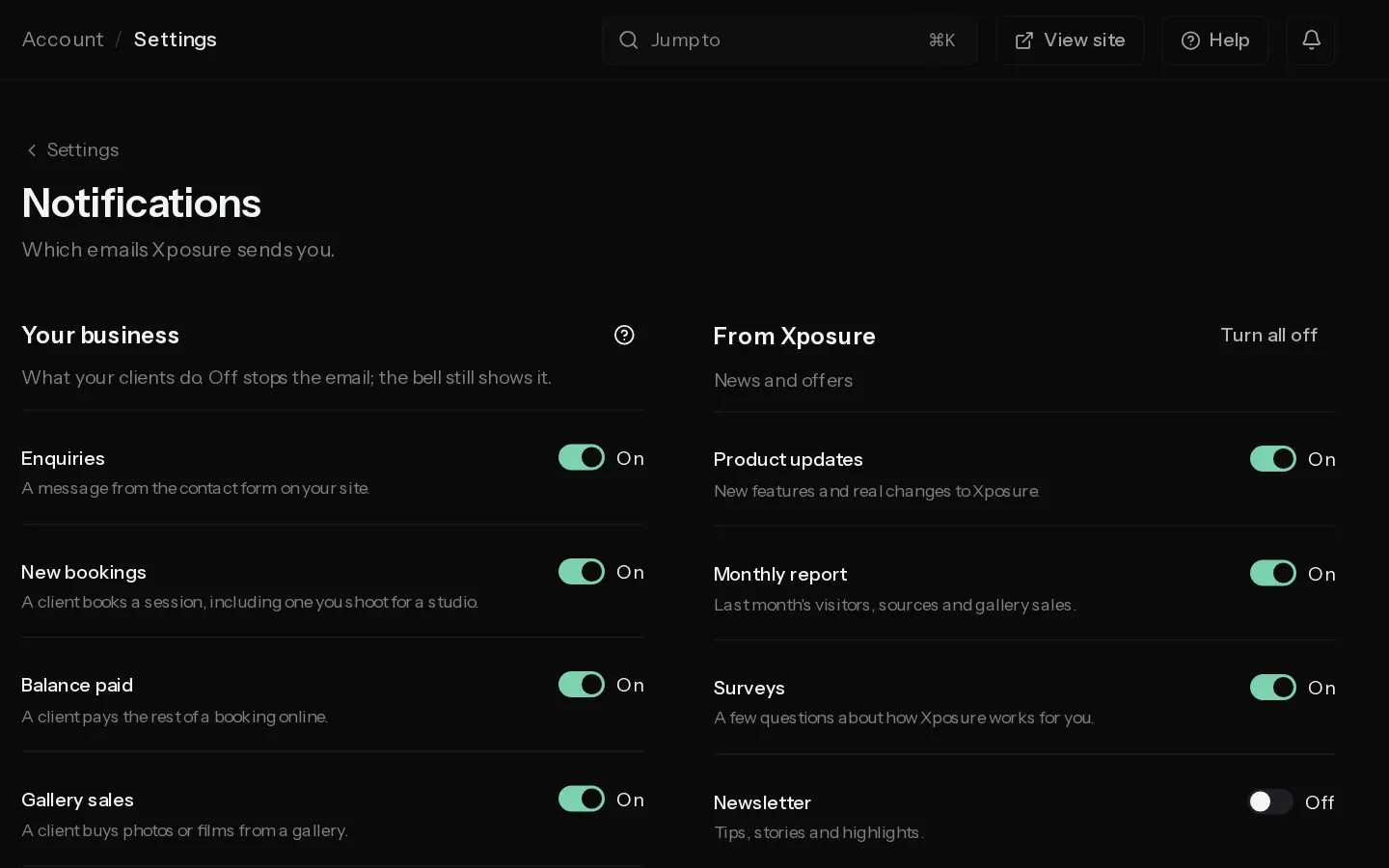 Choose your notifications and emailsRead what happened on your account from the bell, and choose which emails Xposure sends you.
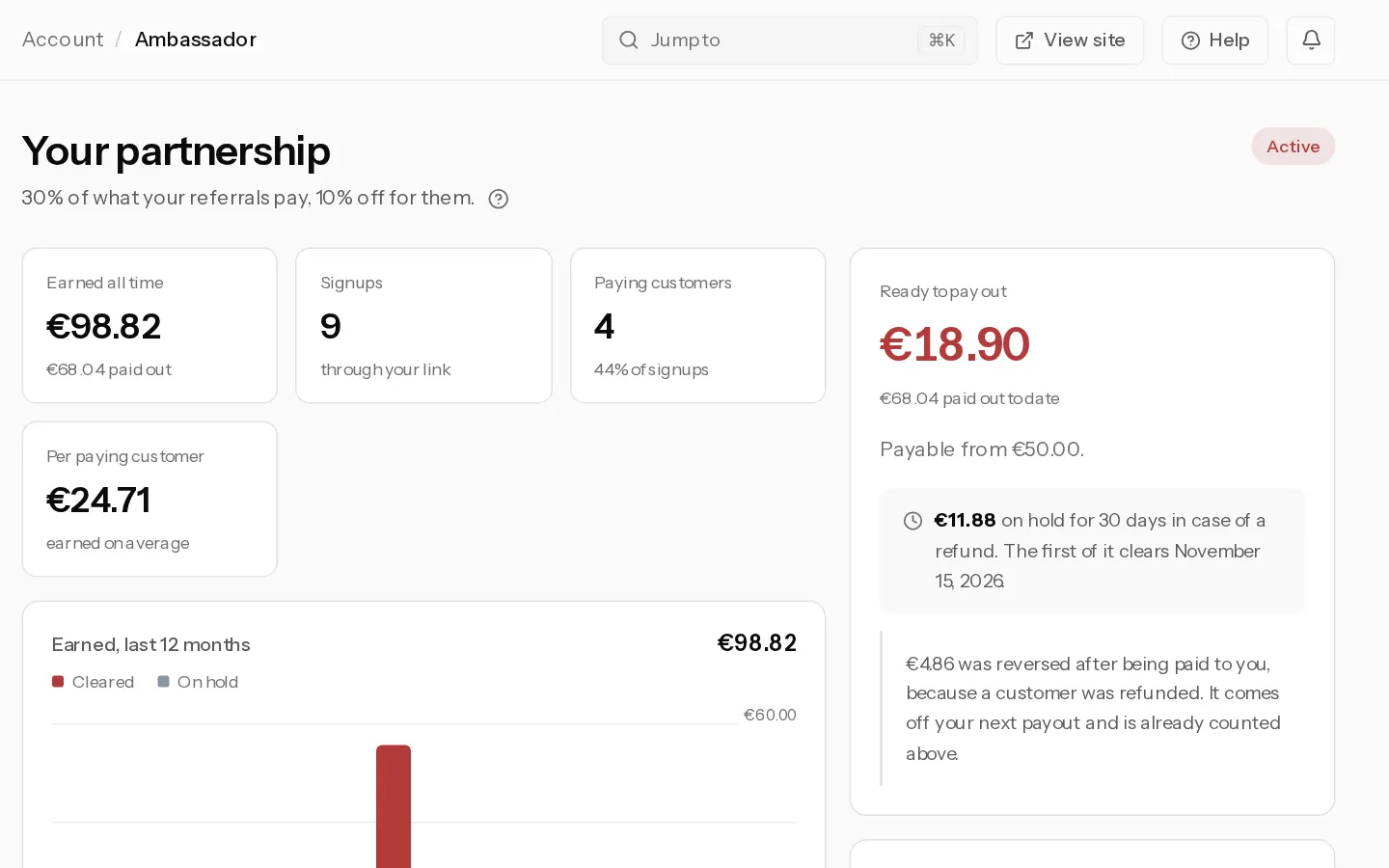
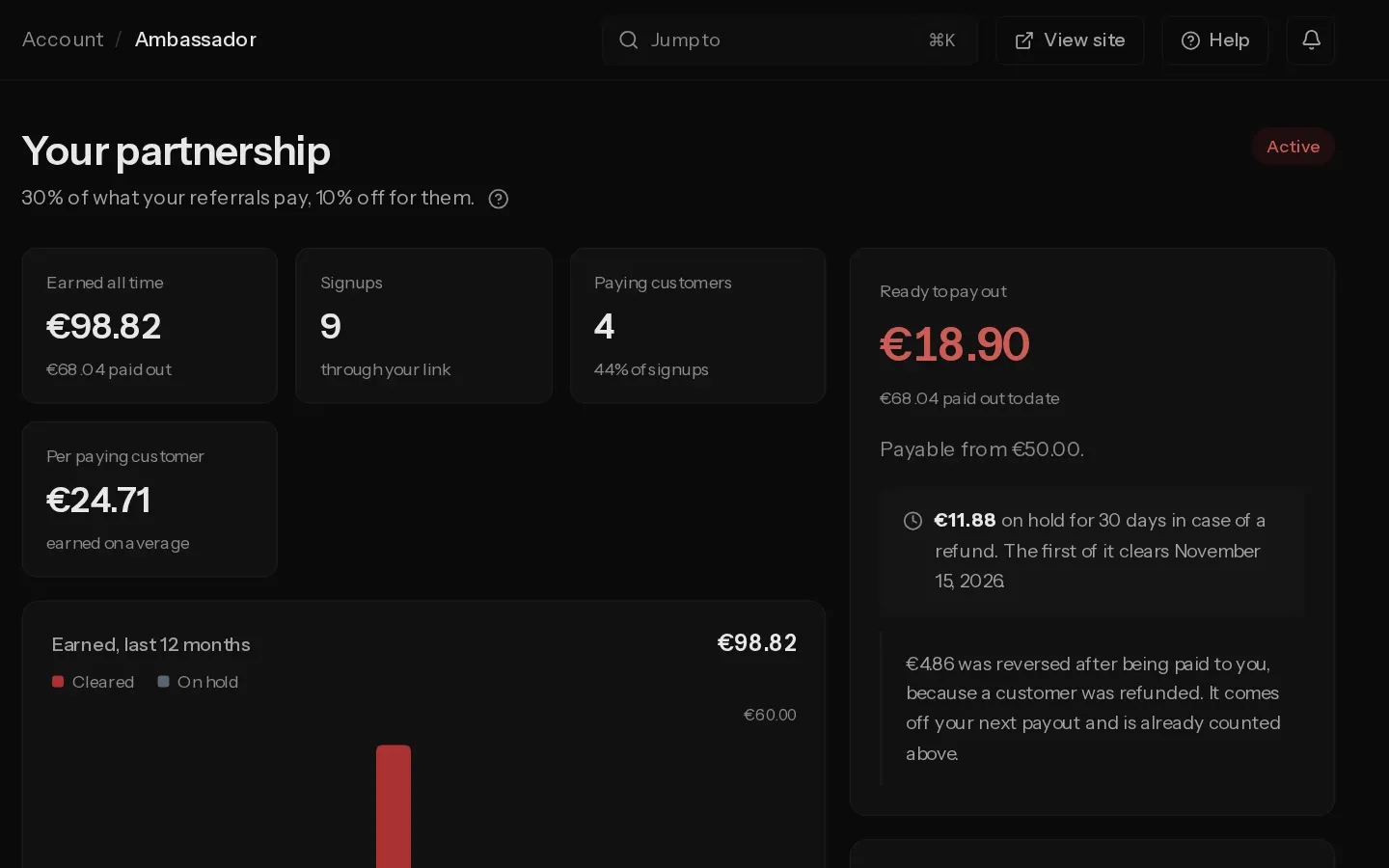 Earn as an Xposure ambassadorShare your link and code, see what your referrals earn you, and request a payout from your ambassador dashboard.
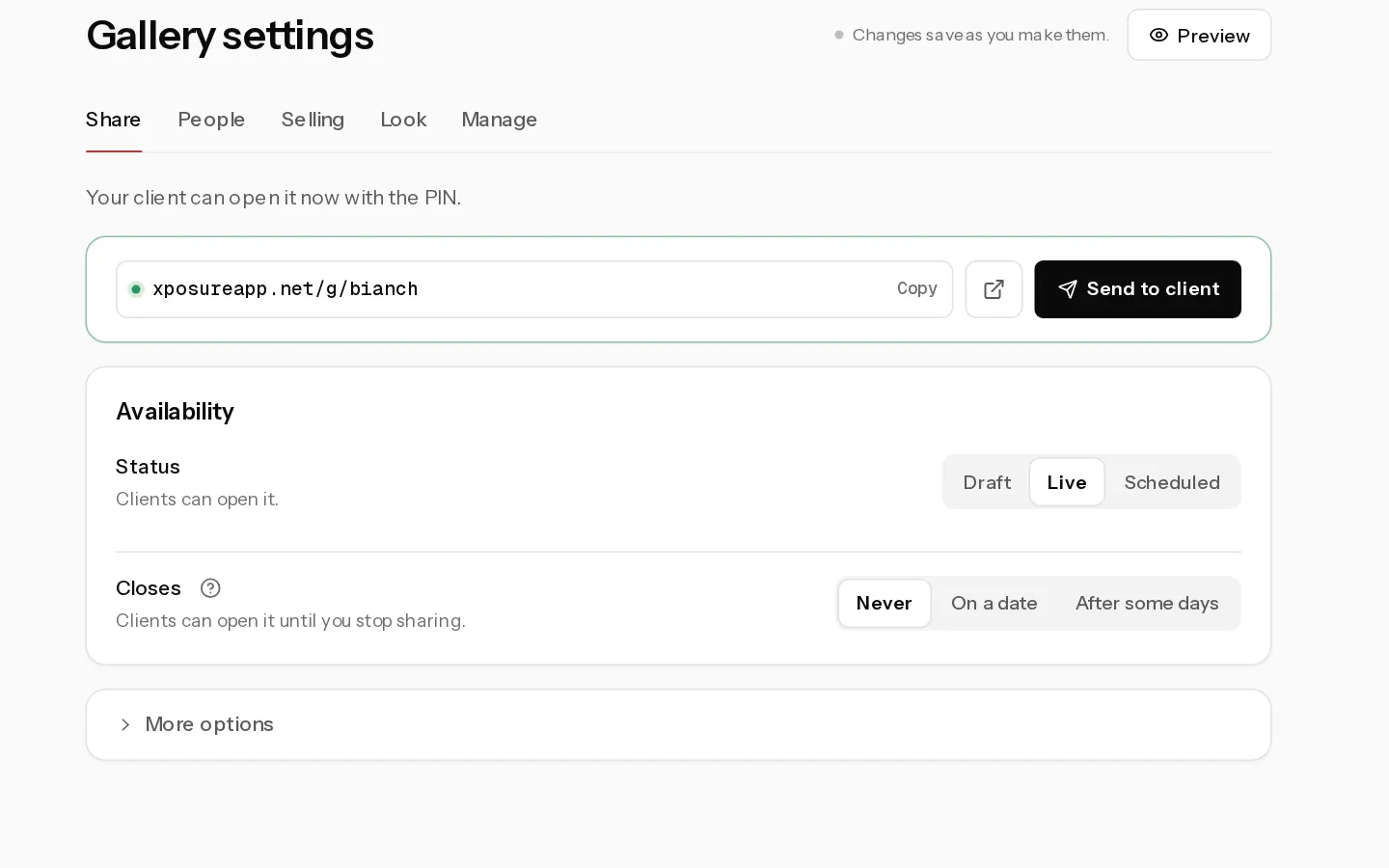
 Help a client who did not get your emailPaidCheck the address and spam folder, see when mail to a client bounced, and get the gallery, contract or pay link to them another way.
Did not find your answer?
Tell us what you are trying to do. Support replies by email.