Write a post
Write a post with photos for your website, publish it now or schedule it, and list your posts on a page.
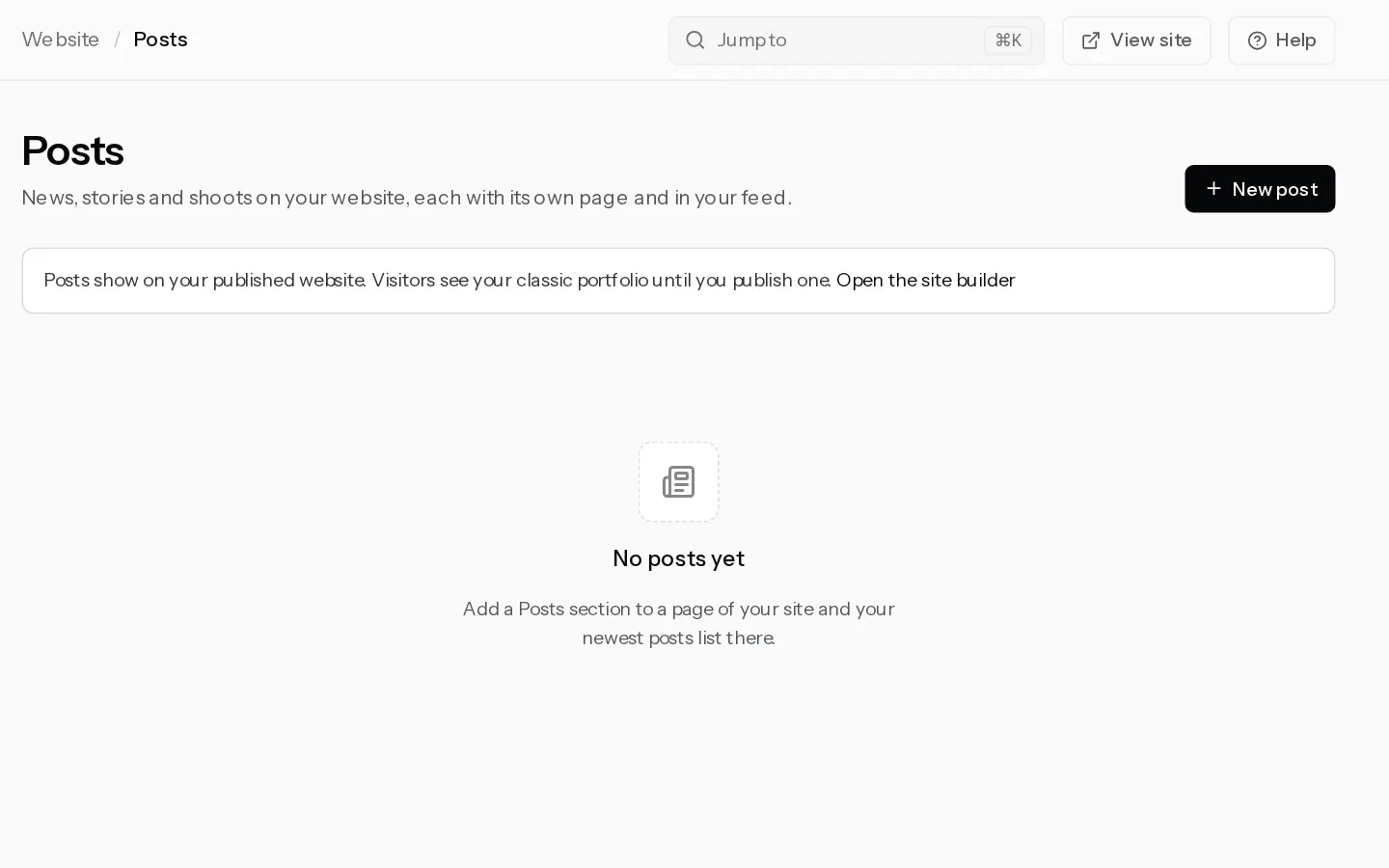
A post is a story on your website, such as a wedding or a recent shoot, with its own page at /@username/posts/address. Posts come with Pro and Studio, up to 500 per account. They show on a published website, so build your website first.
Write it
- Open Posts and select New post.
- Type a title and select Create post. The editor opens with the post as a draft.
- Select Add a cover photo to pick the photo at the top.
- Type your text in the post. Select a word to make it bold or italic, add a link or turn the line into a heading.
- To add photos, press + on an empty line and choose Photos, Photo with text or Buttons.
The post saves as you type. It needs a title before the first save.
Publish or schedule
- Select Publish now at the top. Visitors see it within a minute.
- Or select Schedule, pick a date and time, and select Schedule again, or Publish for a date already past. The post goes live at that time, in the time zone shown.
- A date in the past publishes at once with that date. Use it for posts you bring over from another site.
After publishing, edits wait in a draft. Select Update to put them live, or Discard changes. Unpublish turns the post back into a draft. On a scheduled post the button is Cancel schedule.
Show your posts on your site
- In the Site builder, add a Posts section to a page.
- Under How many, pick 3, 6, 12 or All. With All, that page is your archive.
- Select Publish.
A page that lists posts also offers a feed at /posts/rss.xml for feed readers.
Settings
Select Settings in the post to set the Address and the text for search results. Once a post is published or scheduled, its address is locked so shared links keep working. Unpublish it to change the address.
Note: Links you add to a post's text tell search engines you do not vouch for them. Posts are kept out of search results during a trial and for the first 14 days of a paid plan. See Get your site ready for search engines.
Did not find your answer?
Tell us what you are trying to do. Support replies by email.