Bookings and clients
Packages, availability, contracts, payments and your clients.
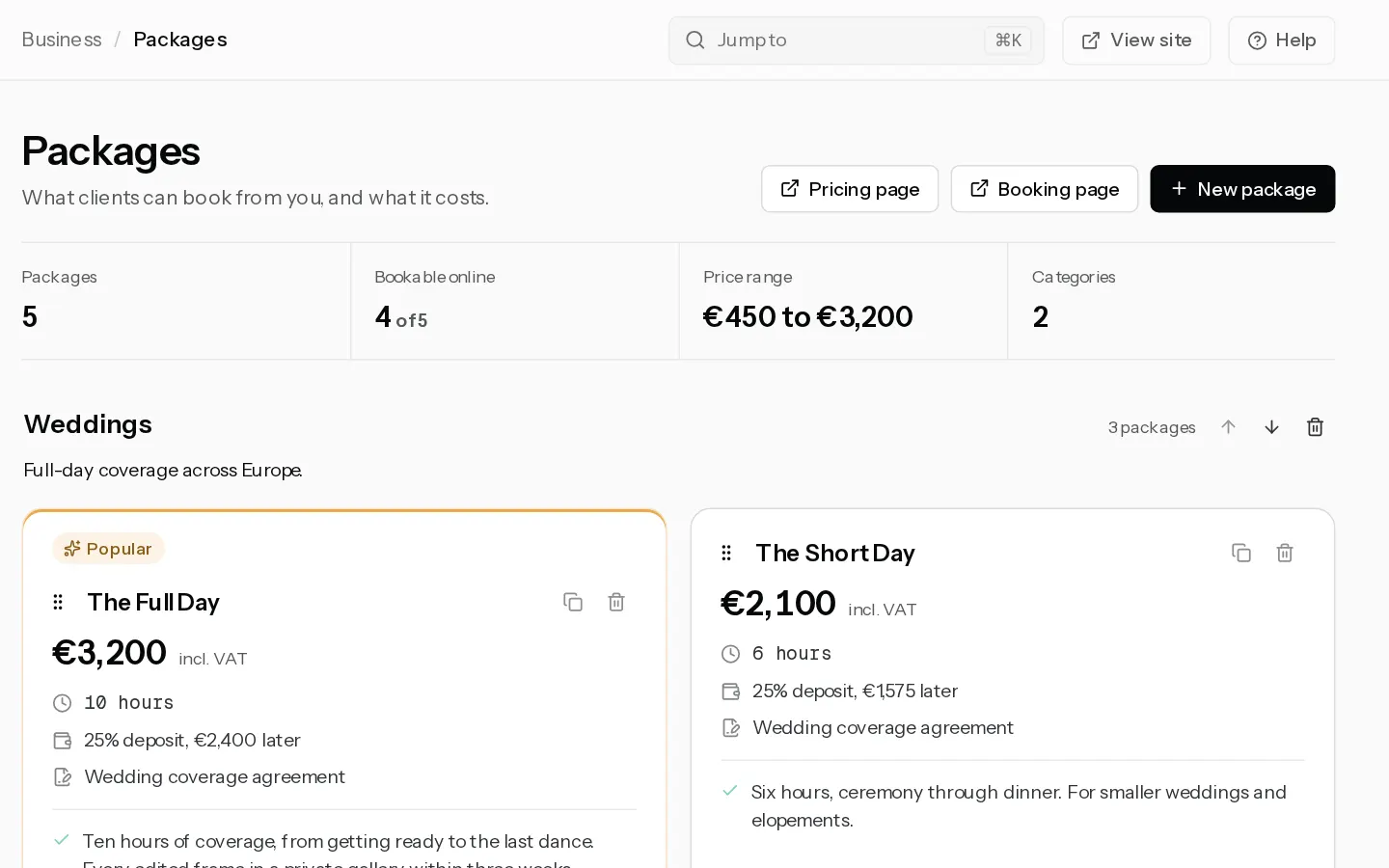
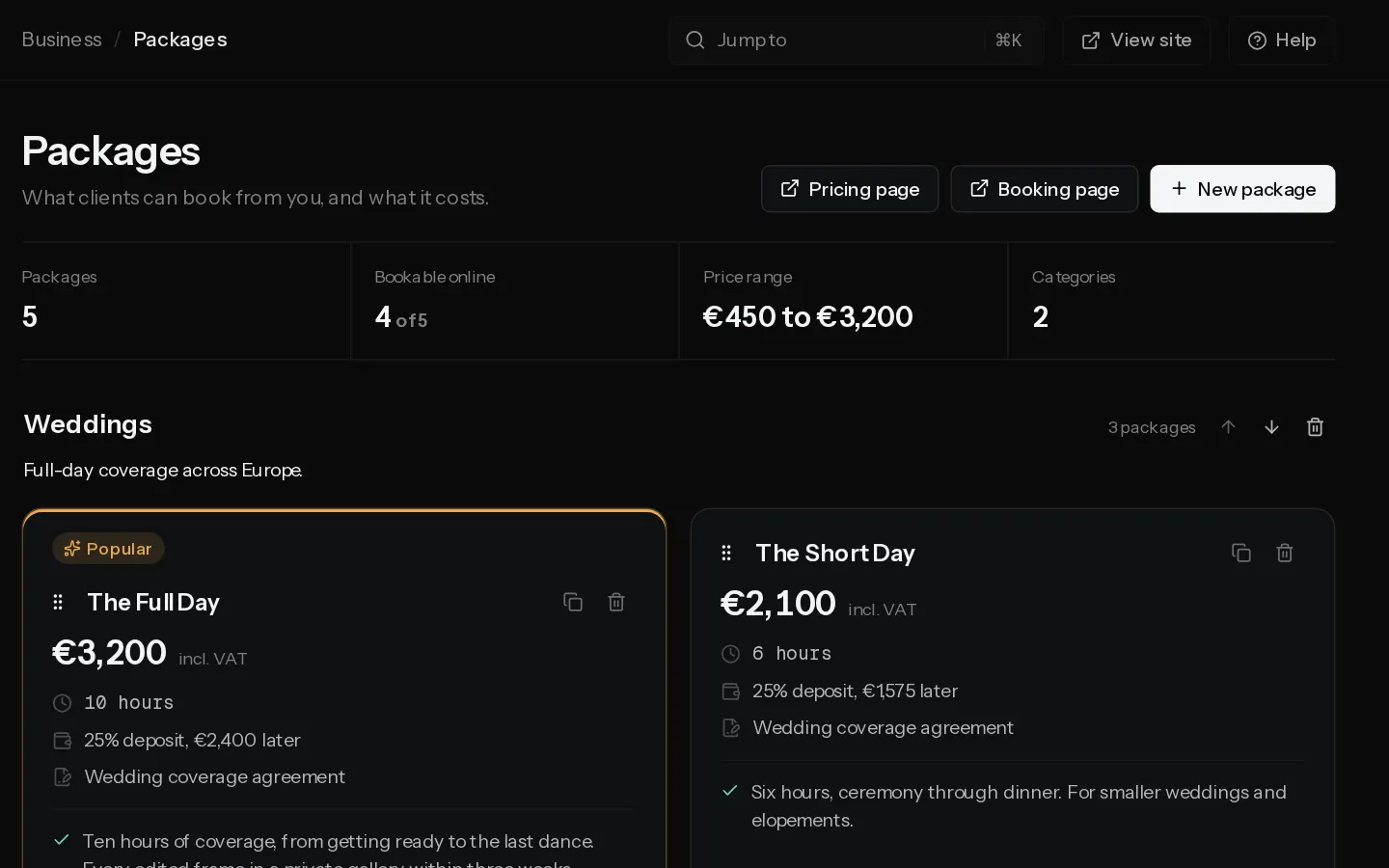 Set up online bookingsTutorialPaidGo from no packages to a booking page where clients pick a time, sign your contract and pay a deposit.
- Create a bookable packagePaidSet a package's price, deposit, session length and buffers, and switch on online booking.
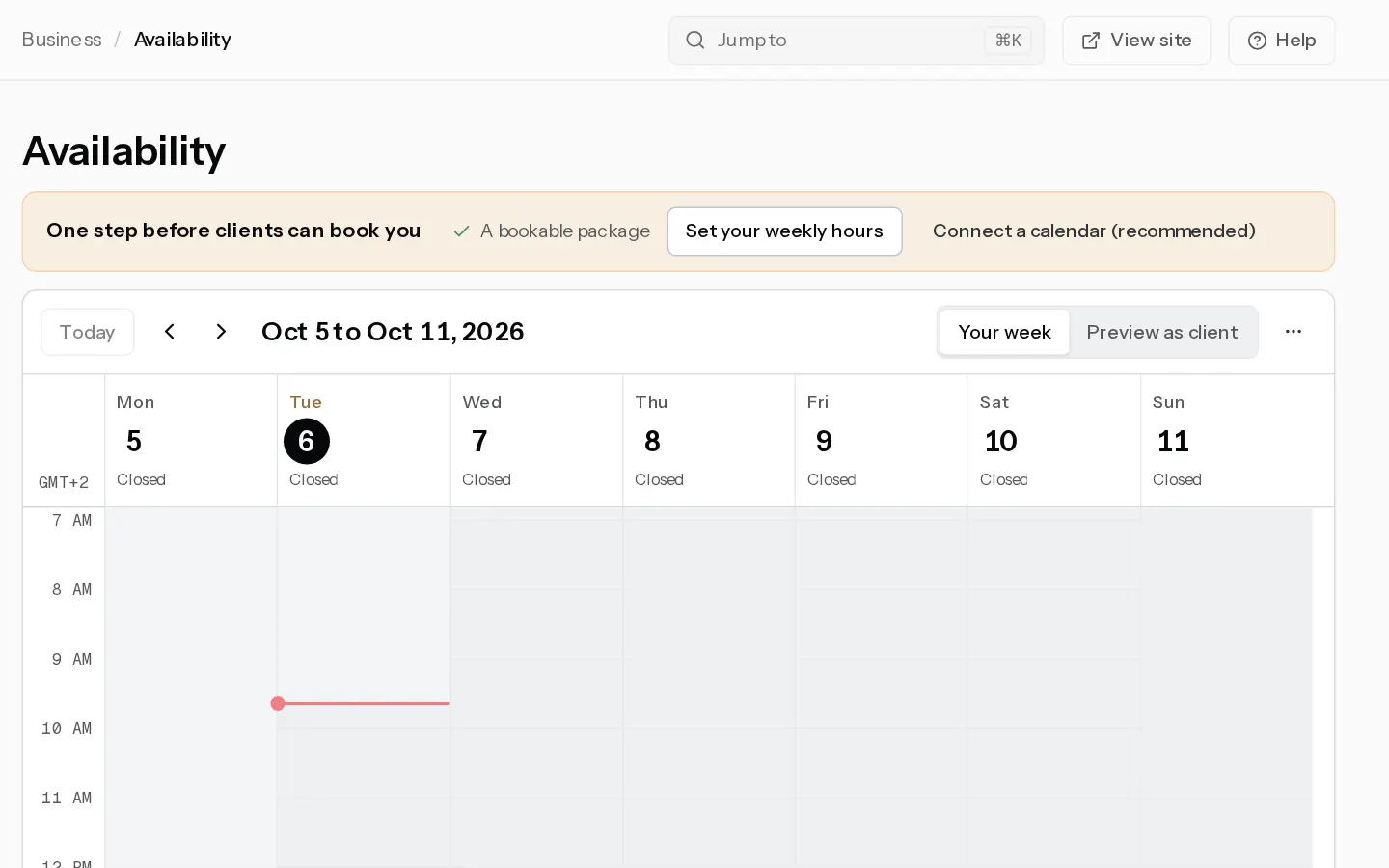
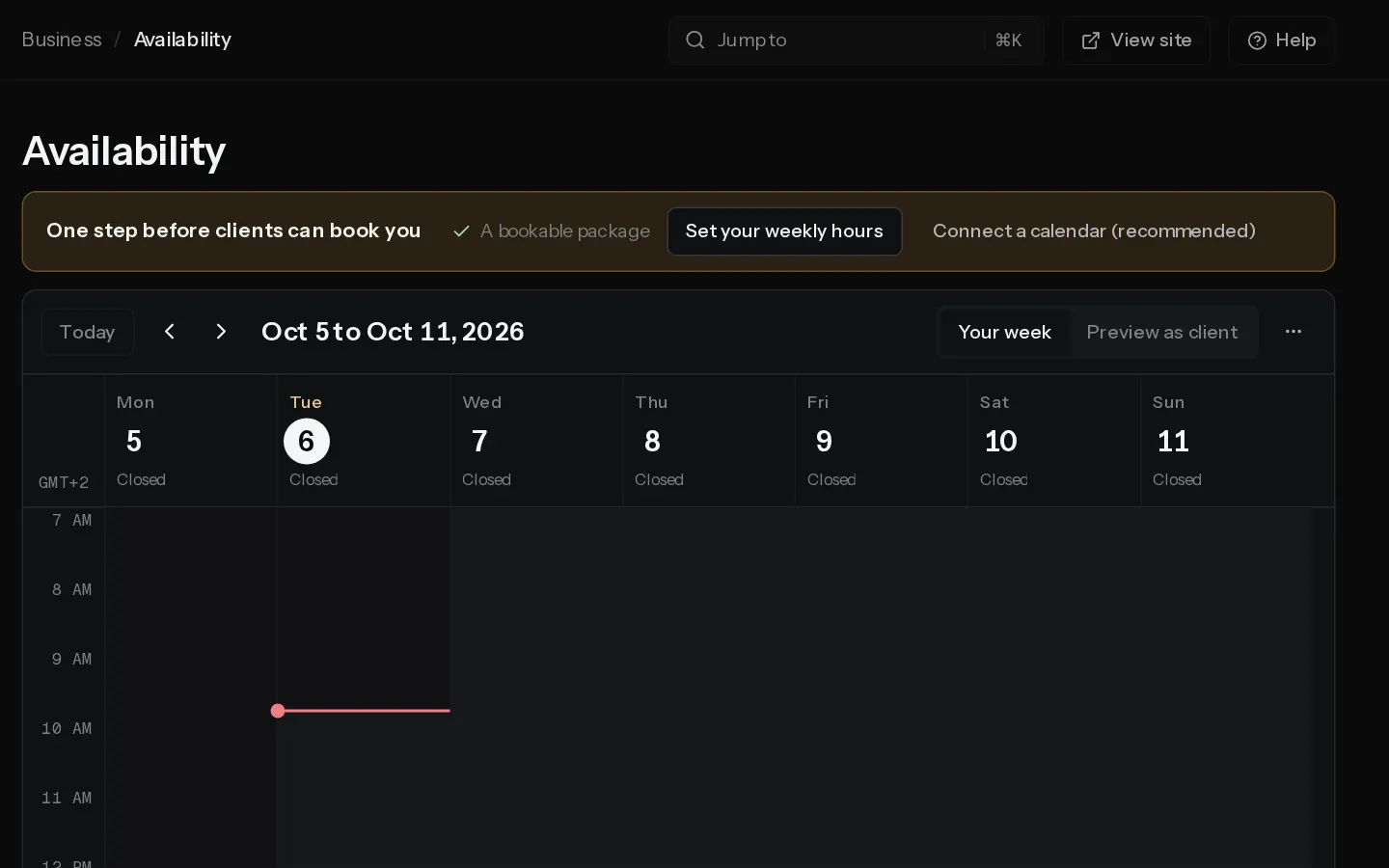 Set your availabilityPaidChoose the hours clients can book, the notice you need, how far ahead they can book, your time zone and your days off.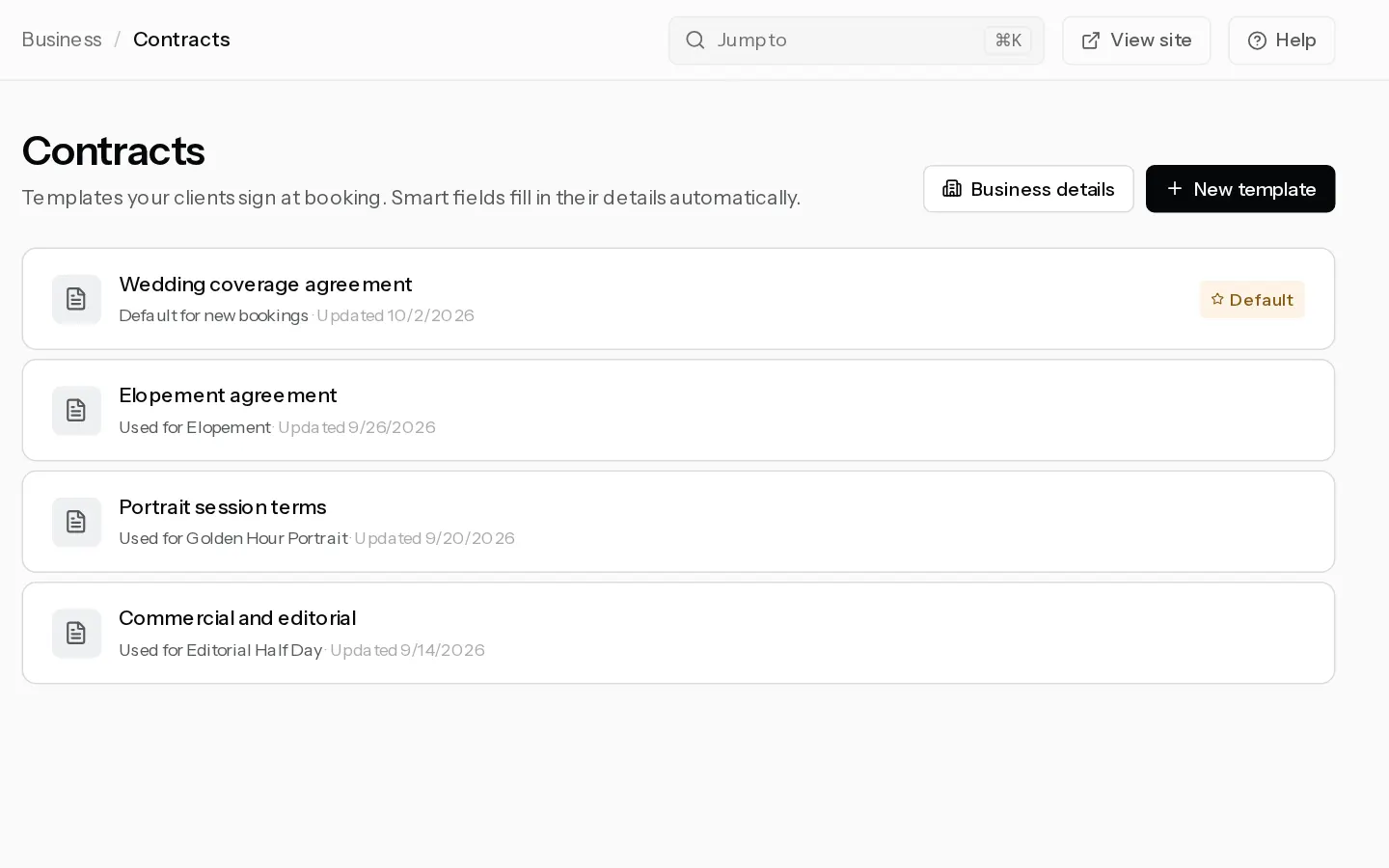
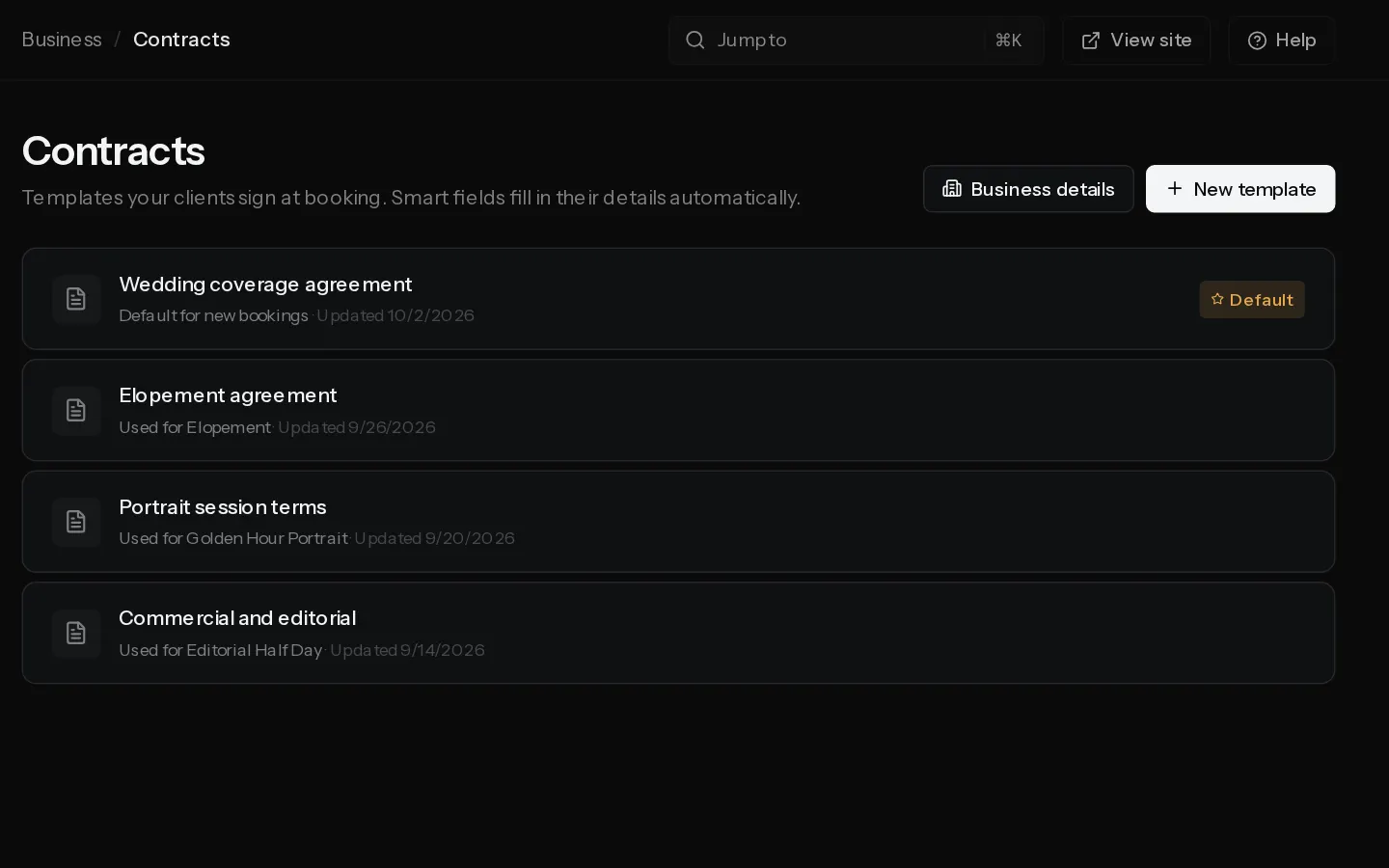 Write the contract clients signPaidWrite a contract template with smart fields, make it your default and choose which packages use it.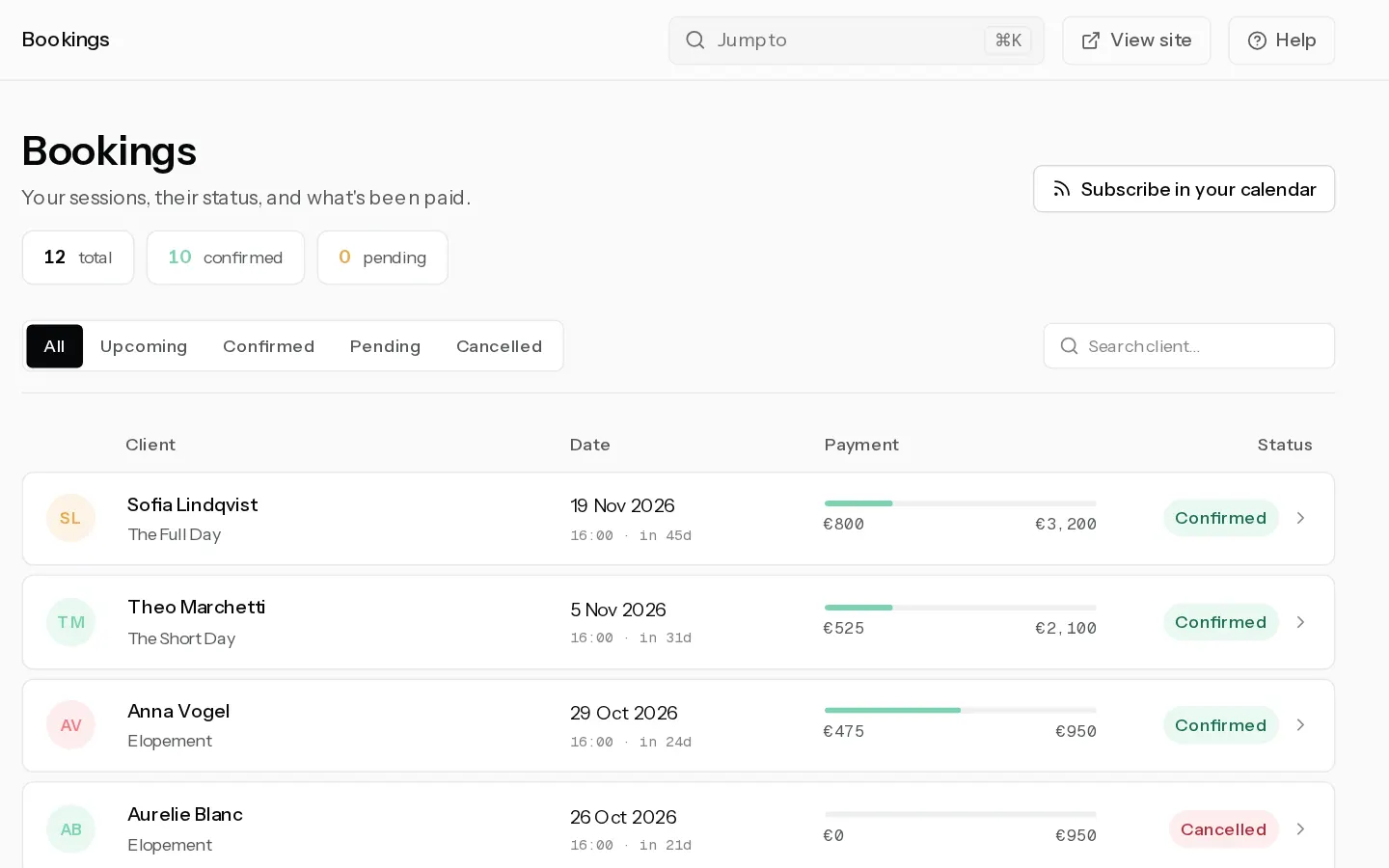
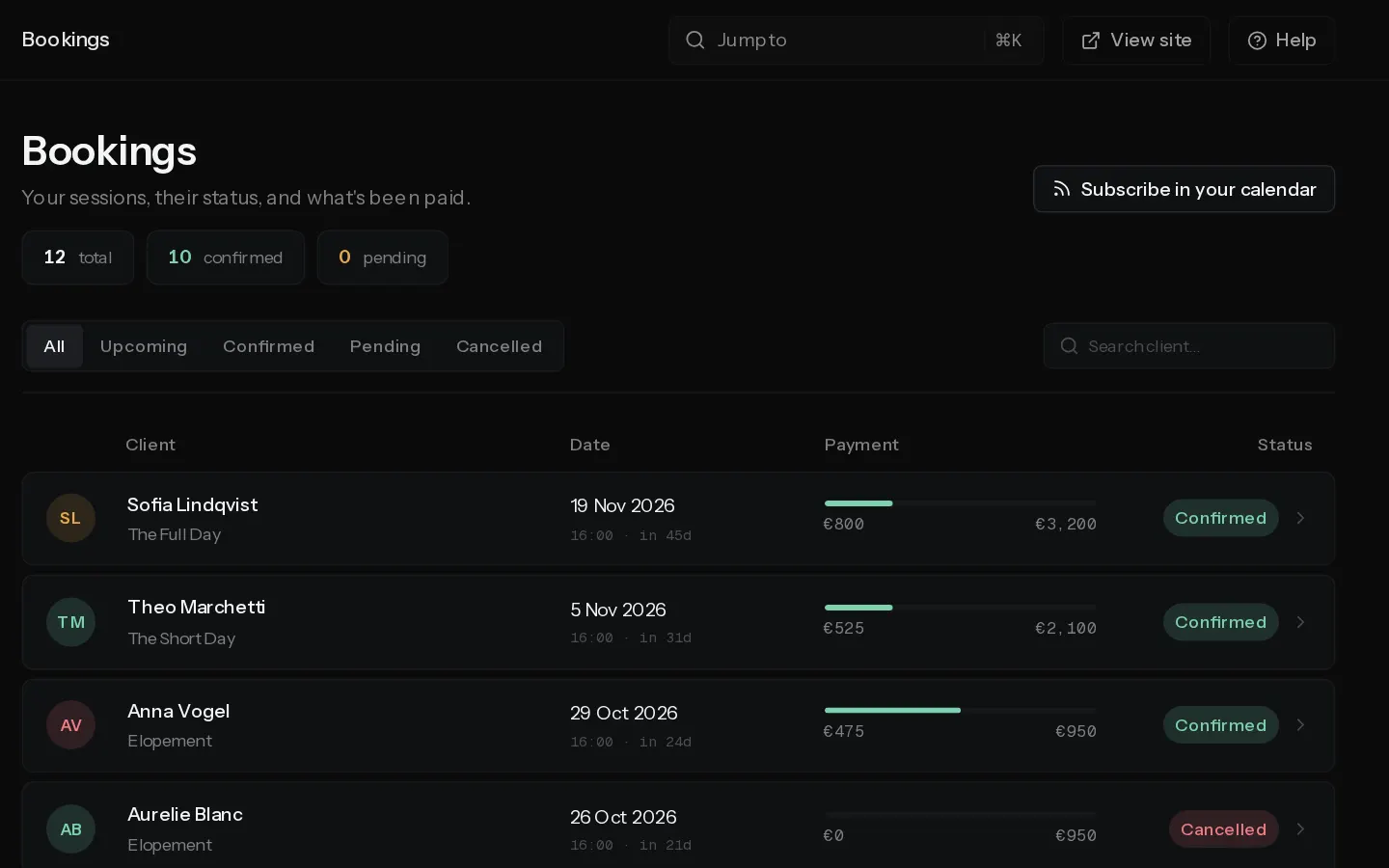 Take deposits and collect the balancePaidChoose what a client pays at booking, get the balance paid online or record a bank transfer, and know where refunds happen.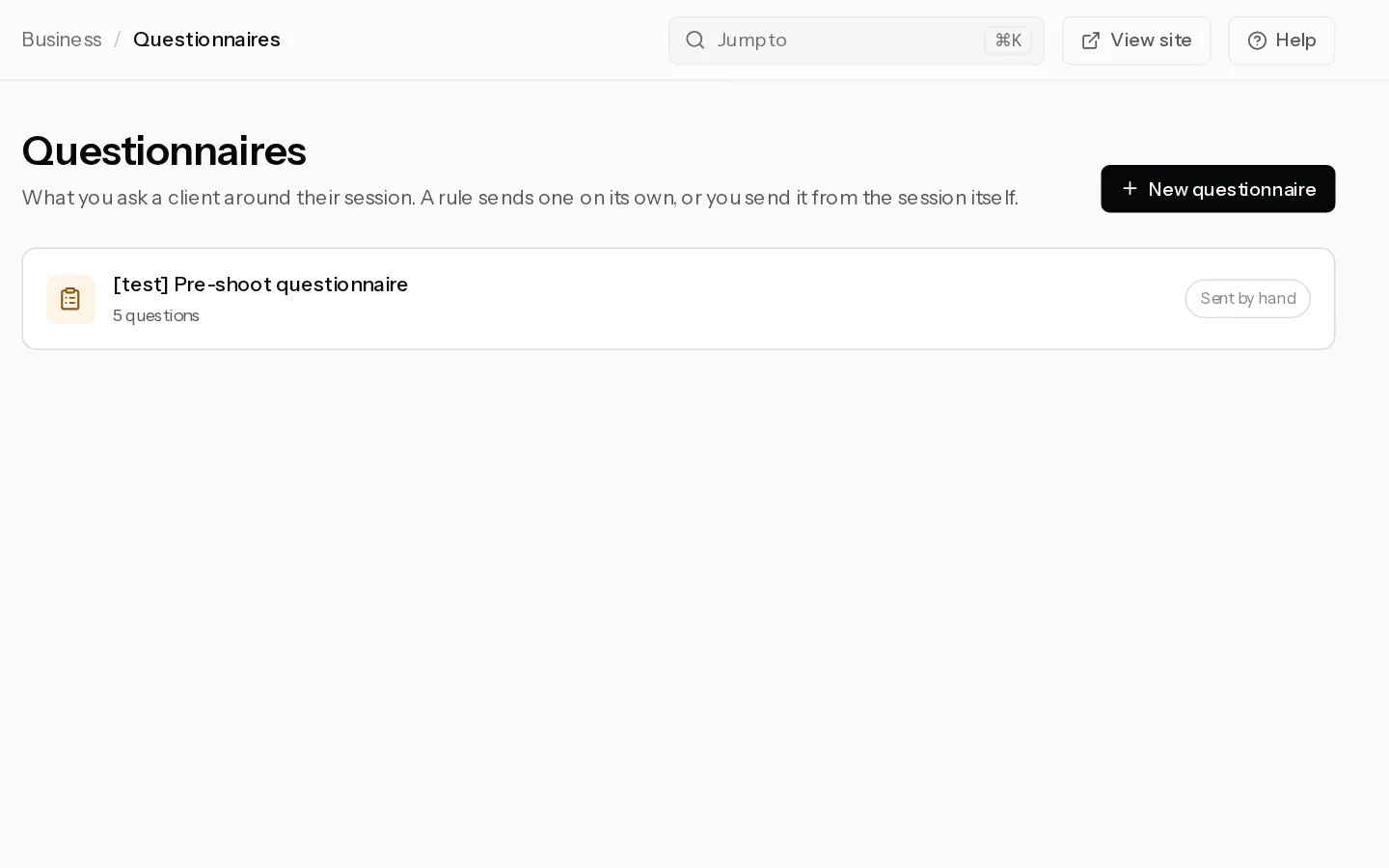
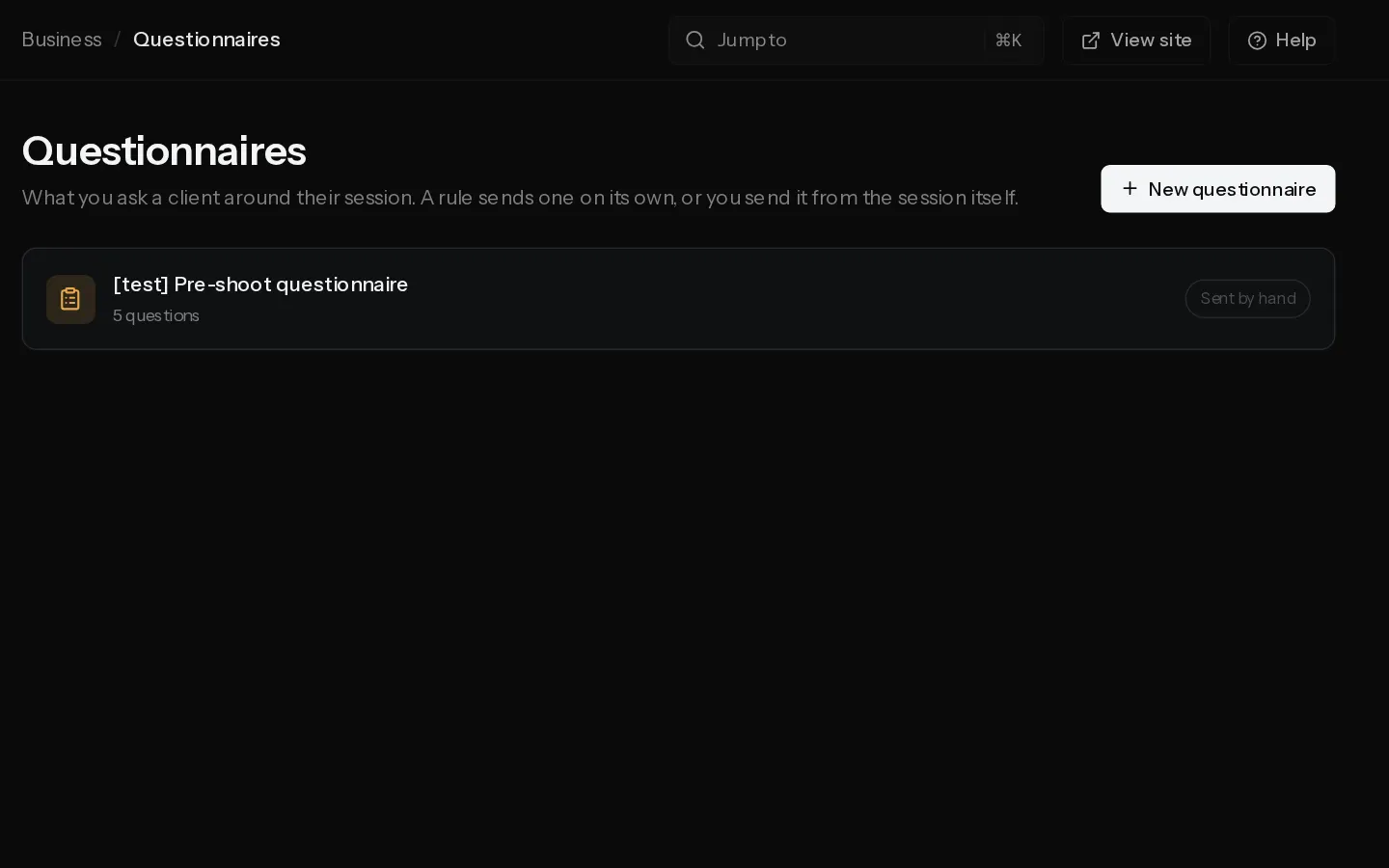 Send questionnaires to your clientsPaidWrite a questionnaire, add a rule that sends it around each session, and read the answers on the booking.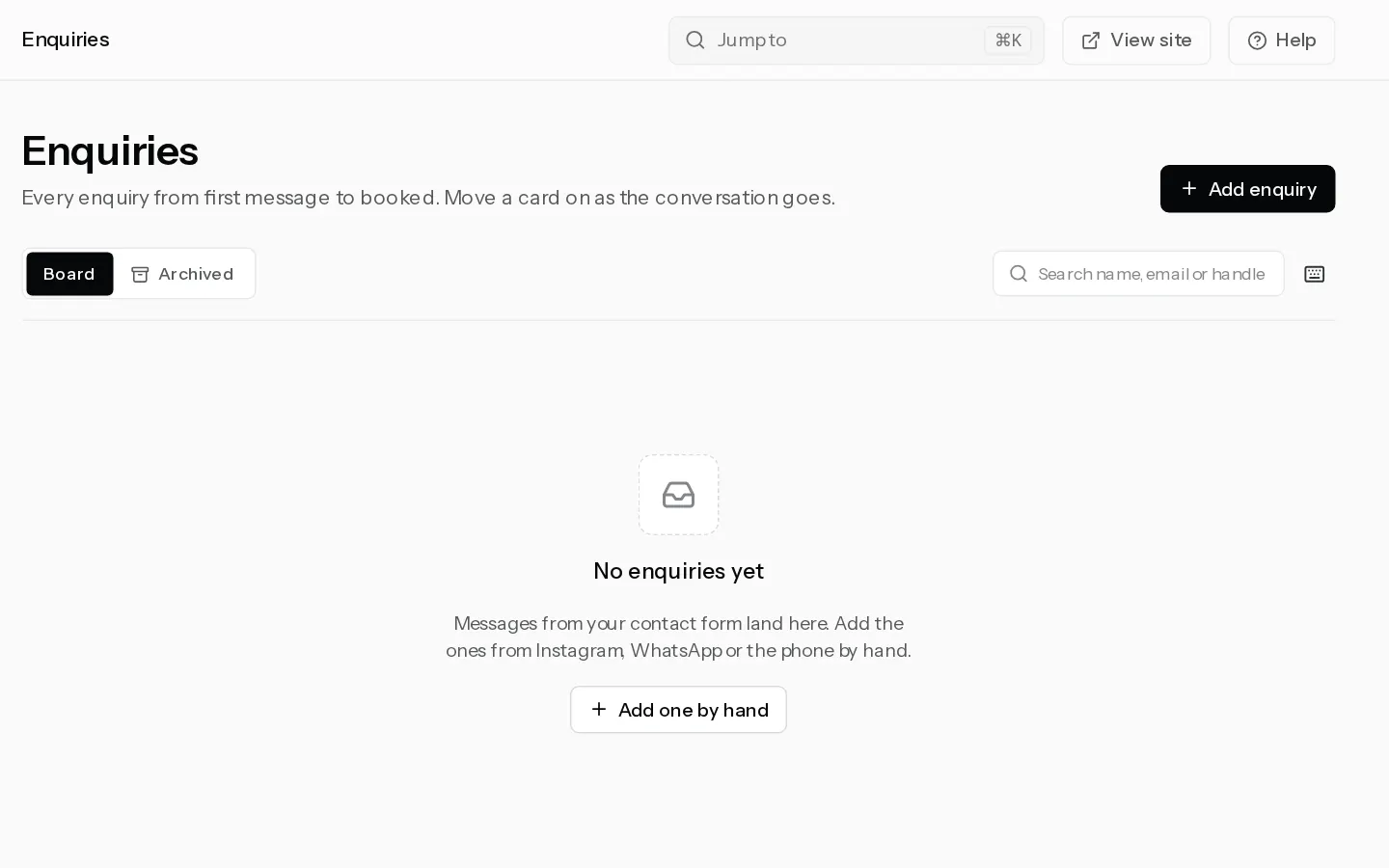
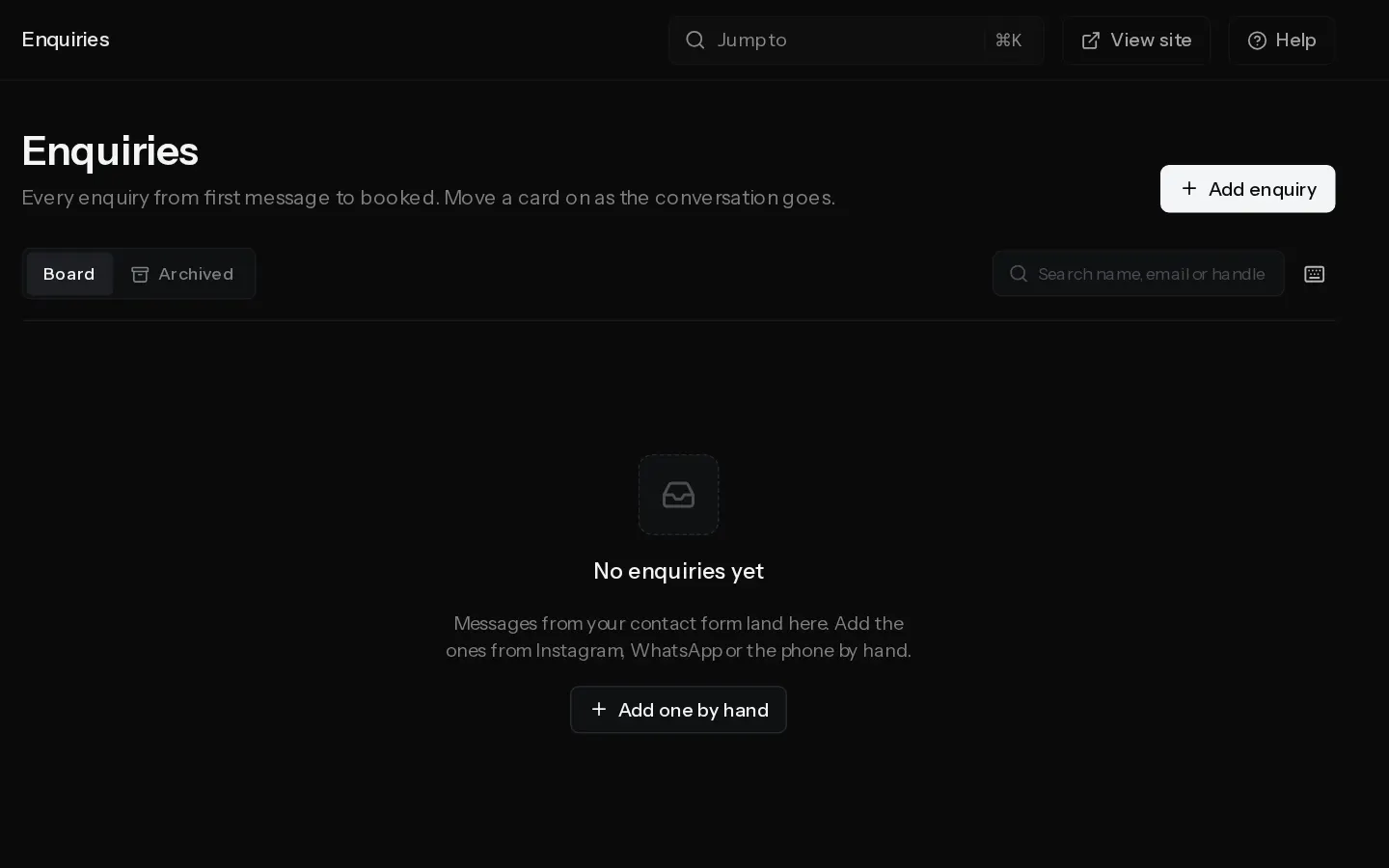 Handle enquiriesTrack every enquiry from first message to booked, reply, send your booking link and make the person a client.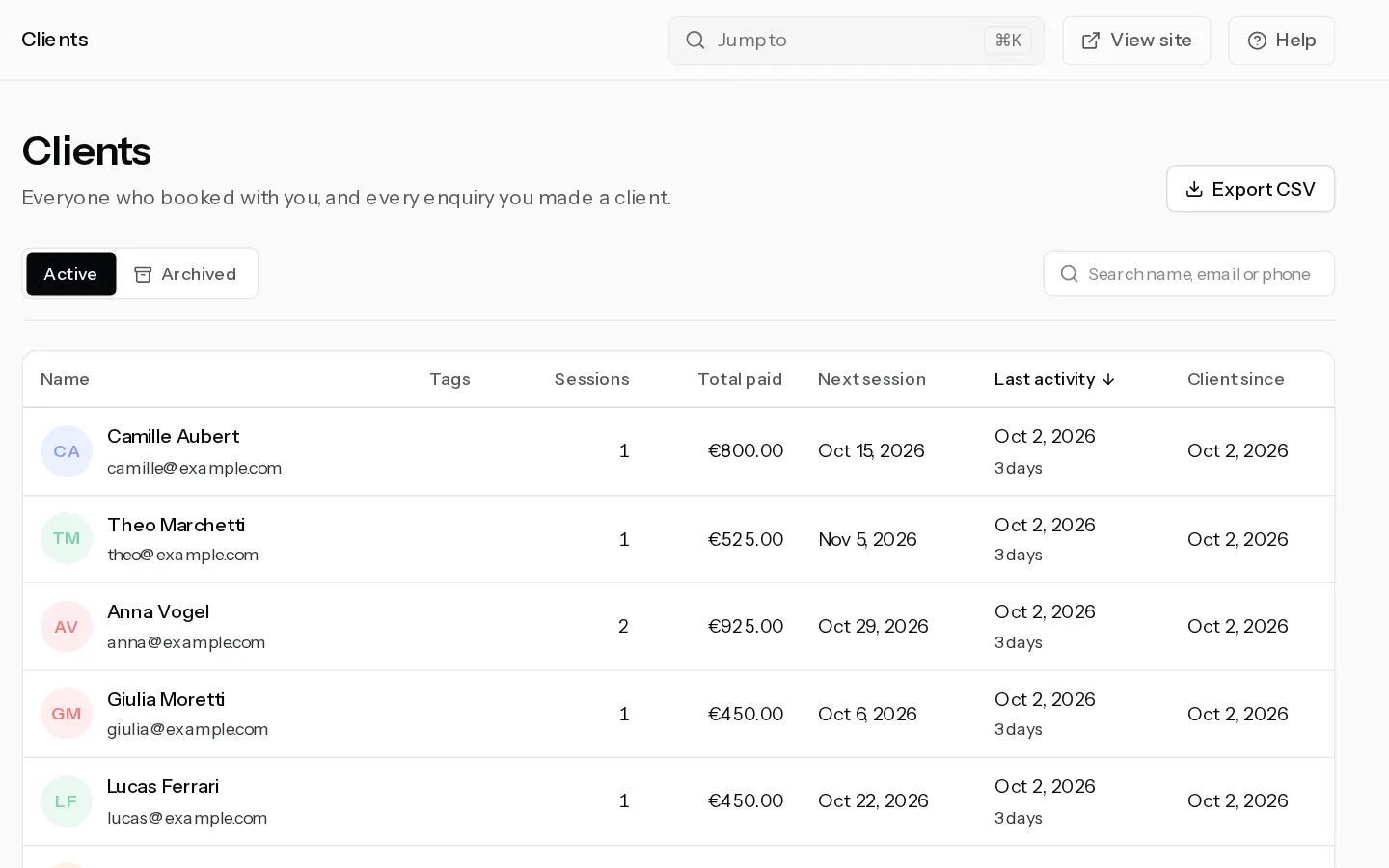
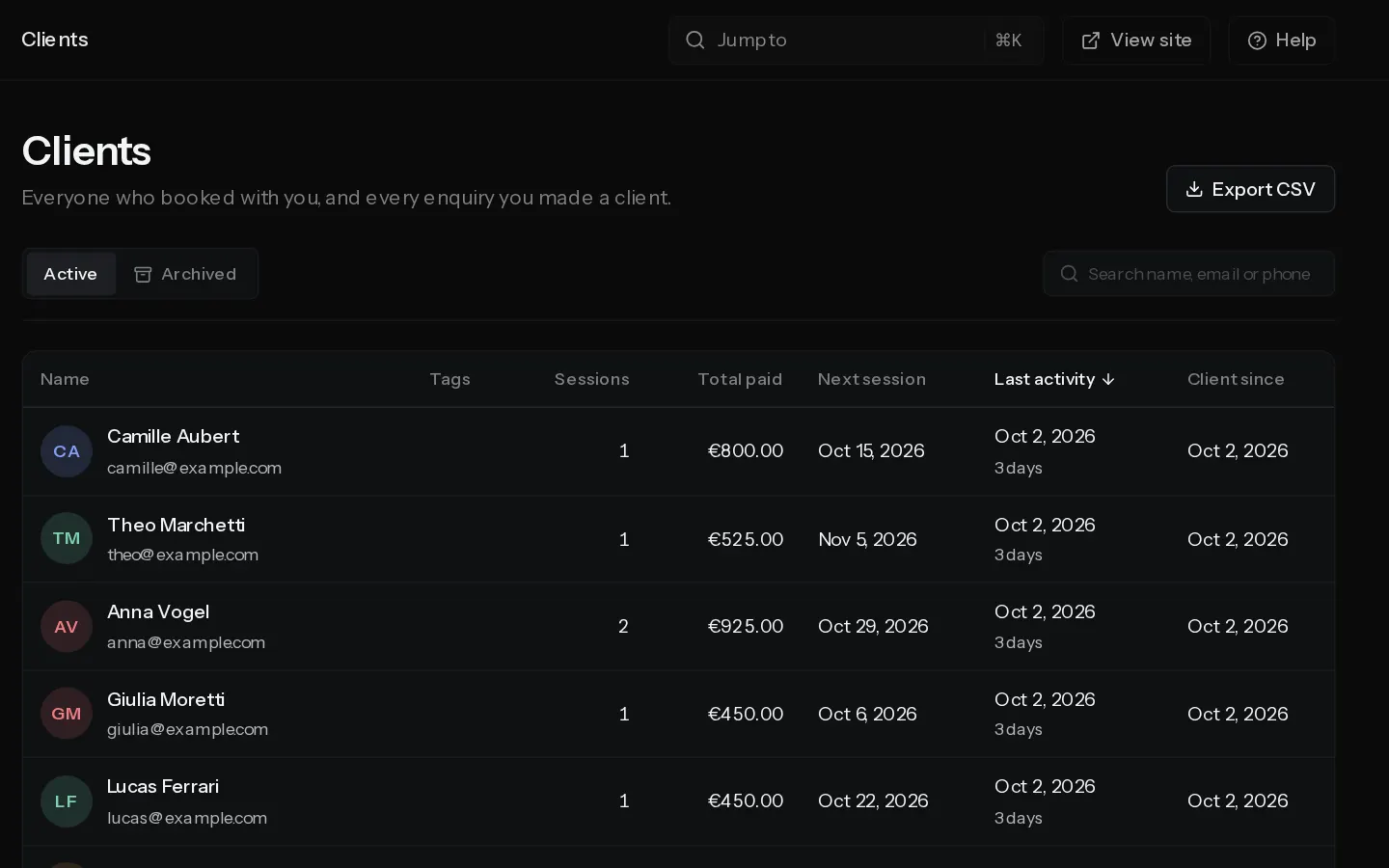 Manage your clientsPaidFind a client, see their bookings, payments, contracts and galleries in one place, and keep notes and tags on them.
- Connect Google CalendarPaidLet your Google Calendar block booking times, and have every confirmed booking added to it.
- Import another calendarPaidAdd a calendar link from Apple, Outlook or any other app so its busy times block booking times, and show your bookings in that app.
Did not find your answer?
Tell us what you are trying to do. Support replies by email.