Reply to an enquiry with a booking link
Go from a new enquiry in your inbox to a confirmed, paid booking, with the client's details filled in for them.
A client writes to you, you send one link, and they book and pay the deposit themselves. Online booking needs Starter or above, and the 14-day trial includes it. Your booking page must be taking bookings first: see Find out why clients cannot book you.
1. Open the enquiry
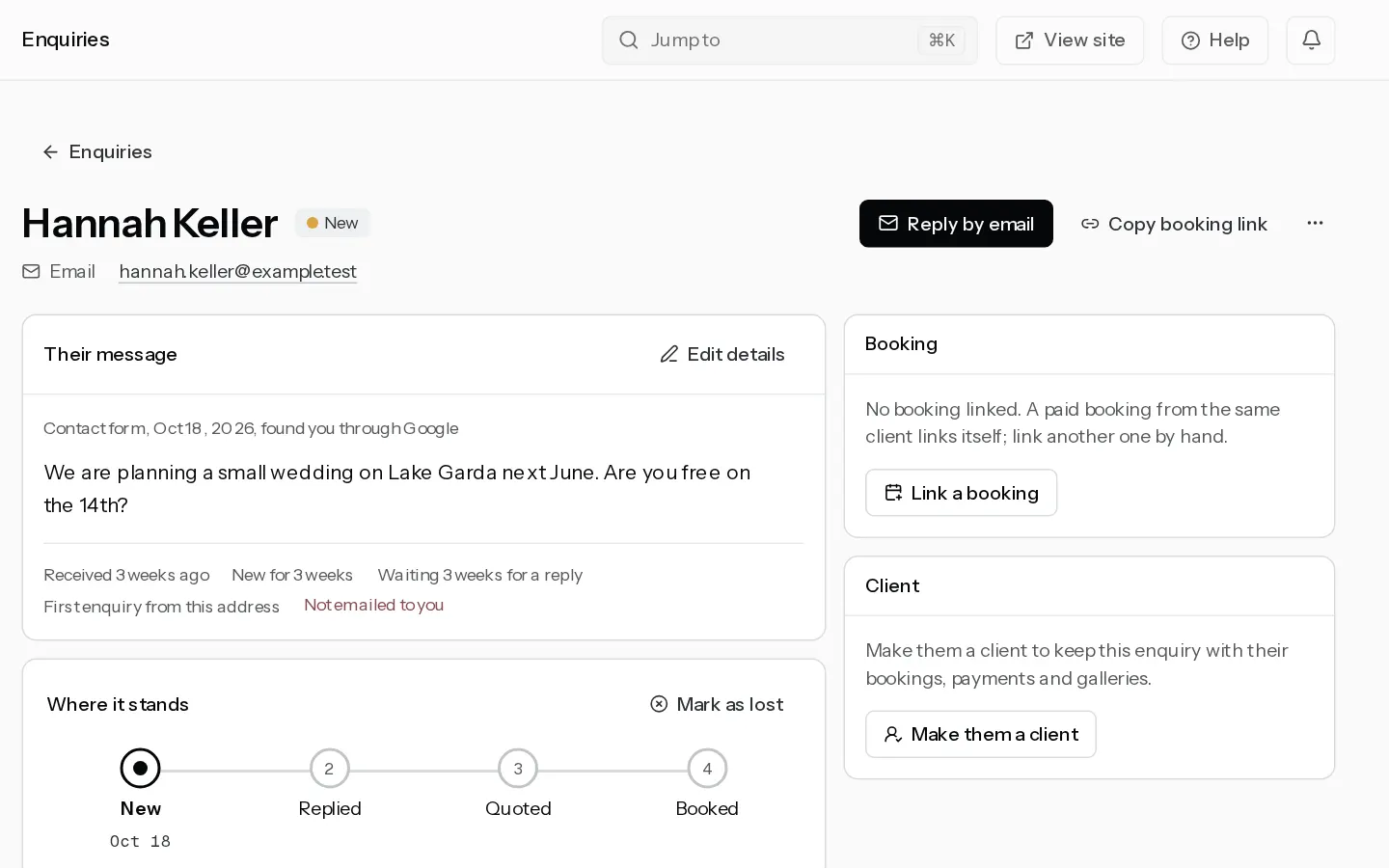
A message from the contact form on your portfolio or website lands in New on your enquiries board. You also get an email headed "New enquiry from" and their name. Select Open the enquiry in it.
For a client who reached you on Instagram, WhatsApp or the phone, add the enquiry by hand first. See Handle enquiries.
2. Copy the booking link
On the enquiry page, select Copy booking link. On a phone it stays a button beside More actions.
The link opens your booking page with their name and email already filled in. When they asked about a package that can be booked, it opens on that package. Copy it as often as you like: it stays the same link.
3. Send your reply
- Select Reply by email. Your mail app opens with their address, and the card moves to Replied.
- Paste the link into your reply and send it.
For an enquiry from Instagram or WhatsApp, paste the link into that chat instead. Move the card to Quoted yourself when you send a price.
4. Your client books
Your client picks a time, checks their details, already filled in, signs your contract and pays the deposit. You get an email headed "New booking from" and their name. Their side is in Book a session.
5. The enquiry closes itself
When they book and pay with the email address the enquiry has, the enquiry moves to Booked and links to the booking. They are now in Clients, with the booking on their page.
If they booked with another address, open the enquiry's menu, select Link a booking and pick it. Only confirmed bookings are listed.
Note: Once you archive an enquiry, its link opens your booking page with empty fields. It still books.
Did not find your answer?
Tell us what you are trying to do. Support replies by email.