Connect Stripe
Connect a Stripe account so your clients can pay you for downloads, session deposits and prints.
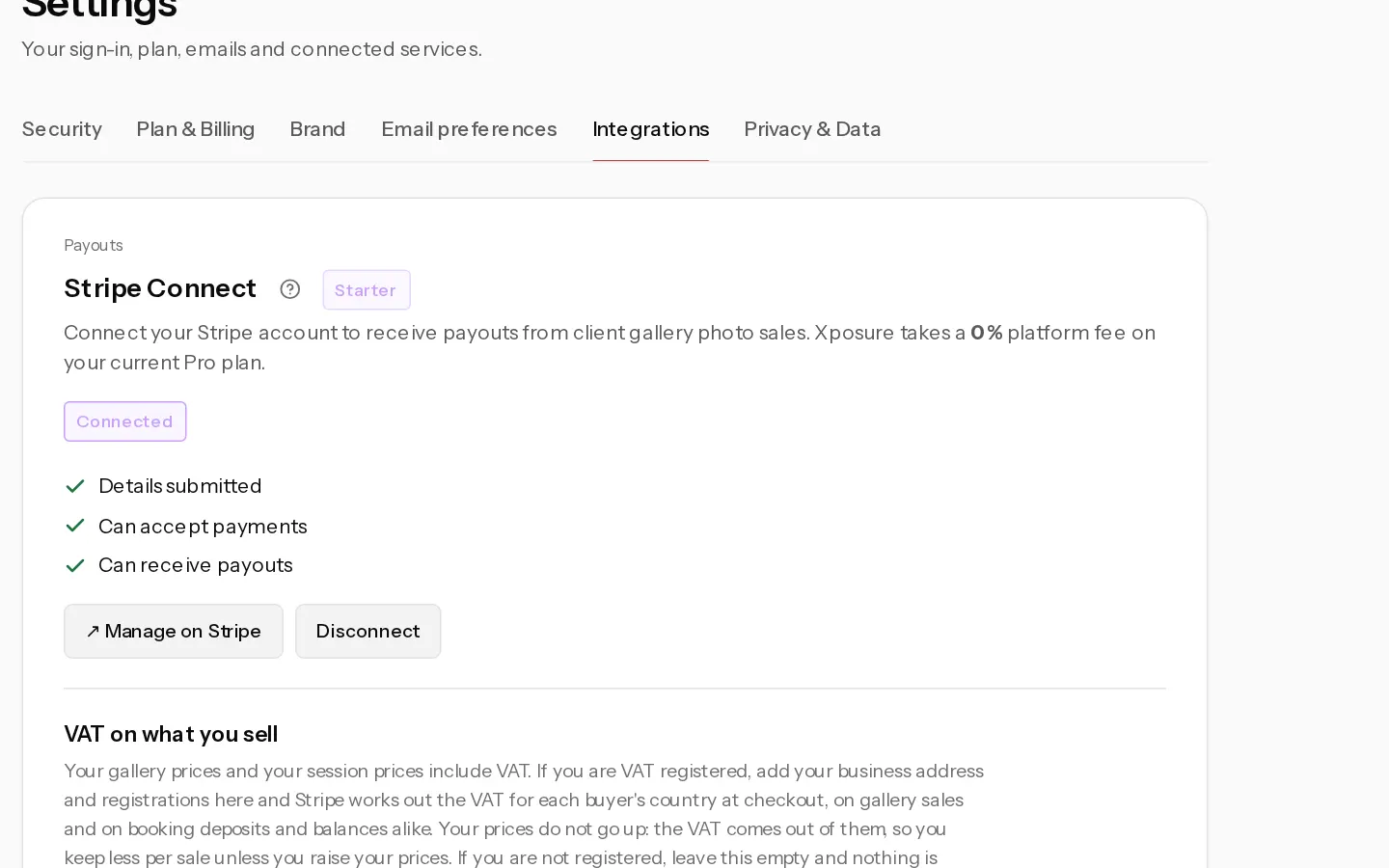
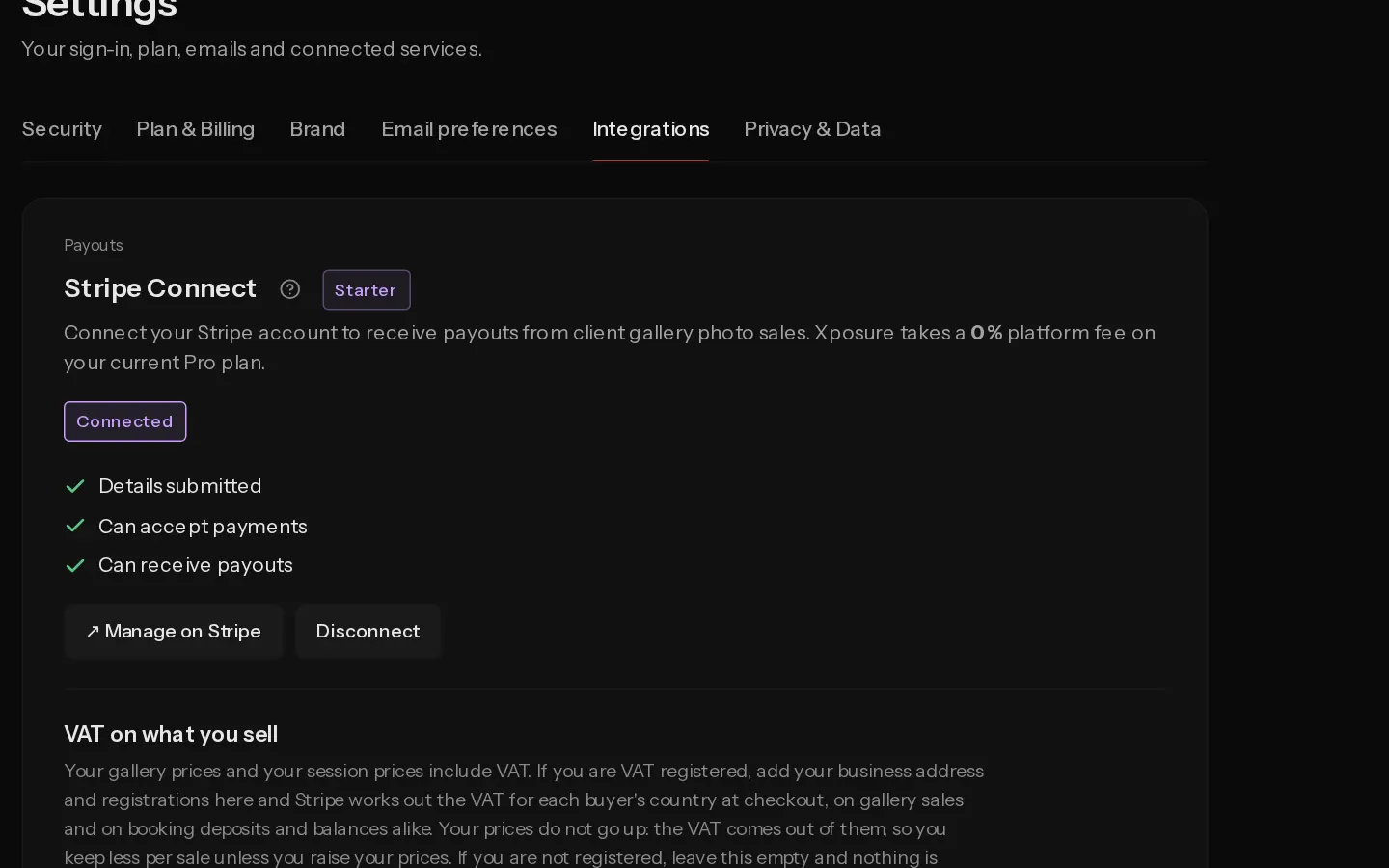
Your clients pay you through Stripe, and the money lands in your own Stripe account. Stripe Connect needs Starter or above. The trial includes it.
Connect your account
- Open Settings, Integrations.
- Under Stripe Connect, pick the Country your business is in.
- Select Connect Stripe account.
- Stripe asks for your business details, the bank account for payouts and your identity. It takes about 5 minutes.
- Stripe sends you back to Integrations. When Details submitted, Can accept payments and Can receive payouts are all ticked, the section shows Connected.
Only the account owner can connect Stripe, and your email must be confirmed first.
Important: Stripe sets the country once. It cannot be changed later.
If the section shows Action required, Stripe needs more information. Select Resume onboarding to give it.
What it unlocks
- Selling downloads from your client galleries.
- Online booking, with deposits and balances paid online.
- Selling prints and albums. This starts on a paid plan, not during the trial.
On Starter, Xposure takes a 10% platform fee on download sales and session payments, and 10% of your markup on prints. On Pro and Studio it takes none. Stripe's processing fee applies to each download and print sale.
Add VAT
Your prices include VAT. Once your details are submitted, VAT on what you sell appears under Stripe Connect. Select Set up VAT and add your business address and VAT registrations. Stripe then works out the VAT at checkout. Your prices stay the same and the VAT comes out of them. If you are not VAT registered, leave it empty.
Refunds, payouts and disputes
These are handled in Stripe, not in Xposure. Select Manage on Stripe to open your Stripe dashboard.
Disconnect
Select Disconnect, then Disconnect again to confirm. Your galleries cannot take new payments until you reconnect. Existing payouts and orders are not affected.
Did not find your answer?
Tell us what you are trying to do. Support replies by email.