Send questionnaires to your clients
Write a questionnaire, add a rule that sends it around each session, and read the answers on the booking.
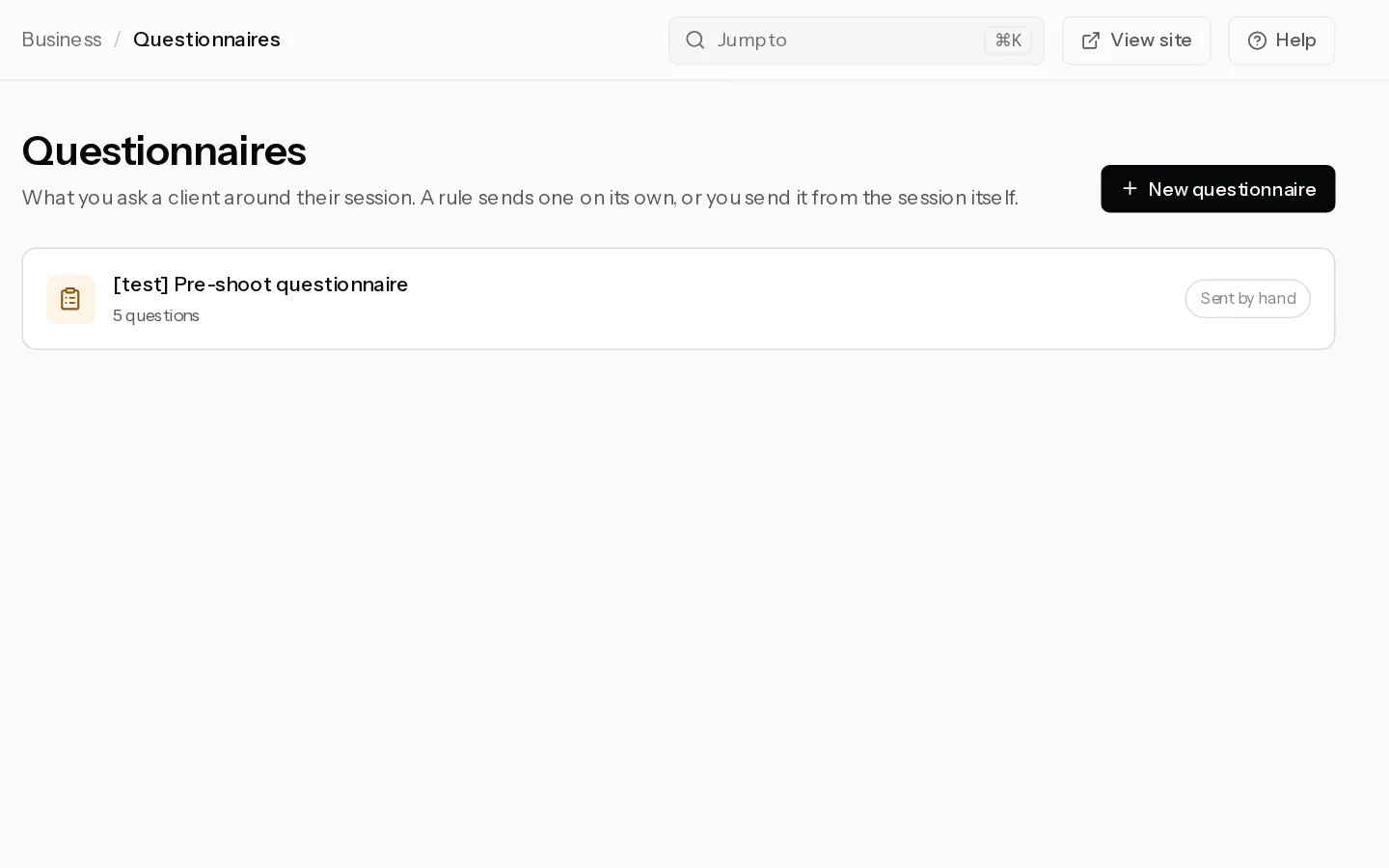
A questionnaire asks your client what you need to know before the shoot, or how it went after. Your client gets it by email and answers from a link, without signing in.
Write a questionnaire
- Open Questionnaires and select New questionnaire.
- Pick a starter, Styling guide, Pre-shoot questionnaire, Session check-in or How did it go?, or Blank. Each starter comes with a suggested rule.
- Change the Title and Intro, and edit the questions. A question is a Rating, One choice, Multiple choice or Free text. A Section starts a new page.
- Select Create.
Send it on its own
- In the questionnaire, open the When it goes out tab.
- Build the rule as a sentence: same day or a number of days from 1 to 365, then after the session is booked, before the session or after the session, then every package or one package.
- Select Add rule. On a saved questionnaire the rule is saved at once. On a new one, Create saves it with the questionnaire.
"After the session is booked" counts from the moment the deposit clears. A rescheduled session moves its questionnaire with it, and a cancelled one gets nothing.
Important: A rule only applies from now on. Add "7 days before the session" today, and a client whose session is 3 days away never receives it. Send that one by hand.
Send one by hand
- Open the booking in Bookings.
- On the Questionnaires card, pick one under Send a questionnaire… and select Send.
This works once the deposit has cleared. You can also send one from an enquiry, see Handle enquiries. A questionnaire goes to a session once, whether a rule or you sent it. One already sent to the enquiry the booking came from is not sent again.
Read the answers
The Questionnaires card on the booking shows Sent with the date, and Answered once your client replies. Select an answered one to read it. The answers also appear in the client's history on their client page.
If you edit a questionnaire later, sessions it already went to keep the questions they were sent.
Did not find your answer?
Tell us what you are trying to do. Support replies by email.