Record an offline payment
Log a bank transfer, cash or other payment on a booking so the balance due is right and your client gets a receipt.
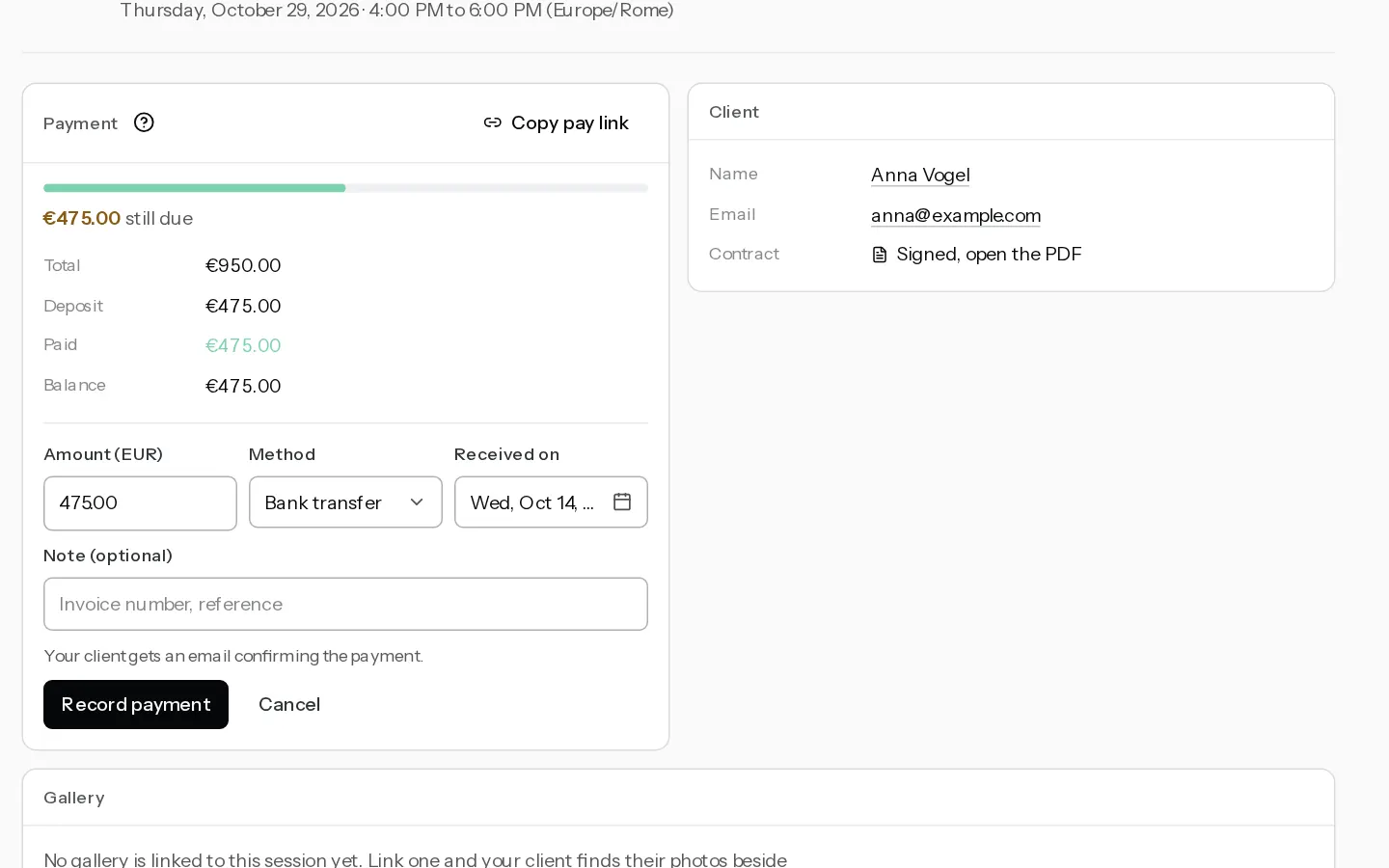
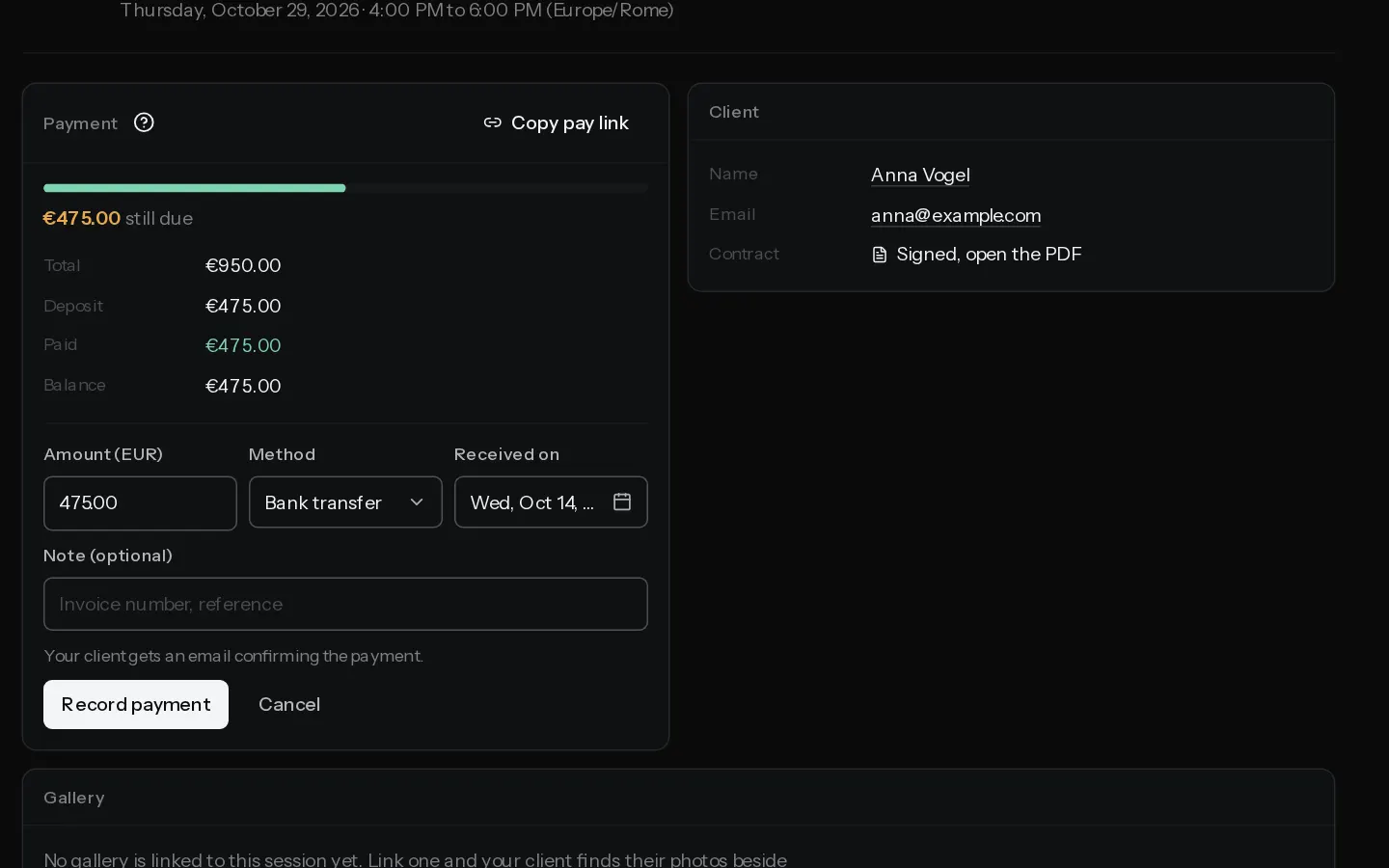
Use this when your client pays the balance outside Stripe. The payment is logged on the booking, the balance drops and your client gets an email.
Record a payment
- Open the booking in Bookings. On the Payment card, select Record payment.
- Check Amount. It shows the booking's currency, such as Amount (EUR), and starts at the balance due.
- Pick the Method: Bank transfer, Cash or Other.
- Set Received on to the day the money arrived. It cannot be a future date.
- Add a Note (optional) of up to 500 characters, such as an invoice number.
- Select Record payment.
The payment appears in the list as Recorded payment, with its method and date. Paid goes up, Balance goes down and the card reads "Paid in full" once nothing is due. The booking stays Confirmed.
Your client gets a "Payment received" email with the amount, the total and what remains.
What is allowed
- Only a Confirmed booking takes a payment, so the deposit is paid online first, unless the package asks for none.
- Record payment shows only while a balance is due.
- The amount must be above zero and no more than the balance. A higher amount is refused, and the message names the balance still due.
- Amounts follow the booking's currency. Yen and forints are whole numbers.
- No fee is taken, by Xposure or by Stripe. Xposure records no VAT on it.
Recording a payment closes any open online payment for the booking. Your client then pays the remainder from the same pay link.
Note: If your client has just paid online and it has not cleared yet, recording is refused until it does. Wait, then record any other payment.
Fix a mistake
A recorded payment cannot be edited. Select Void beside it and confirm Void payment. It stays in the list, struck through, and the balance goes back up. Then record it again with the right details. Voiding sends your client no email.
Only recorded payments can be voided. A payment made through Stripe is refunded in your Stripe dashboard. See Get paid out and refund a client.
In a studio, recording and voiding need the Admin role. See Take deposits and collect the balance for the online side.
Did not find your answer?
Tell us what you are trying to do. Support replies by email.