Choose a client gallery or a portfolio album
Pick the right kind of gallery for a shoot or a body of work, and switch between the two.
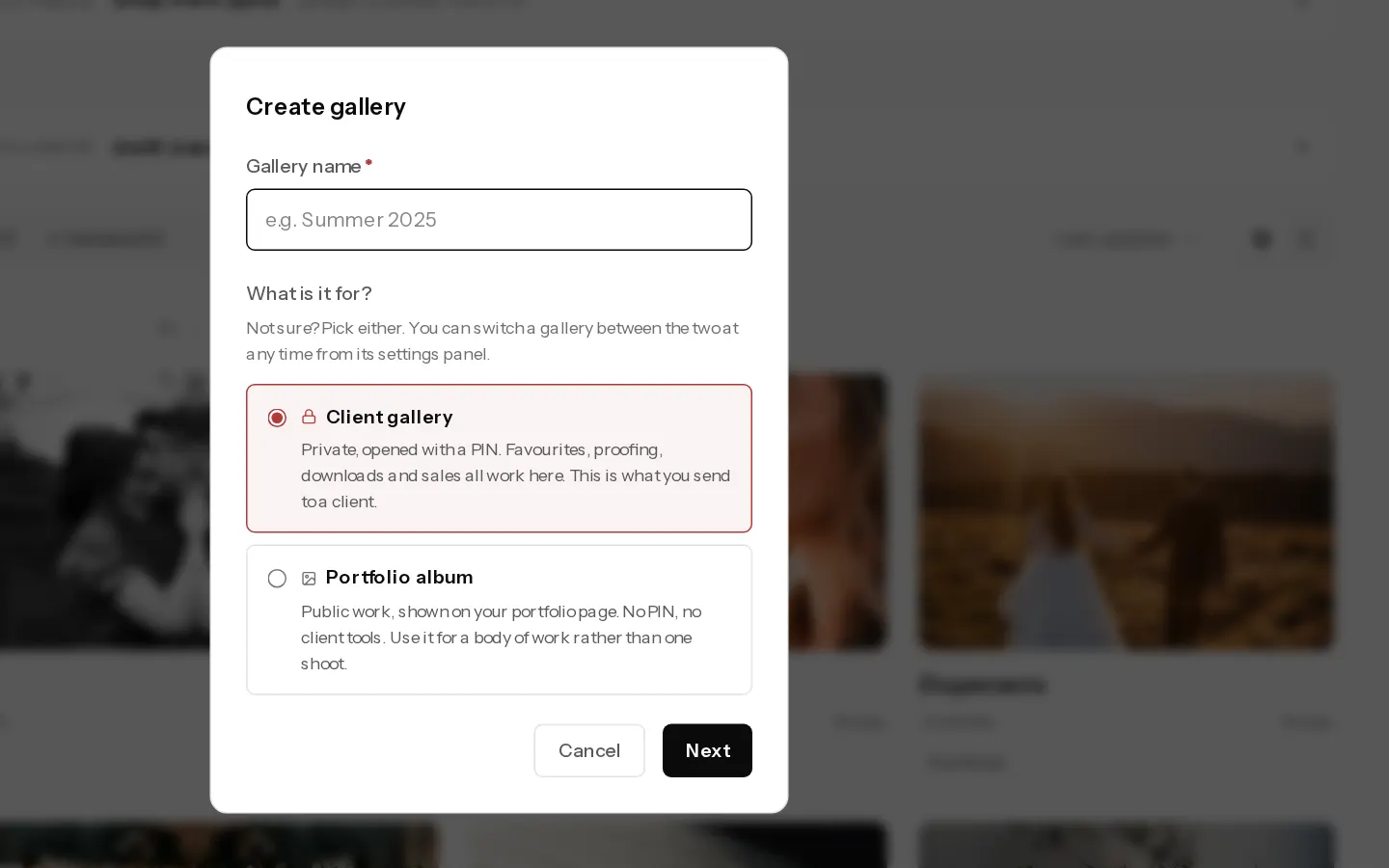
Every gallery is one of two kinds. A client gallery is private and goes to one client. A portfolio album is public and shows on your portfolio.
| Client gallery | Portfolio album | |
|---|---|---|
| Who sees it | Your client and the guests you let in | Anyone who visits your portfolio |
| Opens with | A private link and a PIN | Your portfolio, under Galleries |
| Favourites, downloads, sales, prints | Yes | No |
| Settings tabs | Share, People, Selling, Look, Manage | Share, Look, Manage |
| Plans | Starter, Pro and Studio | Every plan |
Use a client gallery for one shoot you deliver. Use a portfolio album for a series or a collection you want people to find.
Pick one when you create it
- In Galleries, select New gallery.
- Type a name, then choose Client gallery or Portfolio album under What is it for?
- A client gallery asks for a starting point next. A portfolio album is created when you select Create.
Make a portfolio album a client gallery
- Open the album and select Settings, then the Share tab.
- Select Make it a client gallery.
It leaves your portfolio and gets a private link and a PIN. It stays a draft until you make it live.
Make a client gallery a portfolio album
- Open the gallery and select Settings, then the Share tab.
- Open More options and select Turn into a portfolio album.
- Select Make it public to confirm.
Its photos show on your portfolio and the client link stops working. Photos, PINs and download prices are kept for when you make it a client gallery again.
Important: Print sales stop. The price sheets are removed and a print checkout your client has open is cancelled. To hide a gallery without making it public, set it to Draft in the Share tab instead.
Signature Work, pinned at the top of Galleries, is your portfolio itself. It cannot become a client gallery. See set up your portfolio.
Did not find your answer?
Tell us what you are trying to do. Support replies by email.