Read your booking insights
See what your sessions brought in, what is still to collect, which packages and clients pay most and where your bookings come from.
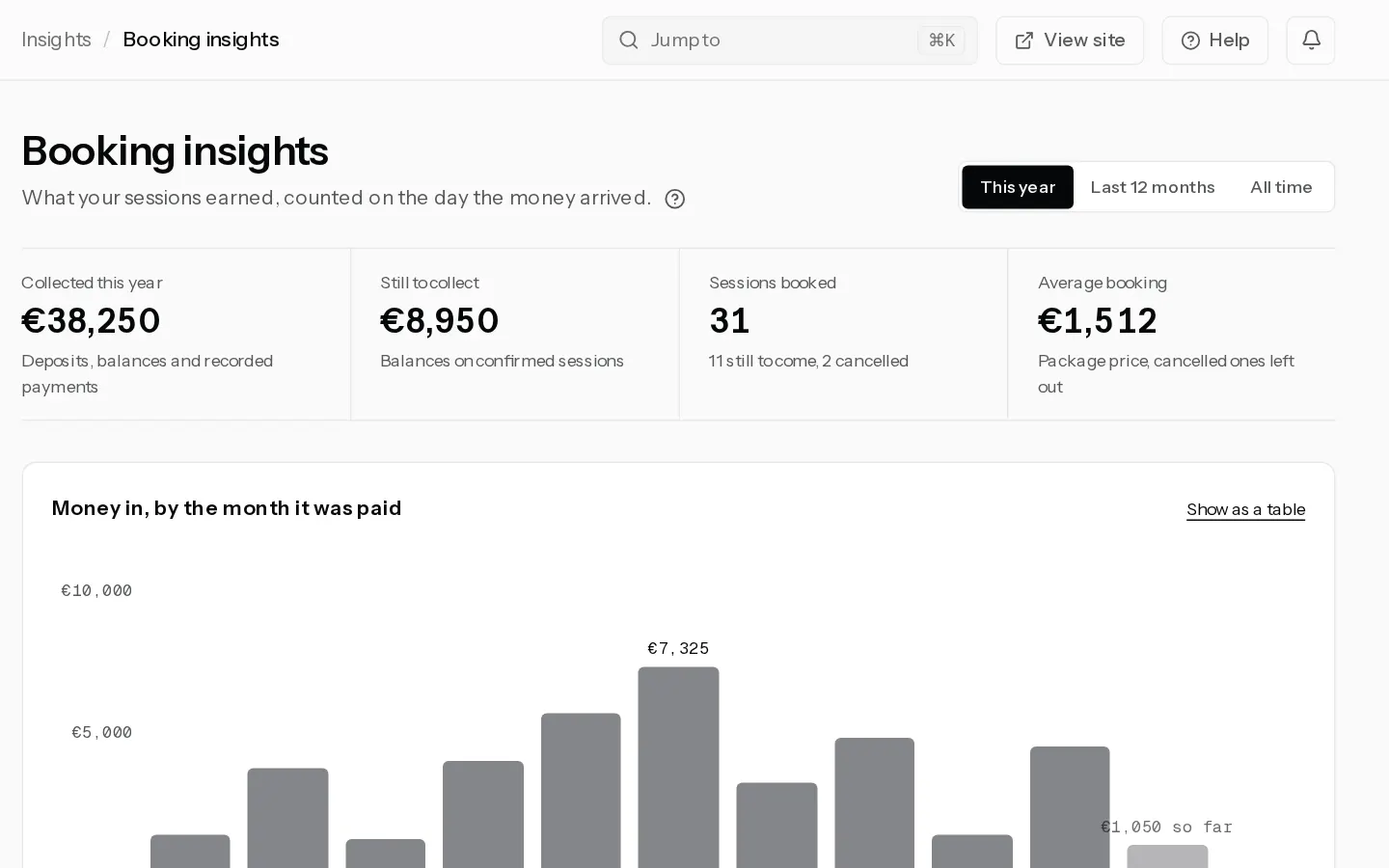
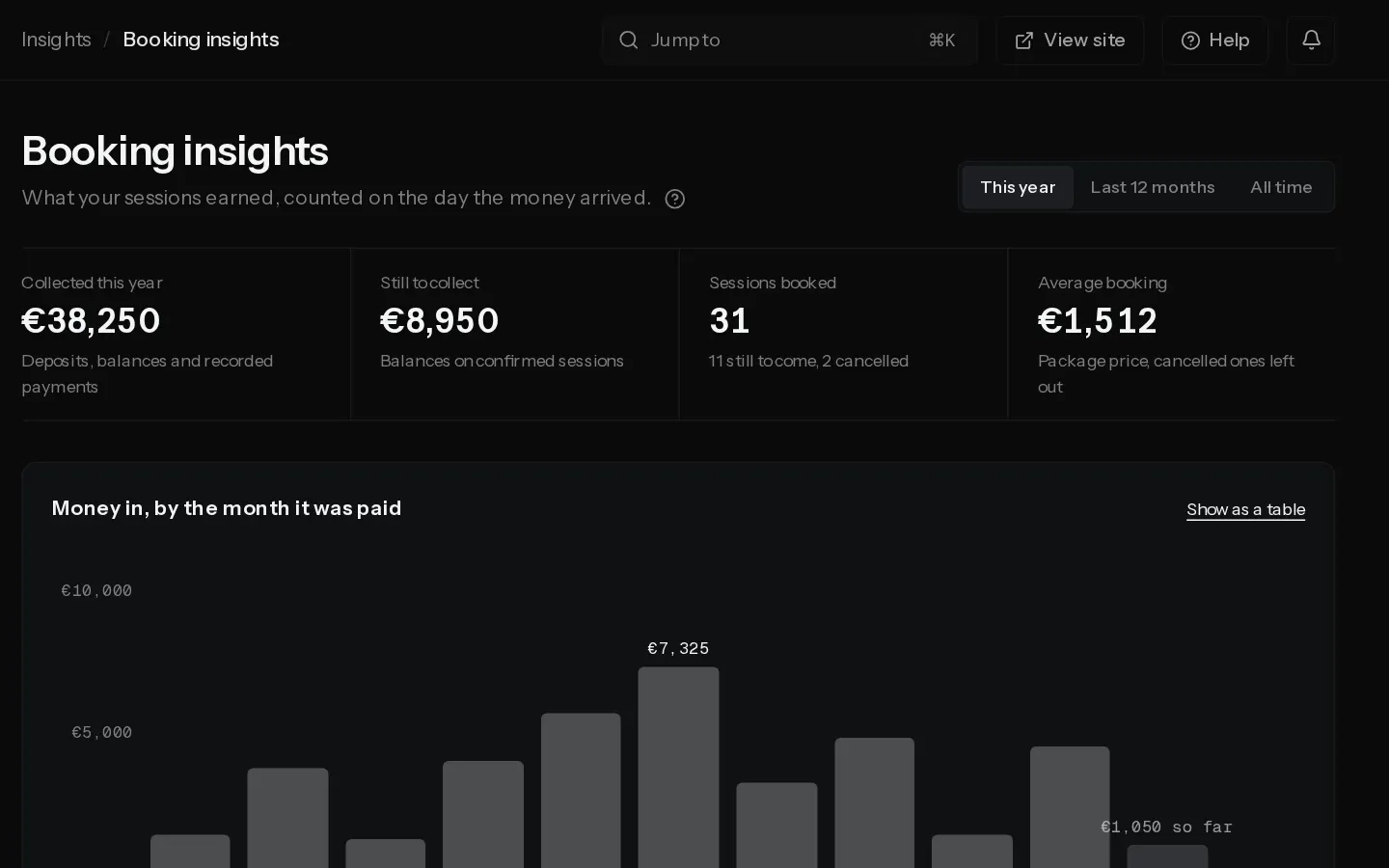
Booking insights shows what your sessions earned, counted on the day the money arrived. Pick This year, Last 12 months or All time at the top. Every figure follows the range, except Still to collect.
The four figures
- Collected this year, Collected in 12 months or Collected so far: deposits, balances and payments you recorded by hand, minus refunds. A refund counts against the month of the payment it refunds. A voided payment is left out.
- Still to collect: what is left to pay on confirmed sessions, whatever their date. When some of it is for sessions already shot, the line under it says how much.
- Sessions booked: bookings made in the range, with how many are still to come and how many were cancelled.
- Average booking: the package price of the sessions booked in the range, cancelled ones left out.
The chart
Money in, by the month it was paid has one bar per month. This year shows all twelve months, the ones to come empty. All time starts at your first payment and switches to one bar per year after two years. Select Show as a table for the figures.
Months follow the time zone your sessions are shown in.
Enquiries, packages and clients
- From enquiry to booking: the enquiries that arrived in the range, and how many were replied to, quoted and booked. Each percentage is of the step above. An enquiry that skipped a step, such as one booked straight away, still counts at every step before it. Bookings made without an enquiry are not counted here.
- By package: your six packages that brought in the most, with the money and the number of sessions. Bookings with no package show as Older sessions.
- Top clients: the five clients who paid most. Select a name to open their client record.
- Where bookings come from: enquiries and bookings per source, from the contact form and from what you record on each enquiry. See Handle enquiries.
Note: Amounts in two currencies are never added together. The page counts only money in the currency you sell in now. Payments in another one are left out, and the line under the collected figure says how many. See Change your selling currency.
In a studio, the owner and admins see this page. Editors, photographers and viewers do not.
Did not find your answer?
Tell us what you are trying to do. Support replies by email.