Write the contract clients sign
Write a contract template with smart fields, make it your default and choose which packages use it.
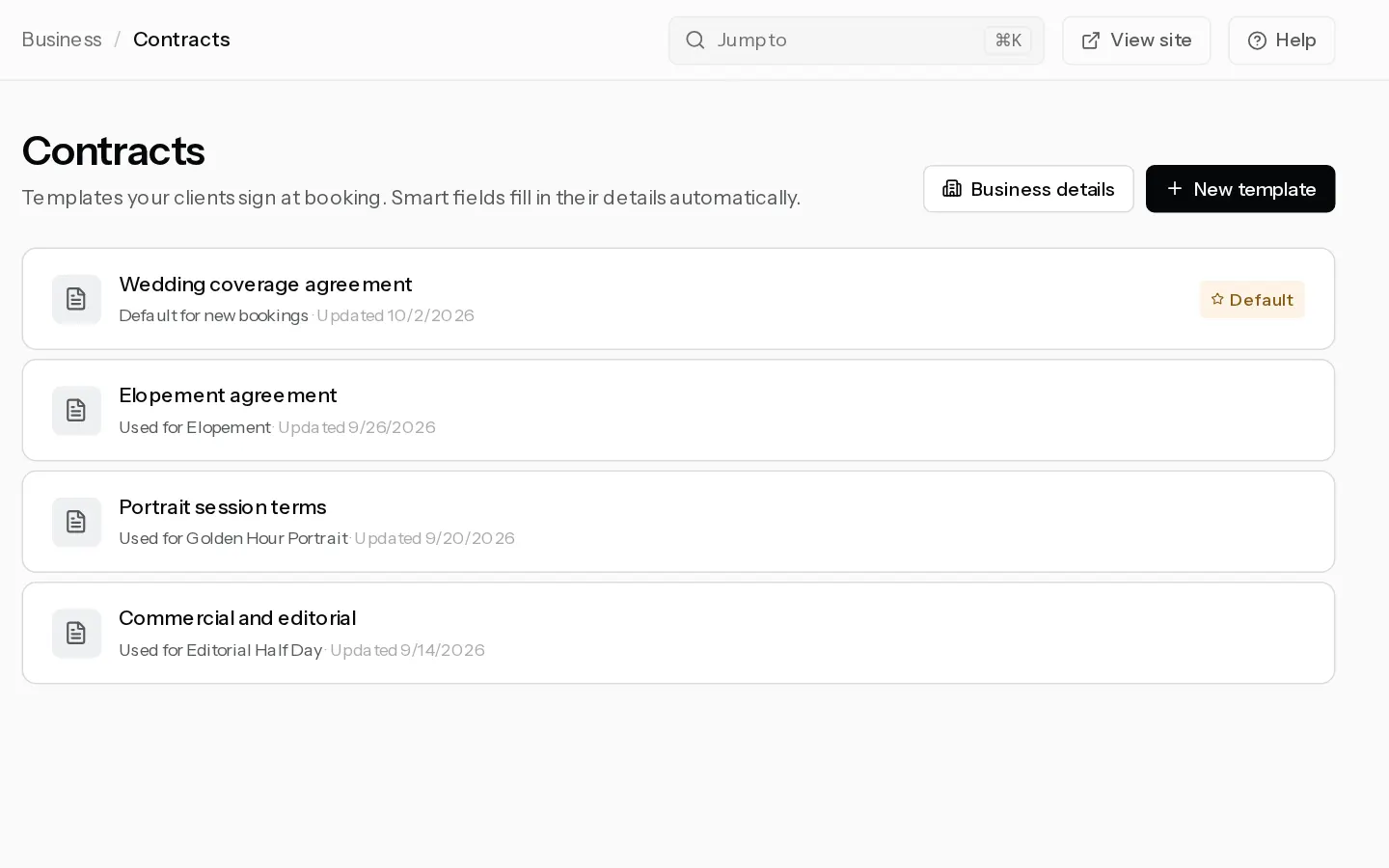
Every online booking asks your client to sign before they pay. They type their full name, and the signed copy is kept with the booking.
Add your business details
- Open Contracts and select Business details.
- Fill in your business name, VAT or tax number, email, phone and address.
- Select Save details.
These fill the business smart fields, such as {{business_name}} and {{photographer_vat}}.
Create a template
- Select New template.
- Pick Standard session, Wedding, Portrait session, Commercial / Event or Blank.
- Name the template and change the text to your own terms. The preview on the right fills in sample data as you type.
- To add a detail that changes per booking, place the cursor and select a smart field chip, such as
{{session_date}},{{package_price}}or{{deposit_amount}}. - Select Set default to use this template for every package without a contract of its own. There is one default at a time.
- Under Use this contract for, pick the packages that should use it.
- Select Save.
Which contract a client signs
- The contract picked for the package, here or under Contract in the package.
- Otherwise your default template.
- Otherwise Xposure's built-in standard agreement.
Important: With no template of your own, clients sign the built-in agreement. It says the deposit is non-refundable, that a cancellation forfeits it, and that the client may reschedule once with 7 days' notice. If those are not your terms, write a default template first. None of the starting templates is legal advice.
Read a signed contract
Open the booking in Bookings. Under Client, Contract shows Signed, open the PDF. Your client finds the same contract in their client portal.
The signed copy keeps the wording the client signed. Editing a template later changes it for new bookings only.
Did not find your answer?
Tell us what you are trying to do. Support replies by email.