Know what your client gets and when
See when your client signs your contract, which emails they get and when your questionnaires reach them.
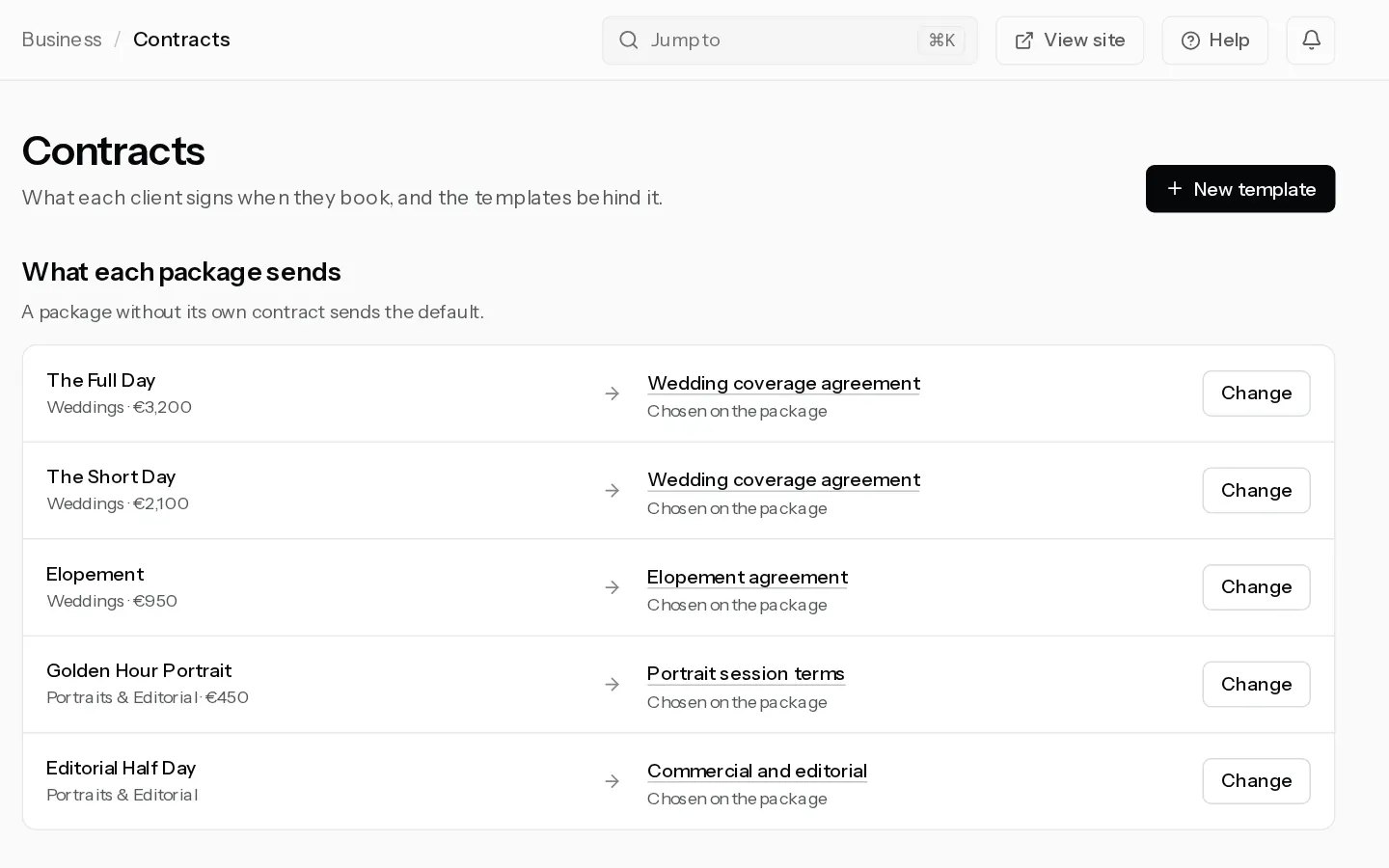
Your contract always goes out with a booking, never on its own. Questionnaires go out by a rule you set, or when you send one. This is the order your client meets them in.
When they book online
- On your booking page, at Review & confirm, they read your contract and sign by typing their full name. They cannot pay before they sign.
- They pay the deposit on Stripe. On a package paid by bank transfer the booking is confirmed when they sign, and they see How to pay instead.
- You are booked shows, and the confirmation email follows. It has the pay link for the balance and a link to their client portal, where the signed contract is kept.
- If a questionnaire has the rule same day after the session is booked, You are booked shows Answer the questions, and the questionnaire email arrives too.
The contract they sign is the package's own, or else your default template, or else the built-in agreement. See Write the contract clients sign.
When you add the booking yourself
With Ask the client to sign the contract and Email the client the booking on, your client gets an email headed "Your booking: please sign the contract", or "please sign and pay the deposit" when there is one to pay. The button at the top opens their pay page, where they sign first and then pay.
Switch the email off and nothing goes out. Use Copy link on the booking to send the page yourself. See Add a booking yourself.
Questionnaires
A rule sends a questionnaire a number of days after the session is booked, before the session or after it. "After the session is booked" counts from when the booking is confirmed. A rescheduled session moves its questionnaire with it, and a cancelled one gets nothing.
Your client gets an email titled with your name and "sent you a questionnaire", with Open the questionnaire. They answer without signing in, and can open the link again to change their answers. There are no reminder emails, and the link does not expire.
Each questionnaire goes to a session once, whether a rule or you sent it. To send one by hand, see Send questionnaires to your clients.
What you see
On the booking, Contract signed shows on its steps once they sign. The Questionnaires card shows Sent with the date, then Answered. Their side is in Sign your contract and open your documents and Fill in your questionnaire.
Did not find your answer?
Tell us what you are trying to do. Support replies by email.