Choose your notifications and emails
Read what happened on your account from the bell, and choose which emails Xposure sends you.
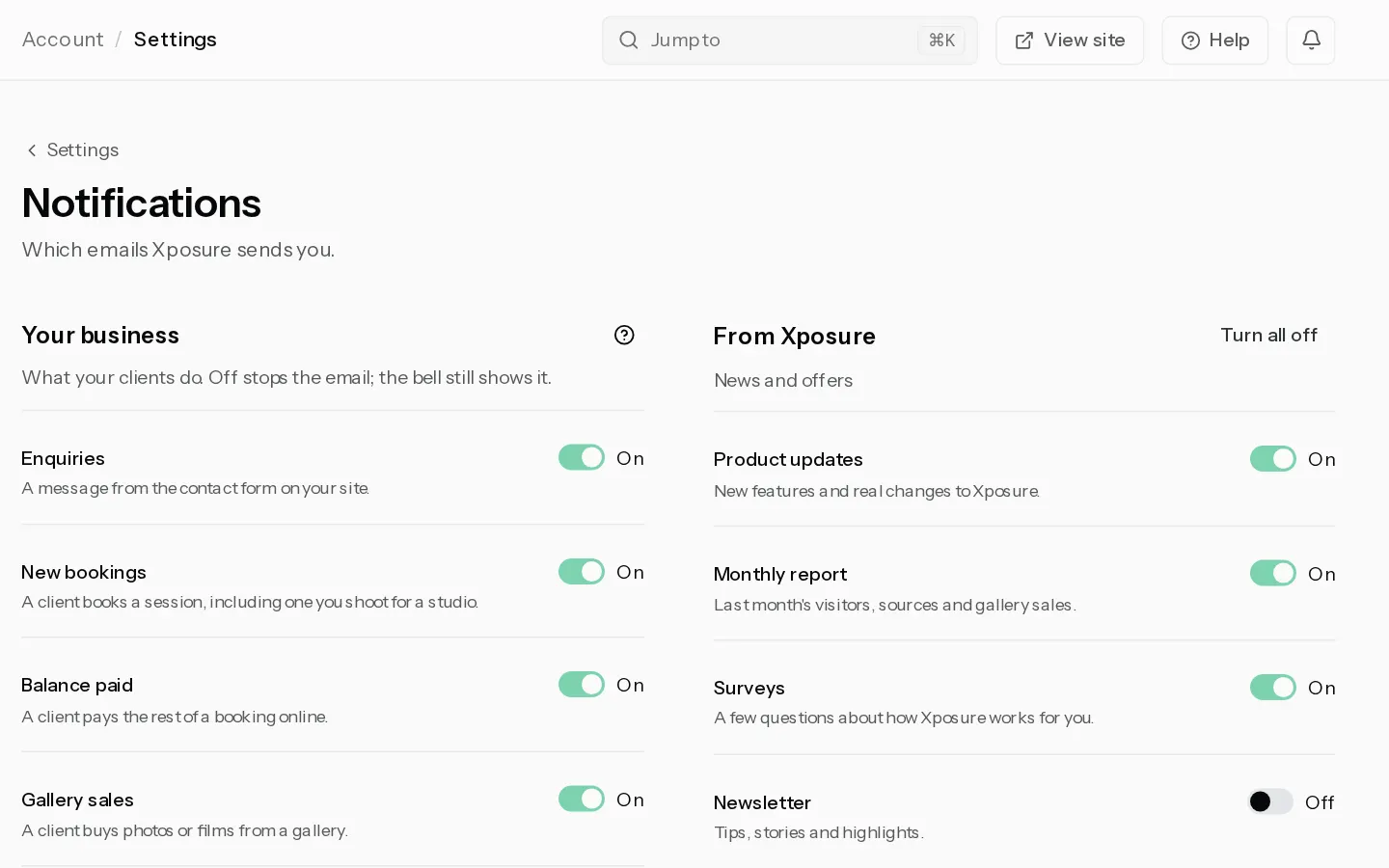
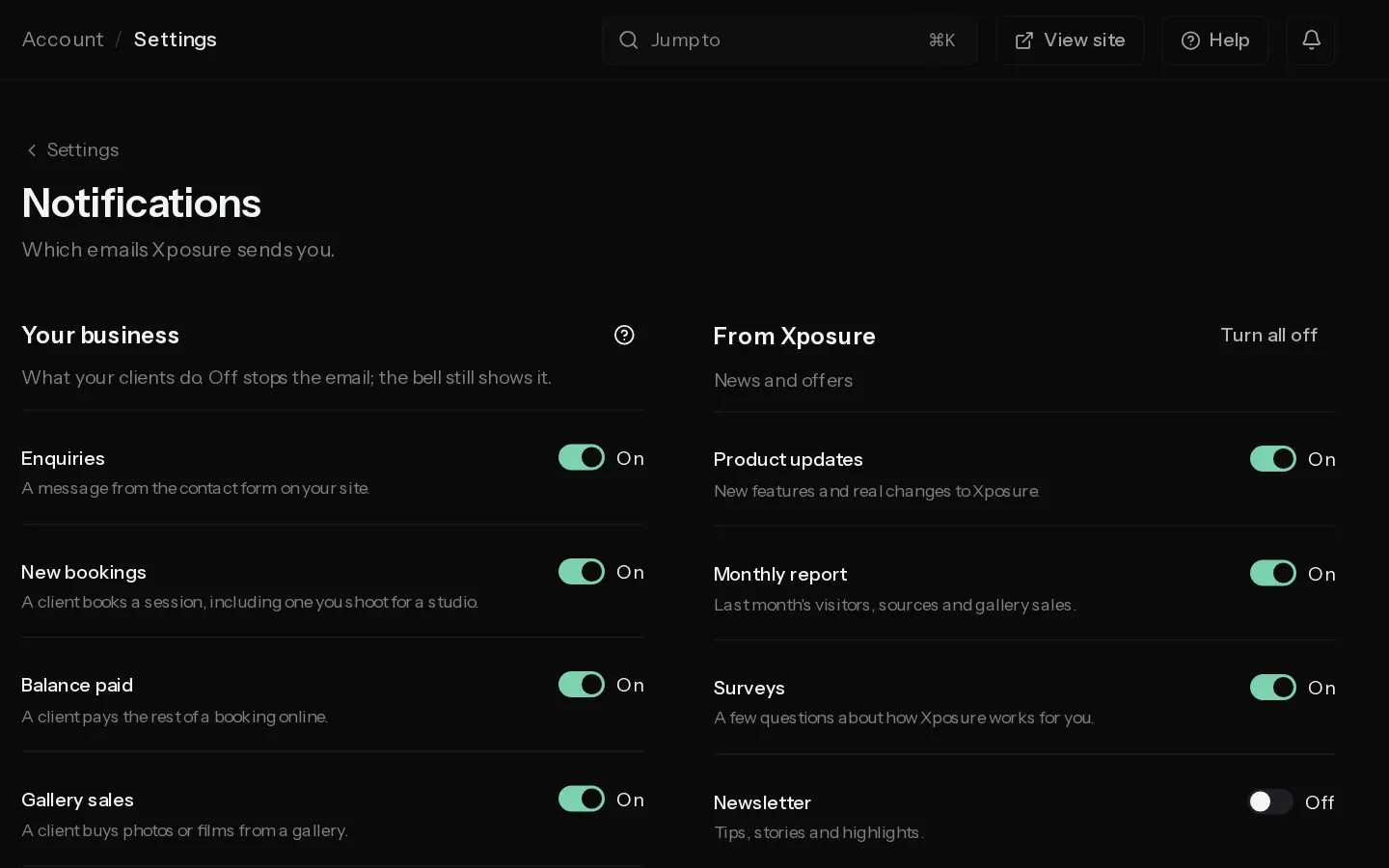
Everything that happens on your account lands under the bell in the top bar. Emails about the same events can be switched off one by one, and the bell keeps showing them.
The bell
A number on the bell counts what you have not read, up to 9+. The browser tab shows it too.
- Select the bell to see the latest 20, grouped under Today, Yesterday and Earlier.
- Select a row to open the page it is about. The row is marked read.
- Select Mark all read to clear the count, or See all notifications for the full list.
The bell has no settings. Every event lands there, whatever your email switches say. Changes you made yourself are left out.
The full list
Notifications holds the last 90 days, newest first. Older ones are deleted, read or not. Filter with All, Unread, Clients, Galleries, Money, Prints and Account, and select Load older notifications to go further back.
- Clients: a new enquiry, a new booking, a booking your client cancels, an answered questionnaire, a session given to you to shoot.
- Galleries: a client gallery opened for the first time by someone outside your team, picks sent, new favourites and notes, a film version approved.
- Money: a deposit or balance paid by card, a download sale.
- Prints: an order waiting for your approval, shipped, a problem with an order, a claim from your client, a sale blocked below lab cost.
- Account: storage running out, your domain live or failing, a calendar link failing, film views running out, setting up Stripe, a failed plan payment, your trial ending tomorrow, your data export ready, someone joining or leaving your team.
In a studio you also get the studio's events your role can open. Admins get all of them except Account. Editors get Galleries. Photographers get the bookings they shoot. Viewers get none. Selecting a studio's row opens it in that studio.
Choose your emails
Open Settings, Notifications.
Your business has a switch for each email about what your clients do: Enquiries, New bookings, Balance paid, Gallery sales, Proofing, Film approvals and Prints shipped. All are on for a new account. Off stops the email only. In a studio, each person's switches cover their own inbox.
From Xposure covers Product updates, Monthly report, Surveys, Newsletter and Promotions. Switch each one off, or select Turn all off.
Note: Some emails always go. Sign-in and security notices, invoices, receipts and payment problems, service outages and legal notices cannot be switched off. Neither can the other emails about your business, such as a print order waiting for approval. These switches never change what your clients receive.
Did not find your answer?
Tell us what you are trying to do. Support replies by email.