Choose what your client can download
Set the free download size for your client and for guests, and know what the Download button gives them.
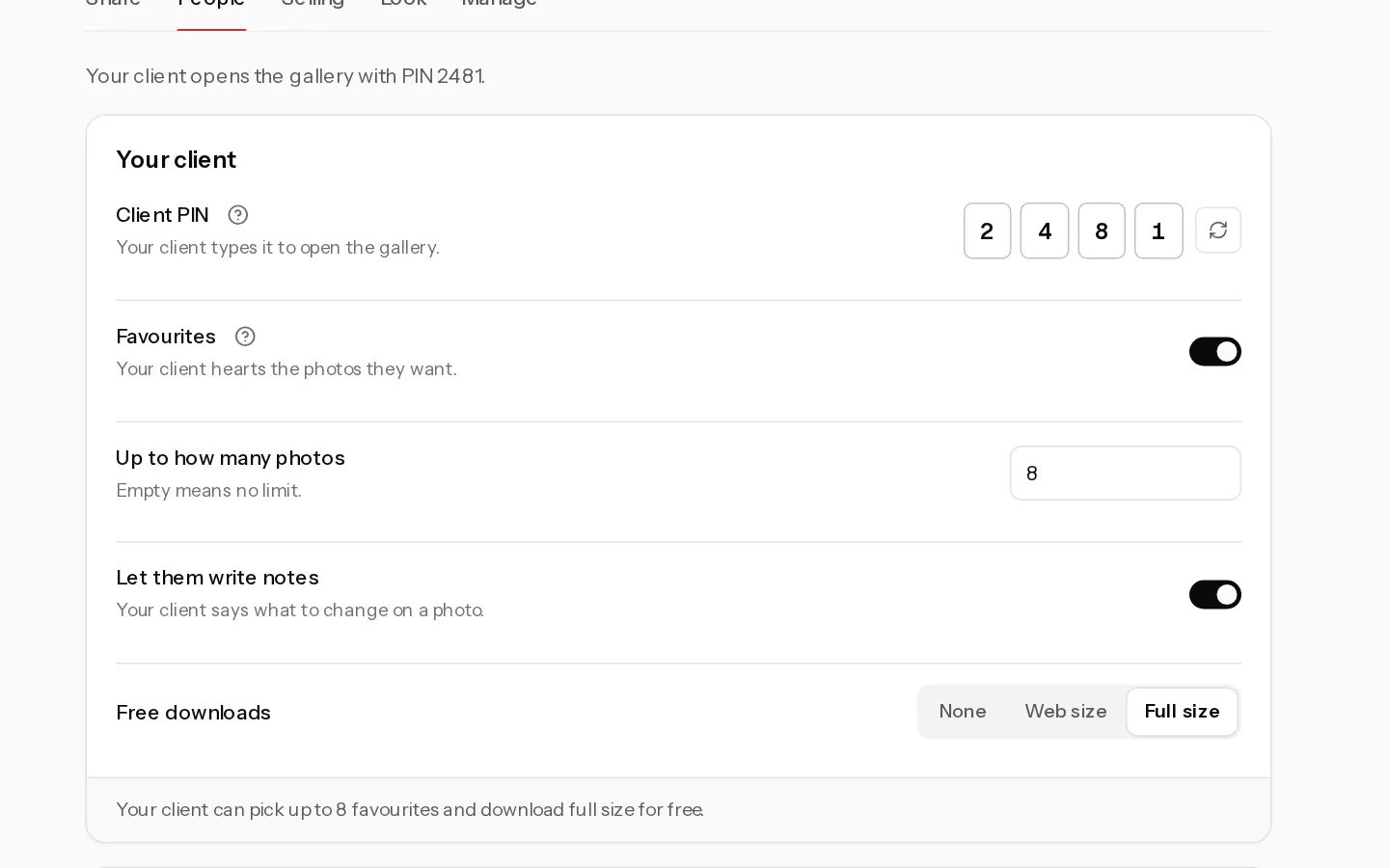
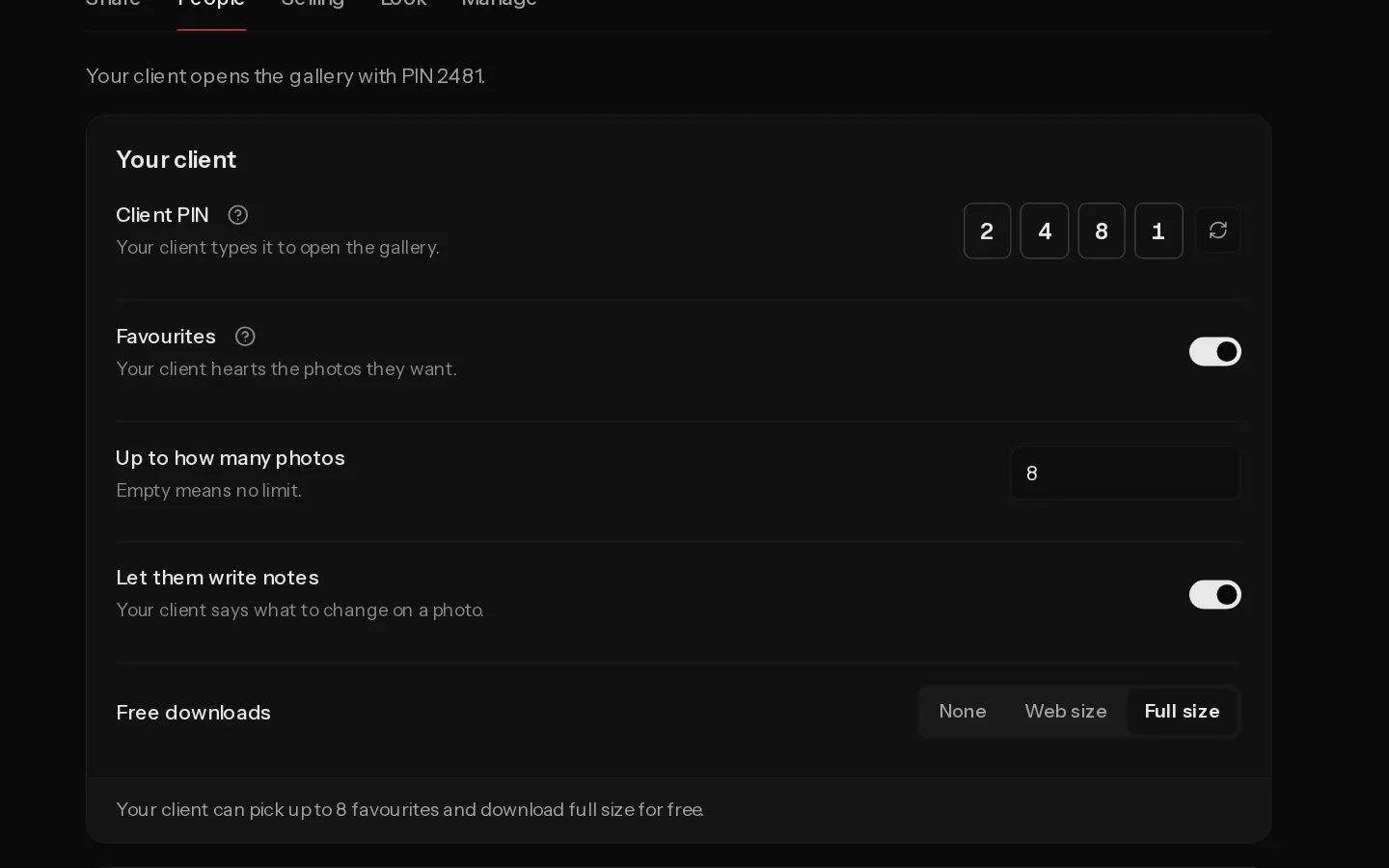
Each gallery has a free download size for your client and another for guests. Your client gets everything up to that size, one photo at a time or as a zip.
Set the free size
- Open the gallery and select Settings, then the People tab.
- Under Your client, pick Free downloads:
- None: no free files. On a gallery that sells, your client buys instead.
- Web size: a clean WebP copy, up to 2560 pixels on the long edge.
- Full size: the full-resolution photo. Your client can still pick web size.
- If you let guests in, pick their Free downloads under Guests the same way. Guests who get in with Just the link can have web size at most.
The choice saves at once. Downloads stop when the gallery closes. See Set when a gallery closes.
Important: Turning on Sell from this gallery switches free full size off for both. If you set Full size again while you sell, that person gets the originals free and is not offered Buy.
What your client sees
With free downloads on, each photo has a download button. Download at the top of the gallery opens a dialog:
- What: Everything, their favourites when proofing is on and they picked some, or Sets, where they pick one or more of your sets.
- Size: Full size or Web size when both are allowed, otherwise the one size you set.
Hidden photos are never included. The client's side is in Download your photos.
How the zip works
Xposure builds one zip file, which can take a moment for a large gallery. Each zip is deleted about an hour after it is built, and counts toward your storage until then.
To give a proofing client their picks once you are done editing, use Deliver now on the Favourites tab. See Read your client's picks.
See also: Sell downloads and set prices.
Did not find your answer?
Tell us what you are trying to do. Support replies by email.