Read your client's picks
See which photos your client picked, read and answer their notes, download the selection and deliver.
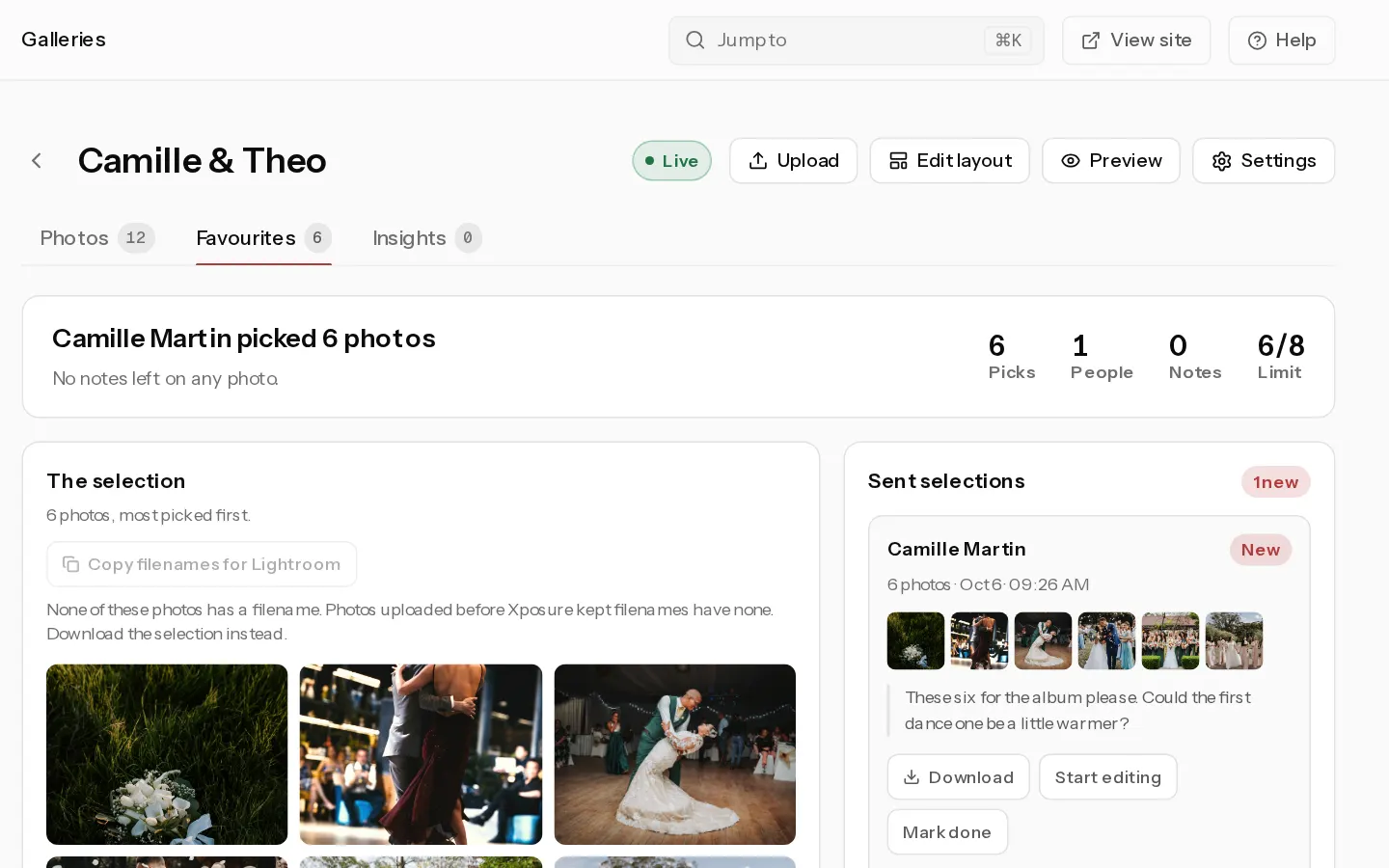
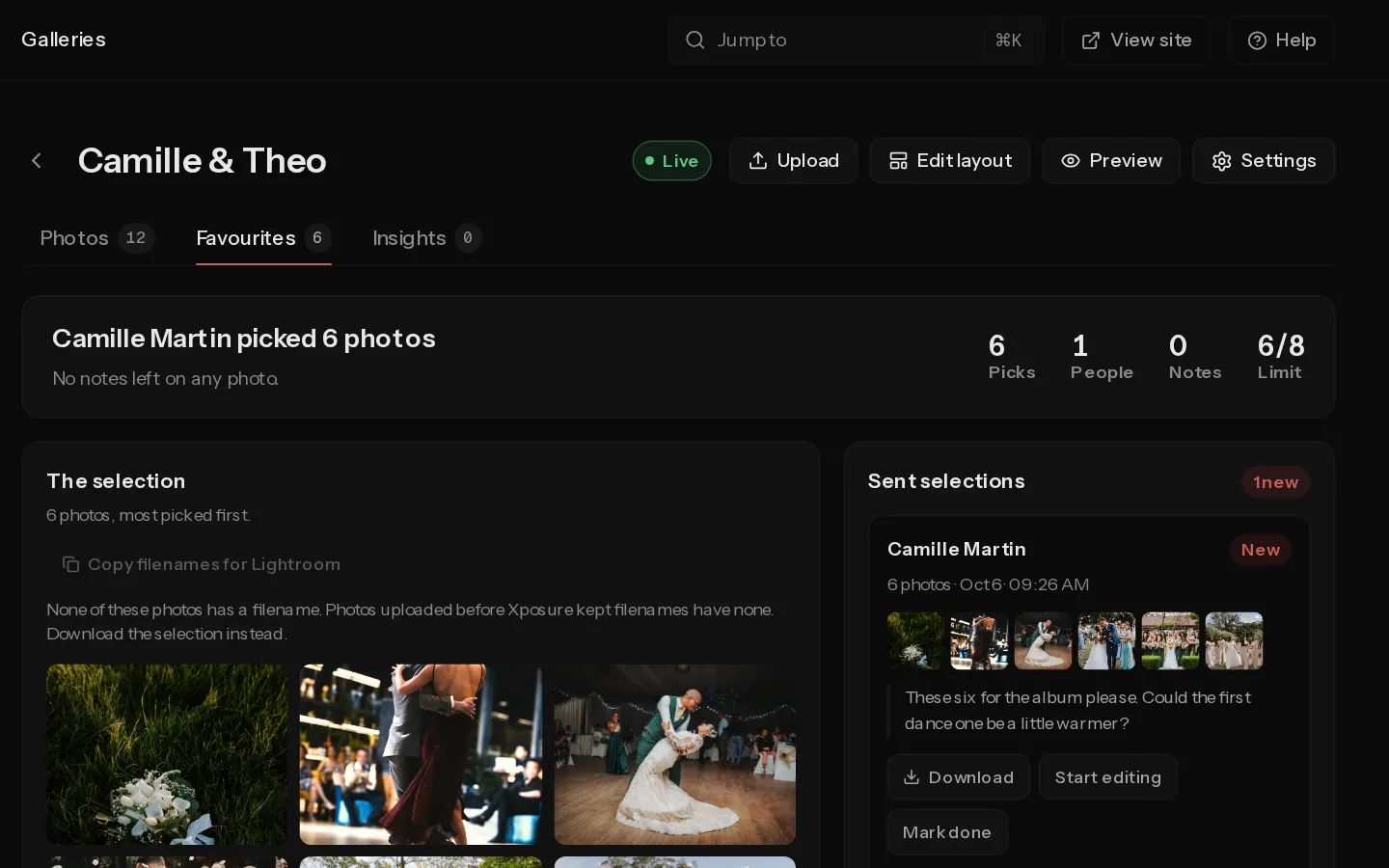
Everything your client picks and writes collects on the gallery's Favourites tab. The tab shows once proofing is on.
Read the picks
- Open the gallery and select the Favourites tab.
- The top line says who picked how many, for example "Anna picked 24 photos". Picks, People and Notes give the totals. With a limit set, Limit shows picks against it.
- The selection shows the picked photos, most picked first. When several people picked, each photo shows how many chose it and who.
- Under Filter by person, select a person to see only their picks and notes. Select Show everyone to go back.
Picks show here as they happen, before your client sends anything. A person who picked on two devices with the same email counts once.
Work from a sent selection
When your client sends their favourites, the set appears under Sent selections with their name, the photo count, the date and any message.
- Download packages the photos of that set in a ZIP file of the originals.
- Copy filenames for Lightroom copies the set's filenames. In Lightroom, paste them into the Library filter under Text, with Filename and Contains, to find the picks in your catalogue. Photos uploaded before Xposure kept filenames are left out. The same button sits under The selection for whatever it shows.
- Start editing and Mark done move the label from New to Editing to Done, for your own tracking.
Sent sets are snapshots. Your client can keep changing their hearts and send an update. The newest set is on top, and earlier ones are marked superseded. Nothing locks the picks, and there is nothing to reopen.
Answer notes
Notes lists every client note, newest first, with the photo beside it.
- Select Reply under a note, type your answer and select Reply again. Your client sees it on that photo. After your first answer the button reads Reply again.
- To remove a note or a reply, select the bin icon next to it (Delete this note).
Deliver the photos
If your client has sent a set and has no free downloads, the tab offers Deliver now. It gives your client free full-size downloads of every photo. Select Undo to take it back, or Tell your client to email them.
Note: Deliver now is not offered on a gallery that sells downloads, so a paying client never gets the originals for free.
Related: Send the gallery to your client.
Did not find your answer?
Tell us what you are trying to do. Support replies by email.