Stop guessing which twenty photos they wanted.
Turn any gallery into a proofing gallery. Your client marks the frames they want and leaves notes on the individual photos, and you retouch a shortlist instead of a hunch.
 Could we try this one in black and white?
Amara has finished selecting
galleries@yourstudio.com · Oakfield House
4 over the 20-photo limit on this gallery
Their picks on the left, what reaches you on the right. Everything from one sitting arrives together rather than as a notification per click.
What is proofing in photography?
Proofing is the step between the shoot and the final edit where the client sees every usable frame and says which ones they want. The proofs are the unretouched versions, usually watermarked and at screen size. You retouch what comes back, rather than finishing four hundred photographs and hoping you guessed right.
- Where the word comes from
- A proof was a print made to be judged rather than kept. Clients went through a contact sheet and marked the frames they wanted enlarged. The paper went away and the step did not, so the word still describes the same decision.
- What counts as a proof
- An unretouched frame at screen size, watermarked while it is being chosen. It is there to be compared against the frame beside it, which is why proofs are shown as a set and not sent one at a time.
- How it differs from delivery
- Delivery ends with the client holding the files. Proofing ends with you holding a decision. They often run through the same gallery, and on Xposure they do, but they answer different questions and usually happen weeks apart.
It is a switch on a gallery you already have.
There is no separate proofing gallery to build, and nothing for the client to sign up to. It is the same client gallery you were going to deliver anyway, with a heart on every frame.
- 01
Turn proofing on
One switch on any gallery you have already uploaded. Set a limit on how many photos they can pick if the package has one, or leave it open.
- 02
Send the same link
Nothing separate to build and nothing for the client to install. The gallery they were going to receive anyway now has a heart on every frame.
- 03
Read the shortlist
Their picks and notes land in one place, grouped by who chose what, so you retouch the twenty that matter instead of guessing at four hundred. When they are finished they send it, so you know the list has stopped moving.
One gallery, two kinds of visitor.
The couple choosing their album and the aunt who wants a print are not the same audience. Give them different PINs and only one of them can move the selection.
- Favourite and unfavourite
- Leave notes on a photo
- Download the files
- Browse the whole gallery
- Buy prints and downloads
- Change the selection
- See anyone else’s notes
When three people are choosing, find the overlap.
Picks are grouped by person, not by device, so a couple choosing on separate evenings reads as two people rather than four sessions. The frames everyone agreed on rise to the top.
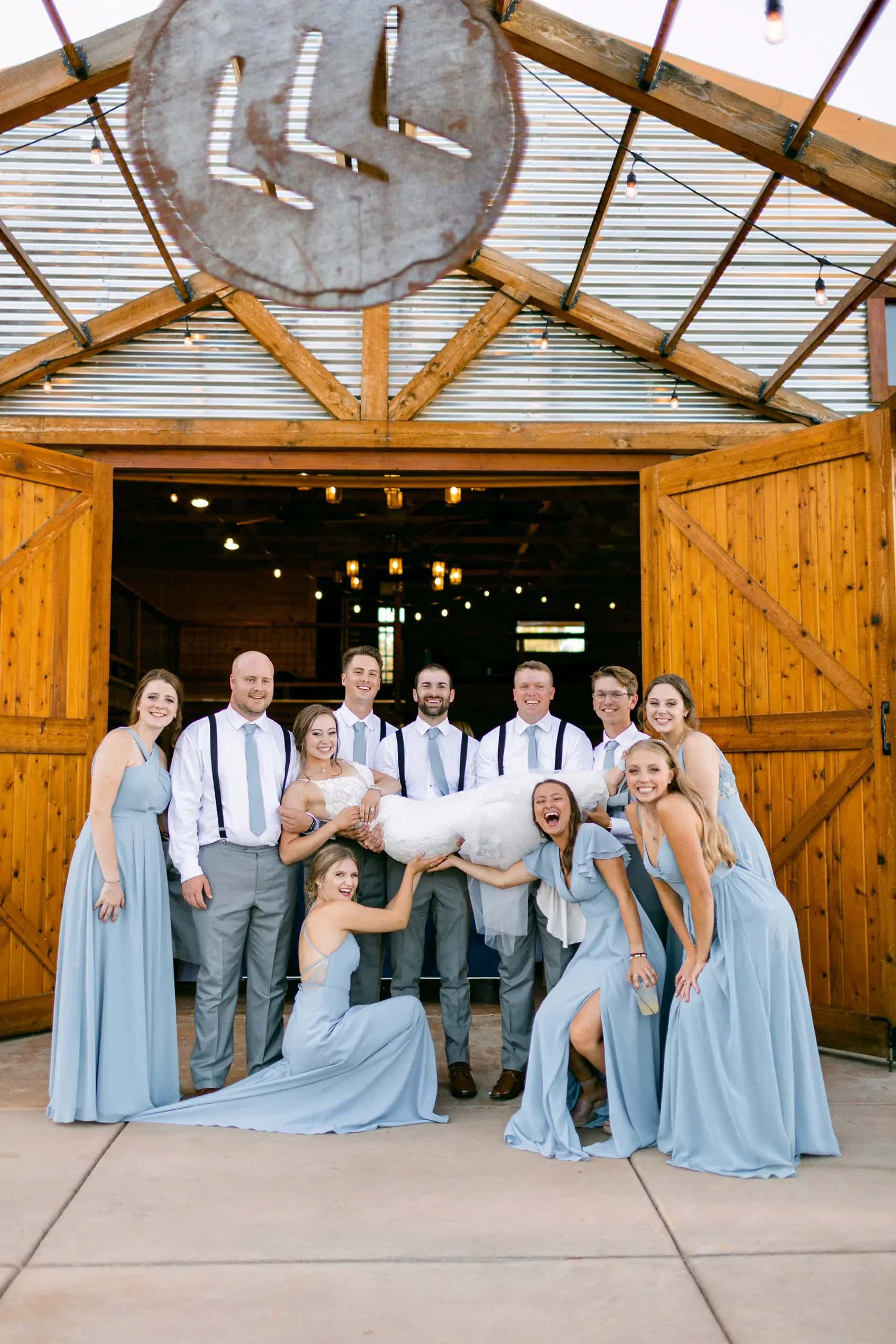 3 of 3 agreed
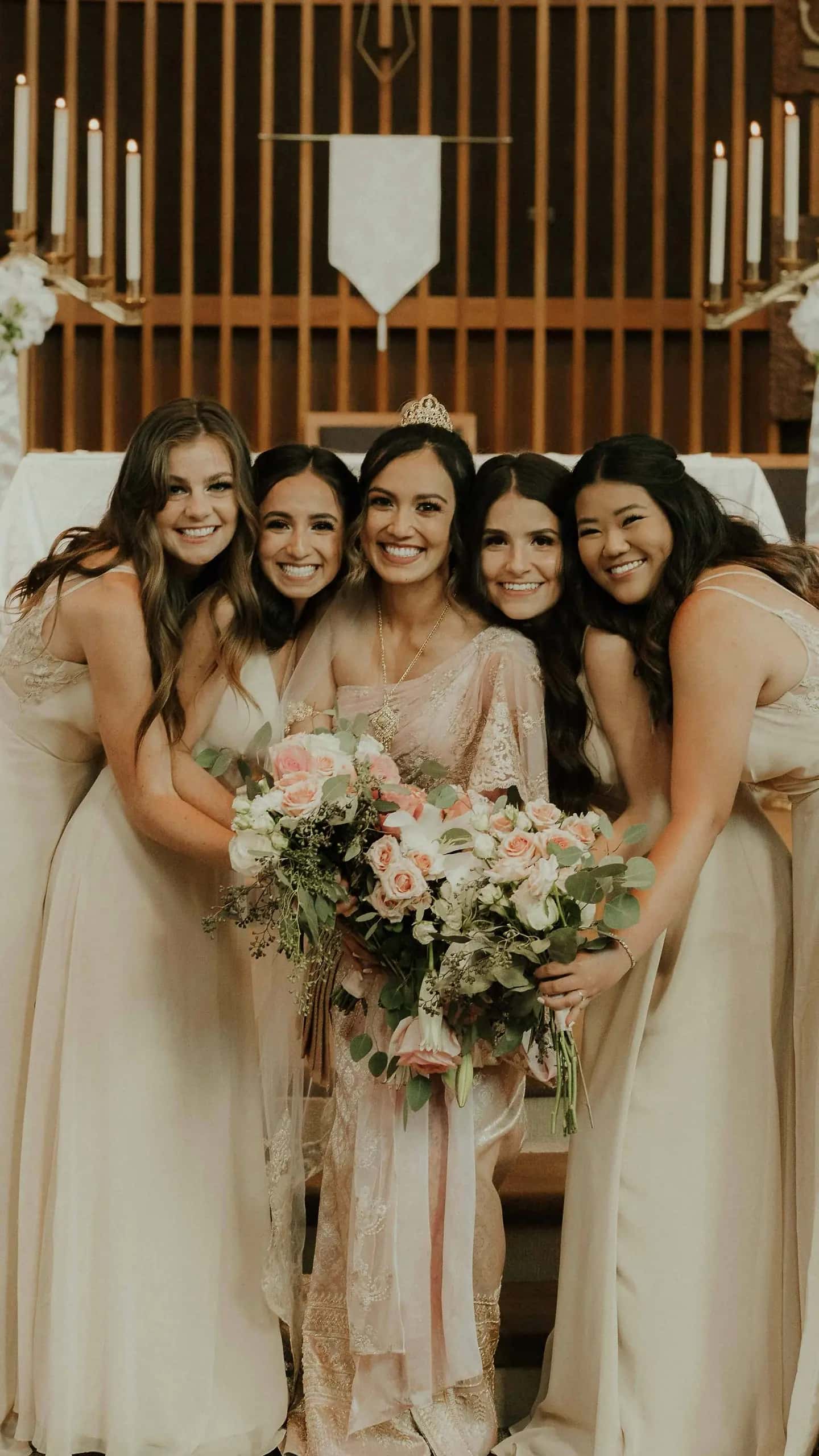 2 of 3Mum’s favourite
 1 of 3
Notes go on the photo, not in an email.
“Can we try this one in black and white?” is useful attached to the frame it is about, and useless three paragraphs into a reply about something else. Clients write on individual photos and you answer in the same place. What one client writes stays private from the others, so a shared family gallery does not turn into a thread.
Common questions
The things photographers ask before putting a client's selection through it.
What is a client proofing gallery?
A gallery where the client chooses. Instead of only downloading what you delivered, they mark the frames they want retouched, printed, or put in an album, and leave notes on individual photos. You get the shortlist back rather than a list of filenames in an email.
Do clients need an account to proof photos?
No. They open the gallery with the link and the PIN, and start picking. The only thing Xposure asks for is a first name and an email, and only once they have made their first pick, so you know whose selection you are looking at.
Can I limit how many photos a client selects?
Yes. Set a selection limit on the gallery and the client sees how many picks they have left as they go. Leave it unset and they can choose as many as they like.
How do I know when a client has finished choosing?
They send the selection. Until then you are watching a list that is still being made, and the moment they send it you get their final set, the number of photos in it, and anything they wanted to say about the whole shoot. They can keep changing their picks afterwards and send an update, which supersedes the first one rather than quietly rewriting it.
Can family and friends see the gallery without changing the selection?
Yes, and this is what the second PIN is for. The client PIN can pick, comment and download. A separate guest PIN lets anyone else browse the same gallery and buy from it without touching the selection or seeing the notes.
What happens when more than one person is choosing?
Picks are grouped by person rather than by device, so a couple choosing separately shows up as two people rather than four sessions. The Proofing tab tallies how many of them picked each frame, which is how you find the ones everybody agreed on.
Are the notes clients leave private?
Between clients, yes. Someone leaving a note sees their own notes and your replies, never anyone else’s. You see all of them, and can reply from the dashboard.
Which plans include proofing?
Every paid plan. Proofing is available from Starter upwards and is not included on the free plan.
Let them tell you which ones.
Proofing is on every paid plan, and it works on galleries you have already delivered. See it running in a live gallery first if you would rather.
- Free plan, forever
- No card required
- 14-day Pro trial