Give your clients a privacy notice
Check the privacy notice your galleries link to, fill in the details it names you with, or point it at your own policy.
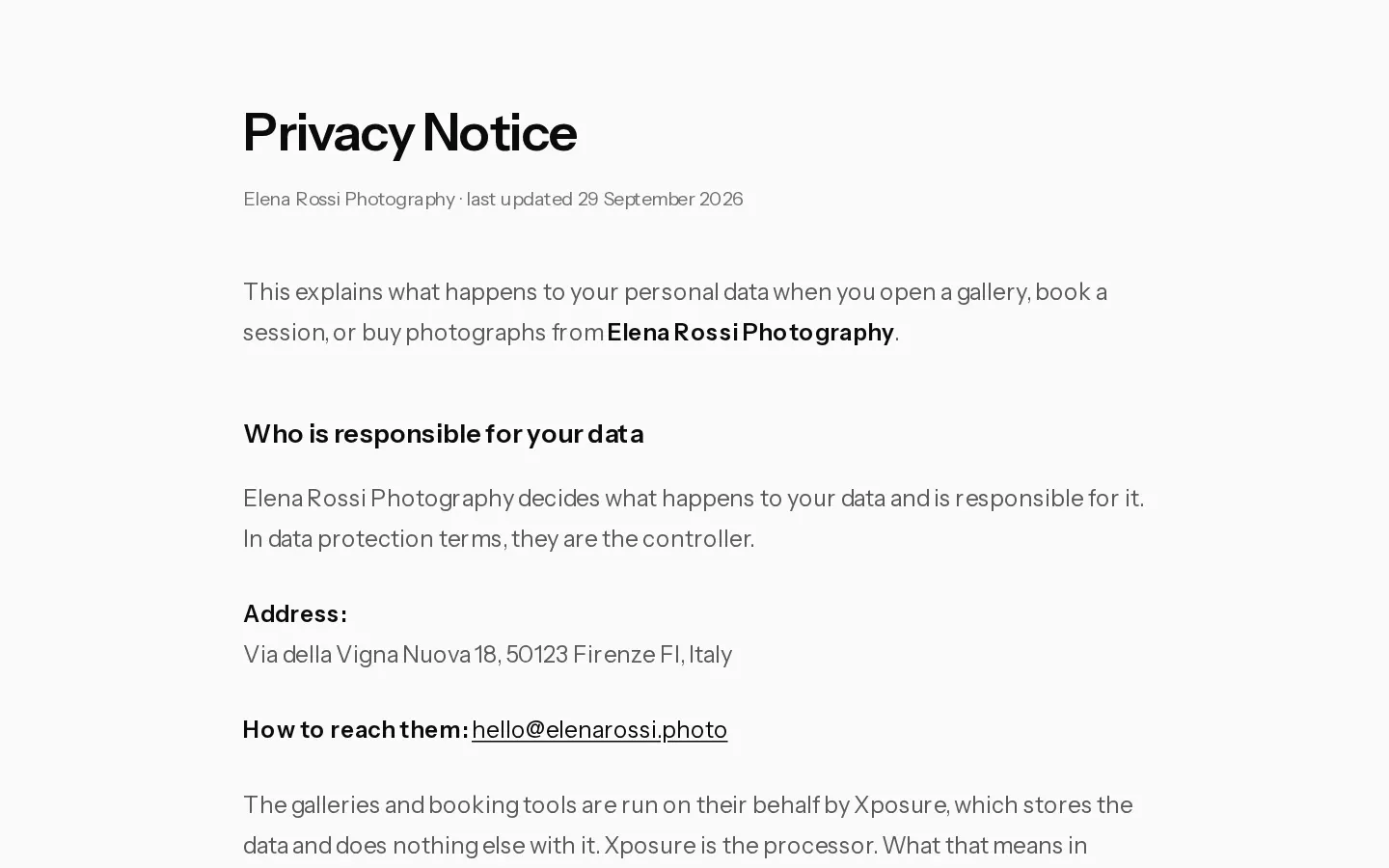
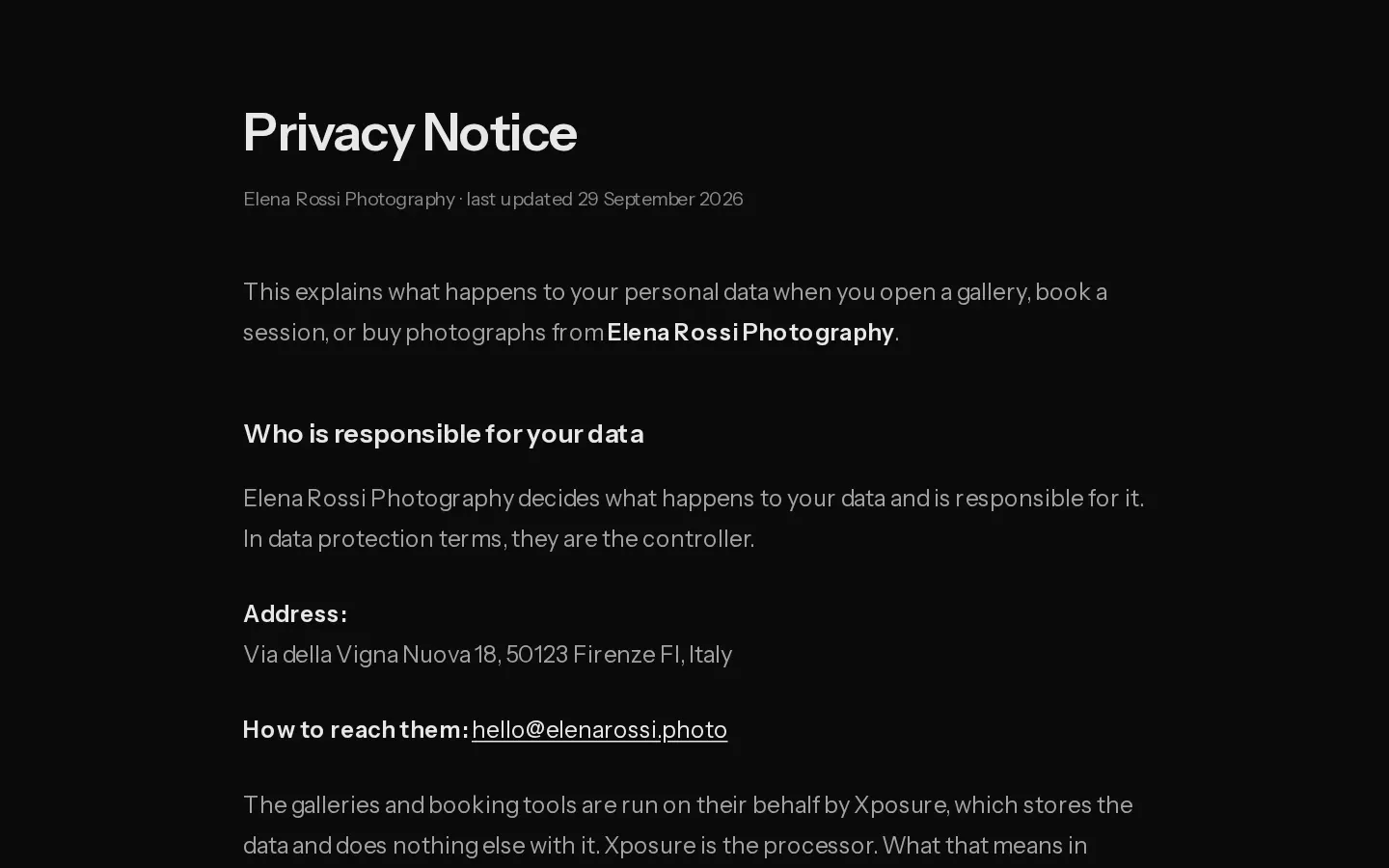
Your clients' data, from their bookings to the photos of them, is yours to look after. In data protection terms you are the controller, and your clients are owed a notice from you. Every gallery footer has a Privacy link to one.
If you have no policy of your own, Xposure publishes a notice in your name at xposureapp.net/privacy/photographer/yourusername. Open yours with your own username to read it.
What the generated notice covers
- Who is responsible: your business name, or your own name, with your address and contact email.
- What is collected when a client opens a gallery, leaves an email, writes through your contact form, books, signs a contract and, if you sell, pays through Stripe or orders prints from Prodigi.
- Why it is used and how long it is kept, and the client's rights to a copy, a correction or deletion.
Payments and prints only appear when you take payments or offer prints.
Fill in your details
The notice takes its facts from your business details.
- Open Contracts and select Business details.
- Fill in Business name, Business email and Business address.
- Select Save details.
Note: With no business email, the notice shows your account email only if you display it on your portfolio. Otherwise it tells clients to reply to the email that brought their gallery.
Use your own policy
- In Business details, paste the full address of your policy under Your privacy policy (optional), starting with
https://. - Select Save details.
Your galleries now link to your policy instead of the generated notice. Clear the field to switch back.
Only the owner and admins can change business details.
See also: Write the contract clients sign.
Did not find your answer?
Tell us what you are trying to do. Support replies by email.