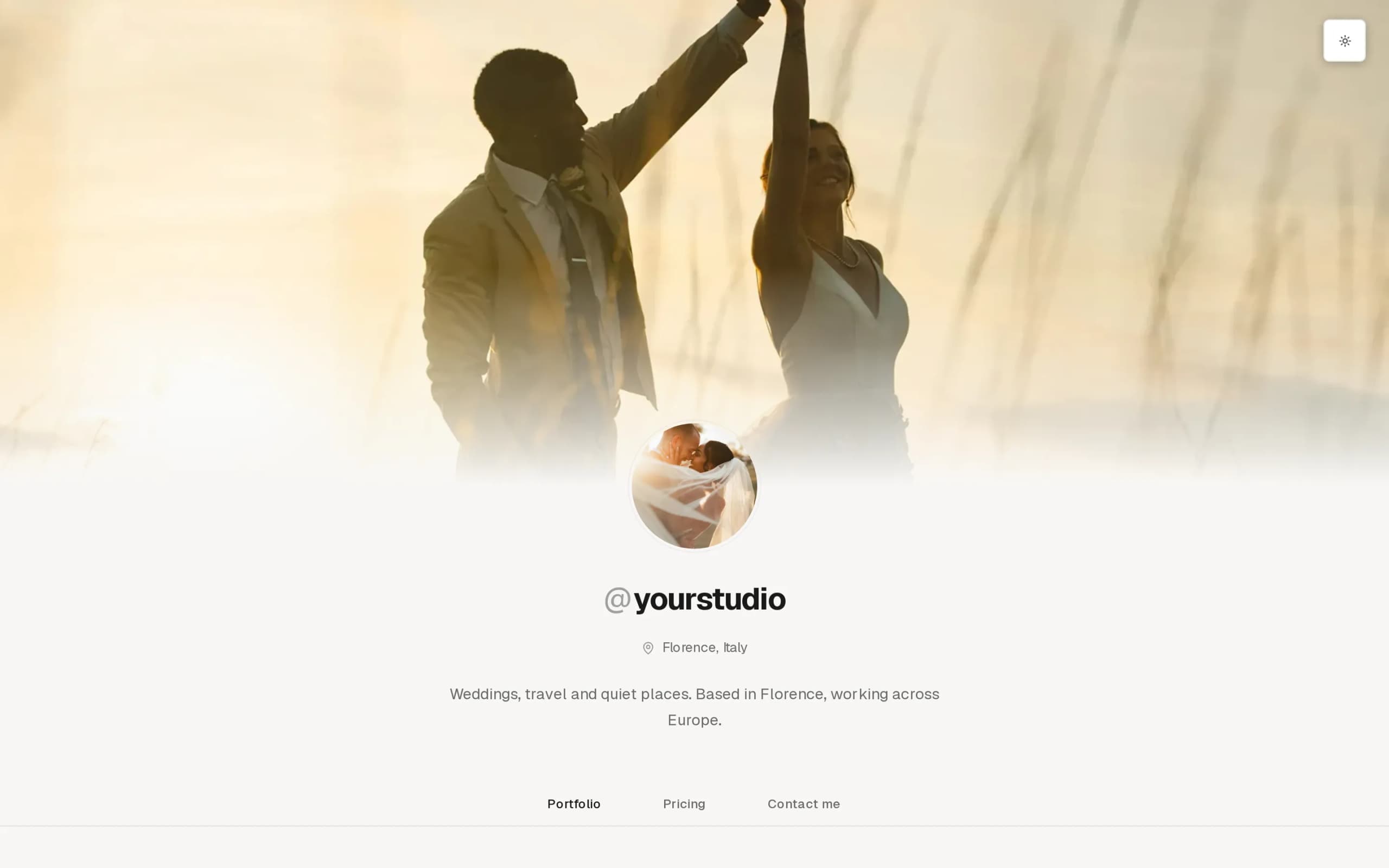
Your website, on your domain, built from your galleries.
Pick a template, drop in sections, publish to yourstudio.com. Galleries and packages on the site come straight from your account, so nothing is typed twice.
- Templates
- 11
- Section types
- 13
- Your domain
- Every paid plan
- Posts
- Pro and Studio
Pro for 14 days. No card.

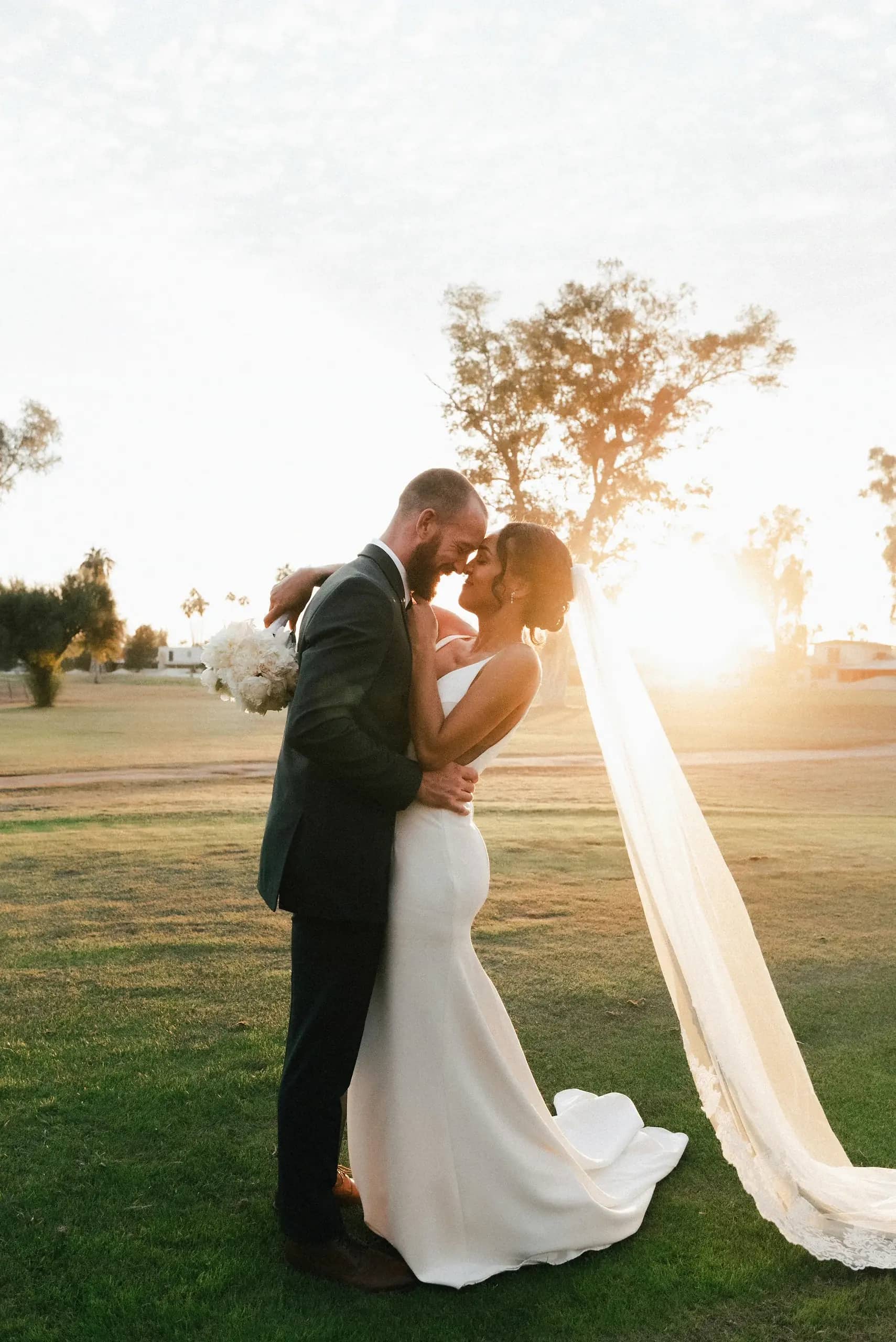


Eleven templates. Pick the one that fits your work.
A template sets the type, the spacing and the header. Every template offers the same thirteen sections.
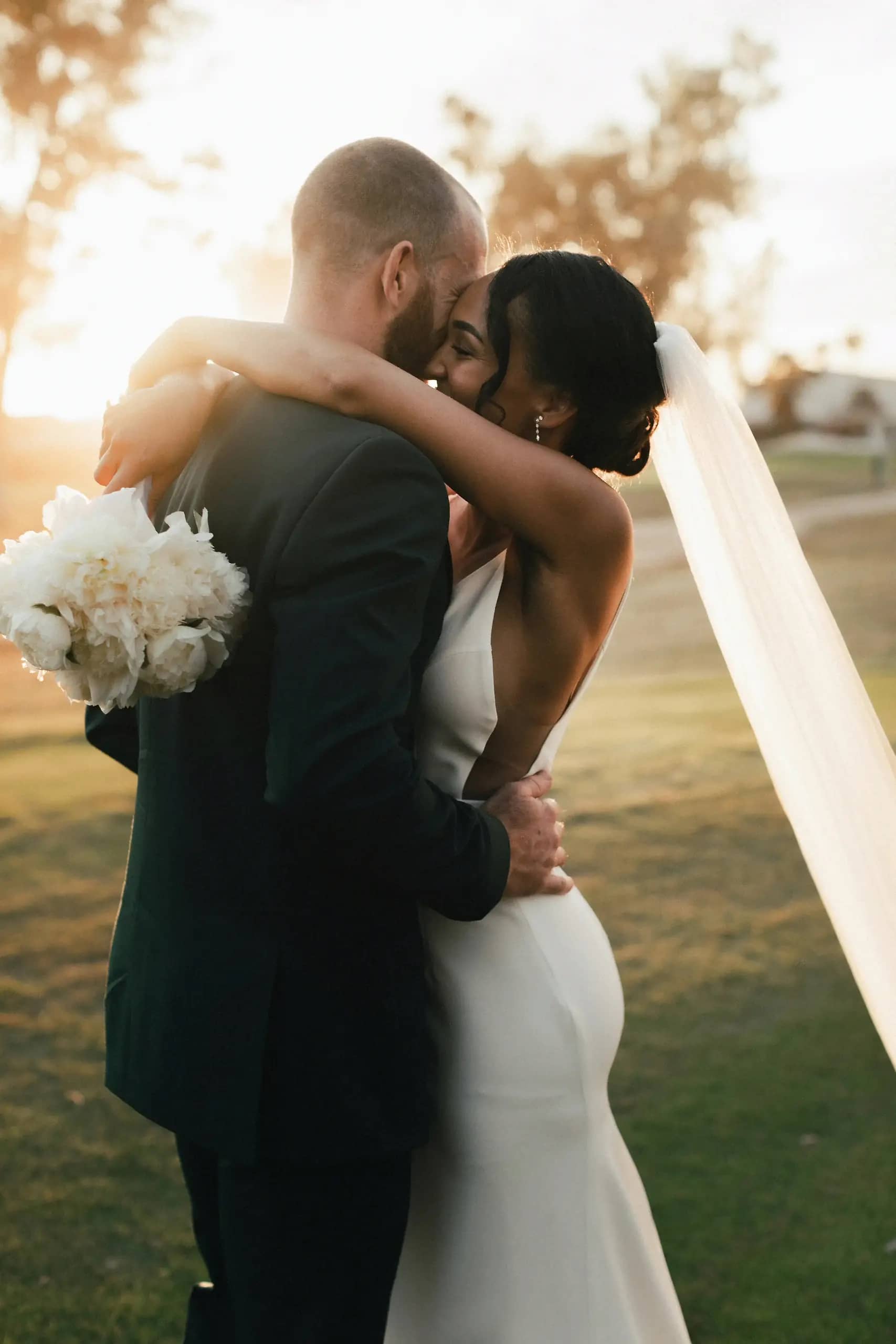 01Classic
 02Horizon
 03Muse
 04Atlas
 05Field
 06Studio
 07Mono
 08Tandem
 09Frame
 10Journal
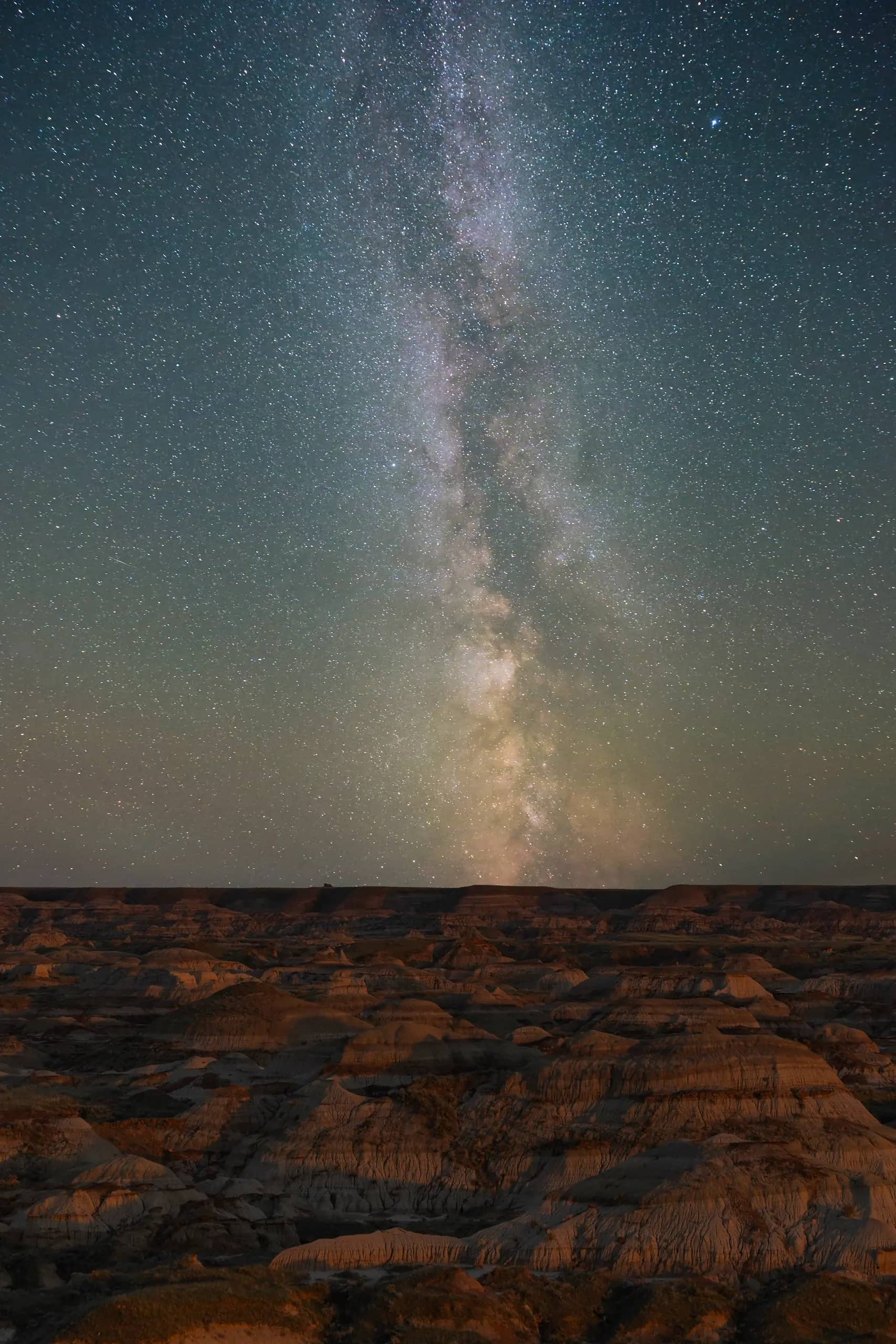 11Nocturne
From sign-up to published in three steps.
1Choose a template.
Preview it with your own photographs before you commit.
2Fill sections from your account.
Your galleries and packages, already in your account.
3Connect your domain.
Point it from your registrar and publish.
Thirteen sections, in every template.
A template changes how a section looks, never which sections you can use.
- Hero
- Galleries
- Photos
- Text
- Buttons
- Tiles
- Client access
- Photo with text
- Packages
- Contact form
- FAQ
- Posts
- Testimonials

Posts, for the story behind a session.
A wedding write-up, a location guide, what to bring. Each post gets its own address on your site, and readers can follow along by RSS.
On Pro and Studio. Posts stay out of search during a trial and your first 14 days on a paid plan.
The domain comes with every paid plan.
Your site, your client galleries and your booking page all answer on it.
| Plan | Per month | Storage | Address | Extra pages | Posts |
|---|---|---|---|---|---|
| Free | $0 | 5 GB | xposureapp.net/@you | 0 | No |
| Starter | $9 | 25 GB | Your domain | 3 | No |
| Pro | $21 | 250 GB | Your domain | No limit | Yes |
| Studio | $52 | 2 TB | Your domain | No limit | Yes |
Common questions.
Weighing it against a site builder? See it next to Format, Pixpa and SmugMug.
Is the photography portfolio really free?
Yes. The Free plan includes a public portfolio and 5 GB of storage, with no card and no time limit. It shows a small Xposure bar and footer, and it lives at xposureapp.net/@yourname rather than on your own domain.
Can I use my own domain?
Yes, on every paid plan from Starter at $9 a month. Type in a domain you already own, confirm it once where you bought it, and the portfolio moves there. The dashboard walks you through that step, and the padlock is set up for you.
Does Xposure put its name on my portfolio?
Only on the Free plan. On Starter, Pro and Studio the portfolio carries your name and nothing else.
Is it a full photography website builder?
Yes. Start from one of eleven templates, each drawn with your own photographs, then pick a header layout, a font pairing and a palette. Every page is built from sections you stack and reorder: a hero, your galleries, photo grids, text, buttons, your packages with prices, a contact form, an FAQ and testimonials. Every plan can design its homepage, Starter adds three more pages, and Pro and Studio are unlimited. Pro and Studio add posts, each with its own page and an RSS feed. What it still does not do is custom CSS or your own HTML. Your current portfolio stays up until you press Publish.
Can clients book a session from it?
Yes, on a paid plan with online booking turned on. Packages you mark as bookable open the booking page from the Pricing tab, where the client picks a time, signs the contract and pays the deposit.
Publish your site this week.
Fourteen days of Pro, no card. Galleries you upload are ready to place on the site.