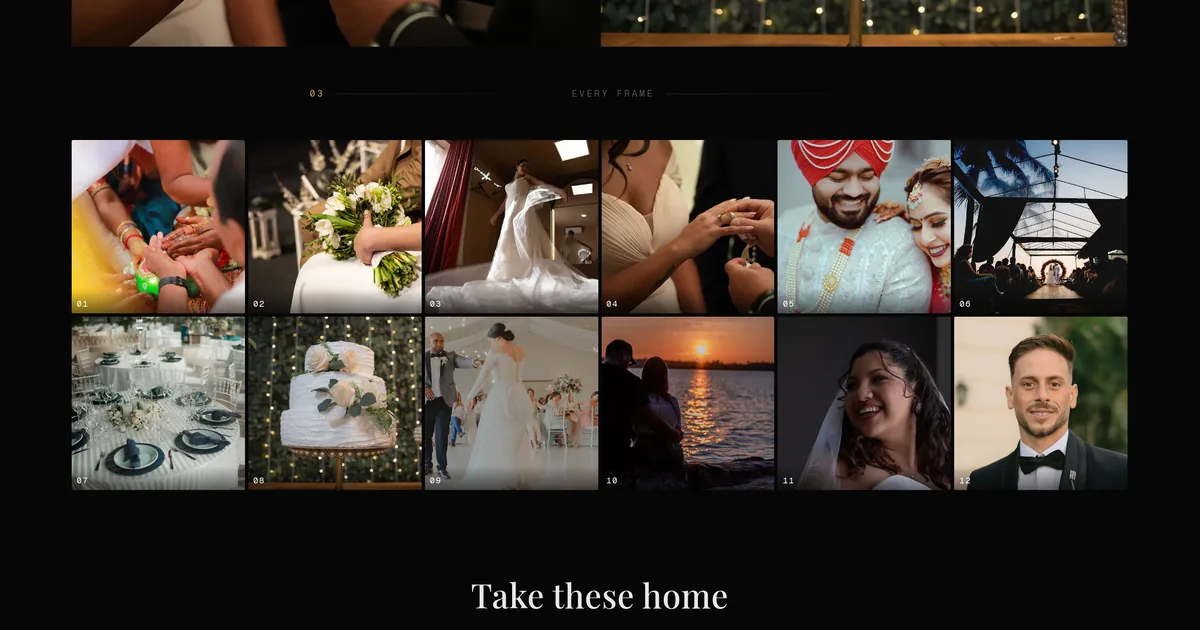
Your portfolio page has had one shape since the day you signed up: photo at the top, name, a grid of galleries underneath. It is a good shape. It is also the same shape as every other account, and it is not what your site needs to be once you sell packages, work in two cities, or want the first thing a visitor reads to be a sentence rather than a photograph.
So the portfolio page is now a website you build. That is the largest of the changes from the past two weeks, and four more follow it.
Start from a template that already has your photos in it
The first screen is eleven templates, each drawn with your own photographs, your name and your bio already in place. Not grey boxes and lorem ipsum: the actual thing, so you are choosing between finished pages rather than guessing what a wireframe will look like once it is full.
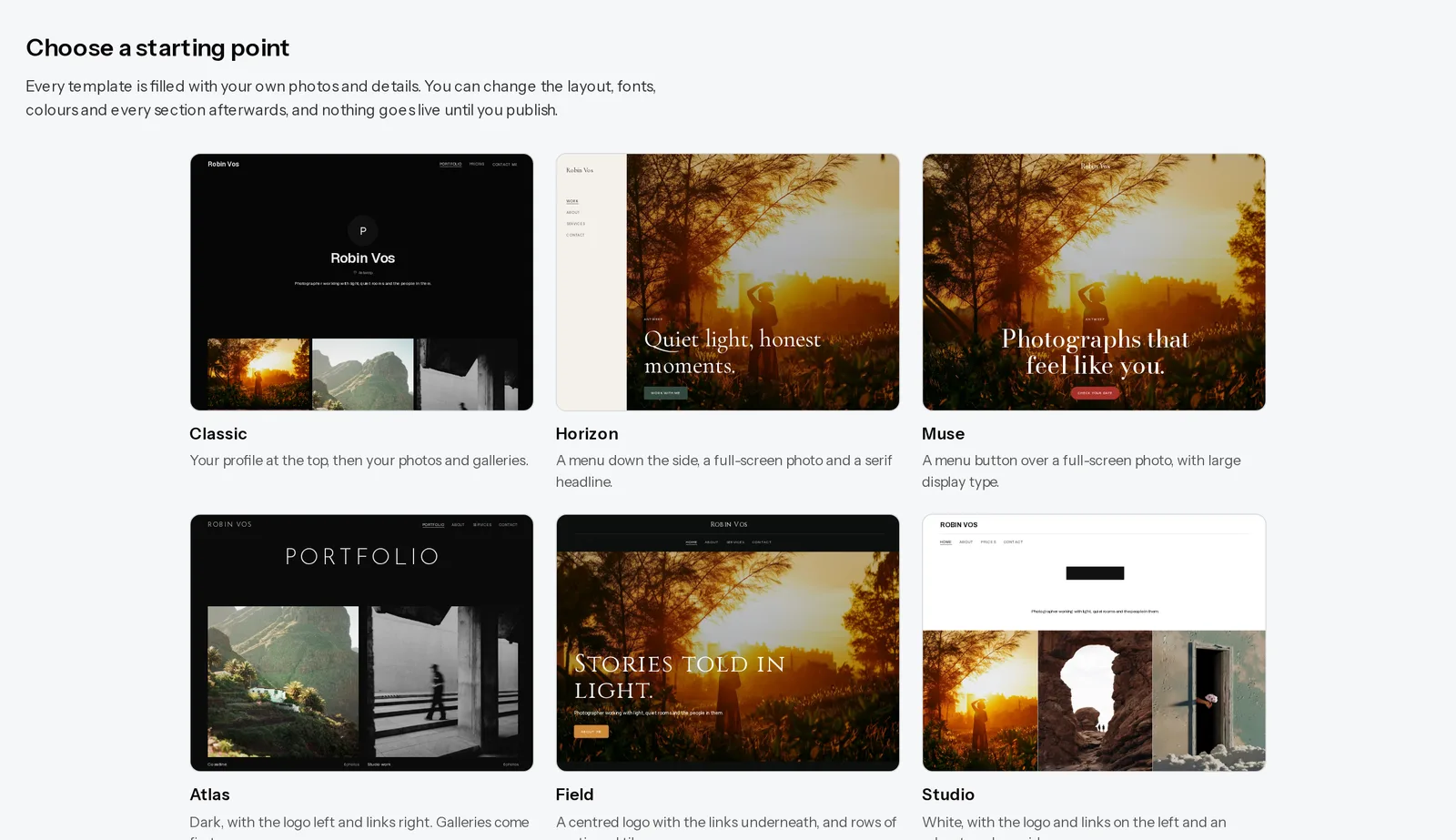
They differ in layout, not in subject. One puts the menu down the left side against a full-screen photograph. One sets your name large over a tight grid. One is an editorial serif with photos alternating against text. Pick the arrangement you like and change everything afterwards.
Sections are the unit, so a page is whatever you need it to be
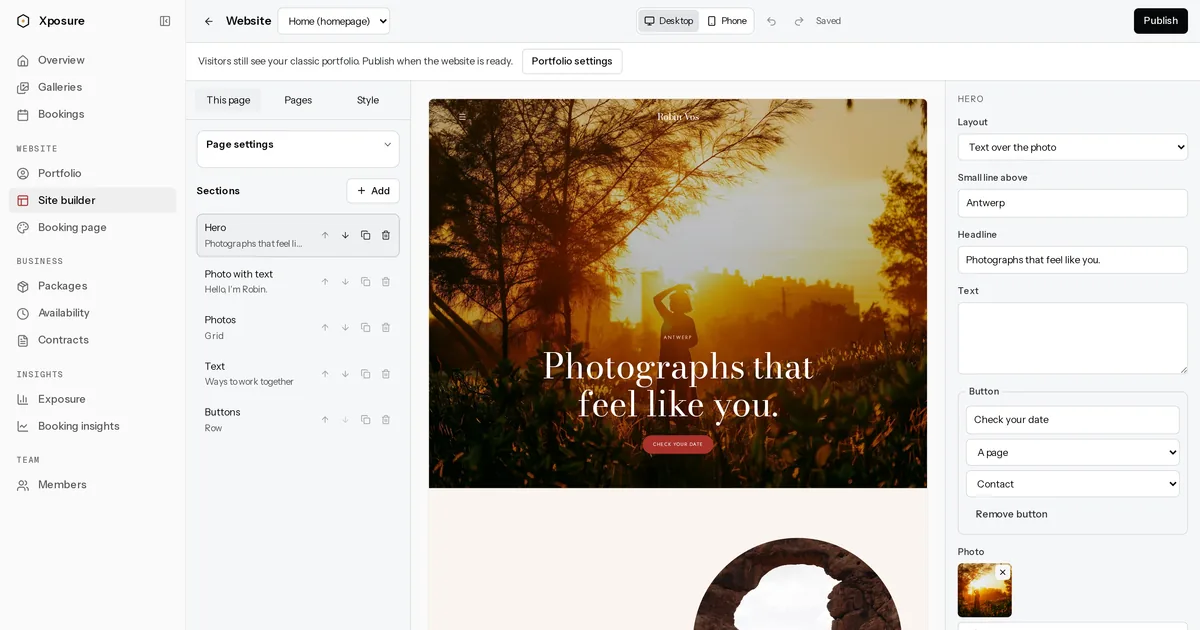
Every page is a stack of sections you add, reorder and delete. There are twelve types.
Seven are on every plan, free included: a hero, your galleries, a photo block (grid, masonry, slideshow or a single frame), text, buttons, tiles for linking to anything, and a client gallery code box so returning clients can type their PIN on your homepage instead of hunting for the email.
Five more come with a paid plan, and they are the ones that turn a portfolio into a working site: photo with text beside it, your packages with prices, a contact form, an FAQ, and testimonials.
Click a section in the preview and its settings open on the right. Change a heading and the preview changes as you type, because the preview is not a mockup of your site, it is your site, rendered by the same code that serves visitors. There is undo, redo, and an autosave that keeps up with you.
A header you choose, and fonts and colours without hiring a designer
Four header layouts: links on the right, links below your name, a menu button, or a menu down the side. Any of them can sit see-through over a full-screen photo at the top. You can upload a logo and set how tall it renders.
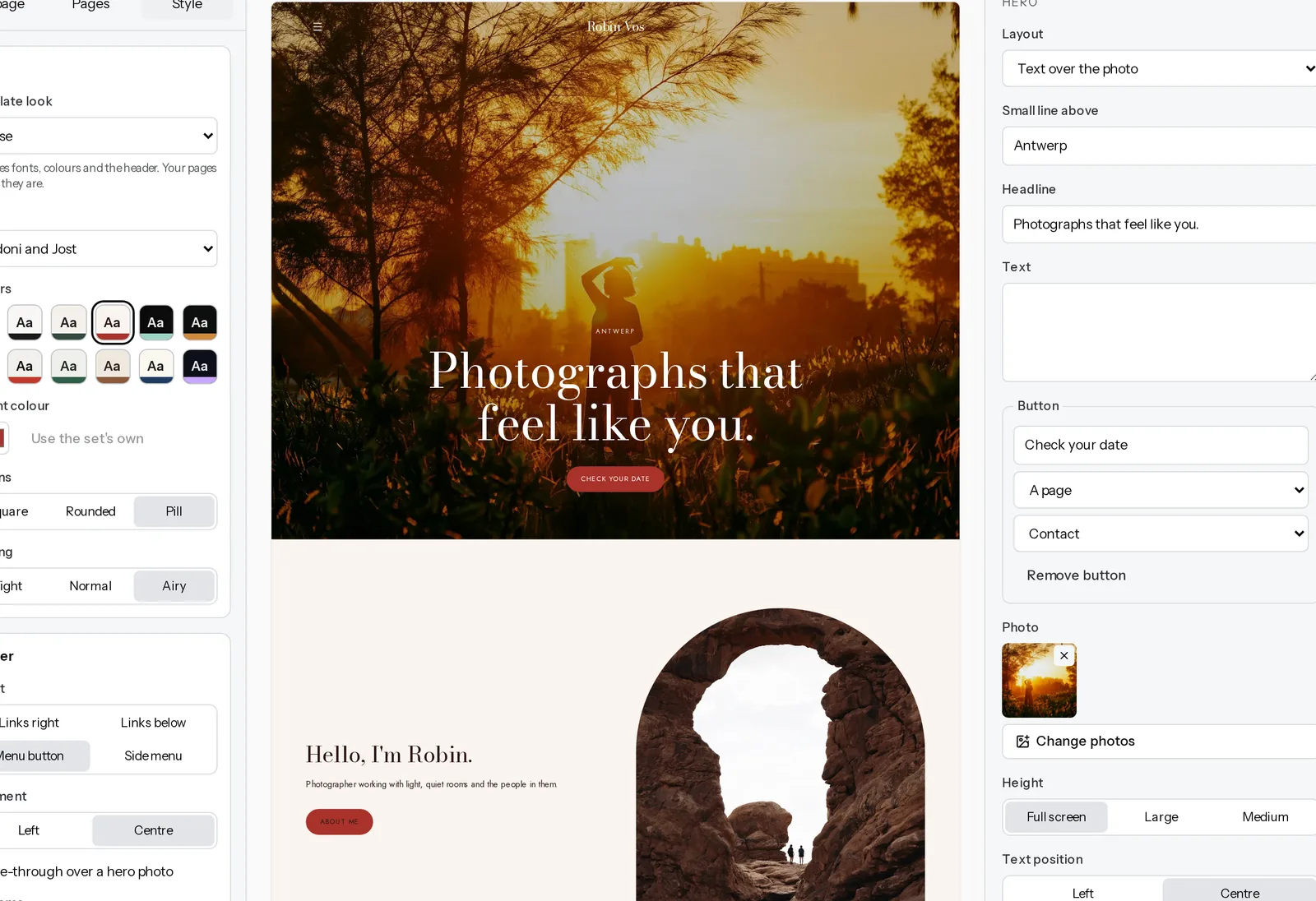
Twelve font pairings, each a heading face matched to a body face, all served from our own servers so no request goes to Google. Twelve colour sets. If you have a brand colour, type it in, and if it would leave your text unreadable against the background you picked, the editor says so instead of letting you publish something nobody can read.
Free is the homepage: one page, every core section, no limit on how long it is. Starter adds three published pages, custom fonts and colours, and the business sections. Pro and Studio are unlimited. A downgrade never deletes anything. Visitors keep seeing your current portfolio until you press Publish, and Take offline brings the classic portfolio back with your draft still waiting.
Film in your galleries
A video block, placed like any other. Paste a YouTube or Vimeo link, including the unlisted ones, pick a poster frame from the gallery's own photographs, and choose how it sits on the page. The same wedding can open with the ceremony footage and carry on into the stills.
Until a visitor presses play they see that still frame, so nothing loads from YouTube or Vimeo before then. We do not host or stream the film, which means it uses none of your storage. Video blocks are on every paid plan.
Questionnaires that send themselves
You already ask every client the same things. Where are we meeting, who is coming, what do you want out of the day, how did it go.
Write those questions once, then set when they go out: so many days after a booking is confirmed, before the session, or after it. The client answers from a link with nothing to sign in to, and the answers land on the booking next to everything else about that session.
Four are written for you to start from: a styling guide, a pre-shoot questionnaire, a session check-in and a how did it go. Edit any of them into your own, or write yours from scratch.
It is the difference between remembering to email someone about parking and it already having happened. Included wherever direct booking is.
Clients can tell you the selection is final
Favourites were always a live list. A client hearts photographs as they read the gallery, and you had no way to tell a finished shortlist from one still being made, which is the one thing you need to know before you start editing.
Now they can send the selection, with a note about the set as a whole. You see a shortlist with a date and a count on it, you can mark it in progress when you start work, and you can download only those photographs as a zip instead of picking them out by hand. Their favourites keep working afterwards, so a client who spots one more does not have to ask you to let them back in. If they send a second time you get both, newest first, rather than a list that rewrote itself while you were not looking.
A rebuilt dashboard
New sidebar, new top bar, and a first screen that tells you what is waiting instead of dropping you into a grid. Galleries have a page of their own now rather than sharing one with everything else.
The gallery page itself was rebuilt too. Proofing is a worklist you can work top to bottom, insights fit on one screen, and the builder is one click away instead of three.
Also shipped
Studios can invite the people they work with, each on their own login with a role, and see bookings and hours per photographer. Bookings take a balance payment online after the deposit, and a bank transfer or cash can be recorded against the session so the total still adds up.
Where to find it
The site builder is under Website in the dashboard. The video block is in the gallery builder with the others. Questionnaires are under Studio. Sent selections are in a gallery's Proofing tab.
If you are still deciding what your site should say before you decide what it should look like, how to write an about page that books clients is the better place to start, and how to choose a photography portfolio platform covers the questions worth asking of any platform, this one included. Our portfolio check will tell you what a first-time visitor sees on the site you have now.
Build it, publish it when it is ready, and tell us what is missing.