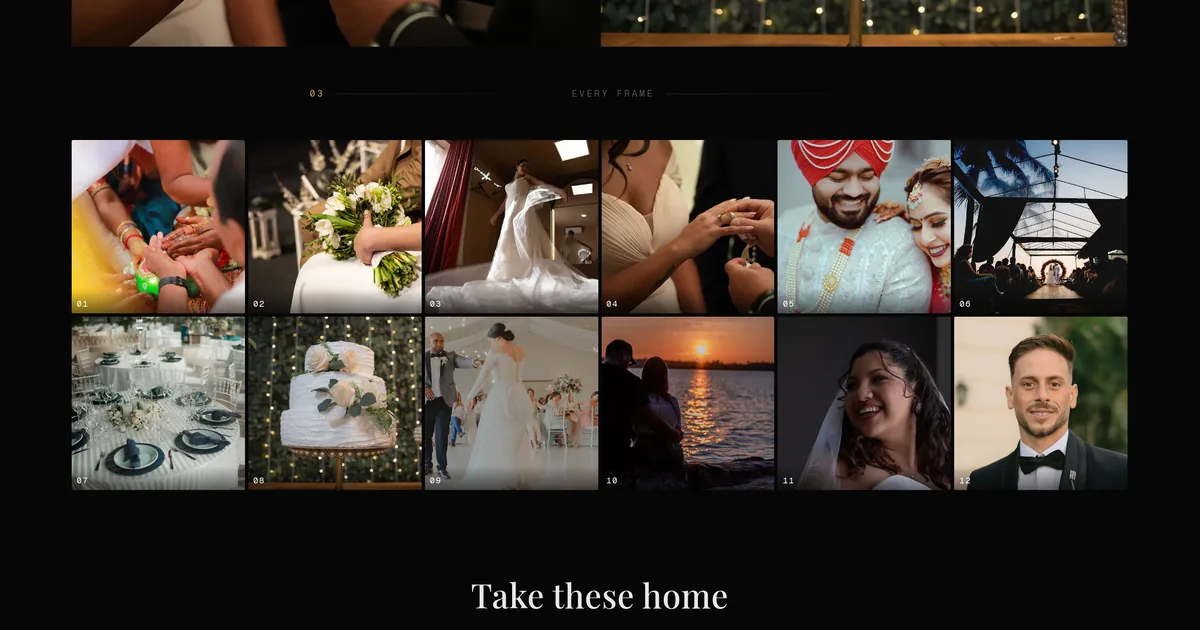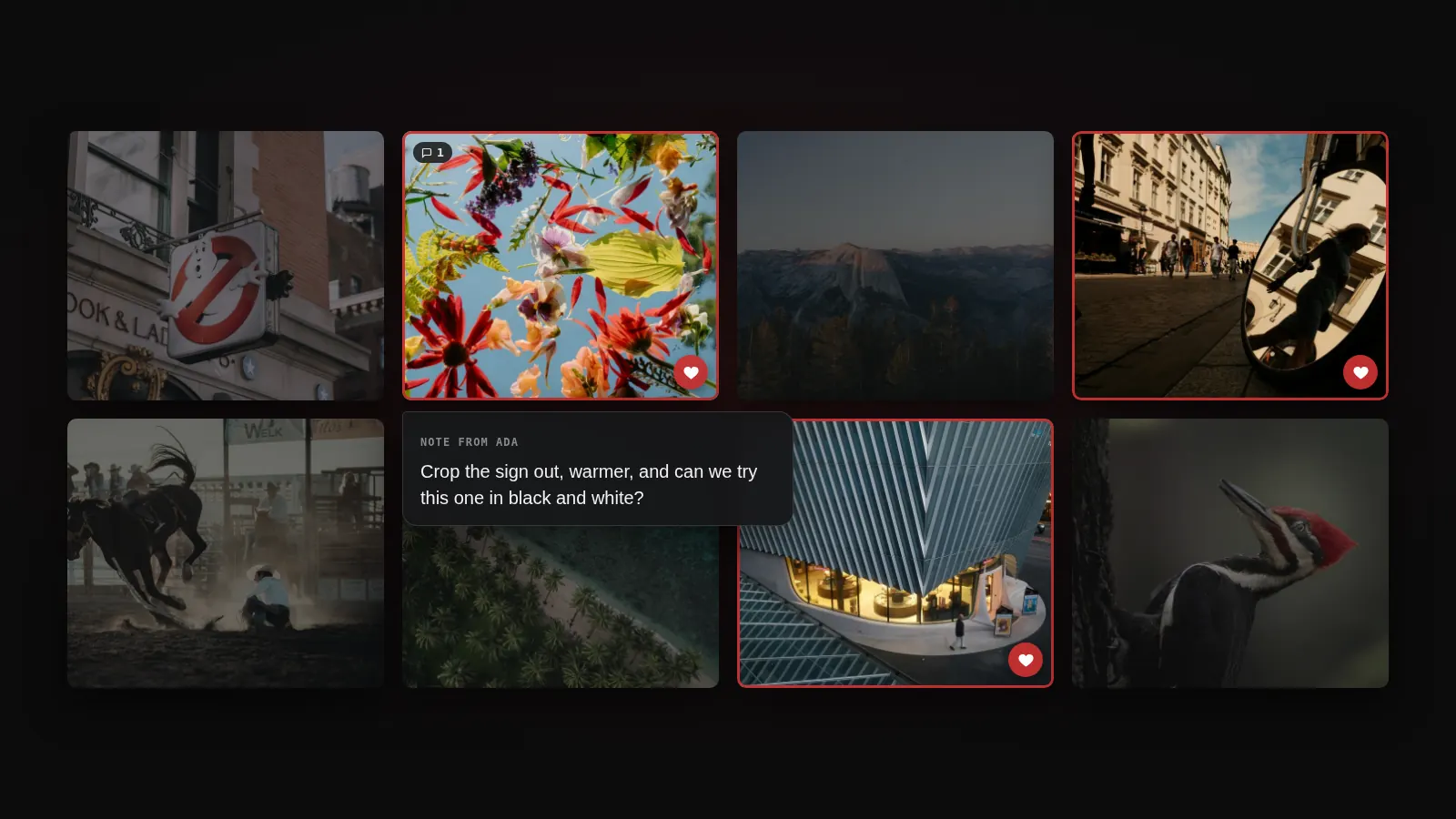
A client opens their gallery, loves one photograph and asks whether they can get it on the wall. Until now the honest answer was "let me find a lab". The gallery was the end of the delivery, and the print was a separate job you did by hand or did not do at all.
That gap is closed, and it is the biggest change from the last few weeks. Six more follow it, and most have nothing to do with prints.
Clients order prints from the gallery
Any photo in a gallery can be ordered as a print, a canvas, a framed print or a metal print, and a gallery can sell printed albums too. Our lab, Prodigi, makes the order and ships it to your client, in Europe, the US and the rest of the world. You set the prices on a price sheet and keep the difference.
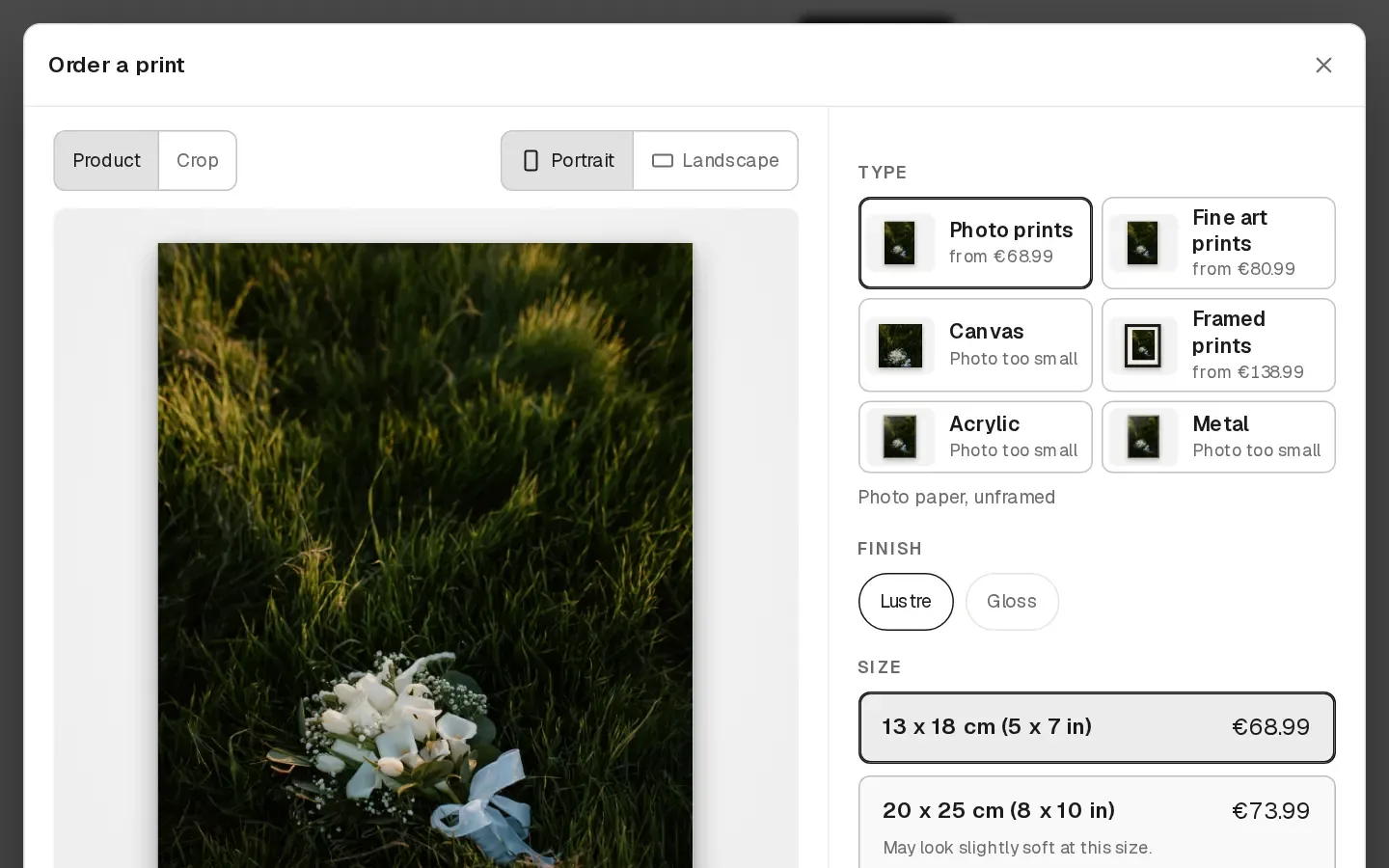
Two details are worth knowing before you set prices. The suggested price for a product is three times the lab cost, and each card shows the profit on one print after lab cost, shipping, fees and any VAT you collect. And every order waits for you before it goes to the lab. You open it, look at the crop your client chose, flag a photo that needs a corrected file, and approve it. A warning appears on prints that will look soft at that size.
The client pays you directly, through your own Stripe account, in the currency you sell in. On Pro and Studio there is no print fee. On Starter the print fee is 10% of your markup, which is the price less lab cost and shipping. A trial cannot sell prints.
Films live in the gallery, not behind a link
A film in a gallery used to mean a YouTube or Vimeo link. You can now upload the film to Xposure itself, up to 30 GB, and your client watches it in their gallery. Dropped connection halfway through? Choose the same file again and it resumes. You can also import from a Dropbox or Google Drive link.
With proofing on, your client can approve a version and pause the film to leave a note at that exact moment. You can send a new version when you have changed the cut, and the old one stays listed until they approve the new one. You can also sell a film on its own, without a gallery of photographs around it.
Hosting is on Pro and Studio. Pro includes 60 minutes of film and 3,000 minutes of views a month, Studio 300 and 6,000, and you can add more in blocks of 100 minutes. A film link to YouTube or Vimeo still works on every plan.
Your site, with your own writing on it
Eleven templates and twelve sections turn the portfolio page into a website, and the builder post covers how that works. Client galleries have their own set of layout blocks, from a before and after slider to a contact sheet, covered in seven new blocks for your client galleries. What is new on top of both is posts.
A post is a story on your own site, at its own address: a wedding, a venue you shoot at often, how you work. You write it in the editor, add photos and buttons between paragraphs, and either publish it or give it a date. Posts save as drafts while you write, so you can leave one half done. Put a Posts section on any page and your latest three, six or twelve appear there, with an archive page if you choose all of them.
This is the part of a photography site that gets found. A page that says "wedding photographer" competes with everyone. A page about one specific venue, written by the person who shoots there, does not. Posts are on Pro and Studio, up to 500 per account.
Enquiries and clients in one place
Messages from your contact form no longer sit in your inbox. They land on a board with five columns: New, Replied, Quoted, Booked and Lost. An enquiry from Instagram or WhatsApp can be added by hand, so the board holds all of them, not only the ones that came through the site.
Open a card and you see what they asked and a private note for what you quoted. Copy your booking link into your reply. When they book from the same email address, the card moves to Booked by itself. Then make them a client, and their page gathers every booking, payment, contract, questionnaire answer and gallery in one place, with notes and tags for the things you want to remember next time.
Availability changed with it. Set your weekly hours, notice and days off, and connect Google Calendar or any calendar that gives you a link, from Apple to Outlook to Proton. Busy times block your booking page, so clients only see starts you can actually take.
Your own domain, now from Starter
Your portfolio can open at yourname.com instead of xposureapp.net/@username.
It takes two DNS records at the company that runs your domain, and the
dashboard shows you exactly which. Custom domains used to come with the higher
plans. They now come with Starter, Pro and Studio.
More than the portfolio moves to the domain. Your website pages and posts go with it, and so do the gallery links you send to clients, the links in gallery emails and your booking link. A client who opens a gallery sees your name in the address bar, not ours. It also means the address on your cards and in your email signature is one you keep if you ever leave a platform.
More storage on Free and Starter
Free now includes 5 GB, up from 1 GB, and Starter includes 25 GB, up from 20 GB. That is room for about 500 photos on Free and 2,500 on Starter. It applies to existing accounts as well as new ones, and there is nothing to switch on. Pro stays at 250 GB and Studio at 2 TB. Your usage shows under Settings, Plan & Billing.
The Lightroom plugin, now from Pro
The Lightroom Classic plugin adds Xposure as an export destination. Select the photos, choose File, Export, pick the client gallery, and the files upload in the background, so there is no folder of exports on your desktop waiting to be dragged into a browser. Export the same selection twice and nothing is duplicated.
The plugin needs an API key, generated under Settings, Integrations. Keys now come with the Pro plan. One thing to do first: create the client gallery in Xposure. An album made from inside Lightroom is a public portfolio album, so it has no PIN.
Where to find all of it
Prints are under Prints in the dashboard, where the price sheets are, and you switch them on per gallery under Settings, Selling. Films are in the gallery's Photos tab, next to the photo upload. Posts and the site builder are under Website. Enquiries and clients are under Studio. Custom domains are under Portfolio, and the Lightroom key is under Settings, Integrations. Your storage is under Settings, Plan & Billing.
If you are deciding what the gallery around your prints should look like, seven new blocks for your client galleries is the place to start, and how photographers deliver photos to clients covers what delivery should do. Switch prints on in one gallery first and order one to your own address before a client does.