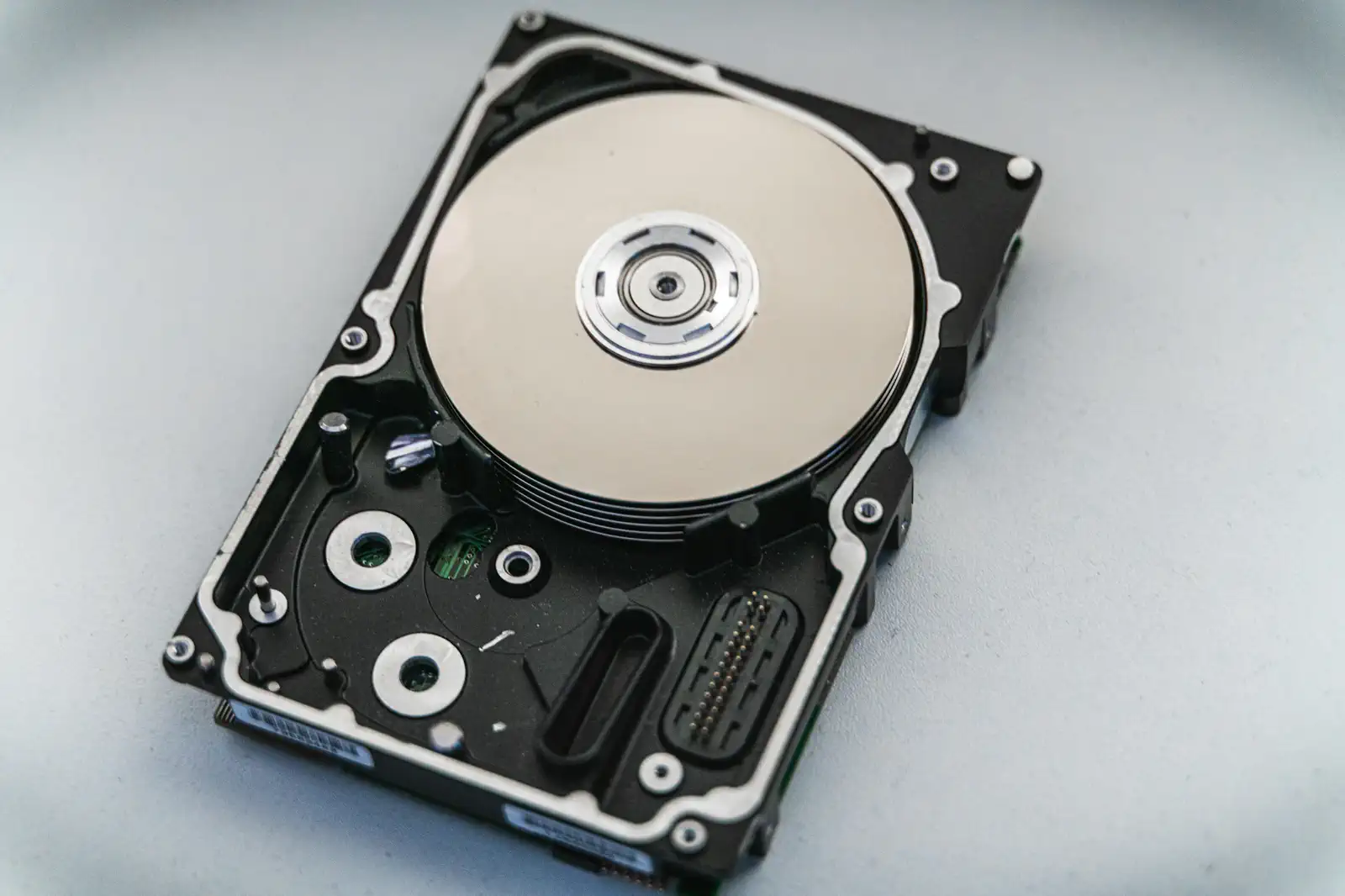
There is exactly one mistake in this job you cannot talk your way out of, and it is losing the files. A blurry frame can be forgiven. A missed moment can be explained. But telling a couple their wedding is gone because a drive died, or a card corrupted before you copied it, is the conversation that ends careers and occasionally ends up in court. It happens to competent professionals every year, almost always because they trusted a single copy for a little too long.
The fix is cheap and dull, which is the point. It is a habit built on a rule that data people have used for decades.
The rule: three, two, one
Keep three copies of every important file, on two different kinds of media, with one copy stored somewhere else entirely. That is 3-2-1, and it works because it removes every single point of failure at once.
One copy is a disaster on a countdown. Two copies in the same bag are one coffee spill or one theft away from zero. Three copies, on different media, with one off-site, means no single event, not a failed drive, not a fire, not a stolen laptop, can wipe the job. Everything below is just how to live by that rule without having to think about it at 2am.
The card in your camera is the danger zone
The riskiest moment of the whole chain is the drive home, when the only copy of the photos is the card still in the camera. Until those files exist in two places, you are one dropped card away from nothing.
- Never format a card until the files are backed up in at least two places. Until then, the card is your accidental third copy. Keep it that way until delivery is done.
- Use both card slots if your camera has them, writing to both at once, so a single card failing mid-shoot does not cost you frames.
- Offload the moment you get home, tired or not. The job is not over when the shooting stops. It is over when the files are safe.
Get to two copies before you rest
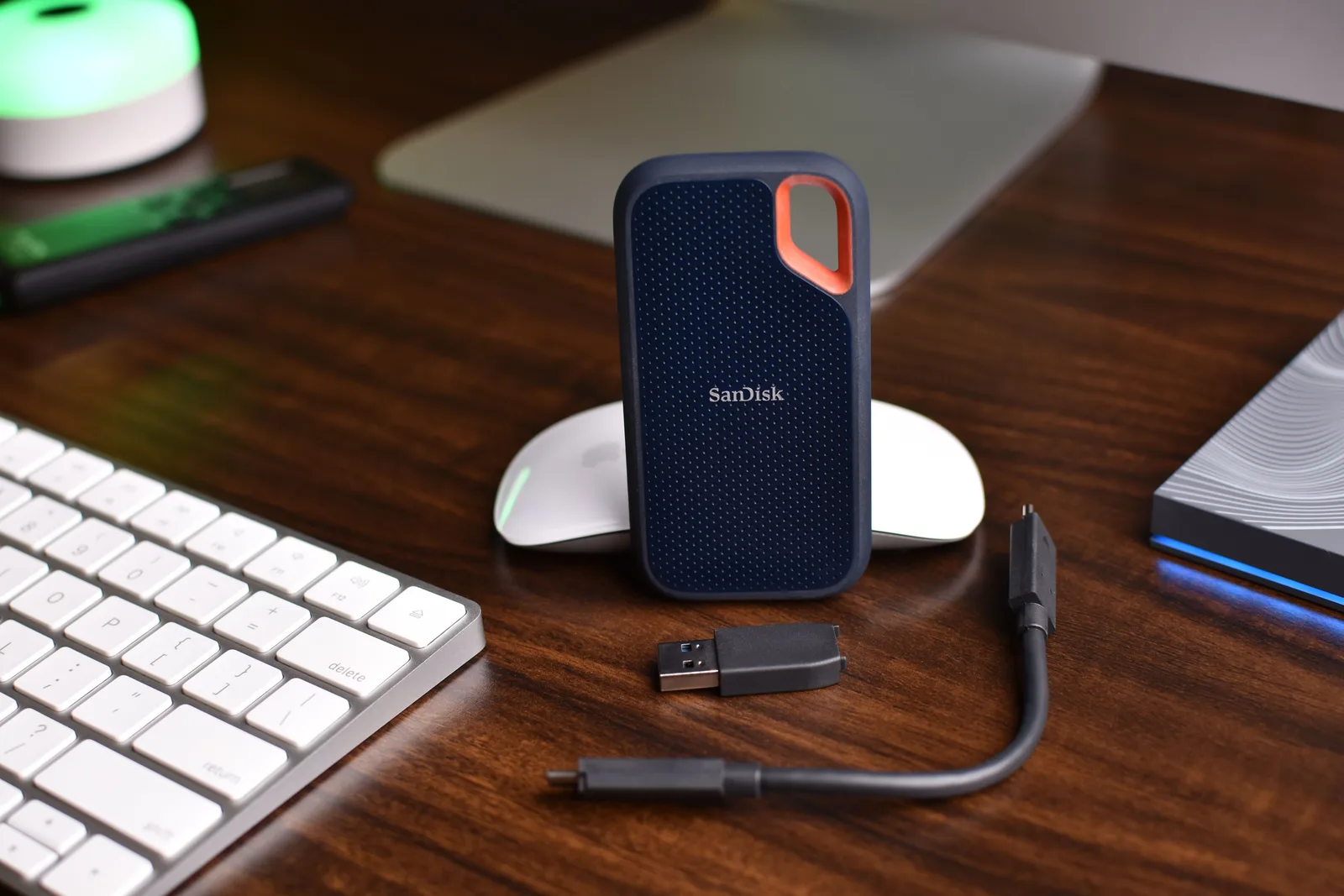
Back home, the first task, before editing and before dinner, is pulling the files off the card into two separate places: your working drive and a second external drive that exists only as a backup. Copy to both, confirm they opened and look right, and only then think about clearing the card. The order matters most on the night you are exhausted, because that is precisely when a drive picks to fail.
Get one copy off your desk
The third leg of 3-2-1, the off-site copy, is the one everyone skips, and it is the one that saves you from fire, flood, and burglary. If every drive lives on one desk, a single bad event takes all of them together.
The cloud is the easiest modern answer because it is automatic and genuinely somewhere else. Set up a service that syncs your working photos to remote storage in the background, so you are not relying on remembering. Automation beats willpower here, because willpower is exactly what fails after a fourteen-hour wedding.
One caution while we are here: the gallery you send a client is not a backup. It is sized and processed for viewing, and it exists to serve the client, not to archive your masters. Your RAW files and full-resolution edits are the irreplaceable originals, and they need their own 3-2-1 protection no matter what the client can see.
Test a restore on a calm day
A backup you have never opened is a hope, not a backup. Every few months, actually open a file from the backup drive and from the cloud copy and check they work. Corrupted archives and drives that quietly stopped syncing get discovered at the worst possible moment unless you catch them on a quiet afternoon first.
None of this is impressive, and that is the whole appeal. The photographers who never lose a job are not luckier than you. They just made three copies a boring reflex, so that the day a drive finally dies, and one will, it costs them a shrug instead of a client.
Worth deciding alongside this: how long your own archive of finished files runs, and how long the client's gallery stays open, which are two separate numbers rather than one.
The first copy in the chain is the one in the camera, which is why card choice and card habits belong in the same conversation. Everything here assumes the files survived the walk from the shoot to the computer.