Most app roundups for photographers list forty things nobody opens twice. This is the shorter version: the apps that earn a place on a working photographer's phone, grouped by the job they do, plus a note on what each one is genuinely better at than the alternatives.
Planning the light: PhotoPills or Sun Seeker
The single most useful category, and the one most photographers skip.
PhotoPills tells you where the sun and moon will be at any time on any date at any location, and its augmented reality view lets you stand in a field in March and see exactly where the sun will set in July. For scouting a wedding venue or picking which side of a building to shoot on, nothing else comes close.
Sun Seeker does the same core job with a simpler interface if you find PhotoPills overwhelming. Either one turns "we'll find some nice light" into a planned decision.
Weather is the companion piece. Any app with an hourly cloud cover percentage beats a general forecast, because for photography the question is not whether it will rain, it is whether the sky will be a softbox or a spotlight.
Editing on the phone: Lightroom Mobile and Snapseed
Lightroom Mobile is the practical choice for anyone already editing in Lightroom on a desktop, because presets sync and a phone edit is a real raw edit rather than a filter. It is also how you get two sneak peek images out the evening of a shoot without opening a laptop.
Snapseed is free, fast, and has the best selective adjustment tool on a phone. Its healing brush handles a bin, a sign, or a stray person better than anything else free.
For most photographers those two cover everything a phone needs to do, and the fuller breakdown of iPhone editing apps by job covers the rest of the category, most of which is variations on the same idea.
Culling: do it on a computer
Worth saying plainly, because the phone apps in this space are frustrating. Culling thousands of frames wants a big screen, a keyboard, and software that renders previews faster than Lightroom does.
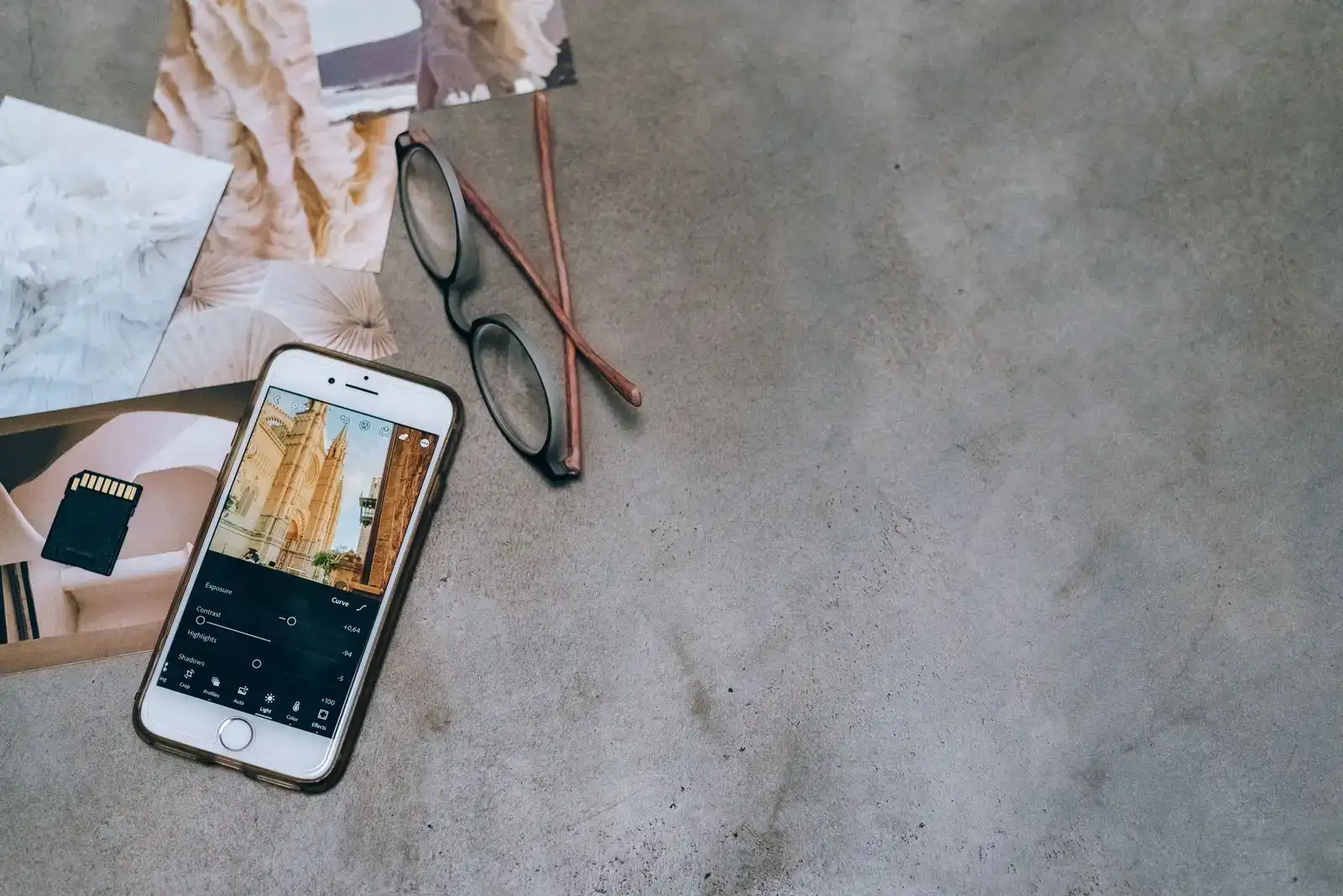
Photo Mechanic remains the standard for speed, and its ingest and renaming setup is half the reason to buy it. Newer AI-assisted culling tools will do a first pass on focus and closed eyes, which is genuinely useful on volume work, though they still need a human deciding what the story is. The habits matter more than the software, which is most of what actually makes culling fast.
Client communication: the calendar and the boring one
The unglamorous truth is that the apps that make the biggest difference to a photography business are a shared calendar and something that captures notes during a call.
Whatever calendar you use, put the shoot with its full address, the client's number, and the sunset time in the event itself. Not in an email you will have to find on the way there.
For notes, anything that syncs works. What matters is having one place where the answer to "what did they say about the grandmother's mobility" lives, rather than three chat threads.
Money: an invoicing tool you will actually open
Skip the photography-specific all-in-one until you have enough volume to justify it. A simple invoicing tool with recurring reminders and card payments beats a complicated system you avoid.
The feature to insist on is automatic payment reminders. Chasing invoices is the job every photographer postpones, and an app that does it without you feeling rude is worth its subscription on its own.
Backup: something automatic, running now
Backblaze or an equivalent continuous cloud backup, plus a local drive. The point is that it runs without a decision, because any backup that requires you to remember is a backup that stops the first busy week of the season.
This is the one category where the app choice matters less than having any of them, which is the argument in the backup workflow post.
Social: a scheduler, and only one
Buffer, Later, or the native scheduling built into the platforms. The value is not automation, it is batching. Twenty minutes on a Sunday putting up a week of posts beats a daily decision that eats an hour, and it stops the feed dying every time you get busy, which is the actual failure mode for photographers on Instagram.
Delivery: whatever you use, not a file transfer service
A file transfer link is not a delivery method. It expires, it has no download tracking, it strips your name off the experience, and it gives the client nothing to come back to. This is the one place a photography-specific tool is genuinely worth having over a generic app, and it is what Xposure exists to do: a branded gallery on your own domain with PIN access and download controls rather than a link that dies in seven days.
What you can skip
- Filter apps with a monthly subscription. You have a raw editor.
- Portfolio apps for your phone. Nobody hires from an app, they hire from a website and an Instagram profile.
- Anything promising to automate your captions. Generic captions read as generic, and the algorithm is not the audience.
- A second cloud storage service while your first is half-organised.
The whole working set is about six apps: a light planner, a raw editor, a scheduler, an invoicing tool, an automatic backup, and a delivery platform. Anything beyond that has to prove it saves an hour a month, and most of them cannot. If you are building the desktop half of this, the photographer's software toolkit covers the rest.