Most photographers keep your online gallery live somewhere between 90 days and one year, and keep their own copy of the finished files for one to three years after that. Some keep everything forever. Some delete the gallery after 30 days. There is no legal requirement and no industry standard, which is why the answer you get depends entirely on who you ask.
If you have just been sent a gallery link, the useful version of this answer is shorter: download everything this week, and put it in two places. The rest of this explains why, and what to do if you are already past that point.
Is there an industry standard for how long photographers keep photos?
There is no written standard, but there is a clear norm, and it splits by what is being kept. These are the periods most working photographers use, as of September 2026:
| What is kept | Typical period | What sets it |
|---|---|---|
| Online gallery (the link you were sent) | 90 days to 1 year; mini sessions often 30 to 90 days, weddings often a full year | The photographer's contract and platform costs |
| Finished edited images (the photographer's archive) | 1 to 3 years after delivery, many keep them longer | The photographer's own backup policy |
| RAW files | A few months to a year after delivery | Storage cost; most delete once the client has signed off |
| Contract and invoice | Fixed by tax law, see below | The country the photographer works in |
The paperwork is the only part with a legal minimum, and it covers the business records, not the photographs:
| Country | Minimum for invoices and business records |
|---|---|
| United States | Generally 3 years from filing (IRS), longer in some cases |
| United Kingdom | 5 years after the 31 January Self Assessment deadline for sole traders |
| Germany | 8 years for invoices and booking records, reduced from 10 in 2025 |
| Netherlands | 7 years |
In the EU and the UK there is also a ceiling on the photos themselves. Portraits are personal data, and data protection law says a business keeps personal data only as long as it needs it for a stated purpose. That is why a written retention period in the contract is the norm there, and why "we keep everything forever" is harder to defend in Europe than it sounds.
Why doesn't my photographer keep them forever?
Because storing photographs costs money every month, permanently, for work that was paid for once.
A single wedding produces somewhere between 40 and 100 gigabytes once you count the raw files and the finished images. A photographer shooting 25 weddings a year is adding well over a terabyte annually, and they are paying to store it on professional backup systems, not on a spare drive in a drawer, because a spare drive in a drawer fails.
After five years that is an ongoing bill for thousands of sessions belonging to people who mostly are not coming back. Photographers who promise to keep everything forever are usually the ones who have not run the numbers yet.
Is the gallery closing the same as the photos being deleted?
No, and this is the distinction worth understanding, because it changes what you should ask for.
The gallery is the web page you were sent. It is a delivery mechanism, and it usually closes first, often after a few months.
The archive is the photographer's own copy of your finished images, sitting on their drives and their backup. It typically lives much longer than the gallery does.
So when a gallery link stops working, your photos have usually not been destroyed. The shop has closed, not the warehouse. That is why the right email is "is my gallery still available, and can it be reopened," not "have you deleted my photos."
What should I do the day I get my gallery?
This is the part that actually protects you, and it takes about twenty minutes.
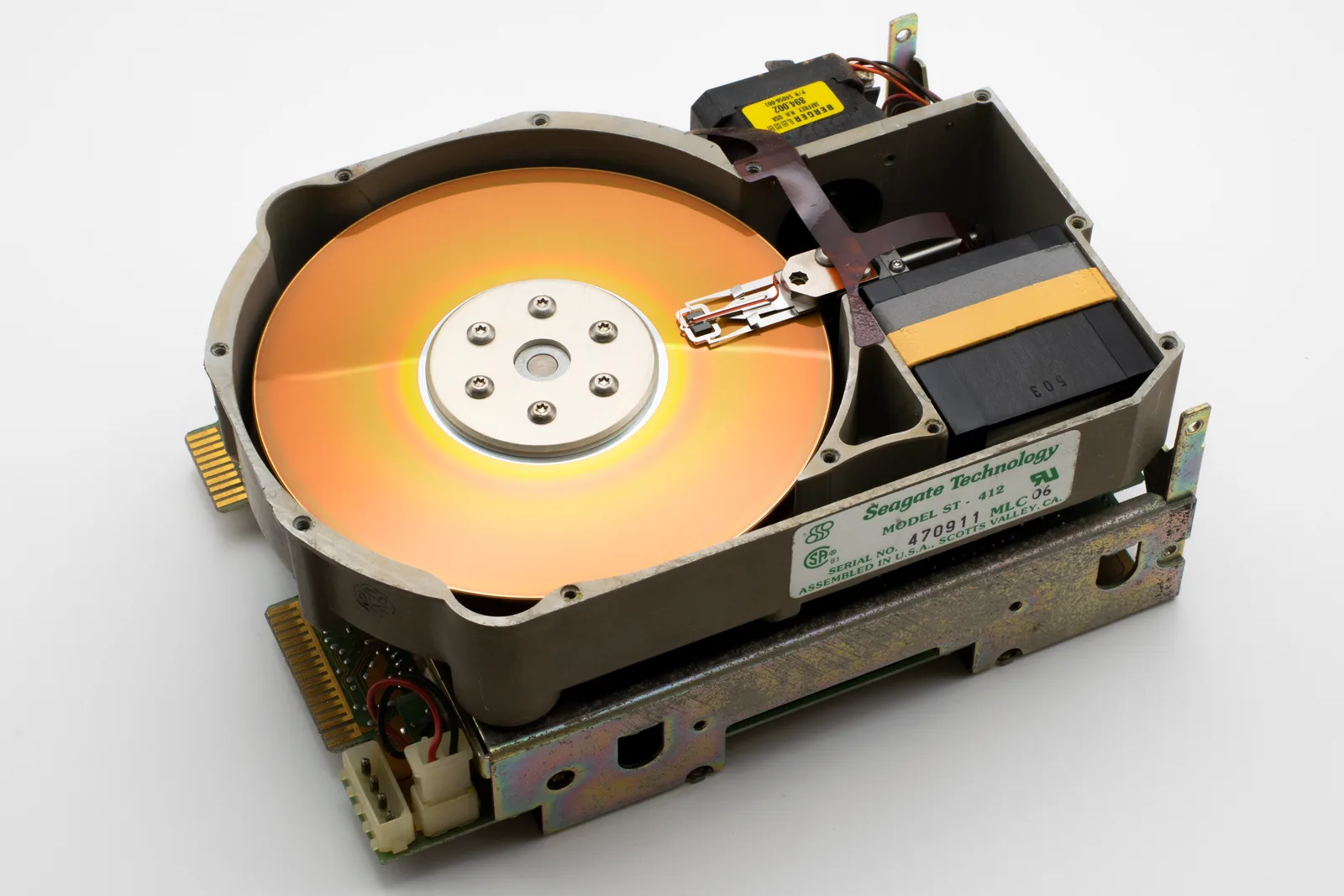
- Download everything, at full size, on a computer rather than a phone. Phone storage is the single most common reason people end up with three photos out of four hundred.
- Put a copy somewhere else. A cloud account, an external drive, anywhere that is not the same laptop. One copy is not a backup.
- Check the download opened properly. Unzip it and open a few images before you assume it worked.
- Order the prints you actually want now, while the gallery is live and before print ordering closes with it.
Photographers give this advice constantly and it lands about half the time, because "download your photos" sounds like an instruction you can do later. Roughly speaking, the people who lose their photographs are never the ones whose photographer deleted them. They are the ones whose laptop died in year two.
Can I get my photos back after the gallery has closed?
Often, yes. Email and ask, politely, with the session date and the names on the booking.
Expect to be charged. A reactivation or archive retrieval fee somewhere between 25 and 75 dollars is normal and is not someone squeezing you: they are pulling your session out of cold storage and rebuilding the gallery by hand. Many photographers waive it once and charge the second time.
What makes this go badly is asking five years later, in a tone that assumes the photographer was obliged to keep them. They were not, unless your contract said so, and the contract is worth checking before you send the email.
Do photographers keep the RAW files?
Usually for a while, and usually they will not give them to you.
RAW files are the unprocessed camera data, the digital equivalent of a negative. They look flat and unfinished, most people cannot open them without specialist software, and handing them over means handing over an unfinished version of the work you hired someone for their finished version of. Almost every professional declines, and it is not evasiveness.
If you genuinely need them for a commercial reason, ask at booking rather than afterwards, and expect it to be a paid licensing conversation rather than a favour. Commercial use is a separate question from possession, and who owns the photos once you have paid surprises most people the first time they read it.
What happens if my photographer goes out of business?
This is the scenario nobody plans for and the one that actually costs people their photographs. A photographer who closes, changes career, or falls ill is under no obligation to migrate anyone's gallery, and the storage bill stops getting paid.
There is exactly one protection, and it is the same as above: your own downloaded copy, in two places. Once you have that, the photographer's business decisions stop being your problem entirely.
If you are the photographer reading this
Write the policy down and say it three times: at booking, in the delivery email, and in a reminder about a week before the gallery closes. That last email is the highest value message in your whole workflow. It rescues the clients who genuinely forgot, it prevents the awkward conversation a year later, and a fair number of people who open it to grab their files end up ordering a print instead.
Set two separate numbers rather than one. The gallery stays live for a defined window, and your own archive of the finished files runs longer, on your backup system rather than your delivery platform. Conflating those is why so many photographers never close anything and quietly pay for it forever.
Then put the reactivation fee in the contract before you need it, because a policy you apply inconsistently is not a policy. What usually decides the numbers in practice is what your platform charges to store a year of galleries, so it is worth working that out honestly with the gallery platform cost calculator rather than discovering it one invoice at a time. Storage priced as flat capacity rather than per-gallery penalties, which is how Xposure handles it, at least lets you set the window on client experience instead of on billing.
Whichever side of the gallery you are on, the summary is the same. The link is temporary, the files do not have to be, and the twenty minutes you spend downloading them properly is the only part of this that is fully in your control.