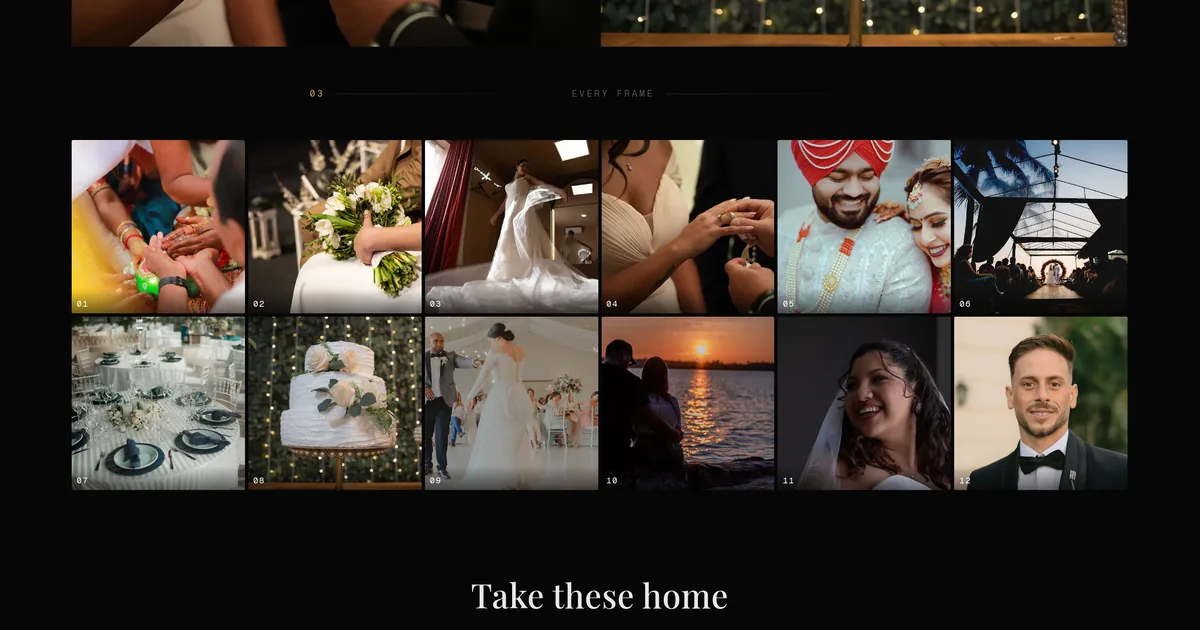
You know the message. A voice note, a spreadsheet with one column, or an email that says "we love 47, 52, the one by the window, and the black and white one where I am laughing". Then you spend twenty minutes with two windows open, matching numbers to files, working out which window.
The picking was never the hard part. The translating was.
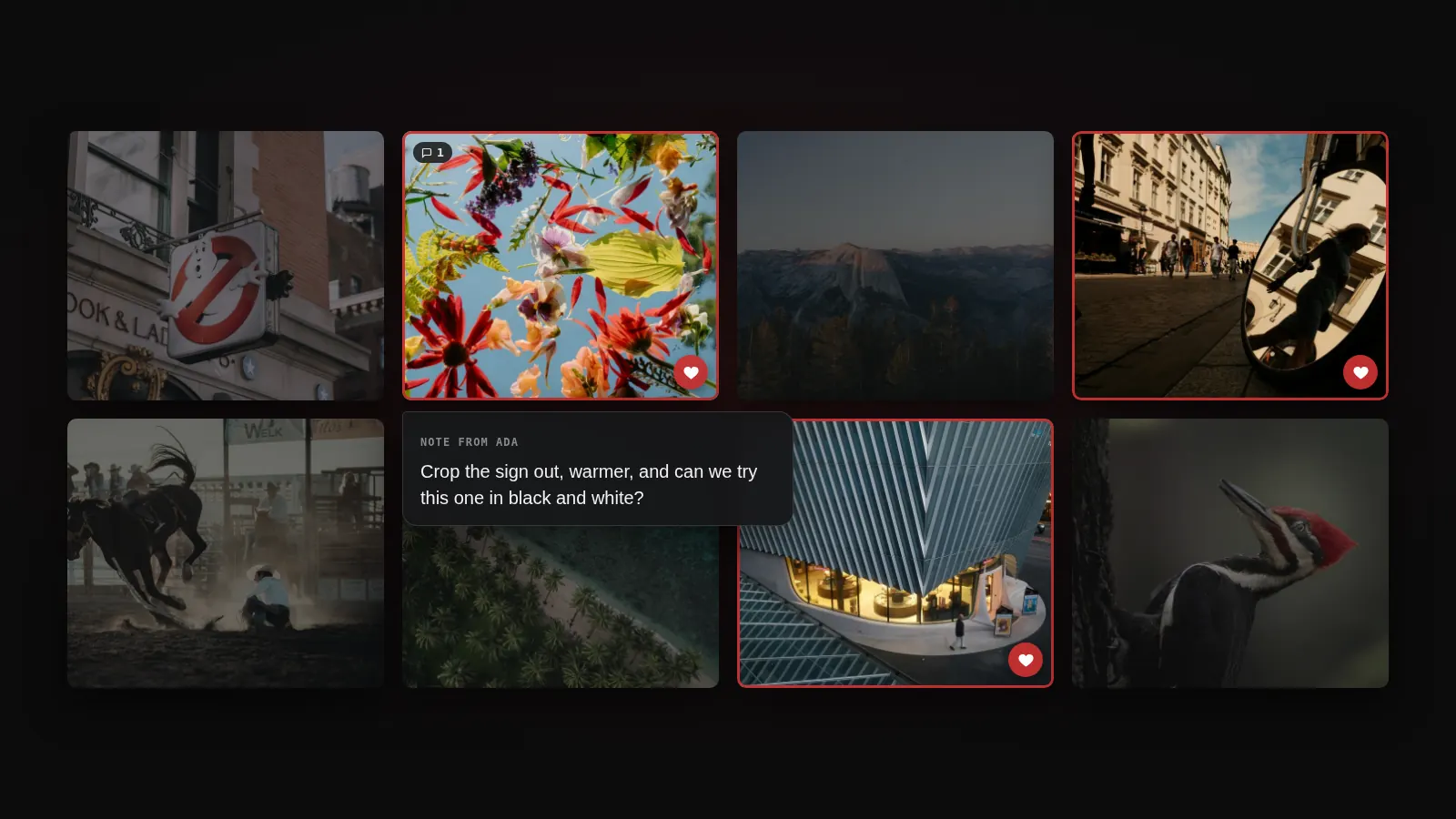
Proofing is now built into Xposure galleries. Your client opens the link they already have, hearts the photos they want, and writes a note on anything they want changed. You get a shortlist attached to real files, with names on it.
Here is what shipped:
- Photo picking. Clients heart their favourites, with an optional selection limit so "choose 30" is a real number they can see while they choose.
- Photo notes. Per photo, private between you and that client.
- A review tab that groups everything by person, not by session.
- Email notifications when a client has been through the gallery.
What your client sees
No new login, no separate proofing app, no second link to explain. It is the gallery they already had, with the controls out.
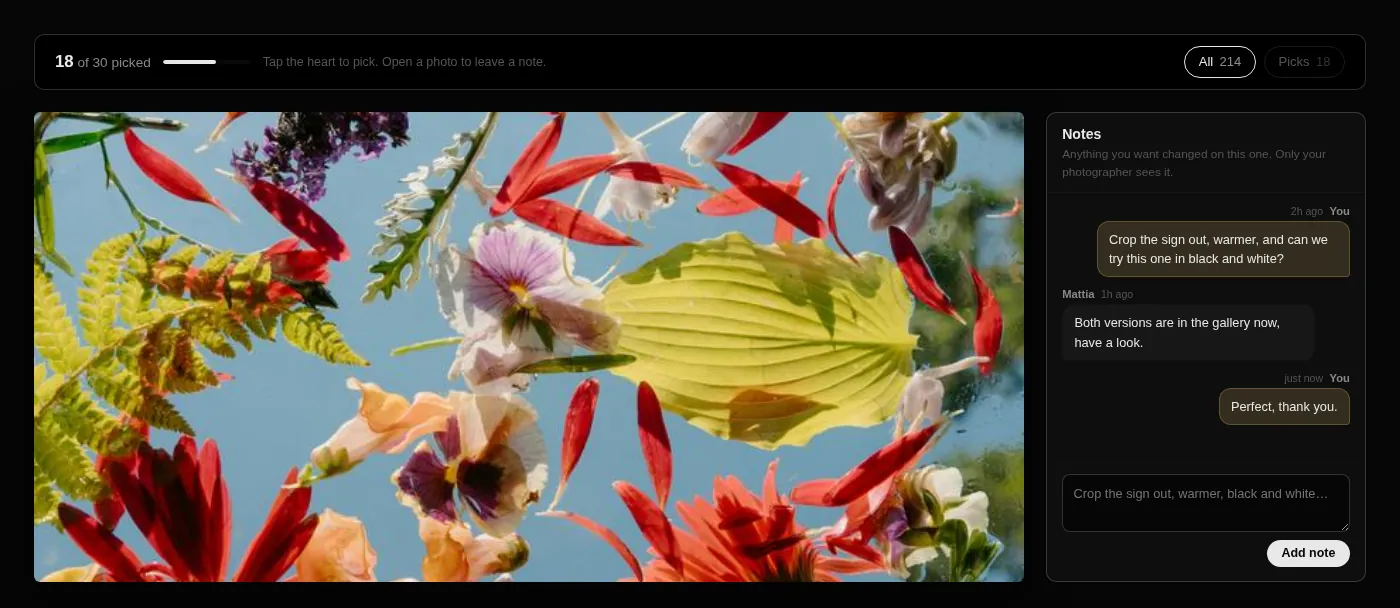
The count in the header is the thing that quietly does the most work. A client who has to invent their own stopping point sends you eighty photos or nothing at all for three weeks. A client looking at 18 of 30 picked knows exactly how picky to be.
What you see
This is the part that used to be a spreadsheet.
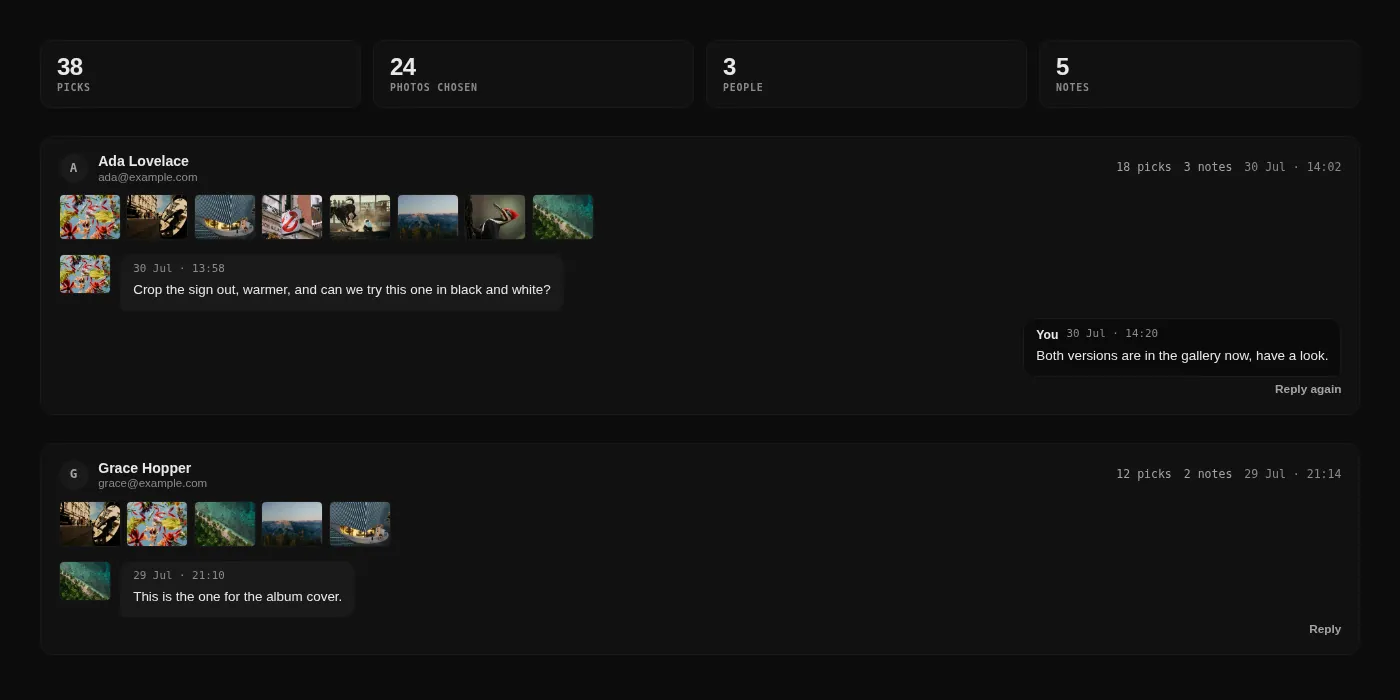
Wedding galleries are not viewed by one person. They are viewed by the couple, both sets of parents, and a few friends, and every one of them has opinions. If all their picks land in one pile, the pile is useless.
"Fourteen people liked this photo" means nothing when you do not know whether the fourteen include the person paying you.
So the tab is organised by person: their selection, their notes, when they were last in, and their email address so you can reply. Open the gallery on a phone and then on a laptop and you still show up once. Where more than one person picked, you also get an agreed shots view, most agreed first, which is usually your album sequence already ordered.
Notes live on the photo
"Warmer" in an email means nothing. "Warmer" on frame 214 means you know exactly what to do the moment you open it.
When feedback arrives separately from the photos, you become the integration layer between two systems, and you do that work at your desk, unpaid, at the end of a long job. You also get worse feedback. People are far more specific when the subject is in front of them. "Can you crop the exit sign out" is a note somebody writes while looking at an exit sign, not while staring at an empty reply box.
Replies work the same way. You answer from the proofing tab and your answer appears on that photo, for that person, laid out like the conversation it is.
Who can do what
Proofing is tied to the client PIN, so sharing a gallery widely does not mean handing the selection to everyone who has the link.
| Client PIN | Guest PIN | |
|---|---|---|
| Browse the gallery | Yes | Yes |
| Download and buy | Yes | Yes |
| Pick photos | Yes | No |
| Leave notes | Yes | No |
Guests see a normal gallery. Nothing is greyed out at them, and nothing tells them they are second class. The selection just stays the work of the people whose job it is to make it.
Turning it on
- Open the album and find the Proofing row in the settings panel.
- Turn on photo picking. Add a selection limit if your package has one. The delivery count planner gives a starting number if it does not.
- Turn on photo notes if you want written feedback too. Picking works fine on its own.
- Send the gallery link and the client PIN exactly as you always have.
Proofing is available on Starter and above. Existing galleries are untouched until you switch it on, so nothing changes for the clients currently looking at your work.
If you have been running proofing selections through email and a spreadsheet, try it on the next job and see how much of that twenty minutes you get back.