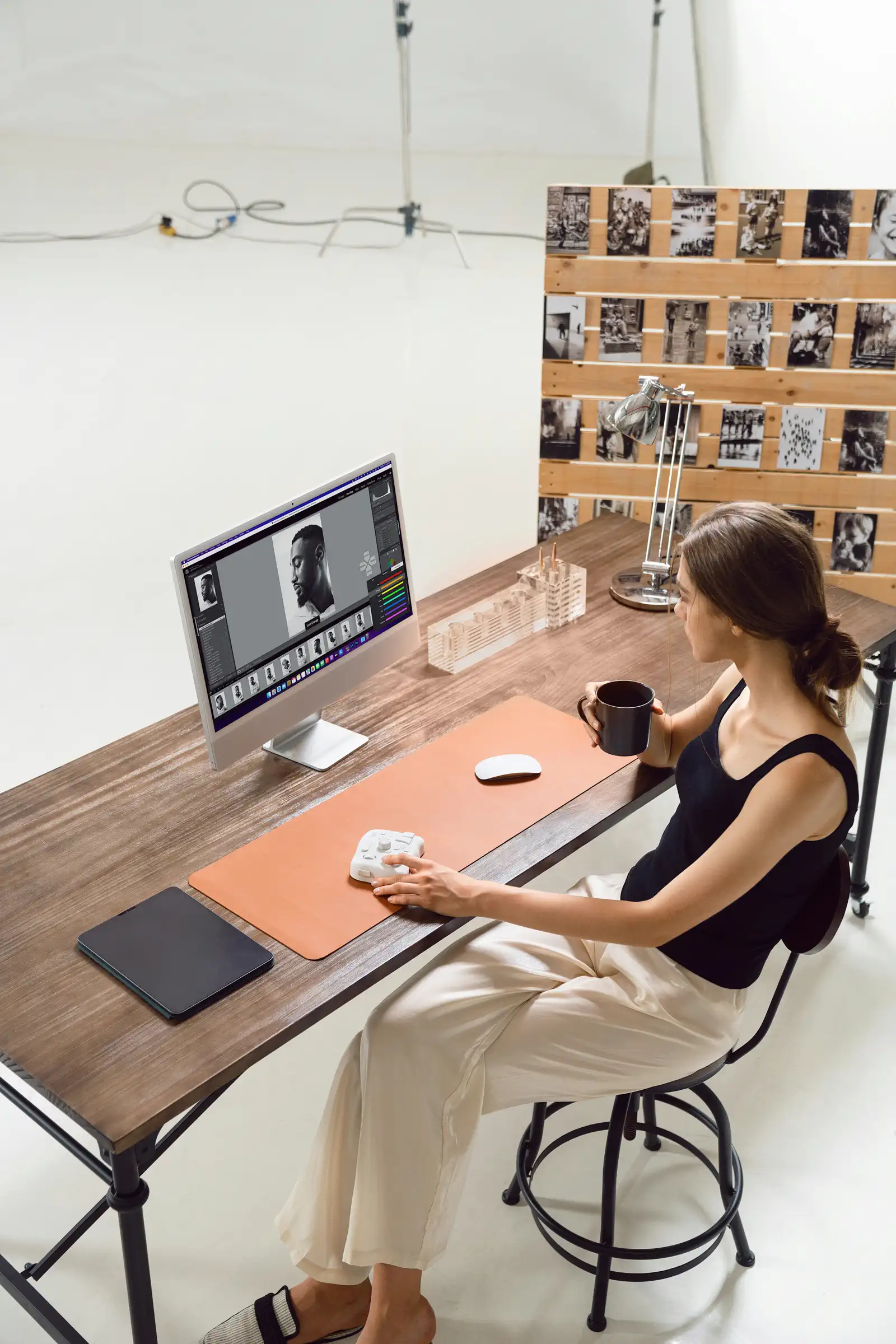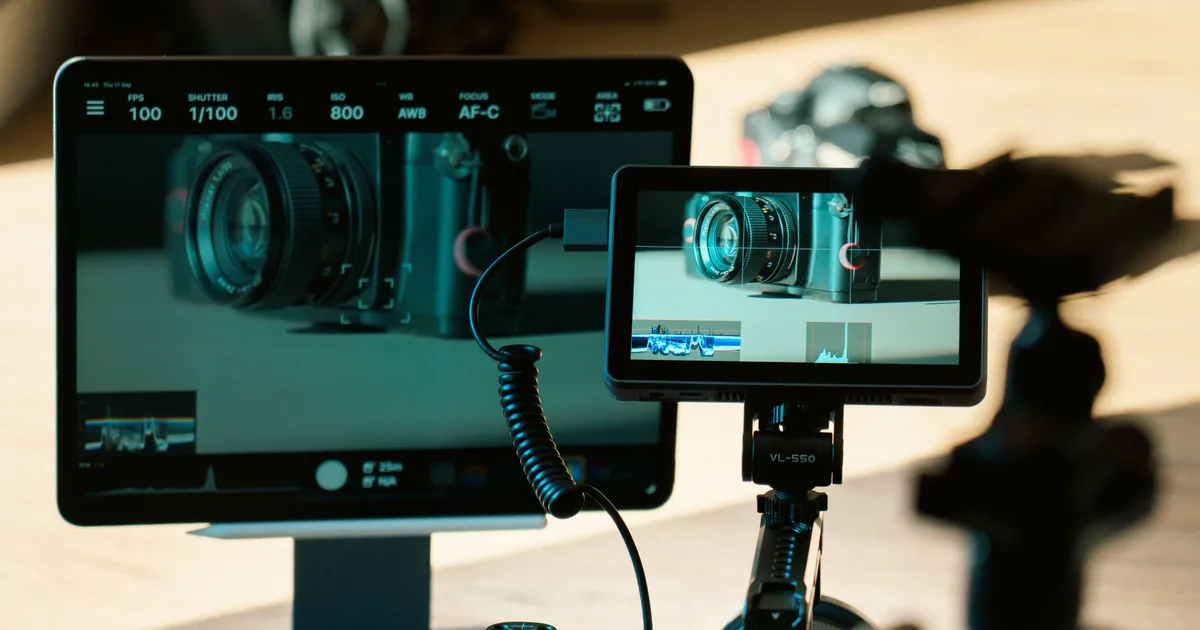
Tethering means running a cable from your camera to a laptop so every frame appears on a proper screen a second after you take it. For studio, product, and commercial work it is close to essential, because judging focus and expression on a three inch rear screen is guesswork that you only discover was wrong at the edit.
For anything that moves, or anywhere you have to move, it is a liability. The cable is the whole story of this technique, both the reason it works and the reason people give up on it.
What it actually gets you
Three things, in order of how much they matter:
You can see focus. At 100 percent on a 15 inch screen, you know whether the eye is sharp. This is the single biggest reason product and portrait photographers tether, and it is why jewellery and macro work is nearly impossible without it, as millimetre depth of field cannot be judged on a rear screen.
The client can see the shoot. On a commercial job, an art director watching frames land is what stops the "we thought it would look different" conversation happening a week later. Approval on the day is worth a great deal.
You catch problems while you can still fix them. A crooked label, a stray hair, a reflection of yourself in a wine glass. All obvious at full size and all invisible at thumbnail size.
The hidden fourth benefit is that images land straight onto the laptop, so by the time you pack up, the shoot is already backed up and imported.
Setting it up in Lightroom Classic
Lightroom's tethering is basic and free with your subscription, which makes it the right starting point.
- Plug the camera into the laptop with a USB cable and switch it on.
- In Lightroom Classic, go to File, then Tethered Capture, then Start Tethered Capture.
- In the dialogue, set the session name, the destination folder, and a file naming template. Pick a develop preset to apply on import if you have one.
- The tether bar appears. Your camera should show in it. Shoot, and the frames appear.
Two settings worth changing immediately. Apply a develop preset on import, so the client sees something close to your finished look rather than a flat raw file, which changes how a shoot is received. And turn on Auto Advance or select the loupe view so each new frame fills the screen automatically.
Lightroom supports most Canon and Nikon bodies well, and Sony support is patchier depending on model and firmware. Check before you promise a client a tethered shoot.
Capture One, and why studios use it
Capture One is the standard in commercial studios and it is genuinely better at this specific job. It is faster, more stable over long sessions, supports more cameras, and has features Lightroom does not:

- Live View on the laptop screen, so you can compose without touching the camera. For product work on a tripod, this alone justifies the software.
- Overlays, letting you place a client's layout file over the live view so you can shoot to a design with the text placement visible.
- Capture folders and Next Capture adjustments, which apply naming, styles, and crops to incoming frames automatically.
- Camera control from the laptop, including aperture, shutter, and ISO.
If you tether occasionally, Lightroom is fine. If you tether weekly, Capture One pays for itself in avoided crashes. There is a free version limited to some Sony and Fujifilm bodies, which is a reasonable way to try it.
The cable is the entire problem
Nearly every tethering failure is the cable, and this is the part nobody mentions until you have wasted an afternoon.
What to know:
- Get a proper tethering cable, not the one that came with the camera. The IK Multimedia and Tether Tools cables exist because generic USB cables drop connections under sustained transfer.
- Length is limited by physics. USB is reliable to about 5 metres and no further. Beyond that you need an active extension with a repeater built in.
- Orange is not marketing. Bright cables are visible on a studio floor, which matters when someone is about to trip over your laptop.
- Use a tether block or a JerkStopper. A small clamp that anchors the cable to the camera strap lug or the tripod, so a tug pulls on the clamp rather than on the camera's USB port. Replacing a ripped-out USB port on a camera body costs more than every cable you will ever buy.
Then the boring reliability rules: plug into the laptop directly rather than through a hub, keep the camera on mains power or a fresh battery, turn off the camera's wifi, and use a card in the camera as well so every frame exists in two places. If the tether drops mid-session, the shoot survives.
When not to bother
Tethering suits a static camera and a static photographer. It actively hurts everywhere else:
- Weddings and events. You are moving constantly. No.
- On location outdoors. Screen glare, no power, and a cable across a public space.
- Anything with children or animals, who will find the cable within ninety seconds.
- Fast portrait sessions where you circle the subject.
The middle ground for those is wireless tethering to a tablet, which most modern cameras support through the manufacturer's app. It is slower, usually sends JPEG previews rather than raw files, and drops out, but for showing a client the back of the camera on a bigger screen it is enough. Do not promise a client a live wireless feed you have not tested in that specific room.
A workflow that stays tidy
Tethering imports as you shoot, which means the mess arrives on your drive in real time rather than at the end.
Set the destination to the job's real folder from the start, not the desktop. Use a naming template with the client and date in it, so files are identifiable when they are inevitably copied somewhere else later. Both of those keep the tethered session consistent with the catalogue structure you already use rather than creating a second, parallel mess.
Then cull as you go. A tethered shoot lets you flag rejects between setups, which means the cull is largely done when the client leaves. That is a genuine hour saved on every job, and it is the reason tethering ends up being faster overall despite the setup time, which is the same logic behind every other habit that shortens a cull.
Back up before you unplug. The images are on the laptop and the card, which is two copies in one bag. Get a third somewhere else before that bag goes in a car.