You already own the copyright. Under the Berne Convention, which covers the US, the UK, every EU country and around 180 others, a photograph is protected the moment the shutter closes. No form, no fee, no symbol required.
What you can still do is make that copyright easier to enforce. In the US that means registering with the Copyright Office, which costs $45 to $65 and decides whether an infringement claim is worth a lawyer's time. Everywhere, it means putting your name inside the file and keeping the evidence that you made it. The rest of this is how to do each of those, and what to send when someone uses your photo anyway.
Do you need to do anything to copyright a photo?
No. Copyright belongs to whoever pressed the shutter, from the moment the image exists, including RAW files you never edited or published. It lasts for your lifetime plus 70 years in the US, the UK and the EU.
Paying clients do not change this either. A family who books you gets permission to use the images, not ownership of them, which is the part most clients genuinely do not know.
So "how to copyright your photos for free" has a short answer: you already have. What costs money, and only in the US, is registration.
How do you register photo copyright in the US?
Online, through the Copyright Office's electronic system at copyright.gov. The current fees:
- $45 for a single photo, one author, not made for hire
- $65 for a standard application
- $55 for a group of up to 750 photographs, published or unpublished
The group option is the one working photographers use. The photos must all be yours, and all published or all unpublished in the same application. A published group must also fall within one calendar year. You upload the files and, for a published group, a spreadsheet listing each photo's title and month of publication.
Registration matters because of timing. Under US law, you can only claim statutory damages ($750 to $30,000 per work, up to $150,000 if the infringement was wilful) and your attorney's fees if the photo was registered before the infringement started, or within three months of first publication. Miss that window and you are limited to actual damages, usually a licence fee of a few hundred dollars, which no lawyer will chase. You also have to register before you can file a lawsuit at all.
A practical rhythm: register unpublished work every quarter, before it goes on your website or social feed. At $55 for 750 images, a busy wedding photographer can cover a whole season in one or two filings.
How do you copyright your photos in the UK and the EU?
There is nothing to register. The UK Intellectual Property Office has no copyright register, and no EU country runs one either. Any website offering to "register" your UK copyright for a fee is selling you a dated record of your files, nothing the law requires.
What you need instead is proof you made the image, if it is ever disputed. Keep the RAW files, the original capture dates, and your catalogue. A RAW with your camera's serial number in the EXIF is stronger evidence than any paid certificate. In England and Wales, most photo disputes worth pursuing go to the small claims track of the Intellectual Property Enterprise Court, for claims up to £10,000, where you can act without a solicitor.
How do you add copyright to photos in Lightroom?
Build a metadata preset once and apply it at import, so no file leaves your catalogue without your name in it.
In the Library module, open the Metadata panel, click the Preset dropdown and choose Edit Presets. Fill in the IPTC Copyright section:
- Copyright: © 2026 Your Name
- Copyright Status: Copyrighted
- Rights Usage Terms: All rights reserved. Licensing: your email
- Copyright Info URL: your website
Add your name as Creator and your email and website under IPTC Creator, then save the preset. In the Import dialog, pick it under Apply During Import, then Metadata. When you export, set the Metadata section to at least "Copyright Only", or "Copyright and Contact Info Only" if you do not want camera settings or location going out with the file.
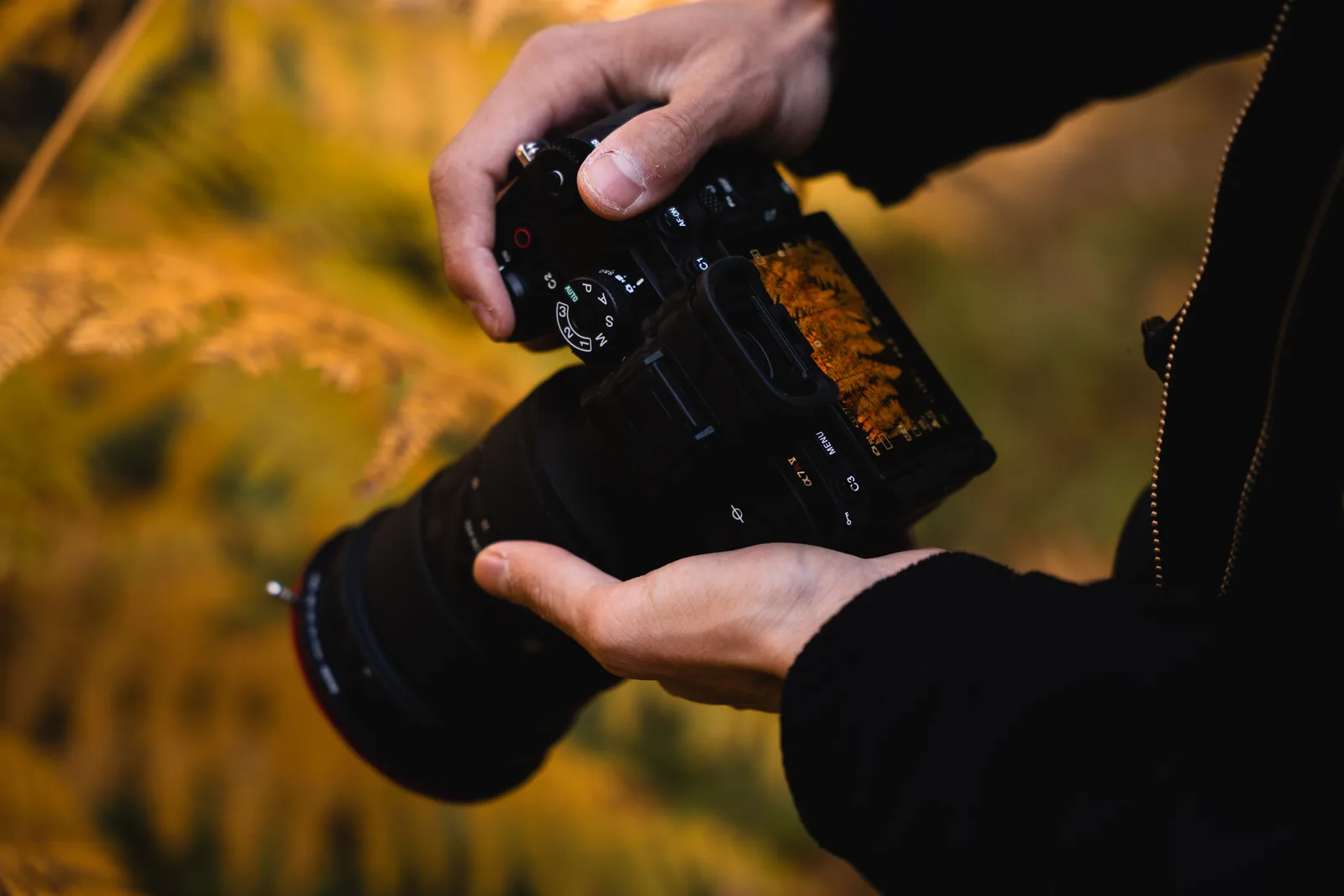
Do the same in the camera. Most Canon, Nikon, Sony and Fujifilm bodies have a Copyright or Artist Name field in the setup menu, which writes your name into every frame before it reaches a card reader. It takes two minutes and covers the files that never go through Lightroom.
Two limits to know. Instagram, Facebook and most social platforms strip embedded metadata on upload, so this protects files you send, not files you post. And in the US, deliberately removing copyright information from a file to hide an infringement is a separate violation with its own damages, which is why the metadata is worth having even when it gets removed.
Should you use the © symbol or a watermark?
The © notice has not been required in the US since 1989, and never was in the UK or EU. It still helps: "© 2026 Your Name" in a caption or a footer removes the "I did not know it was protected" argument, and in the US it defeats an innocent infringer defence that can otherwise reduce damages.
Watermarks are a different question. They deter casual reposting and keep your name on images that travel, but anyone determined can remove one in seconds. Use them on proofs and on images sent to vendors, not on galleries your clients paid for. The full reasoning is in should you watermark your photos.
Can you copyright your photos on Instagram?
You do not need to. Posting does not give up your copyright. The Instagram terms do give Instagram a licence to host and display what you post, and that licence ends when you delete the post, though copies other users shared can remain.
The practical steps: put "© Your Name" in your bio or in captions for work you care about, keep the originals, and use Instagram's own intellectual property report form when someone reposts without credit.
What do you do when someone uses your photo without permission?
Start with a reverse image search in Google Lens or TinEye to see how far it has spread. Then choose based on who used it.
A small business that clearly did not know usually responds to a polite email asking for a credit, removal, or a retrospective licence fee. Put a price in that email. If the use was commercial, your usage rate is the fair number to quote.
If they ignore you, send a DMCA takedown notice to the host or platform. It needs your contact details, the original photo, the URL where it appears, a statement that you believe in good faith the use is not authorised, a statement that your notice is accurate made under penalty of perjury, and your signature. Find the host with a WHOIS or hosting lookup on the domain. Most platforms have a form for this, and hosts outside the US generally accept the same notice.
Registration comes back in here. A DMCA takedown works without it, but if you want money from a US infringer who refuses to pay, a registered photo is what turns a letter into a claim worth filing.
Where to put the effort
Make it a habit, not a project: the Lightroom preset once, camera copyright fields once, a quarterly US group registration if you sell or publish there, and a clear licence for every client, whether that is a print release for a family or a usage clause for a business.
Then control where your full-resolution files live. Xposure galleries can show watermarked previews until a client pays, and sit behind a PIN, so the files worth taking are not on the open web in the first place.
This is general information, not legal advice. If a real sum depends on a claim, an hour with an IP lawyer in your country is money well spent.