The fastest way to lose the good feeling after a shoot is to let delivery drag on for two weeks. Clients remember how quickly they saw their photos almost as much as the photos themselves, and a gallery that arrives while they are still excited does more for your referrals than any amount of polish added on day twelve.
The workflow below takes about ten minutes once your edits are done. It is deliberately boring, because the point is that you can run it the same way after every single shoot without thinking about it.
Cut the set before you upload anything
Delivery gets slow when you postpone the decision about what is actually in the gallery. Make that call first, in your editor, where you have the tools for it.
Go through the edited take once and make a binary choice on each frame: it goes or it does not. If you shot six frames of the same pose, keep one. A tight set of forty images lands harder than two hundred near-duplicates, and every later step in this list gets faster because there is less to move around.
A gallery is a first impression, not a file dump.
Export once, at web size
You do not need full-resolution files in the gallery your client browses. Export a single web-sized JPEG set into one folder:
- Long edge around 2048px. Enough for a laptop or a phone, small enough to upload quickly.
- sRGB, with the colour profile embedded. Skip this and your careful grade can arrive looking flat on the client's phone.
- Quality around 80. The difference between 80 and 100 is mostly file size, and file size is what makes a gallery feel slow.
- One folder, no subfolders. Name files by sequence rather than camera number so the story reads in order.
Save this as an export preset the first time you do it. You should never build these settings twice.
Build the gallery in a deliberate order
Create the gallery and drag the folder in. While it uploads, think about sequence, because it is the one part of this that a computer cannot do for you.
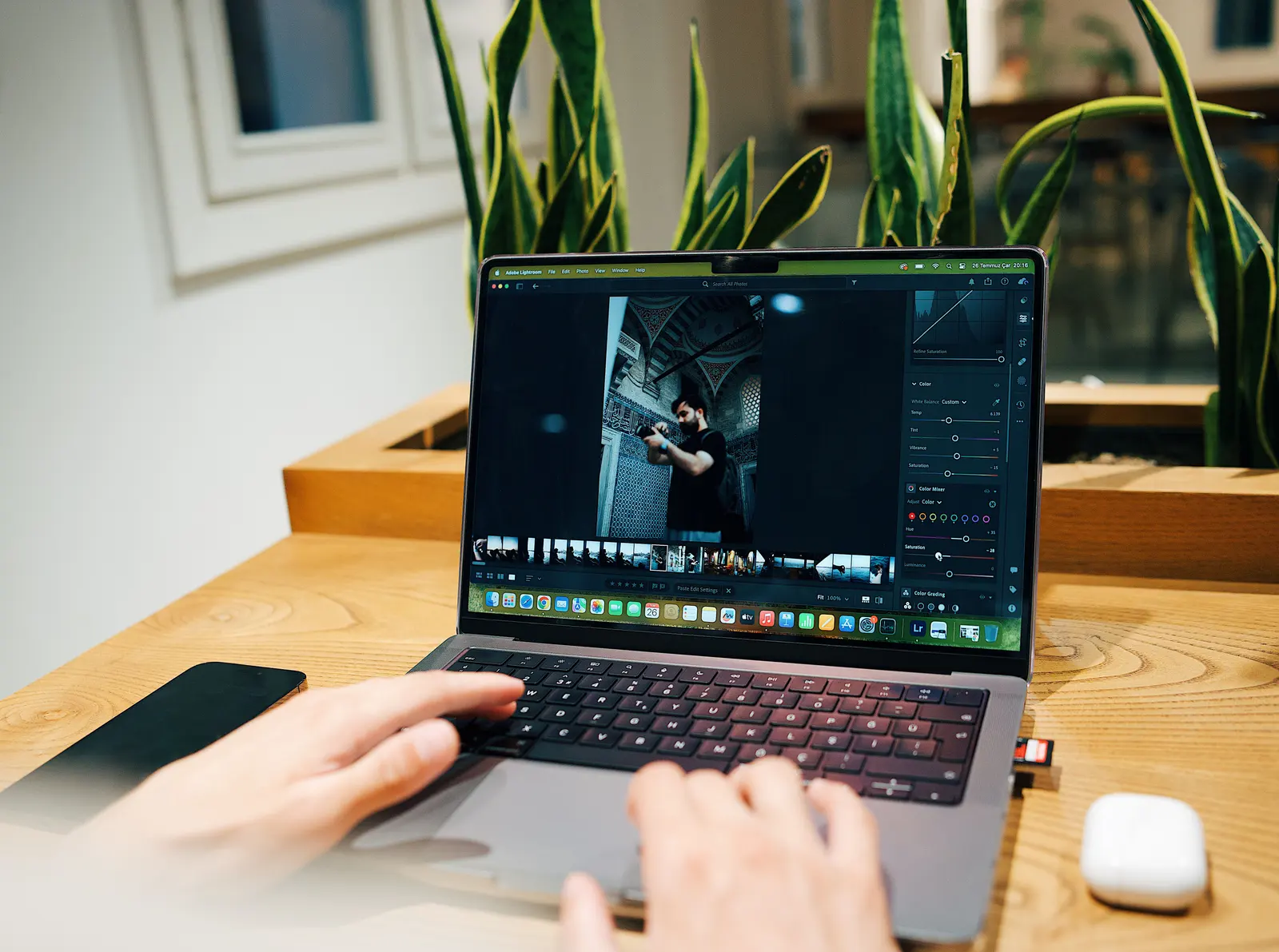
Open on your strongest image. Group by moment rather than by timestamp, so getting-ready frames sit together and the ceremony reads as one run. Close on something that feels like an ending. Clients scroll galleries the way they read a short story, and the order changes how the same set of photographs feels.
Protect it before you send the link
A link that anyone can forward is not really a private gallery. Two settings are worth the thirty seconds they take:
- A PIN. Send the link by email and the PIN by text. If the link gets forwarded, the photos do not go with it.
- An expiry date. A gallery that stays live forever quietly becomes free archival storage. A deadline also nudges clients who intend to download "later" into downloading now, while they still care.
If you sell prints or charge for extra edits, this is also where you decide whether full-resolution downloads are open to everyone or only to the person who paid for them.
Send a message that does some work
The delivery email is not just a link, it is your last chance to set expectations. Keep it to four lines: the link, the PIN, how long the gallery stays up, and one sentence telling them what to do next.
That last sentence matters more than it looks. "Let me know if you want prints" is passive and gets ignored. "Pick your ten favourites and I will get them ready for printing" gives the client a specific task, and their picks tell you exactly which images to pitch.
Make it repeatable
The goal is that delivery stops being a project and becomes a habit: the same ten minutes, every shoot. Save the export preset, save a gallery template with your PIN and expiry defaults already set, and write the delivery email once so you are pasting it rather than composing it.
This is the kind of routine a platform built for photographers should already absorb, and it is worth checking that yours does. In Xposure the transcoding, responsive previews, PINs, expiry and favourites are all part of creating the gallery rather than steps you run afterwards, which is most of where the ten minutes comes from.
Get it to the point where you could deliver a shoot from a hotel lobby on your phone, and delivery stops being the thing standing between you and the next job.
If you are still deciding what to deliver through in the first place, rather than speeding up a workflow you already have, start with the wider comparison of how photographers deliver photos to clients.