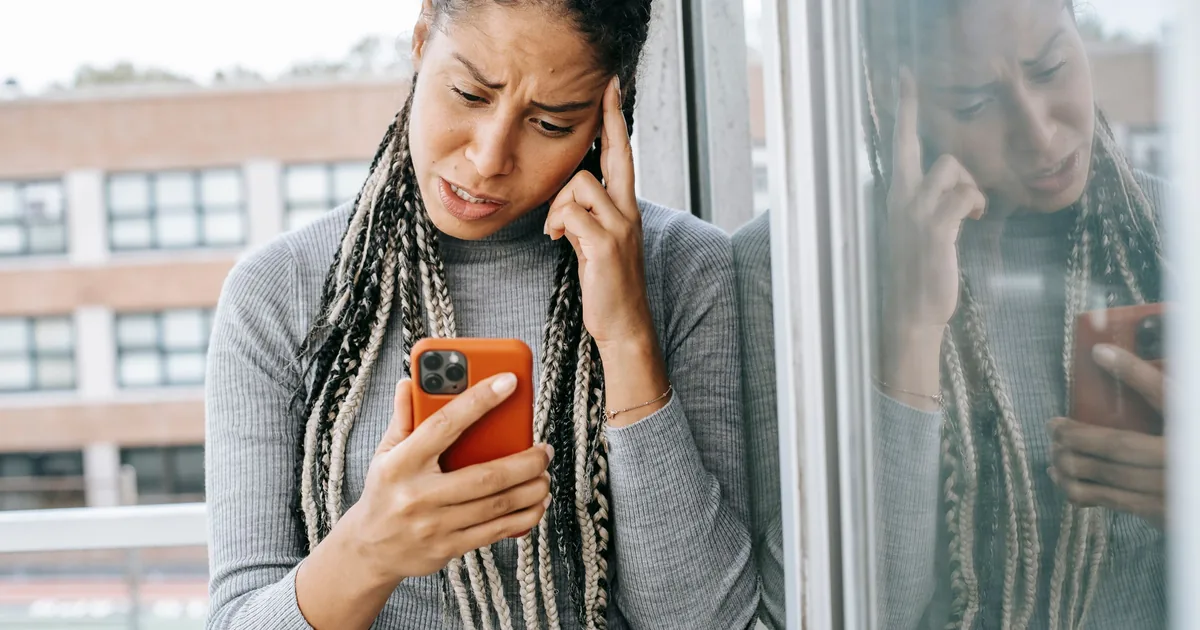
"The download link isn't working."
It is the most common message photographers get after delivery, and the link is almost never the problem. In the large majority of cases the gallery is fine, the files are fine, and the client has hit one of four predictable obstacles that have nothing to do with your platform. The fastest fix is not troubleshooting at all: it is three sentences at the top of your delivery email that stop the question arriving.
Here is what is actually going wrong, roughly in order of how often it happens.
The in-app browser, which causes most of them
Your client is scrolling Instagram, sees your message with the gallery link, and taps it. The page opens inside Instagram's own embedded browser, not Safari or Chrome. Same for links tapped inside Facebook Messenger, the Gmail app, LinkedIn, and plenty of others.
These embedded browsers are stripped down, and most cannot save a zip file at all. The download either does nothing or throws an error with no useful explanation, and the client reasonably concludes your gallery is broken.
The fix is trivial and they will never find it alone: open the link in a real browser. Most in-app browsers have a menu in a corner with "Open in Safari" or "Open in Chrome." Failing that, copy the link and paste it into the browser directly.
How to spot it: the client says the button "does nothing," or they reached the gallery from a social message rather than from your email.
The zip lands somewhere clients do not think to look
Suppose they do open it in Safari. On iOS a downloaded zip goes to the Files app, usually into Downloads, and tapping it unpacks it there. What it does not do is put three hundred photographs into the camera roll.
That is the actual complaint hiding inside "it didn't work." The client has the files. They cannot find them in the only place they think of as where photos live. Nothing is broken, nothing on your end will fix it, and no amount of re-sending the link helps.
How to spot it: the download completed and they still say they have no photos. Ask them to open the Files app and look in Downloads.
Phones do not have room for a wedding
A full resolution gallery from an eight hour wedding runs 15 to 25 gigabytes. A great many people are carrying a phone with under two gigabytes free and a storage warning they have been dismissing since March.

The download starts, runs slowly on a patchy connection, and fails near the end with something vague. There is no way to fit 20 gigabytes onto a full phone, so this one is prevented rather than solved.
How to spot it: it fails partway through, repeatedly, and always on mobile.
They did not want the full resolution files anyway
This is the one that quietly resolves the previous two. A client downloading on a phone almost certainly wants to post a few images and text a few more. Web sized files, long edge around 2048 pixels, do that perfectly, and the whole gallery becomes a few hundred megabytes instead of twenty gigabytes.
So offer both, and label them in the client's language rather than yours. "For sharing online" and "for printing and keeping" beats "web" and "original" every time, because most people do not know which one they need and will pick whichever sounds safer if you make them guess.
Worth stating explicitly too: on a phone, pressing and holding a single image saves it straight to the camera roll. For the client who wants four photos for a birthday post, that is the entire job, no zip involved, no Files app.
Sometimes it genuinely is your side
Not everything is the client. Before you reply, rule out the boring causes: the gallery has passed its closing date, the PIN you sent has a typo or a trailing space, the link points at a draft rather than the published gallery, or the archive genuinely failed to build.
The tell is whether it fails for you too. Open the gallery in a private browser window on your phone, as a visitor rather than as the owner, and try the download yourself. Thirty seconds of that saves you from confidently explaining in-app browsers to someone whose gallery expired last Tuesday.
Write the delivery email so the question never arrives
Nearly all of this is prevented by front-loading three lines. Put them at the top, above the warm paragraph about how much you loved the session, because people stop reading after the first block.
- Download on a computer if you can. Phones can struggle with large galleries.
- On a phone, open this link in Safari or Chrome, not inside Instagram or Facebook.
- Choose the smaller size for sharing and the full size for printing. Full size files are large.
Then add the line that saves you the most work over a year: tell them the gallery has a closing date and that they should download before it. Deadlines are what turn intentions into downloads, and the alternative is an email eighteen months later asking whether the photos still exist.
What the platform should be doing for you
Some of this is delivery tooling rather than wording. Building the archive on the server instead of in the client's browser is what stops a large gallery timing out halfway through. A genuine per-photo download gives the phone-only client a route that always works. And offering the two sizes as a real choice at download time, rather than making you export and upload two galleries, is what makes the advice above practical.
Those three things are what Xposure's download flow is built around, and between them they remove most of the failure cases here. They are also worth checking for specifically if you are weighing up delivery options more broadly, because plenty of platforms handle only one or two.
None of this makes for an exciting afternoon. But rewriting your delivery email once will quietly delete the most repetitive support conversation in your business, and your clients will conclude that your gallery simply works better than everyone else's.