The short answer: if you already pay for Lightroom, start with its built-in Assisted Culling, which is now included in the subscription. Add a fast browser like Photo Mechanic once you regularly shoot more than a thousand frames a job. Pay for a dedicated AI culler only if it beats Lightroom on a shoot you have already delivered, which takes one evening to check.
Culling software solves two problems. It shows raw files at full size without waiting for previews, and it makes the obvious rejections for you. Which of those you need depends almost entirely on volume.
What are the three kinds of culling software?
Fast browsers. Photo Mechanic is the long-standing example. It does not edit. It reads the JPEG preview embedded in each raw file, so images appear instantly, and it handles ingest, renaming and copying to two destinations at once.
AI cullers. Aftershoot, Narrative Select and FilterPixel analyse a shoot and pre-select. They reject closed eyes and missed focus, group near-duplicates, and pick a best frame from each group. You approve or override the result.
Your editor's own culling mode. Lightroom Classic, Lightroom and Capture One all let you rate and filter. Lightroom now adds an AI pass of its own, covered below. It is one application and one catalog rather than another step in the chain.
What does each culling tool cost in 2026?
Prices checked on each vendor's own site in September 2026, in US dollars.
| Tool | Type | Price | Processing |
|---|---|---|---|
| Photo Mechanic | Fast browser | $14.99/month, $149/year, or $299 once with a year of updates | Your computer |
| Aftershoot Select | AI culler | $15/month, or $120/year | Your computer |
| Narrative Select | AI culler | Lite plan $15/month, or $10/month billed yearly | Your computer |
| FilterPixel | AI culler | From $180/year, which covers 20 deep-cull shoots; extra shoots $7.99 each | Cloud |
| Lightroom Assisted Culling | AI first pass | Included in a Lightroom plan | Inside Lightroom |
Every paid tool here offers a free trial. Photo Mechanic and Aftershoot give 30 days, Narrative gives a trial of its top plan, and FilterPixel includes a few shoots. That is enough time for the test further down.
When does a fast browser earn its price?
The maths is simple. If a browser saves you two seconds per image on a three-thousand-frame wedding, that is over an hour and a half back on a single job. At $149 a year, it pays for itself on the first or second wedding.
Buy one if you shoot weddings, events, sport, or anything else that produces more than about a thousand frames a session. The ingest features matter as much as the speed: copying to two drives as you import is a genuine backup step, and it slots directly into the 3-2-1 routine.
Skip it if you shoot portrait sessions of two or three hundred frames. A second application does not repay itself at that volume.
Is Lightroom's Assisted Culling good enough?
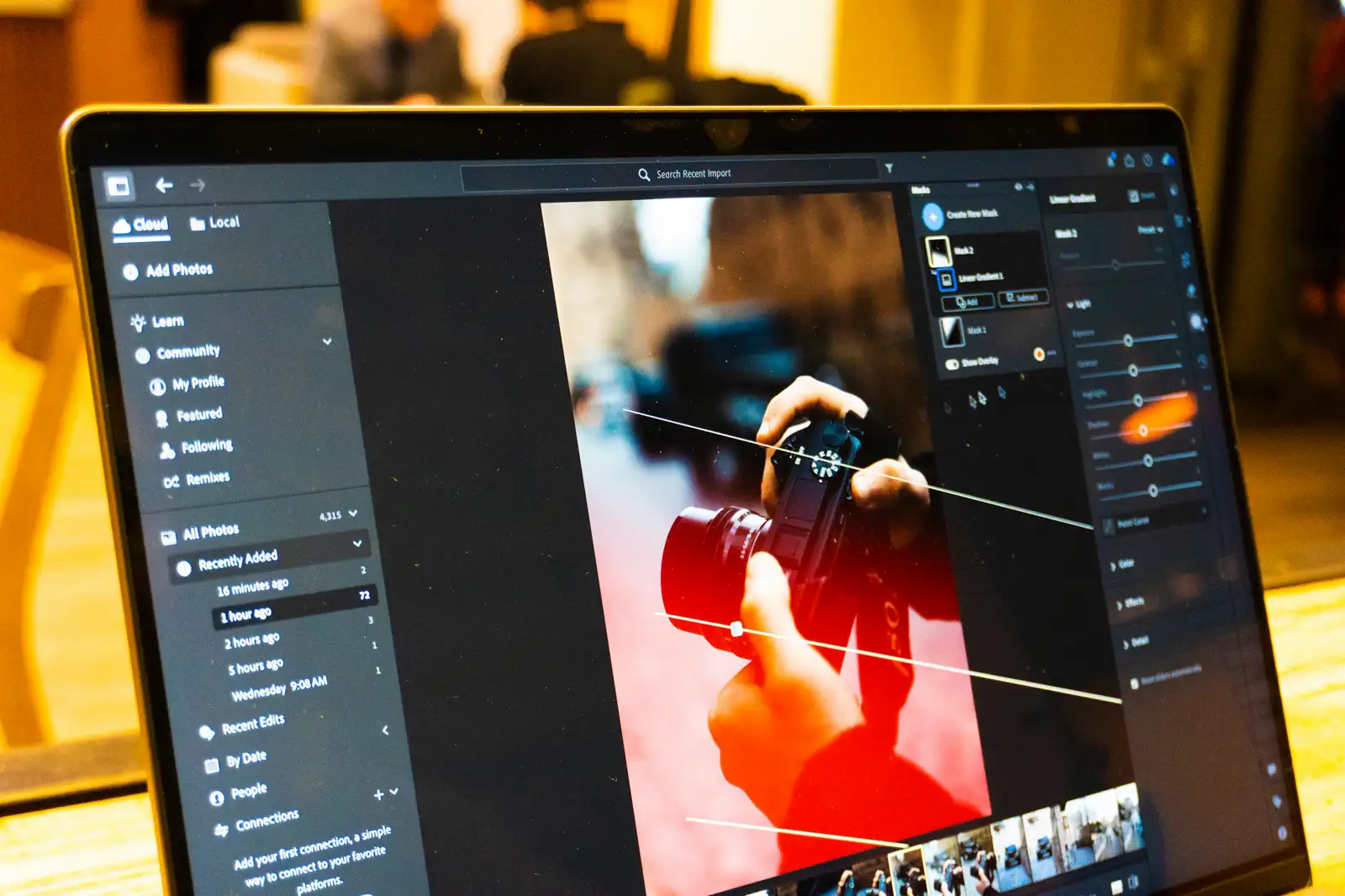
For many photographers, yes. Assisted Culling left Early Access in June 2026 and is part of Lightroom Classic and Lightroom at no extra cost. In Lightroom Classic it sits in the Library module. You choose the criteria (subject sharpness, eye sharpness, eyes open, exposure problems, misfires) and set a threshold for each. It then badges frames as Select or Reject, and you override any call. In group shots it checks each face.
What the paid tools still do better is structure. They show a shoot as groups of similar frames with the best one on top, and they write the result straight into a catalog with ratings you choose. If your cull is mostly "throw out the blinks and the soft ones", Lightroom now does that for free.
Whether you use the AI pass or not, the speed settings still matter:
- Build Standard previews on import, then walk away. Arrowing through afterwards is far faster than rendering previews one at a time.
- Use Smart Previews if you cull on a laptop away from the drive.
- Cull in the Library module, not Develop, which is slower for browsing.
- Turn off automatic XMP writing during the cull if you notice lag.
Where does AI culling help, and where does it fail?
It is good at the mechanical rejections. Eyes closed, subject out of focus, badly blown frames, and the seven near-identical shots where only one is sharp. Those are objective calls, and a machine makes them faster than you do.
It is not good at the decision that matters: which frame tells the story. The best photograph from a ceremony is often technically weaker than the one next to it, and no tool knows that the woman in the third row is the grandmother.
Let it do the first pass, reducing three thousand frames to eight hundred, then make the real selection yourself. Handing over the whole decision produces competent, generic galleries.
Two practical checks. First, where your files go. Aftershoot and Narrative process on your own computer. FilterPixel processes in the cloud, which is worth reading the terms on if your contracts promise clients confidentiality. Second, make sure ratings and colour labels write back in a form your editor reads, or you will redo the work.
How do you test a culler before paying for it?
Every comparison online is someone else's shoot and someone else's taste. The only test that counts is your own, and you already have the answer key: a job you delivered last season.
- Pick a delivered wedding or event of at least 1,500 frames. Copy the untouched raw folder somewhere new, so the trial never writes into your archive.
- Export the list of delivered filenames. In Lightroom Classic, select the delivered collection and copy the file names, or list the export folder.
- Run the trial on the copy with its default settings. Do not tune it yet.
- Count two numbers. How many of your delivered frames did it keep? And how many frames did it keep in total?
- Look hard at the misses. Open every delivered frame it rejected.
Say you delivered 600 frames from 3,000. The tool keeps 900, and 555 of your 600 are among them. That is 92 percent of your delivery, and you would review 900 frames instead of 3,000. The 45 misses decide it. If they are soft duplicates of frames it kept, buy it. If they include the first look or the grandparents' dance, it is rejecting on the wrong grounds for how you shoot.
Run the same job through Lightroom's Assisted Culling as well. If a paid tool does not clearly beat the free one on your own wedding, keep your money.
The habits matter more than the tool
The photographers who cull fast are not the ones with the best application. They are the ones who decide quickly.
One pass, not five. Reject on first look instead of marking everything "maybe". Use the keyboard, not the mouse. And decide what the gallery needs before you start, so you are selecting against a target rather than browsing. Five ways to speed up your culling is the full version of that argument, and it will save you more time than any purchase on this page.
What should you actually buy?
- Under 500 frames a session: nothing. Configure Lightroom and turn on Assisted Culling.
- Weddings and events: a fast browser. It pays for itself within three jobs.
- High volume, repetitive work such as school portraits, sport, or several weddings a week: a fast browser plus an AI culler that passed your own test, with you making the final selection.
- Before paying for any AI culler: run the delivered-job test above against Lightroom's free pass.
The point of culling well is a smaller delivery, not only a faster one: a gallery where every frame earns its place. That is how many photos to actually deliver, and it is what clients notice long after they have forgotten how quickly you sent it.
One part of the cull is not yours to make. When the client decides which frames get retouched, printed, or put in an album, that round belongs to them, and a client proofing gallery collects the picks and their notes in one place instead of a list of filenames in an email.