The useful way to think about AI in photo editing is by task rather than by product. Some of these tools do a job better than any manual technique and save hours. Others produce work that is subtly wrong in ways clients notice without being able to say why.
Here is the split as it actually stands.
Genuinely worth using
Denoise. The single biggest advance. AI denoise on a high-ISO raw file recovers detail that no traditional noise reduction could, and it has effectively moved the usable ISO ceiling on most cameras up by two stops. For anyone shooting dark receptions or indoor events, this alone justifies the software.
The cost is processing time and disk space, since it usually writes a new large file per image. Apply it to the frames that need it, not the whole gallery.
Subject and sky masking. Selecting a person, their face, their eyes, the sky, or the background in one click, then adjusting only that. What used to be five minutes of brushwork is now instant and more accurate than a hand-drawn mask. This is the feature that changed portrait retouching most.
Small object removal. Bins, signs, cables, a stray person at the edge of the frame. Content-aware and generative fill handle these convincingly at normal viewing sizes.
Culling assistance. Rejecting closed eyes, missed focus, and near-duplicates. Objective calls a machine makes faster than you, and a sensible first pass in a culling workflow rather than a replacement for choosing what the story is.
Upscaling. Genuinely good now for enlarging a crop for print. It invents detail, so it is fine for a landscape and worth checking carefully on a face.
Useful with supervision
Auto-editing trained on your own catalog. Tools that learn your editing style from thousands of your past images and apply it to new ones. The good ones get you 70 to 80 percent of the way on a straightforward session, and the time saved on a wedding is real.
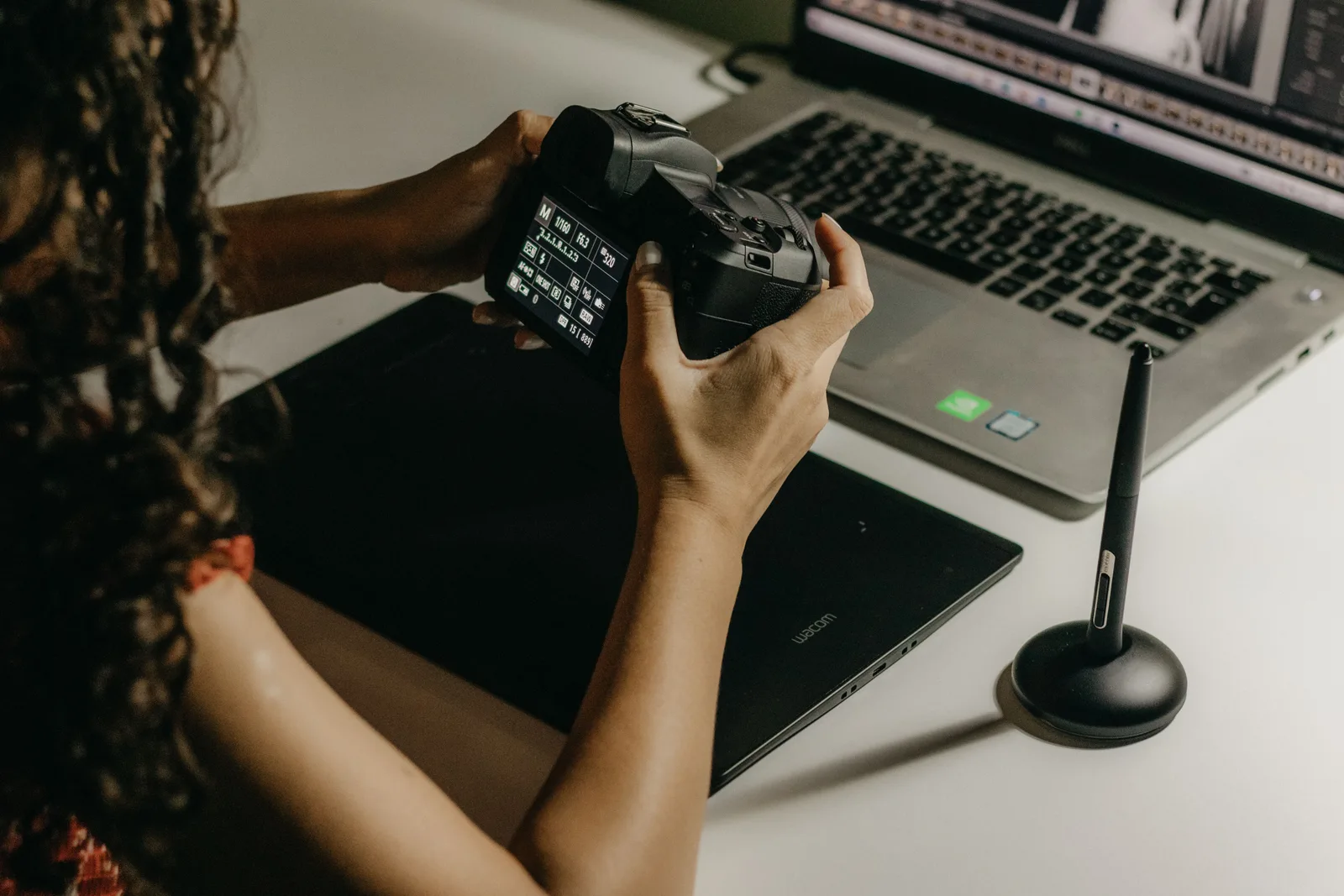
Two caveats. It works best on consistent light and struggles exactly where you would want help, in mixed and difficult conditions. And it homogenises: the frames that are interesting because you made an unusual decision come back average. Use it for the base pass on the bulk of a gallery and edit your hero images yourself.
Skin retouching. Frequency separation done by software. Fast and often good, but it defaults to smoother than most professionals would go, and over-smoothed skin is the most reliable way to make a portrait look cheap. Turn the intensity down further than you think.
Where it goes wrong
Generative expansion and replacement on client work. Extending a background, replacing a sky, generating a limb that was cropped. Technically impressive and a problem in documentary contexts. A wedding photograph is a record of a day, and adding things that were not there crosses a line clients have not agreed to.
Faces. Anything generative near a face fails in ways people detect immediately, even at small sizes. Eyes and teeth in particular.
Hands and repeated patterns. Fabric, brick, railings, and hands are where fill tools produce artefacts that survive until someone prints it large.
One-tap enhance. Raises saturation and clarity, which reads as amateur on skin. Every time.
The questions to ask before adopting a tool
Where does the processing happen? Cloud-based tools upload client images to a third party server. That has implications for confidentiality, particularly for corporate clients with contracts about their material, and it is worth reading the terms rather than assuming.
What are they doing with the images? Check whether the licence grants rights to use uploaded work for training. Some do.
Does it write back to formats you can use? Ratings, labels, and edits that only exist inside one application are a lock-in you will regret.
Does it actually save time end to end? A tool that edits 800 images in twenty minutes but requires you to check and correct 300 of them has not saved you a day.
What to tell clients
Nothing, mostly, because retouching has always been part of photography and nobody expects an unedited file. Removing a bin from a background is the same job it was in 1996, done faster.
The line worth holding is between improving a photograph and changing what happened. Skin work, colour, removing a distraction: normal. Moving a person, replacing a sky, generating a smile that did not happen: tell them, or do not do it. And if a client asks for something in that second category, price it as compositing work rather than as editing.
Where this leaves the actual skill
The tools have removed most of the mechanical labour and none of the judgement. Deciding which frame tells the story, what a gallery should feel like, when a photograph is finished, and how warm the whole set should be: none of that has been automated, and all of it is what a client is actually paying for.
The practical consequence is that consistency matters more than ever, because software makes it easy to produce eight hundred technically fine images that do not look like they were made by one person. Having a look you apply deliberately is the thing that distinguishes an edited gallery from a processed one, and it is worth more now than when it took four hours a wedding to achieve.